


Grok Bot Review: AI Teammates With a Real Cloud Computer (Not the Grok Chatbot)
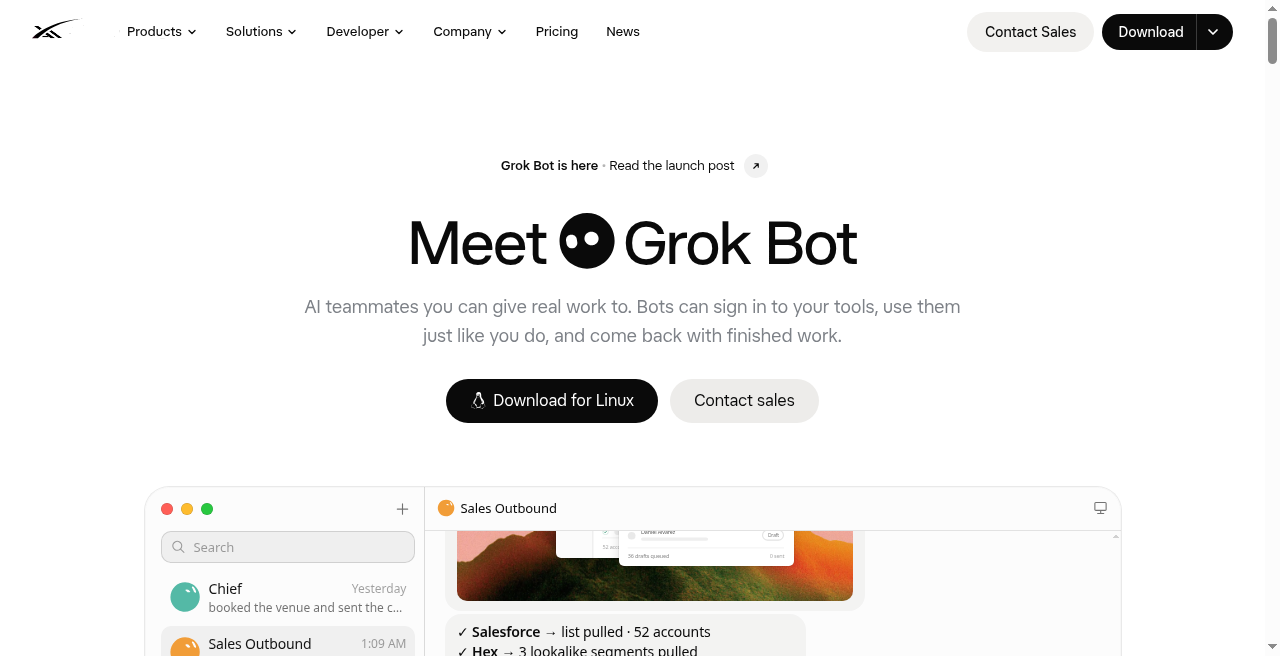
Grok Bot is SpaceXAI’s answer to a problem most chatbots dodge: finishing work inside the apps you use. Named Bots operate on a persistent cloud computer with browser, filesystem, and terminal, so research, CRM updates, bug reproduction, and ops chores can land where a coworker would put them.
Important distinction: this review covers Grok Bot, the Cursor / SpaceXAI AI-teammate product, not xAIs conversational Grok AI chatbot on X. You message a Bot like a teammate, let it work while your laptop sleeps, and review sensitive actions when it stops for approval. The product is still in beta.
Best Use Cases for Grok Bot
- Founders: Inbox triage, expenses, vendor follow-ups, and reporting overnight.
- Sales: CRM pulls, account research, scoring, and draft outreach for approval.
- Recruiters: Research candidates and assemble shortlists.
- Engineers: Reproduce bugs, file tickets, collect logs, and hand off debugging.
- Small teams: Run named teammates and review work from desktop or mobile.
Tech Pilot’s Verdict on Grok Bot
Grok Bot gives an agent a computer that does not die when you close the lid, letting it operate messy tools while interrupting only for judgment or human-only gates.
Shared logins are not a security partition and beta limits remain, but eligible Cursor or SuperGrok users get a coherent early AI-teammate product.
Top Alternatives to Grok Bot
- Manus AI for a general-purpose autonomous agent.
- Claude Sonnet 4.5 for reasoning and coding workflows.
- Lorka AI for a multi-model chat workspace.
- Grok AI on X for conversational Grok.
Our Expert Rating
Pricing
Model: Free with eligible paid plan; weekly usage + on-demand
Persistent cloud computer: Bots keep working with browser, files, and terminal even when your laptop is closed.
Real-app completion: Work lands in the tools you already use via connectors/MCP and computer use—not just chat drafts.
Multi-bot coordination: Named teammates message each other, share context, and run in parallel on one shared computer.
Skills and routines: Teach a workflow once, save it as a skill, and schedule routines without building a fragile automation canvas.
Cross-device messaging: Same Bots and threads sync across macOS, Windows, Linux, iOS, and Android.
Approval-first safety: Sensitive actions can pause for review; passwords, 2FA, and CAPTCHAs hand off to you.
Still in beta: Early-stage limits, gradual feature rollouts, and occasional rough edges are part of the experience.
Shared computer is not a security boundary: All of your Bots share files, sessions, and logins on one user-scoped VM.
Usage-based friction: Weekly included usage plus on-demand spend can surprise heavy multi-bot workloads.
Legacy Privacy Mode unsupported: Cloud storage is required; privacy follows Cursor account settings, not local-only mode.
Human gates remain: Sites that block automation, expire sessions, or demand CAPTCHA still need you in the loop.
Access tied to paid plans: Requires eligible Cursor or linked SuperGrok subscription—not a free standalone chatbot.
- Persistent named AI teammates with durable role context and memory
- Shared cloud computer: browser, filesystem, and terminal that keep running 24/7
- Connectors / MCP plus computer use for apps without a clean API
- Multi-bot parallel work, group chats, and Bot-to-Bot handoffs
- Skills from demonstration; scheduled routines for recurring workflows
- Approvals and human handoff for passwords, 2FA, CAPTCHA, and high-risk actions
- Desktop + iOS/Android messaging with synced threads
- Included with eligible Cursor / SuperGrok plans; weekly usage + on-demand
Grok Bot desktop chat — Messaging a named Bot like a teammate while the cloud computer view shows live browser/terminal activity.
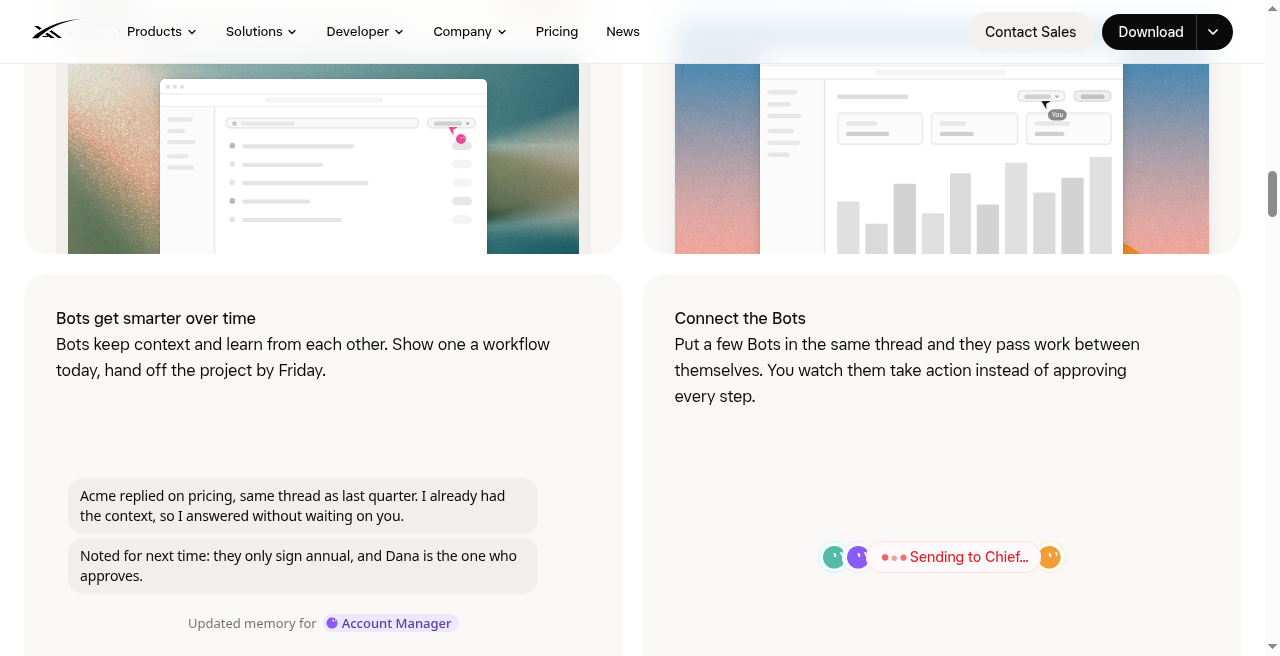 Multi-bot group thread — Several specialist Bots coordinating a shared outcome with visible handoffs and approval prompts.
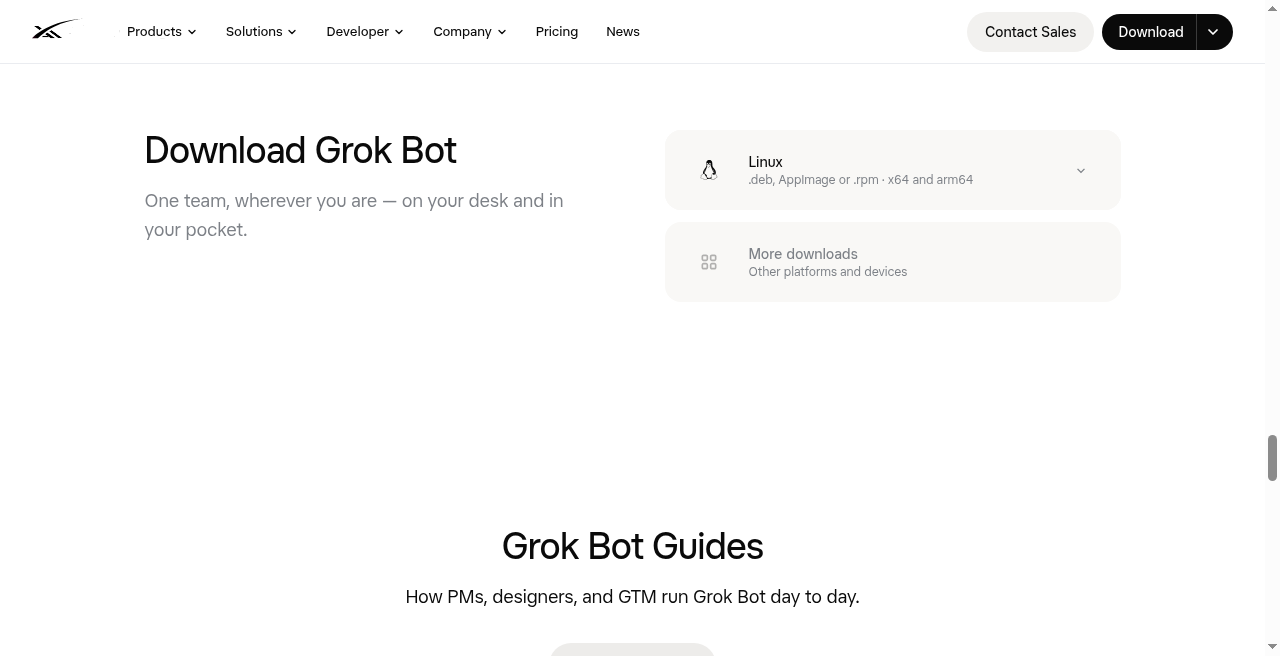 Teach / routine surface — Recording or reviewing a workflow skill before scheduling it as a recurring routine.
Frequently Asked Questions
What is Grok Bot?
Grok Bot is an AI-teammate product from SpaceXAI / Cursor. Named Bots work on a persistent cloud computer and finish tasks inside real apps and websites.
Is Grok Bot the same as Grok AI on X?
No. Grok AI on X is a conversational assistant; Grok Bot is a desktop-first teammate product with cloud computers, connectors, multi-bot coordination, and approvals.
How does Grok Bot differ from ChatGPT or Claude?
Chat assistants primarily draft answers. Grok Bot operates tools such as browser, filesystem, terminal, MCP connectors, and computer use, then returns finished work for review.
How much does Grok Bot cost?
Access is included with eligible paid Cursor plans and Cursor Teams, or linked SuperGrok plans. Plans include weekly usage; eligible accounts can add on-demand usage.
Can several Bots work together?
Yes. Multiple Bots can coordinate in parallel on one shared, user-scoped computer.
Does Grok Bot keep working when my laptop is closed?
Yes. Work runs on the cloud computer and can continue in the background.
Not to be confused with Grok AI chatbot on X. Grok Bot is the SpaceXAI / Cursor AI-teammate product: persistent cloud computers, MCP + computer use, multi-bot coordination, and desktop/mobile apps for finishing work in real tools.