I went in with one goal: build a watchable anime pilot from nothing in a single afternoon. No prep, no pre-existing assets — just open the tool and see how far you can get.
AI Agents · Tool review
Vidu: The Fastest, Most Cost-Effective AI Video Generator for Creators in 2026
 TechPilot.ai review team Hands-on testing, one published method
 - Last updated
- How we test
Summary
Pros and cons
What we like
- Most cost-effective AI video generator in the category API generation as low as $0.015/sec — Vidu cites this as ~55% below the industry average. Real savings at production volume.
- Native audio + video in one pass Vidu Q3 generates dialogue, voiceover, sound effects, and music alongside the video — no separate audio editing.
- 16-second single-pass generation Longest continuous generation among major AI video tools — fewer broken cuts, stronger narrative flow.
- Three creation modes, one platform Text-to-Video, Image-to-Video, and Reference-to-Video — every shot type covered in the same workflow.
- Character consistency across shots Reference-to-video with up to 7 input images keeps people, products, and scenes stable across multi-shot sequences.
- My References library Save characters, props, and environments once. Reuse across every future generation without re-uploading.
- Anime quality leads the category Stylized output, fluid action sequences, and character animation that holds up against viewer expectations.
- Expressive emotional performance Strong close-up rendering for subtle character emotion — eye movement, micro-expressions, dialogue beats.
- In-scene text rendering Title cards, sound effect text, and dialogue captions render inside the generation — no external editor needed.
- Generation in around 10 seconds Fast enough for high-volume creative testing and rapid iteration.
- Unlimited off-peak free tier Real free-tier value — not a 4-credit teaser.
- Multilingual dialogue Native multi-speaker support in English, Japanese, and Chinese.
- Frame-accurate camera control Push-ins, pans, and tracking shots directable through prompts.
What could be better
- Photorealistic humans still weaker For premium-cinema live-action quality, Sora 2 and Veo 3.1 still lead the category.
- Off-peak free tier requires patience Unlimited generation comes with longer queue times during peak hours.
- Credit system has a learning curve First-time users need to understand how duration, quality tier, and feature usage consume credits.
- Longer narratives need stitching 16 seconds per generation is the longest in the category, but multi-minute videos still require external assembly.
Key features
- Vidu Q3 (Latest Model): Native audio-video generation, 16-second continuous output, frame-accurate camera control, in-scene text rendering, multi-speaker dialogue in English, Japanese, and Chinese.
- Text-to-Video: Generate cinematic scenes from written prompts with camera language, lighting, emotion, action, dialogue, and sound design — structured scenes, not just visual drafts.
- Vidu Claw: Agentic AI for Video generation using powerful reasoning and autonomous multi-step creations
- Image-to-Video: Animate still images with dynamic motion, expressive performance, first and last frame control, and strong subject preservation.
- Reference-to-Video: Upload up to 7 reference images to maintain character, object, and scene consistency across shots and angles.
- My References Library: Save characters, props, and scenes for instant reuse across future generations.
- In-Scene Text Rendering: Title cards, sound effect text, and dialogue captions generated inside the video — no external editor required.
- AI Sound Effect Generator: Native audio matched to video content.
- AI Image Generator: Companion tool for generating reference imagery directly inside the platform.
- Templates Library: Pre-built workflows for viral video formats — hugging, kissing, bloom magic, AI outfits, and more.
- Multi-Format Export: Vertical (9:16), square (1:1), and widescreen (16:9) outputs for every social platform.
- API Platform: Developer access for embedded AI video generation, scalable agency workflows, and previsualization for film and animation teams.
Screenshots
Full review
Independent and reader-supported. Some links may earn us a commission; it never changes our scores. Editorial policy
Vidu AI is a video generation platform built by Shengshu Technology, the Beijing-based startup founded by Tsinghua University researchers and backed by Baidu and Ant Group. It transforms text prompts, images, and visual references into high-quality, beat-synced videos in around 10 seconds — at a fraction of what comparable tools cost per generation.
Where most AI video tools force you to choose between speed, cost, and quality, Vidu pulls off the rare triple: fast generation, accessible pricing, and genuinely strong output — especially for anime, character-driven content, and multi-shot storytelling. The latest model, Vidu Q3, generates 16 seconds of video with native audio (dialogue, sound effects, music) in a single inference pass, eliminating the post-production stitching most AI video workflows require.
For creators, marketers, agencies, and developers producing video at volume — performance ads, short-form social content, anime series, product videos — Vidu has become one of the most practical tools in the category. It’s trusted by millions of users across more than 200 countries, with a particularly strong reputation for anime-style output and character consistency.
Best Use Cases for Vidu
- E-commerce sellers and DTC brands: Generate dozens of product video ad variations in a single working day. Reference-to-video keeps your product consistent across shots, image-to-video animates existing product photography, and the cost-effectiveness makes high-volume creative testing economically viable.
- Anime and stylized content creators: Vidu is widely regarded as the best AI video tool for anime-style production. Character consistency, fluid action sequences, and emotional close-ups render in ways most general-purpose tools can’t match.
- Social media creators: TikTok, Reels, and Shorts creators producing high-volume short-form content. Fast generation enables quick creative iteration; multi-aspect ratio export covers every channel.
- Agencies, studios, and developers: API access for scalable workflows, performance ad production at agency volume, previsualization for film and animation teams, and embedded AI video generation in custom applications.
TechPilot.ai’s Verdict on Vidu
I went in with one goal: build a watchable anime pilot from nothing in a single afternoon. No prep, no pre-existing assets — just open the tool and see how far you can get.
Started by designing the cast in Vidu’s AI Image Generator. Two characters: a swordswoman with white hair and a red scarf, and an older mentor in dark robes. Generated five reference angles for each — front, side, three-quarter, action pose, close-up — and dropped them into My References. That step took 45 minutes and would’ve taken five hours in any traditional anime workflow.
Storyboarded the pilot on a notepad. Ten shots: establishing wide of a mountaintop temple, swordswoman approaching, mentor revealing a hidden scroll, brief dialogue, sudden ambush, fight scene, close-up of the swordswoman’s resolve, mentor falling, swordswoman fleeing, cliffhanger frame.
Then started generating.
Reference-to-Video shots ran around 10 seconds each. Pulled the swordswoman from My References, wrote the prompt, hit generate. Shot 1 looked great first try. Shot 2 had a hand glitch on the mentor — regenerated, fixed. Shot 3 (the close-up of the swordswoman’s eyes widening) is the one that made me sit up. The micro-expression actually read. Eye widening, slight head tilt — the kind of beat that sells emotional moments in anime and that most AI video still butchers.
The fight scene at shot 6 was the real test. Two characters in motion, swords clashing, dynamic camera. I expected mush. Vidu held the consistency on both characters through the whole 8-second clip, kept the motion clean, and the camera language — a low tracking shot that pushes in on the impact — actually directed. Action sequences are where AI video usually breaks down into a blurry mess. This didn’t.
Q3’s native audio is the part I wasn’t ready for. Generated the dialogue scene with a prompt that included “mentor speaks softly in Japanese, scroll unfurls with a paper rustle, distant temple bell.” It came out with all three — Japanese dialogue, paper rustle, bell — synced. Not perfect lip-sync (you can tell on a slow rewatch), but close enough that I skipped a separate audio pass entirely.
Stitched the ten shots together in CapCut. Total time from blank canvas to exported 90-second pilot: four hours.
Things that didn’t work: shot 8 (the mentor falling) needed three regenerations to land the physics — first two had floaty-arm syndrome. Shot 9’s running animation had a frame where the swordswoman’s leg geometry got weird. Standard AI video failure modes, fixed by regenerating. About 30% of generations needed a redo, which lines up with where most AI video tools sit right now.
What surprised me wasn’t any single feature. It was how much of the production pipeline got compressed. Voice acting, sound design, the consistency hacks, the multi-app stitching — gone. One tool, one afternoon, one pilot.
Vidu isn’t trying to win the photorealistic cinema race against Sora 2 or Veo — and that’s the right call. It’s built for the categories where AI video actually drives revenue: anime and stylized content, character-driven series, e-commerce performance creative, short-form social.
For a solo creator who wants to start publishing an anime series, this is the easiest entry point I’ve tested in 2026. The free tier with off-peak unlimited generation means you can validate the workflow before paying anything. If you’ve been waiting to start, you’re waiting on yourself at this point — not the tools.
Vidu FAQ
What is Vidu?
Vidu is an AI video generator that transforms text prompts, images, and visual references into high-quality videos in around 10 seconds, supporting text-to-video, image-to-video, and reference-to-video creation modes.
•
What’s new in Vidu Q3?
Q3 generates 16-second videos with native audio (dialogue, voiceover, sound effects, music) in a single pass, plus frame-accurate camera control and multi-speaker multilingual dialogue in English, Japanese, and Chinese.
•
Is Vidu free?
Yes. The free tier includes 80 credits plus unlimited off-peak generation — no credit card required.
•
What makes Vidu different from other AI video tools?
Three things: native audio in the same generation as video, 16-second continuous output, and best-in-class anime and character-consistent rendering.
•
How does reference-to-video work?
Upload 3-7 images of a character, object, or scene. Vidu generates videos that maintain visual consistency across all of them — solving the “different character every shot” problem.
•
What aspect ratios does Vidu support?
9:16 for TikTok and Reels, 1:1 for Instagram, and 16:9 for YouTube — all available in the same workflow.
•
Can I use Vidu output commercially?
Yes, paid plans include commercial licensing for generated content.
•
Is there an API?
Yes — Vidu offers an API platform for developers and agencies scaling video generation programmatically.
i10x
AI Agents
I evaluated i10X across the two scenarios that matter for an aggregator platform: does it actually replace multiple subscriptions, and does…

GenSpark AI Super Agent
AI Agents
I’ve spent a good while putting GenSpark AI Super Agent through its paces, at least in terms of how it presents its capabilities and how…

OpenAI Sora 2
AI Agents
I’ve researched OpenAI Sora 2, analyzing its functions and comparing it to other AI video generators. My goal was to determine if this tool…
Productivity  Eimantas Kazėnas · 5 min read
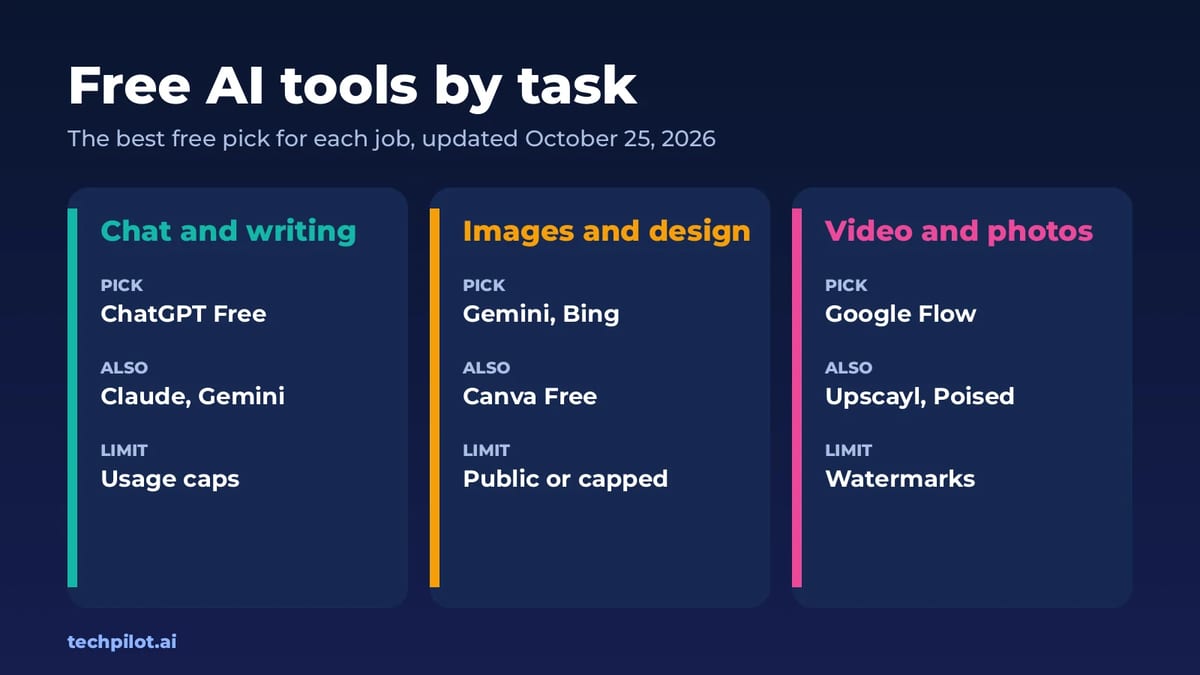
Free AI Tools: Best Free Picks by Task (2026)
Free AI tools for chat, images, video, photos and design, with the best free pick for each task, real limits and links to our full tested guide for…
Eimantas Kazėnas · 5 min read
AI Video Generator  Mihai (Mike) Bizz · 7 min read
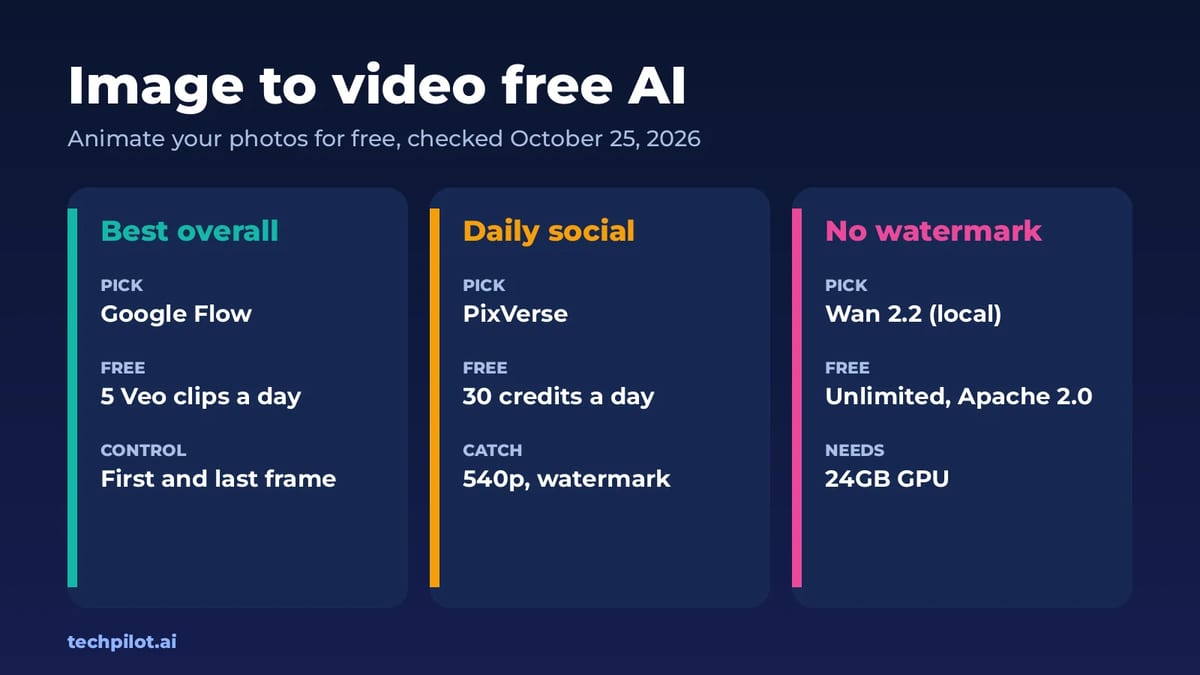
Image to Video Free AI: 6 Best Tools (2026)
Image to video free AI tools compared: Google Flow, PixVerse, Kling, Vidu, Hailuo and Wan 2.2. See free credits, watermarks and which photo animator…
Mihai (Mike) Bizz · 7 min read