


Opus Pro – AI Short Clip generator software

Opus Pro is an AI short clip generator designed to eliminate the grind of repurposing long videos into short-form content for TikTok, YouTube Shorts, and Instagram Reels. With a single click, its AI analyzes your footage, identifies the highest-impact moments, and transforms them into platform-ready clips — complete with animated captions, auto-reframing, and virality scoring.
Opus Pro has grown into the market-leading AI video repurposing tool, now trusted by over 10 million creators, marketers, and brands who have collectively generated more than 172 million clips. In this hands-on review, we cover how the platform works, its full feature set, current pricing, real pros and cons, and who it’s best suited for — so you can decide if it’s worth adding to your content stack.
Opus Clip Best Use Cases
- Podcasters — Pull the sharpest 60-second moments from a 45-minute episode. Reach people who’ll never sit through the full thing.
- YouTubers — Repurpose existing long-form videos into Shorts without touching a timeline.
- Marketers & agencies — Turn webinars, demos, and testimonials into platform-ready clips at scale.
- Business owners — Get consistent video content out without hiring an editor.
Our Expert Rating

Pricing
Starts at: $12/month
Model: Pay per Credit
Massive time savings: One upload can generate 10+ platform-ready clips in minutes
Genuinely beginner-friendly: The interface is clean and intuitive enough that first-time users can get their first clips out within minutes of signing up. No editing background required.
Multi-modal AI clipping: The AI doesn't just scan dialogue — it analyzes spoken words, visual objects, sound, and emotion to find the moments most likely to perform.
Built for every major platform: Auto-publishes and schedules directly to YouTube Shorts, TikTok, Instagram Reels, LinkedIn, Facebook, and X/Twitter — all from one dashboard.
Generous free plan: 60 credits refreshed monthly with no credit card required. Plenty to test the tool properly before committing.
Limited Customization Options: Opus Pro focuses on automating the video editing process, which means there are limited customization options available.
AI picks don't always nail your brand voice: The Virality Score is useful as a starting point, but AI optimizes for engagement signals, not your specific tone or messaging.
Credit billing frustration: Some users report being charged for renewals before using up existing credits.
Premium features locked behind Pro: B-roll generation, XML export to Premiere Pro/DaVinci Resolve, the social scheduler, and transition effects are all Pro-only.
- ClipAnything — handles talking-heads, podcast, vlog, gameplay, and webinar formats. Clips by speech, visuals, sound, and emotion, not just words (transcript based tools).
- Virality Score — scores each clip 0–100 based on viral video patterns. Useful for triaging a big batch quickly.
- AI Animated Captions — auto-generated in 20+ languages with emoji and keyword highlights. Accuracy is one of the most consistently praised things about Opus Clip
- ReframeAnything — converts landscape to 9:16 automatically, with moving object tracking to keep the speaker in frame.
- AI B-Roll — inserts AI-generated or stock footage automatically. Up to 50 AI clips per day on Pro.
- Social Scheduler — schedule across all major platforms from one dashboard – easy to be consistent on social media.
- XML Export — export your clip timeline directly into Adobe Premiere Pro or DaVinci Resolve. Underrated feature for anyone who wants AI-generated rough cuts finished professionally.
- Agent Opus (launched August 2025) — creates original videos from text, URLs, or audio. Scripting, narration, voiceover, motion graphics. A separate creation tool bundled into the Pro ecosystem.
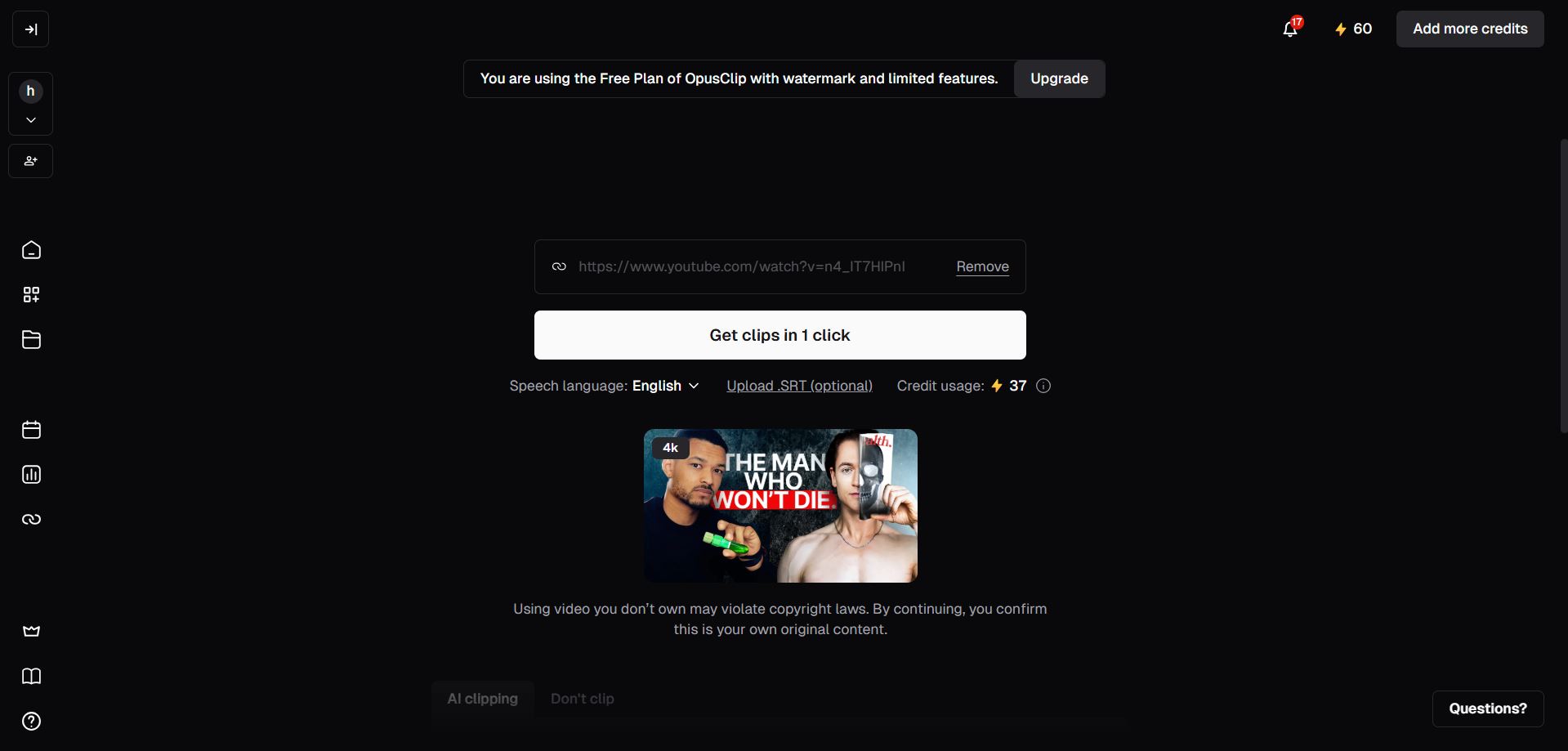 Dashboard
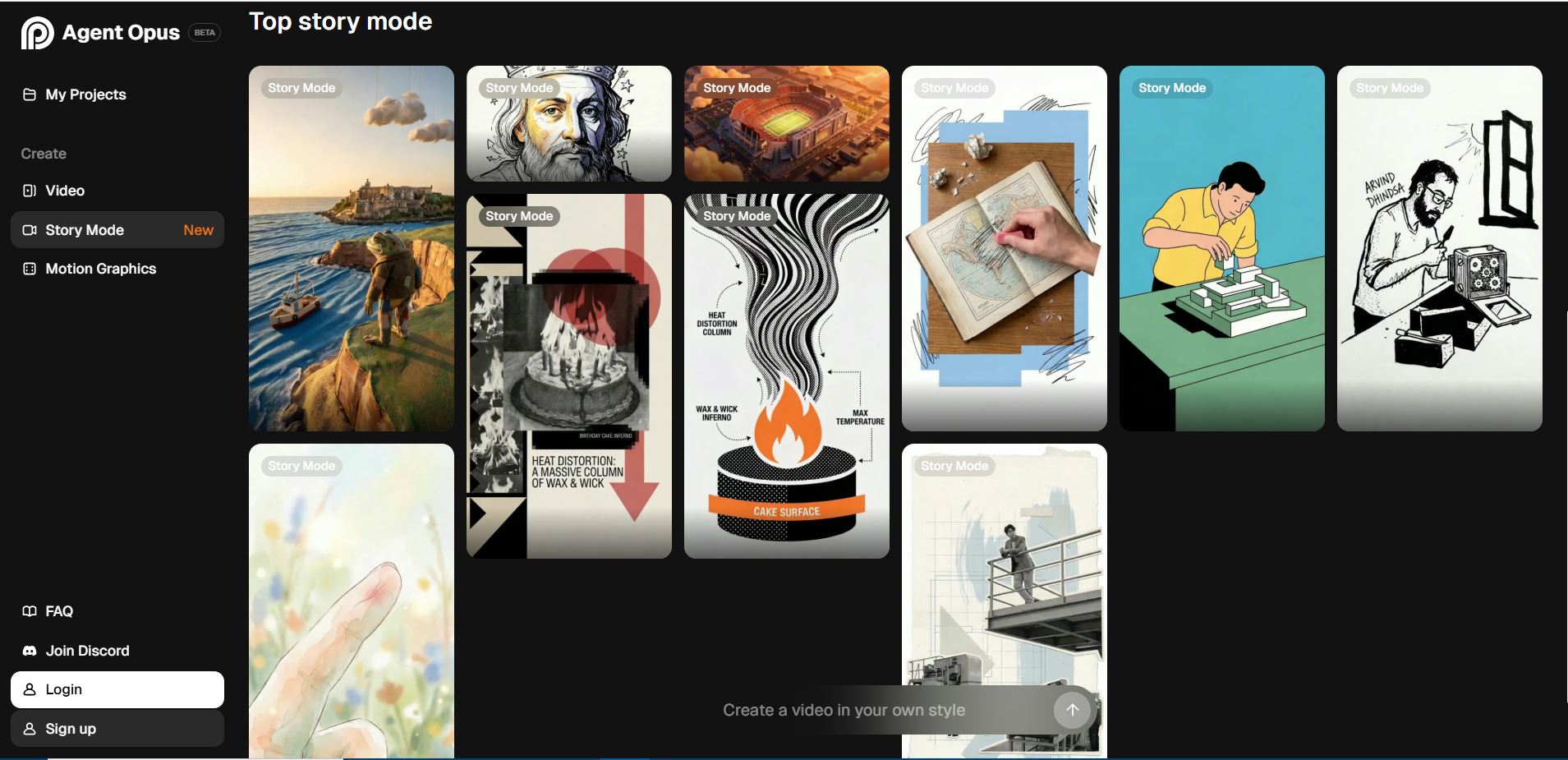 Opus Clip Agent Mode
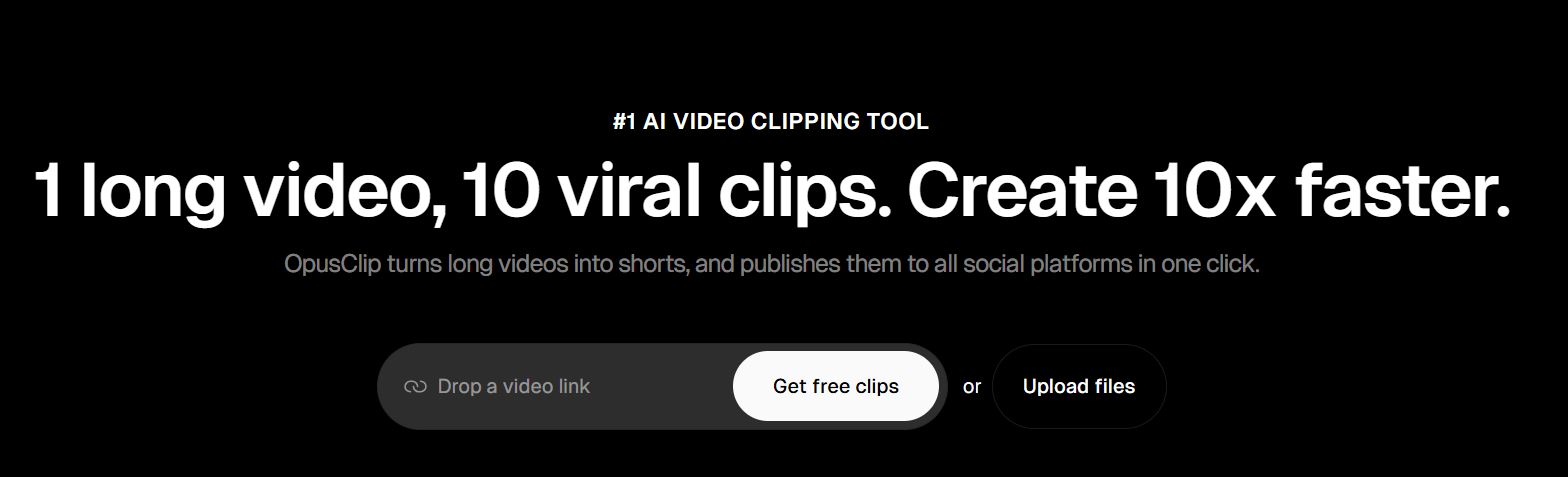 Opus Clip Pro
Frequently Asked Questions
Is Opus Clip free to use?
Yes, Opus Clip is free to try. The free plan gives you 60 credits per month, refreshed monthly, with no credit card required. Clips have a watermark and expire after 3 days if not downloaded. Enough to properly test the tool before committing.
How does the credit system work?
1 credit = 1 minute of source video. A 30-minute podcast costs 30 credits regardless of how many clips come out of it. You could get 5 clips or 20 — same credit cost either way.
What platforms can I publish to directly from Opus Clip?
YouTube Shorts, TikTok, Instagram Reels, LinkedIn, Facebook, and X/Twitter. Direct publishing is available from Starter. The social scheduler (for scheduling in advance) is Pro only.
Can I use Opus Clip if I’m not a video editor?
To use Opus Clip, no editing experience is needed. Upload a video or paste a link, and the AI handles clipping, captioning, and reframing automatically. The editor is there if you want to tweak results, but it’s optional.
What’s the difference between Starter and Pro?
Starter covers the basics — clipping, captions, watermark-free export, and direct posting to three platforms. Pro adds the social scheduler, AI B-roll, XML export to Premiere Pro/DaVinci Resolve, multiple aspect ratios, transition effects, team workspace, and broader platform support. For anyone publishing consistently or working in a team, Pro is the practical choice.
Techpilot Verdict on Opus Pro AI Short clip generator software
In conclusion, Opus Pro Video Editor is a reliable tool for automating the video editing process and creating viral content for social media platforms. Its AI-powered technology, user-friendly interface, and social media optimization make it a valuable asset for content creators and marketers.
Opus Pro is the most capable tool in the AI video repurposing category right now. It’s fast, it works across every major platform, and the free plan is generous enough to run a real test without spending anything.
The honest reality: it’s a first-draft machine. The clips are good — sometimes great — but you’ll still need to review each batch.
That said, for any creator or team sitting on a backlog of long-form content, the time savings alone make it worth trying. Start with the free plan, see how the clips perform, and go from there.
→ Try Opus Pro Free — No Credit Card Required
Pricing
OpusClip runs on a credit-based system. 1 credit = 1 minute of source video processed. The number of clips you generate from that video doesn’t affect credit usage.
| Plan | Price | Credits | Best For |
|---|---|---|---|
| Free | $0/month | 60 credits/month | Testing the tool |
| Starter | $15/month | 150 credits/month | Individual creators |
| Pro | $29/month (or $14.50/month billed annually) | 3,600 credits/year | Professionals & small teams |
| Business | Custom | Custom | Agencies & enterprises |
What the credits actually look like in practice:
- Free (60 credits) = roughly two 30-minute videos per month
- Starter (150 credits) = about five 30-minute videos per month
- Pro annual (3,600 credits) = roughly two 45-minute videos per week
Free trial: Pro plan includes a 7-day free trial with 90 credits — no credit card required.
For more practical advice on AI for Business leaders and a range of tools for financial management, excel formulas generators, video editing or productivity / meeting software that are suitable for large enterprises yet affordable and can seamlessly leverage the power of AI for small business. Stay ahead of the curve with Tech Pilot and elevate your knowledge in the field of Artificial Intelligence.