Kive is a focused AI product photography platform that keeps your real product accurate across shots, ads and short videos.
Home / Tools / E Commerce
E Commerce · Tool review
Kive AI Review: Product Photo AI, Pricing
 TechPilot.ai review team Hands-on testing, one published method
- Last updated
- How we test
The AI news that actually mattered this week.
One short email every Friday: the biggest AI stories, what they mean for you, and the tools worth trying. A 3-minute read, no hype.
Free. Unsubscribe anytime.
You're in. Watch for the brief on Friday. Free. Unsubscribe anytime.
Summary
Pros and cons
What we like
- Keeps your real product accurate.
- Studios keep a catalog consistent.
- Agent runs bulk jobs up to 200 images.
- Credits roll over up to 2x.
- Shopify import and team library.
What could be better
- Free plan is only 40 credits.
- Basic video stops at 720p.
- Pro costs $100 a month monthly.
- Overkill for one-off art.
Key features
- Product models: Train on your real product.
- Studios: Ready scenes by category.
- Creative Agent: Plans and runs bulk jobs.
- Skills: Listings, Meta ad formats, lookbooks.
- Video: 5-second clips from stills.
- Library: Search, comments and versions.
Screenshots
Full review
Independent and reader-supported. Some links may earn us a commission; it never changes our scores. Editorial policy
Kive AI turns photos of your real products into on-brand product shots, ads and short videos. It starts free with 40 credits; Basic is $30 a month yearly.
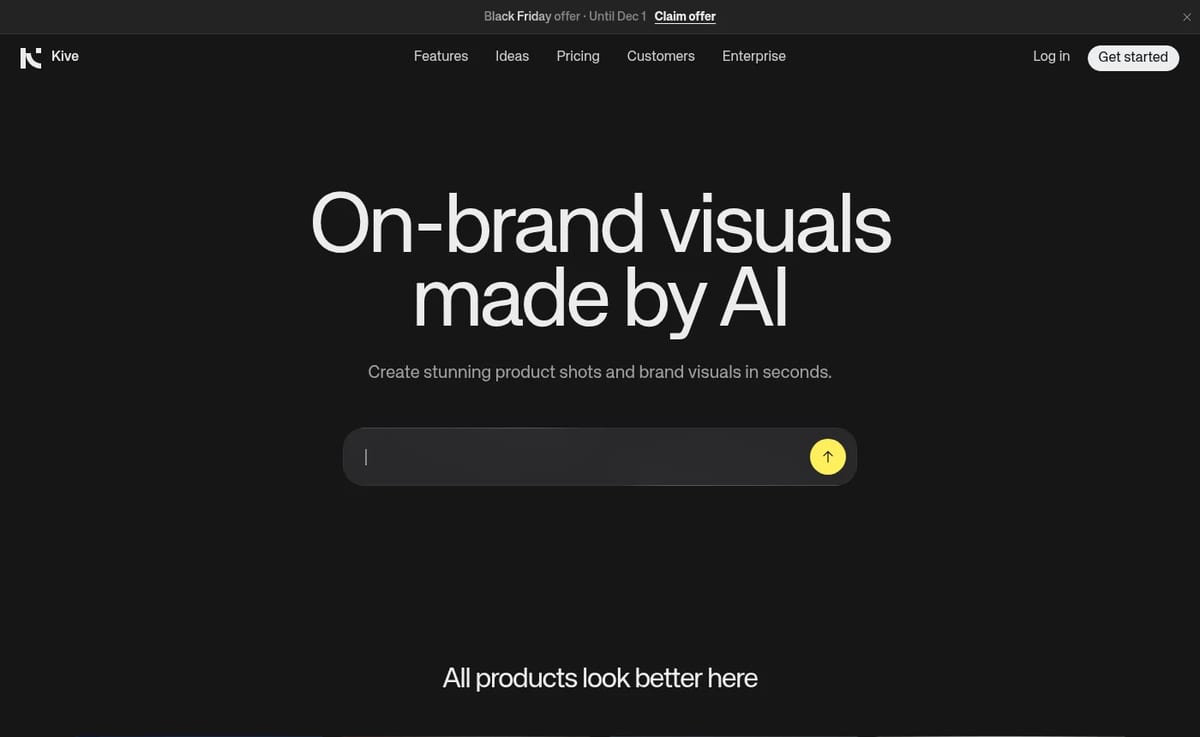
Quick answer: Kive is an AI product photography platform for e-commerce brands. You train it on photos of your product, then generate studio shots, lifestyle scenes, ad creatives and 5-second videos that keep the real item accurate, without booking a shoot. The free plan gives 40 credits after you verify your email. Basic is $40 a month, or $30 a month billed yearly, for 2,000 credits. Pro is $100 a month for 5,000 credits, per Kive’s pricing page on November 29, 2026.
What Kive does
- Product-accurate generation: upload your product or paste a product URL, and Kive places that exact item into new scenes instead of inventing a look-alike.
- Studios and presets: ready-made scenes for fashion, cosmetics, jewelry, eyewear and shoes keep a whole catalog consistent without long prompts.
- Character models: train a face once and reuse the same model across a lookbook or a run of ads.
- Creative Agent: describe a job in plain language, such as fresh visuals for every new product in your store, and the agent plans and runs it, with up to 200 images in one run.
- Skills: set workflows for marketplace listing images, Meta ad formats in 1:1, 4:5 and 9:16, catalog lookbooks and ad creatives with text in the artwork.
- Library and boards: every asset lands in a shared, searchable library with comments, version history and link sharing, and Shopify stores can import products directly.
Who it is for
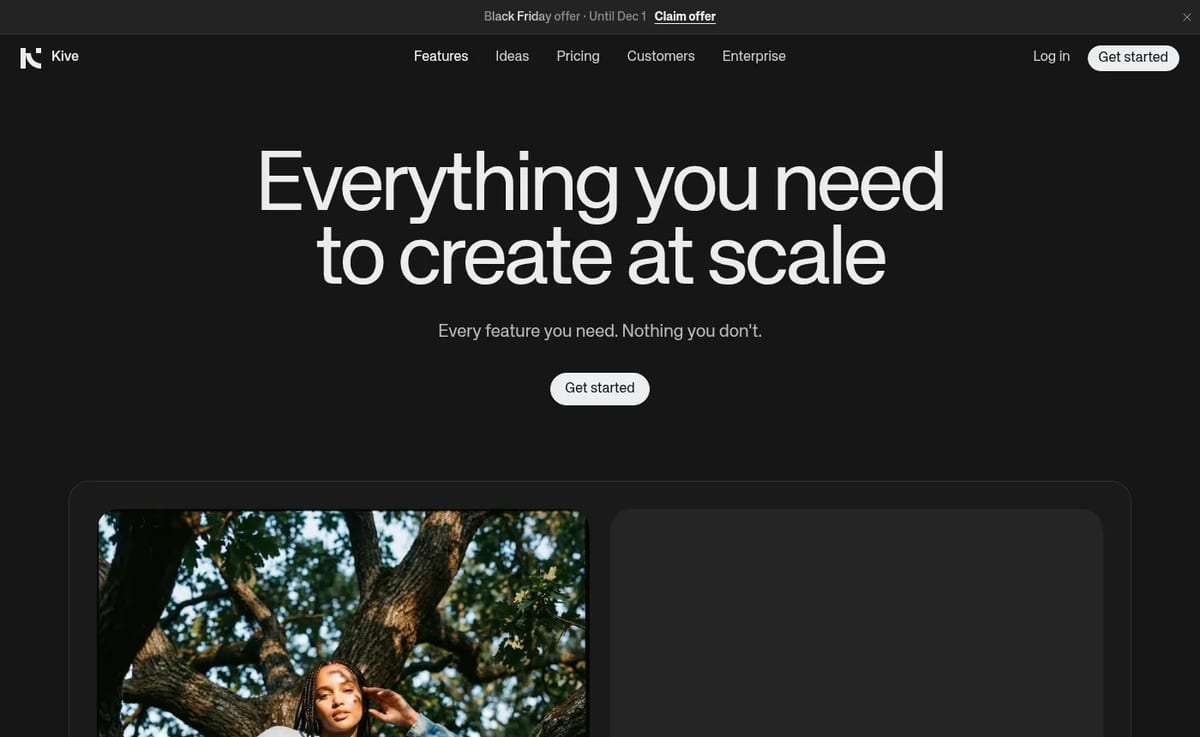
Kive suits small and mid-size consumer brands that ship new products often and cannot afford a photo shoot for every drop: apparel, beauty, accessories and home decor stores, plus the agencies that run their ads. The win is volume with consistency. One trained product can become a white-background listing image, a lifestyle scene and a vertical video ad for Reels in the same afternoon.
It is less useful if you need one-off art or illustration, where a general image model is cheaper. If video ads are your main output, compare it with our Creatify review and our AdCreative.ai review. For quick touch-ups on photos you already have, see our guide to the best AI photo editor apps.
Kive Pricing (2026)
| Plan | Billed monthly | Billed yearly | Credits and limits |
|---|---|---|---|
| Free | $0 | $0 | 40 credits on email verification, up to 5 boards, then 1 free image every 30 minutes |
| Basic | $40/month | $30/month ($360 a year) | 2,000 credits a month, up to 2 users, 720p video, about 10 finished ads |
| Pro | $100/month | $75/month standard; $800 for the first year in the Black Friday offer | 5,000 credits a month, up to 10 users, unlimited products and brands, 1080p Max video, unlimited top-ups |
| Enterprise | Custom | Custom | 150,000+ credits a month, SSO, product accuracy and trademark checks, onboarding |
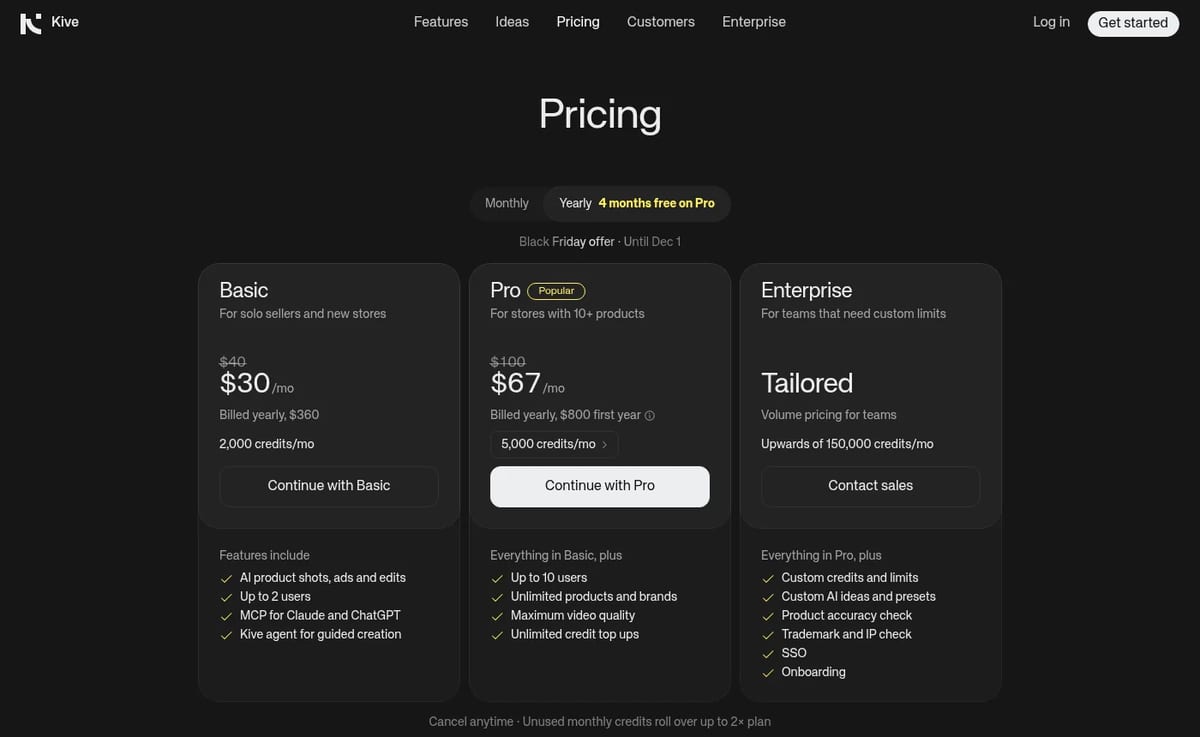
How far credits go: Kive says an image costs about 10 credits, a 5-second video about 100 and a finished ad about 200 across iterations and formats. That makes Basic roughly 200 premium images or 20 premium 5-second clips a month. Failed and filtered generations are refunded, and unused credits roll over up to twice your monthly allowance, which helps if you save up for a launch.
Which plan makes sense: test product accuracy on the free credits first, with your hardest item, such as something reflective or with fine print. A single store with a handful of hero products fits Basic on yearly billing. Move to Pro when you have 10 or more products, need more than two seats or want 1080p video; the first-year Black Friday price works out to about $67 a month if you commit before December 1.
Our verdict
Kive is one of the more focused AI tools for product visuals: it is built around keeping your real product accurate, and the agent, Skills and library turn it into a small in-house content studio. It is not the cheapest way to make a pretty picture, but for a brand that needs dozens of on-brand assets every month, it can replace a lot of shoot days. Start free, then pay yearly once the output passes your quality bar.
Alternatives
Creatify and Arcads focus on UGC-style video ads with AI actors rather than product photography. AdCreative.ai generates ad banners and scores them for conversion. Photoroom and Pebblely are simpler options for quick background swaps on single product photos, while general models such as Nano Banana in Gemini can composite products for free but with less control over product accuracy and brand consistency.
TechPilot.ai’s Verdict on Kive
Kive is a focused AI product photography platform that keeps your real product accurate across shots, ads and short videos.
Test it on the free credits with your hardest product; if it passes, yearly Basic suits a single store and Pro suits growing catalogs and teams.
Kive FAQ
Is Kive free?
Yes, Kive has a free plan. You get 40 credits after verifying your email, up to 5 boards and inspiration browsing. When the credits run out, you can still make one free image every 30 minutes.
•
How much does Kive cost?
Basic is $40 a month, or $30 a month billed yearly, with 2,000 credits. Pro is $100 a month with 5,000 credits, or $75 a month billed yearly. Enterprise pricing is custom.
•
What is Kive used for?
Kive is used for AI product photography: brands train it on photos of their products, then generate product shots, lifestyle scenes, ad creatives and short videos that keep the real product accurate.
•
How many images do Kive credits make?
An image costs about 10 credits and a 5-second video about 100, so Basic’s 2,000 credits cover roughly 200 premium images or 20 premium clips a month. Unused credits roll over up to 2x.
•
Does Kive work with Shopify?
Yes. Shopify merchants can connect their store to import products into Kive, and the Creative Agent can pull in new products from a store or a product page URL.

Pomelli
E Commerce
I’ve spent the last few days testing Pomelli, eager to see if this Google Labs experiment could genuinely simplify marketing. My goal was…

Enhancor AI
E Commerce
Enhancor AI is a fascinating case study. It presents an elegant solution to a genuine and frustrating problem for a growing market of AI…
GetHooked AI
E Commerce
In today’s attention economy, compelling ad creative is essential for survival. GetHooked AI directly addresses this need, leveraging…