In conclusion, Opus Pro Video Editor is a reliable tool for automating the video editing process and creating viral content for social media platforms. Its AI-powered technology, user-friendly interface, and social media optimization make it a valuable asset for content creators and marketers.
Home / Tools / Audio / Voice
Audio / Voice · Tool review
Opus Pro – AI Short Clip generator software
 TechPilot.ai review team Hands-on testing, one published method
 - Last updated
- How we test
Summary
Pros and cons
What we like
- Massive time savings One upload can generate 10+ platform-ready clips in minutes
- Genuinely beginner-friendly The interface is clean and intuitive enough that first-time users can get their first clips out within minutes of signing up. No editing background required.
- Multi-modal AI clipping The AI doesn't just scan dialogue — it analyzes spoken words, visual objects, sound, and emotion to find the moments most likely to perform.
- Built for every major platform Auto-publishes and schedules directly to YouTube Shorts, TikTok, Instagram Reels, LinkedIn, Facebook, and X/Twitter — all from one dashboard.
- Generous free plan 60 credits refreshed monthly with no credit card required. Plenty to test the tool properly before committing.
What could be better
- Limited Customization Options Opus Pro focuses on automating the video editing process, which means there are limited customization options available.
- AI picks don't always nail your brand voice The Virality Score is useful as a starting point, but AI optimizes for engagement signals, not your specific tone or messaging.
- Credit billing frustration Some users report being charged for renewals before using up existing credits.
- Premium features locked behind Pro B-roll generation, XML export to Premiere Pro/DaVinci Resolve, the social scheduler, and transition effects are all Pro-only.
Key features
- ClipAnything — handles talking-heads, podcast, vlog, gameplay, and webinar formats. Clips by speech, visuals, sound, and emotion, not just words (transcript based tools).
- Virality Score — scores each clip 0–100 based on viral video patterns. Useful for triaging a big batch quickly.
- AI Animated Captions — auto-generated in 20+ languages with emoji and keyword highlights. Accuracy is one of the most consistently praised things about Opus Clip
- ReframeAnything — converts landscape to 9:16 automatically, with moving object tracking to keep the speaker in frame.
- AI B-Roll — inserts AI-generated or stock footage automatically. Up to 50 AI clips per day on Pro.
- Social Scheduler — schedule across all major platforms from one dashboard – easy to be consistent on social media.
- XML Export — export your clip timeline directly into Adobe Premiere Pro or DaVinci Resolve. Underrated feature for anyone who wants AI-generated rough cuts finished professionally.
- Agent Opus (launched August 2025) — creates original videos from text, URLs, or audio. Scripting, narration, voiceover, motion graphics. A separate creation tool bundled into the Pro ecosystem.
Screenshots
Full review
Independent and reader-supported. Some links may earn us a commission; it never changes our scores. Editorial policy
Opus Pro is an AI short clip generator designed to eliminate the grind of repurposing long videos into short-form content for TikTok, YouTube Shorts, and Instagram Reels. With a single click, its AI analyzes your footage, identifies the highest-impact moments, and transforms them into platform-ready clips — complete with animated captions, auto-reframing, and virality scoring.
Opus Pro has grown into the market-leading AI video repurposing tool, now trusted by over 10 million creators, marketers, and brands who have collectively generated more than 172 million clips. In this hands-on review, we cover how the platform works, its full feature set, current pricing, real pros and cons, and who it’s best suited for — so you can decide if it’s worth adding to your content stack.
Opus Clip Pricing (2026)
OpusClip runs on credits: 1 credit processes 1 minute of source video, no matter how many clips come out of it. Prices below were checked October 2026 on OpusClip’s official pricing page.
| Plan | Price (monthly / yearly) | Credits | Key inclusions |
|---|---|---|---|
| Free | $0 | 60/mo | Clips up to 1080p, auto reframe, AI captions with emoji and keyword highlights; watermark, no editing, clips can’t be exported after 3 days |
| Starter | $15/mo (monthly billing only) | 150/mo | AI clipping with Virality Score, captions in 20+ languages, auto-posting to YouTube Shorts, TikTok and Instagram Reels, editor, 1 brand template, filler and silence removal, no watermark |
| Pro | $29/mo ($14.50/mo billed yearly, $174/year) | 300/mo (3,600 upfront on yearly) | Everything in Starter, plus a 2-seat team workspace, 2 brand templates, 6 social accounts, AI B-roll, XML export to Premiere Pro and DaVinci Resolve, 9:16, 1:1 and 16:9 clips, social scheduler, credit top-ups, limited API access |
| Business | Custom | Custom | Everything in Pro, plus priority processing, custom credits and seats, API and custom integrations, a dedicated Slack support channel, enterprise-level security |
Free plan: OpusClip has a free-forever plan with 60 credits a month, which covers about an hour of source video. Clips carry a watermark and can’t be exported after 3 days. Starter and Pro also offer a free trial with no credit card required. According to OpusClip’s help center, trial exports carry the watermark, and trial users can’t post or schedule clips.
How credits are used
According to OpusClip’s help center, each video is rounded up to the nearest whole minute, so a 30-minute video costs 30 credits. Posting a clip to X costs 3 credits per X account. On monthly plans, credits roll over for one extra month (they expire after 60 days). On yearly Pro, you get all 3,600 credits upfront and they last 12 months. If you cancel, any remaining credits still expire on their original date.
Is OpusClip worth it? Pro billed yearly at $14.50 a month is the best value, since it costs less than Starter and gives you twice the credits. Starter only makes sense if you want to pay month to month and don’t need B-roll, scheduling or XML export.
Opus Clip Best Use Cases
- Podcasters — Pull the sharpest 60-second moments from a 45-minute episode. Reach people who’ll never sit through the full thing.
- YouTubers — Repurpose existing long-form videos into Shorts without touching a timeline.
- Marketers & agencies — Turn webinars, demos, and testimonials into platform-ready clips at scale.
- Business owners — Get consistent video content out without hiring an editor.
TechPilot.ai Verdict on Opus Pro AI Short clip generator software
In conclusion, Opus Pro Video Editor is a reliable tool for automating the video editing process and creating viral content for social media platforms. Its AI-powered technology, user-friendly interface, and social media optimization make it a valuable asset for content creators and marketers.
Opus Pro is the most capable tool in the AI video repurposing category right now. It’s fast, it works across every major platform, and the free plan is generous enough to run a real test without spending anything.
The honest reality: it’s a first-draft machine. The clips are good — sometimes great — but you’ll still need to review each batch.
That said, for any creator or team sitting on a backlog of long-form content, the time savings alone make it worth trying. Start with the free plan, see how the clips perform, and go from there.
→ Try Opus Pro Free — No Credit Card Required
For more practical advice on AI for Business leaders and a range of tools for financial management, excel formulas generators, video editing or productivity / meeting software that are suitable for large enterprises yet affordable and can seamlessly leverage the power of AI for small business. Stay ahead of the curve with TechPilot.ai and elevate your knowledge in the field of Artificial Intelligence.
Opus Pro FAQ
Is Opus Clip free?
Yes. OpusClip’s free plan gives you 60 credits a month, about 60 minutes of source video, with no credit card required. Clips have a watermark and can’t be exported after 3 days.
How much does Opus Clip cost?
OpusClip Starter costs $15 a month (monthly only) for 150 credits. Pro costs $29 a month, or $14.50 a month billed yearly ($174 a year), for 300 credits a month, and Business pricing is custom.
How does the credit system work?
1 credit = 1 minute of source video. A 30-minute podcast costs 30 credits regardless of how many clips come out of it. You could get 5 clips or 20 — same credit cost either way.
What platforms can I publish to directly from Opus Clip?
YouTube Shorts, TikTok, Instagram Reels, LinkedIn, Facebook, and X/Twitter. Direct publishing is available from Starter. The social scheduler (for scheduling in advance) is Pro only.
Can I use Opus Clip if I’m not a video editor?
To use Opus Clip, no editing experience is needed. Upload a video or paste a link, and the AI handles clipping, captioning, and reframing automatically. The editor is there if you want to tweak results, but it’s optional.
What’s the difference between Starter and Pro?
Starter covers the basics — clipping, captions, watermark-free export, and direct posting to three platforms. Pro adds the social scheduler, AI B-roll, XML export to Premiere Pro/DaVinci Resolve, multiple aspect ratios, transition effects, team workspace, and broader platform support. For anyone publishing consistently or working in a team, Pro is the practical choice.

Monica.im
Audio / Voice
After spending time with Monica.im, we found it to be a thoughtfully designed AI platform that brings together a wide range of tools to…
CapCut Commerce Pro
Audio / Voice
CapCut Commerce Pro solves key challenges for e-commerce businesses by streamlining video and image production. It helps reduce high costs,…

Vidu
Audio / Voice
I went in with one goal: build a watchable anime pilot from nothing in a single afternoon. No prep, no pre-existing assets — just open the…
AI Video Generator  Eimantas Kazėnas · 5 min read
Klap AI vs Opus Clip: Which Clipper to Pick?
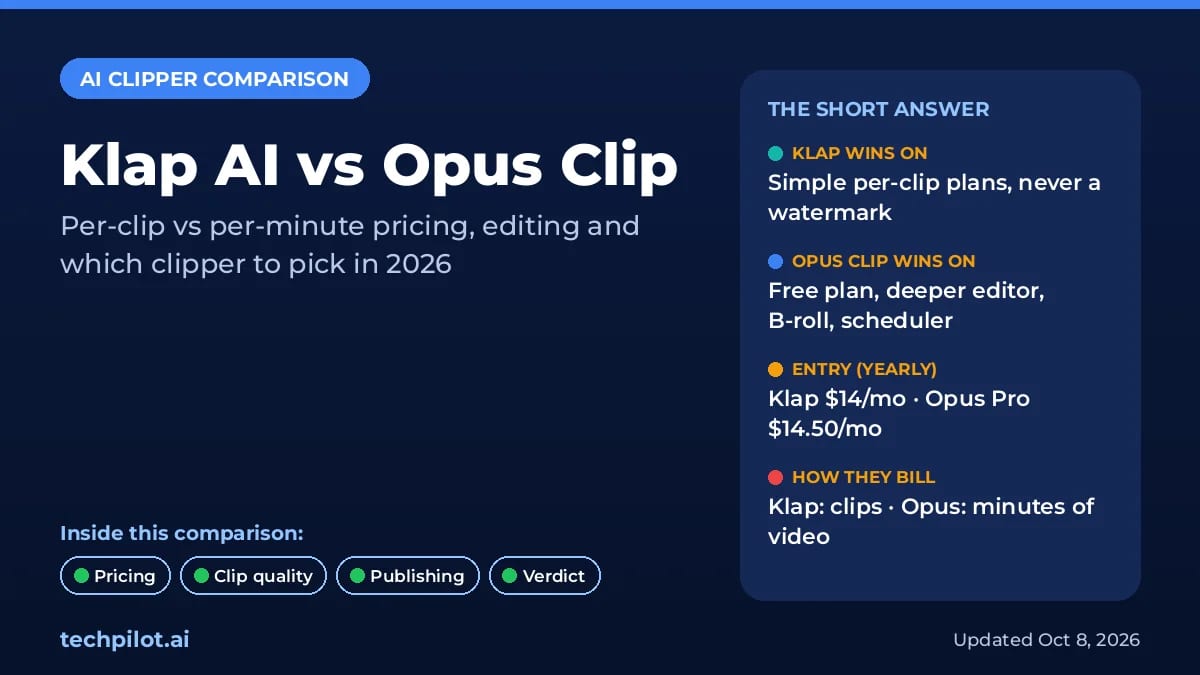
Klap AI vs Opus Clip: Klap bills per clip with no watermark, while Opus bills per minute of video and has a free plan. Compare 2026 prices and our…
Eimantas Kazėnas · 5 min read
AI Video Generator Eimantas Kazėnas · 18 min read
Opus Clip vs Ssemble: Which AI Clipper Wins?
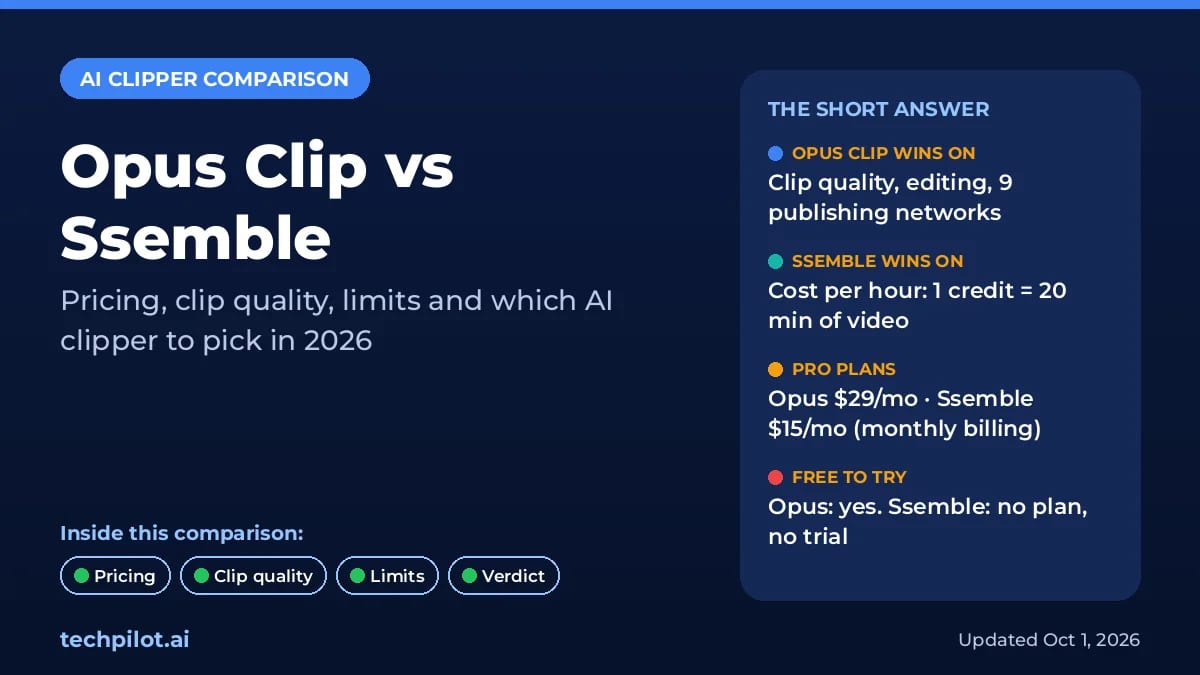
Opus Clip vs Ssemble: Opus makes better AI picks, but Ssemble clips an hour of video for $0.60, not $2.90. Compare 2026 prices, limits and our…
Eimantas Kazėnas · 18 min read