Home / Guides / Copywriting
Free AI Writing Tools: The 6 Worth Using
 Eimantas Kazėnas Marketing & Tech
- Published
- 5 min read
On this page The six free AI writing tools at a glance
- The six free AI writing tools at a glance
- 1. ChatGPT Free: the best free drafting tool
- 2. Claude Free: the best for long documents and tone
- 3. Gemini: the best free option inside Google
- 4. Grammarly Free: the best final check
- 5. QuillBot Free: the best for rephrasing
- 6. Hemingway Editor: the best for readability
- Our take: a free writing stack that actually works
- When a paid plan is worth it
- Frequently asked questions
Independent and reader-supported. Some links may earn us a commission; it never changes our rankings. Editorial policy
Free AI writing tools can draft, edit and polish your text at no cost. These six have free plans worth using in 2026, and each is best at a different job.
Quick answer: use a free chatbot (ChatGPT, Claude or Gemini) to draft and restructure, Hemingway to make it readable, QuillBot to rephrase awkward lines, and Grammarly to catch the last mistakes. No single free plan does all four jobs well, but combined they cover most writing without a subscription. We checked every free plan below on the official pricing pages on November 14, 2026.
The six free AI writing tools at a glance
| Tool | Best for | What the free plan gives you | Main free limit |
|---|---|---|---|
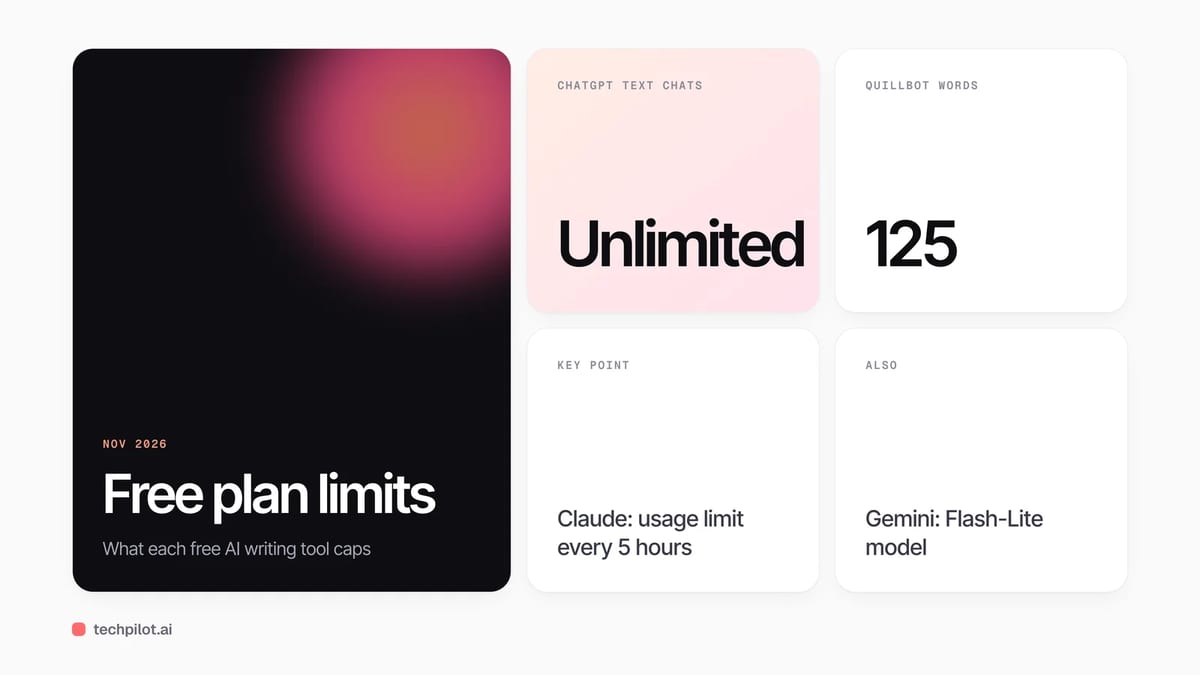
| ChatGPT Free | First drafts, outlines, rewrites | Unlimited text chats with GPT-6 | Limited uploads, deep research and memory |
| Claude Free | Long documents, tone, editing | Chat, web search, files, Artifacts, memory | Usage limit every 5 hours and every week |
| Gemini | Research-backed drafts, Google Docs users | Flash-Lite model, Deep Research, Canvas, Gemini Notebook | Smaller model than paid tiers |
| Grammarly Free | Spelling, grammar, tone check | Spelling and grammar fixes, tone check, 100 AI prompts a month | No full-sentence rewrites or plagiarism check |
| QuillBot Free | Paraphrasing and summaries | Paraphraser in 2 modes, grammar fixes, summaries | 125 words per paraphrase |
| Hemingway Editor | Readability and plain language | Free web editor that highlights hard sentences | AI fixes need Hemingway Editor Plus |
1. ChatGPT Free: the best free drafting tool
The free plan now includes unlimited text chats with GPT-6 (subject to OpenAI’s abuse guardrails), which makes it the most generous free option for getting words on the page. Uploads, image creation, voice, deep research and memory are limited, so it works best when you paste in your notes rather than a stack of files. Use it for outlines, first drafts and “rewrite this paragraph three ways.”
2. Claude Free: the best for long documents and tone
Claude’s free plan includes chat on web, desktop and mobile, web search, file creation, code execution, memory and Artifacts. Its limit is time-based: you get a set amount of usage every five hours and every week, and long chats or big files use it faster. In our experience it is the strongest free option for editing a long draft while keeping your voice. Pro costs $17 a month billed yearly or $20 monthly. For a head-to-head, read Claude vs ChatGPT.
3. Gemini: the best free option inside Google
The free Gemini plan needs only a Google account and includes the Flash-Lite model, Deep Research, Canvas and Gemini Notebook, which Google describes as a research and writing assistant. Deep Research is the standout for writing: it gathers sources into a report you can turn into a draft, though you still need to check every claim. Our guide on how to use Gemini walks through Canvas and Deep Research.
4. Grammarly Free: the best final check
Grammarly’s free plan fixes spelling and grammar, shows your tone and gives you 100 AI prompts a month. Full-sentence rewrites, tone adjustment, plagiarism and AI-text detection are Pro features, from $12 a month on Grammarly’s plans page. Free is enough for a last pass on emails, posts and essays.
5. QuillBot Free: the best for rephrasing
QuillBot’s free tier paraphrases up to 125 words at a time in two modes, fixes basic grammar, makes basic summaries and offers limited access to its AI detector and humanizer. The 125-word cap means you rephrase a paragraph, not a whole essay, which is the right way to use a paraphraser anyway. Premium costs $4.17 a month billed annually. For more options, see our sentence rewriter roundup.
6. Hemingway Editor: the best for readability
The free Hemingway web editor is not a generator. It colours sentences that are hard (yellow) or very hard (red) to read, words with simpler alternatives (purple) and adverbs or passive voice (blue), and gives a readability grade. That makes it the best antidote to AI drafts, which tend to run long. AI fixes for those highlights are part of Hemingway Editor Plus, which has a two-week free trial with no card.
Our take: a free writing stack that actually works
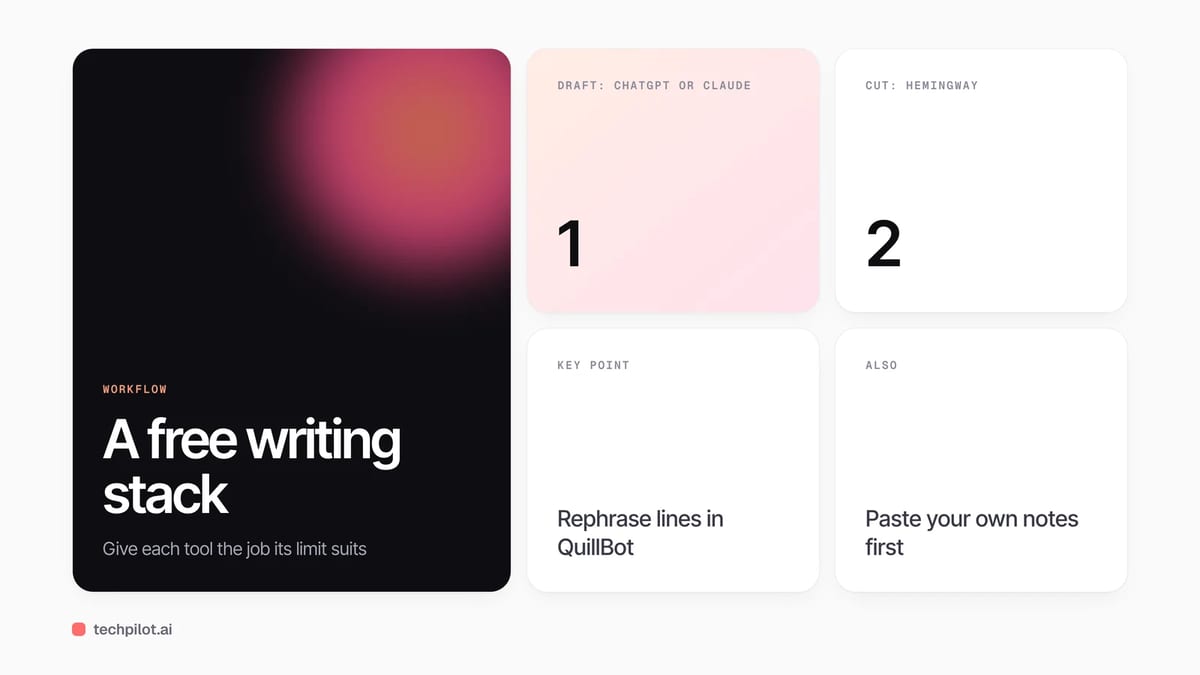
Free plans are limited in different ways: ChatGPT by tools, Claude by time, QuillBot by words, Grammarly by features. The trick is to give each tool the job its free limit suits:
- Draft in ChatGPT, or in Claude if the piece is long and voice matters. Paste your own notes so the draft starts from your ideas.
- Cut in Hemingway until most yellow and red sentences are gone.
- Fix awkward lines with QuillBot, one paragraph at a time.
- Proofread with Grammarly before you publish or submit.
Students should check their school’s AI policy first. Many courses allow AI for brainstorming and grammar but not for writing the work itself, and a paraphraser or humanizer does not change that. For essay-specific tools, see our free AI essay writer guide, and for detector-focused tools, our test of the most accurate AI humanizers.
When a paid plan is worth it
Pay when a free limit blocks work you do every week: Claude Pro if you keep hitting the five-hour limit on long edits, Grammarly Pro if you need plagiarism checks, or QuillBot Premium if you paraphrase long texts daily. At $4.17 a month billed yearly, QuillBot Premium is the cheapest upgrade on this list.
Frequently asked questions
What is the best free AI writing tool?
For drafting, ChatGPT Free, with unlimited text chats with GPT-6. For editing long documents, Claude Free. For a final grammar check, Grammarly Free.
Is there a completely free AI writer?
Yes. ChatGPT, Claude and Gemini all have free plans that write drafts, and Grammarly, QuillBot and Hemingway have free editors. Each free plan has usage or feature limits.
How many words can QuillBot paraphrase for free?
QuillBot’s free plan paraphrases up to 125 words at a time in two modes. Premium removes the limit and costs $4.17 a month billed annually.
Does Grammarly Free include AI?
Yes. Grammarly Free includes 100 AI prompts a month plus spelling, grammar and tone checks. Full-sentence rewrites and plagiarism checks are Pro features.
Can I use free AI writing tools for school?
Check your school’s policy first. Many allow AI for brainstorming and grammar checks but not for writing the work itself.
Found this useful? Share it with someone comparing AI tools.
Clever AI Humanizer Free & 6 Alternatives
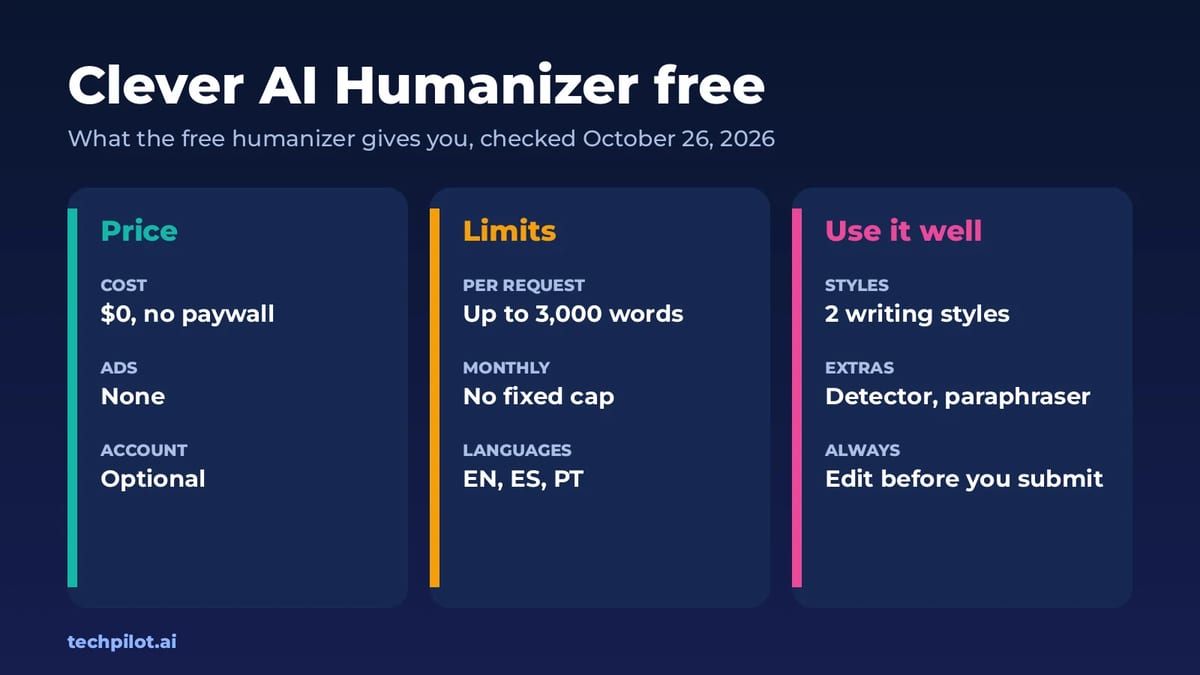
Clever AI humanizer free review: up to 3,000 words per request, no fixed monthly cap and no paywall. Plus 6 more AI humanizers ranked for natural…
 Alexi Carmichael · 8 min read

Why humanizing AI content matters for writing and copywriting
Humanizing AI content means making AI-generated text sound like it was shaped by someone who understands the audience, respecting their emotions and…
 Mike Paul · 4 min read