Wordtune is a focused AI rewriter that improves sentences you already wrote, with real choice between phrasings and quick tone control.
Home / Tools / Copywriting
Copywriting · Tool review
Wordtune Review: AI Rewriter, Plans, Price
 TechPilot.ai review team Hands-on testing, one published method
- Last updated
- How we test
The AI news that actually mattered this week.
One short email every Friday: the biggest AI stories, what they mean for you, and the tools worth trying. A 3-minute read, no hype.
Free. Unsubscribe anytime.
You're in. Watch for the brief on Friday. Free. Unsubscribe anytime.
Summary
Pros and cons
What we like
- Several rewrites per sentence.
- One-click casual or formal tone.
- Unlimited grammar fixes free.
- Summarizes articles and videos.
- Works in Chrome, Edge and iOS.
What could be better
- Free plan 10 rewrites a day.
- Monthly billing costs double.
- Writes in English only.
- Few new features lately.
Key features
- Rewrite: Several alternatives per sentence.
- Tones: Casual or formal in one click.
- Shorten and expand: Hit a word count fast.
- Summarizer: Docs, articles and YouTube.
- Smart Translate: 10 languages into English.
- Grammar checker: Unlimited on every plan.
Screenshots
Full review
Independent and reader-supported. Some links may earn us a commission; it never changes our scores. Editorial policy
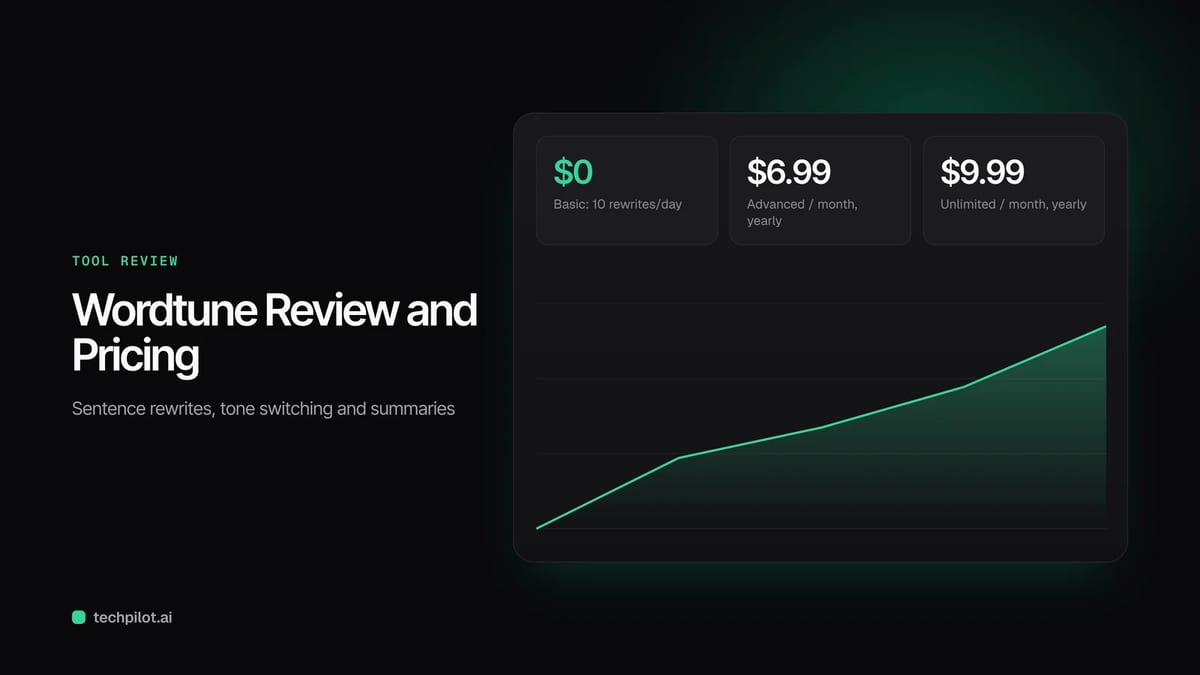
Wordtune is an AI rewriter from AI21 Labs that rephrases sentences, switches tone and summarizes text. Free gives 10 rewrites a day; paid plans from $6.99.
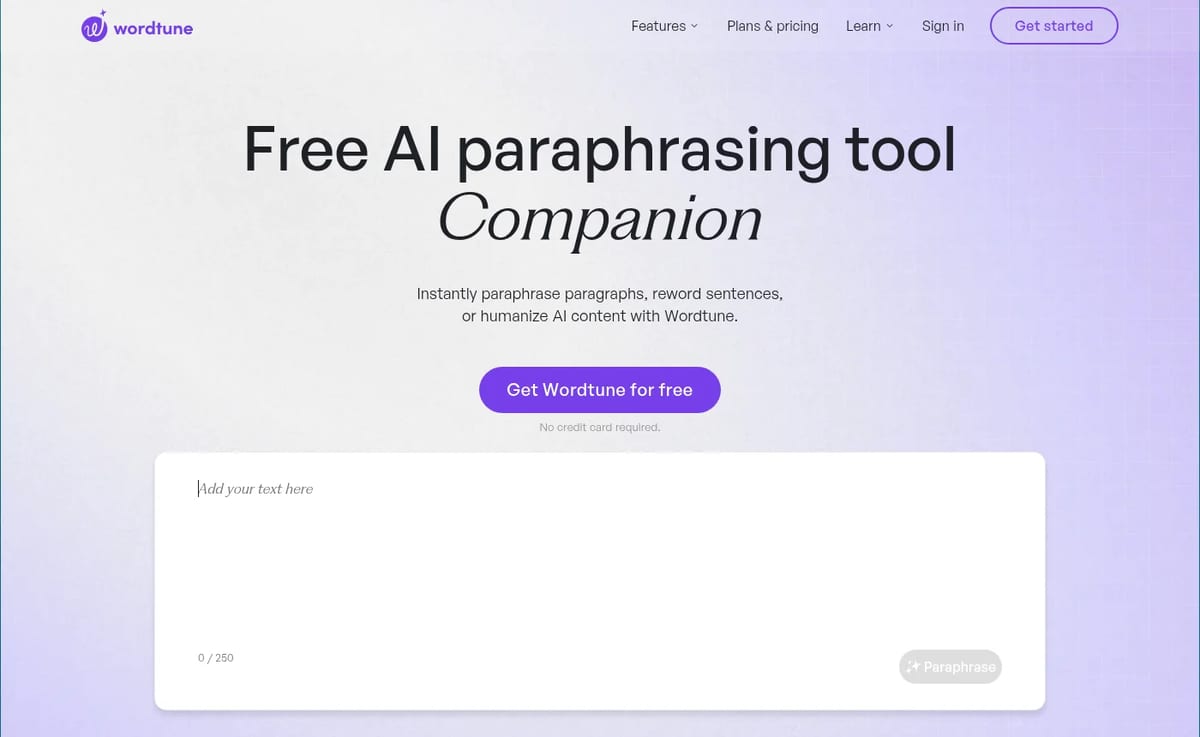
Quick answer: Wordtune is for people who already have a draft and want it to read better. Highlight a sentence and it offers several rewrites, makes it more casual or formal, shortens or expands it, and fixes spelling and grammar as you type. It also summarizes articles, documents and YouTube videos, and translates from 10 languages into English. Basic is free with 10 rewrites a day. Advanced costs $6.99 a month billed yearly or $13.99 monthly, and Unlimited is $9.99 or $19.99, per Wordtune’s plans page on November 28, 2026.

What Wordtune does
- Rewrite suggestions: select a sentence and pick from a list of alternatives that keep your meaning, instead of accepting one fixed output.
- Tone and length: one click turns a blunt line casual or formal, or makes a paragraph shorter or longer to hit a word count.
- Grammar and spelling: corrections are unlimited on every plan, including the free one.
- Summaries: condense documents, web articles and YouTube videos into key points before you decide what to read in full.
- Smart Translate: write a phrase in Spanish, Mandarin, Arabic, Hindi, Korean, Hebrew, Russian, German, French or Portuguese and get it back in natural English.
- Where it works: the web editor, a Chrome extension, a Microsoft Edge extension and an iOS app, so suggestions follow you into the sites and apps where you already write.
Who it is for
Wordtune fits non-native English speakers who write emails and reports every day, support and sales teams who need the same message in a friendlier tone, and students who want to tighten an essay without handing the whole thing to a chatbot. Because it works sentence by sentence, you stay the author: it improves what you wrote rather than writing it for you, which also keeps your own voice intact.
It is a narrower tool than ChatGPT, and that is the point. If you mainly need quick rewording, compare it with our free sentence rewriter and our QuillBot review. For a wider set of options, see our list of free AI writing tools.
Wordtune Pricing (2026)
| Plan | Billed yearly | Billed monthly | Limits and extras |
|---|---|---|---|
| Basic | $0 | $0 | 10 rewrites and AI suggestions a day, 3 summaries a month, unlimited spelling and grammar |
| Advanced | $6.99/month | $13.99/month | 30 rewrites a day, 15 summaries a month, AI recommendations, 3-day free trial |
| Unlimited | $9.99/month | $19.99/month | Unlimited rewrites and summaries, vocabulary, clarity and fluency help, premium support, 3-day free trial |
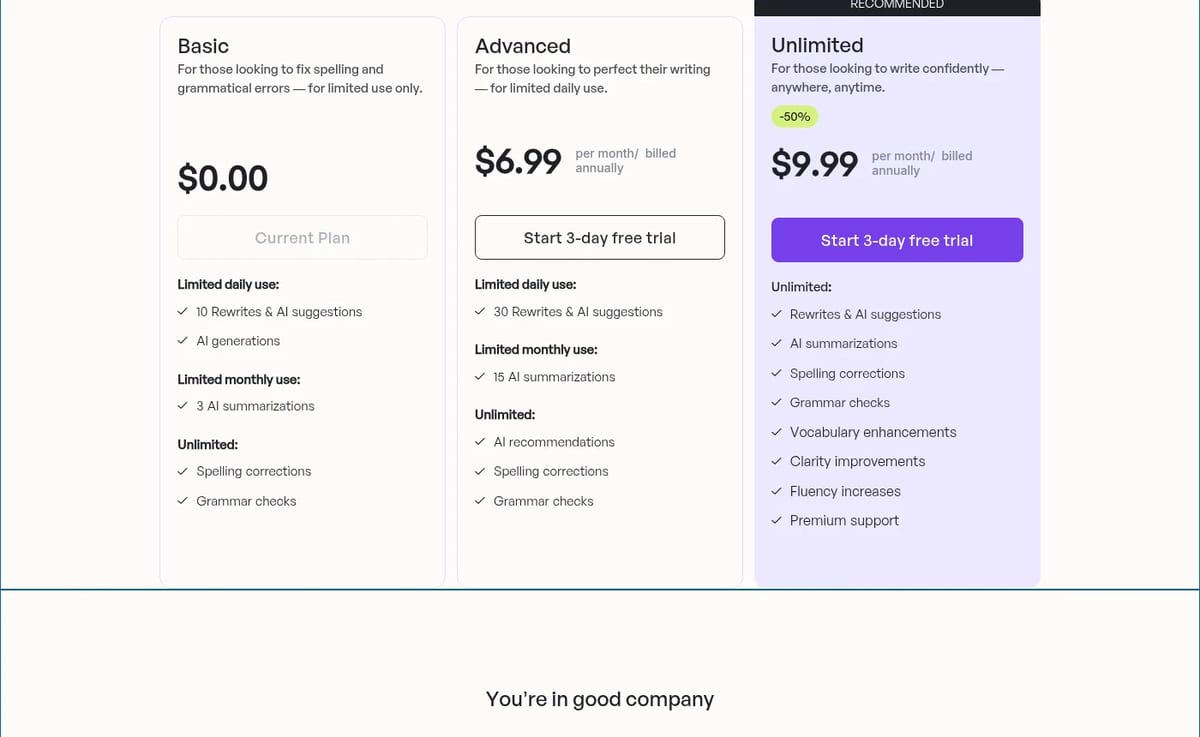
Which plan makes sense: the free plan is enough to judge the rewrites, but 10 a day runs out in one long email. If you write daily, skip Advanced: Unlimited costs only $3 a month more on yearly billing and removes the caps on rewrites and summaries. Monthly billing doubles the price, so only pay monthly for a short project. Business needs such as SAML SSO and central billing are handled through Wordtune for business.
Our verdict
Wordtune is still one of the most pleasant ways to fix clunky sentences, because it gives you choices and keeps your voice. It is a mature, focused product rather than a fast-moving one, so do not expect long-form drafting or new AI features every month. For everyday rewriting and tone control, annual Unlimited is fair value.
Alternatives
QuillBot offers several paraphrasing modes, a grammar checker and a plagiarism checker. Grammarly is stronger on grammar, tone detection and team style guides. ChatGPT and Claude can rewrite whole documents from a prompt, but you have to copy text in and out, while Wordtune works inline where you type.
TechPilot.ai’s Verdict on Wordtune
Wordtune is a focused AI rewriter that improves sentences you already wrote, with real choice between phrasings and quick tone control.
Start on the free plan; if you rewrite every day, annual Unlimited at $9.99 a month is the plan worth paying for.
Wordtune FAQ
Is Wordtune free?
Yes. The Basic plan is free and includes 10 rewrites and AI suggestions a day, 3 AI summaries a month and unlimited spelling and grammar corrections. No credit card is needed.
•
How much does Wordtune cost?
Advanced is $6.99 a month billed yearly or $13.99 monthly. Unlimited is $9.99 a month billed yearly or $19.99 monthly. Both paid plans start with a 3-day free trial.
•
Is Wordtune better than QuillBot?
Wordtune is better for picking between several natural rewrites of one sentence and for quick tone changes. QuillBot offers more paraphrasing modes plus a plagiarism checker.
•
Does Wordtune work in other languages?
Wordtune writes only in English, but Smart Translate turns text in 10 languages, including Spanish, Hindi, Korean and Portuguese, into English.
•
Where can I use Wordtune?
In the Wordtune web editor, the Chrome and Microsoft Edge extensions and the iOS app, which bring rewrite suggestions into the sites and apps where you already write.

WriteHuman
Copywriting
WriteHuman is a polished humanizer for people who already draft with AI and want cleaner, less generic text.

Luvvoice
Copywriting
Luvvoice is one of the cheapest ways to get usable AI narration in dozens of languages, and the Free plan is enough to test every voice.

Jenni
Copywriting
Jenni is one of the more focused AI tools for academic writing: draft, read sources and cite in one editor.
Productivity  Eimantas Kazėnas · 3 min read
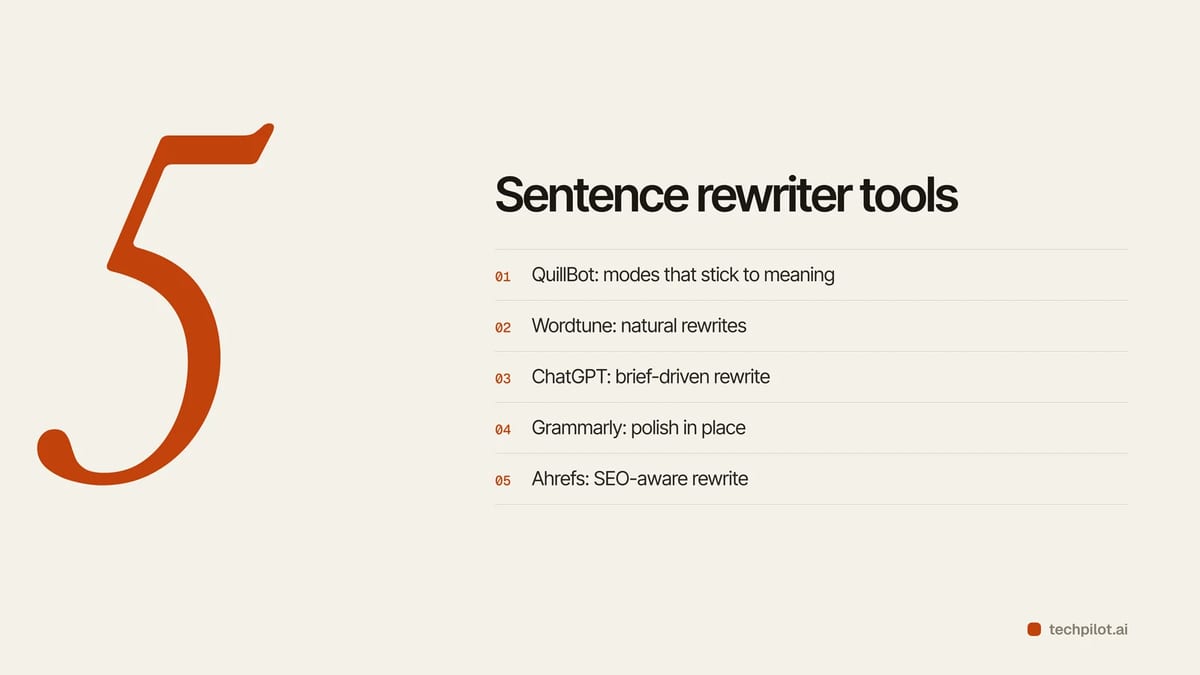
Sentence Rewriter: Best Free Tools 2026
Sentence rewriter tools worth using in 2026: free and paid options from QuillBot, Wordtune, ChatGPT and Grammarly, with when each one is better (Nov…
Eimantas Kazėnas · 3 min read

Education  Frederick Poche · 7 min read
A comprehensive list of free AI tools for successful essay writing
Learn how to leverage free AI tools for successful essay writing and nail academic performance without breaking the bank.
Frederick Poche · 7 min read