What Happens to Customer Calls When Your Business Closes for the Day?
Closing time doesn’t switch off customer interest. Keep a useful greeting, a website that can take over, and a morning handoff so inquiries aren’t lost.
 Eimantas Kazėnas Marketing & Tech
- Published
- 4 min read
On this page First, the Caller Hears Your Message
Independent and reader-supported. Some links may earn us a commission; it never changes our rankings. Editorial policy
Closing time doesn’t switch off customer interest. Someone may call after seeing your vehicle, finding your site, or finally getting a quiet moment to research. If the phone rings without a useful response, that person has no way to tell whether you’ll call back tomorrow or whether the business is still active.
You can’t control when people reach out. You can control what they experience next. A clear after-hours path should confirm that they found the right business, explain when live service returns, and offer another way to complete a simple task. That small bit of direction can keep an inquiry from ending at voicemail.
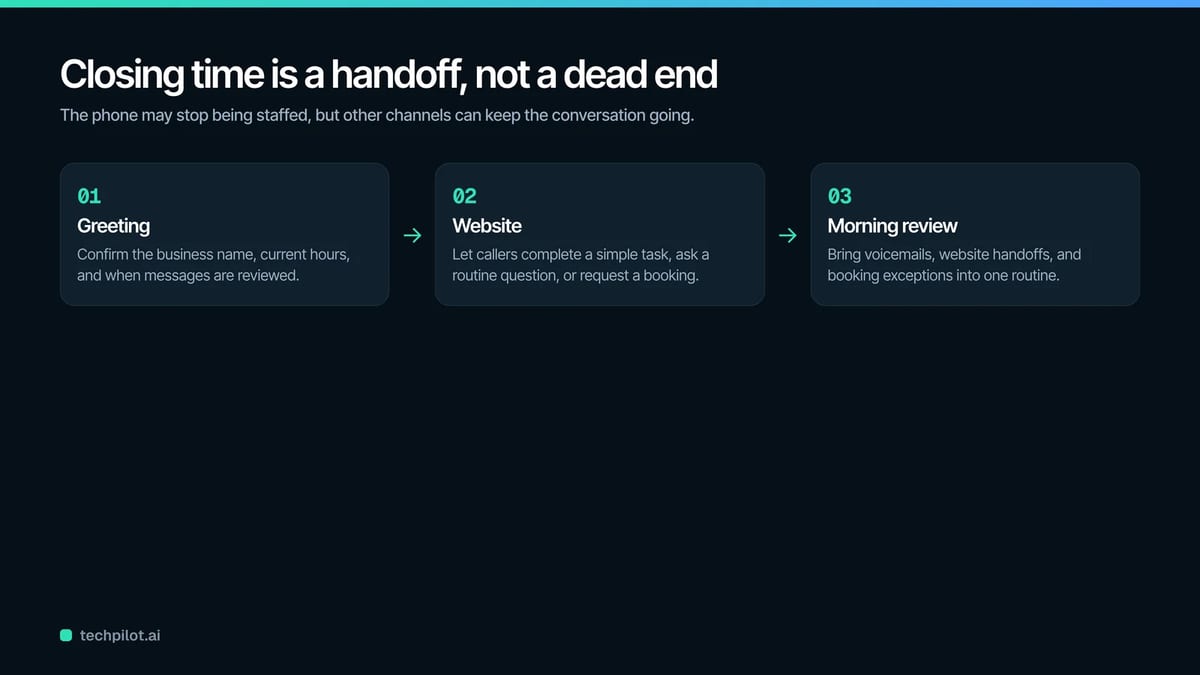
Think of closing time as a handoff between channels. The phone may stop being staffed, but your website, booking calendar, and message queue can continue the conversation. The goal isn’t to make every service available overnight. It’s to prevent customers from having to start over the next day.
First, the Caller Hears Your Message
Your recorded greeting sets the expectation. Say the business name immediately so callers know they reached the correct number. State the current hours and when messages are reviewed. If holiday or seasonal hours apply, update the recording before the schedule changes.
Public listings need the same information. Google’s instructions for editing business hours cover standard schedules, breaks, and special hours. Check that your website and other profiles agree. Conflicting times can lead someone to call repeatedly or assume the business is unreliable.
Keep voicemail instructions simple. Ask for a name, callback number, and reason for the call. Give an expected response window you can meet. If callers can book or get answers online, tell them where to go and what they can do there.
Next, Many Callers Visit the Website
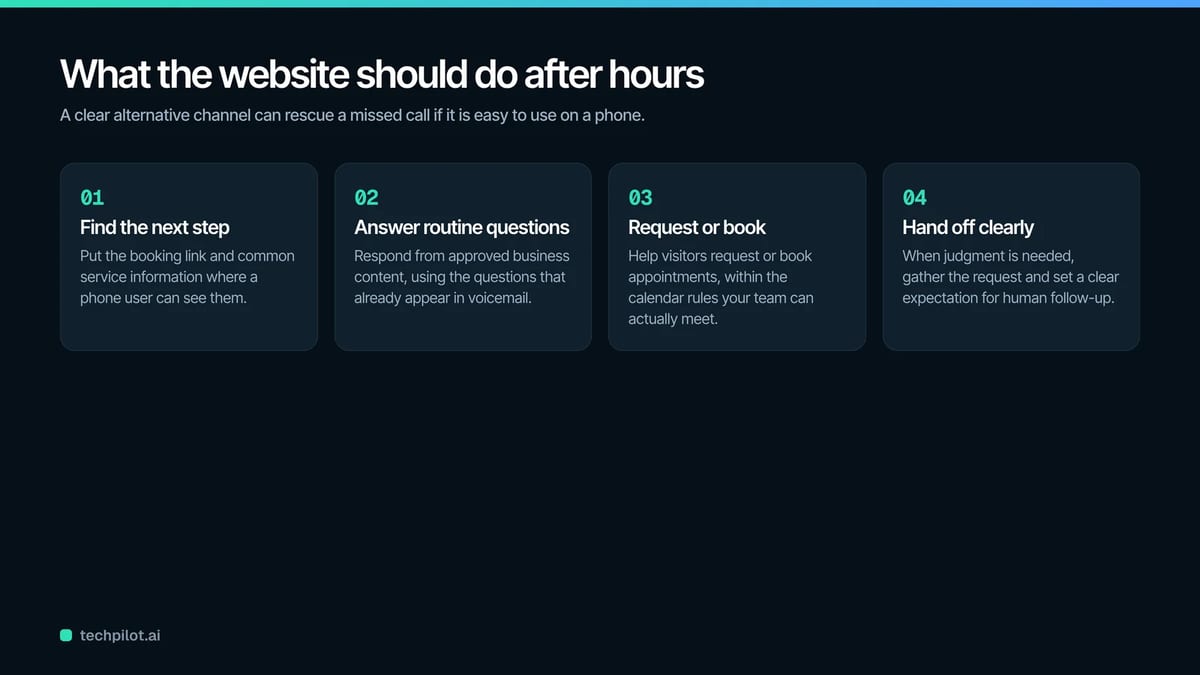
A customer who doesn’t want to wait may search for another contact route. Make the booking link and common service information easy to find on a phone. If the page opens with a maze of menus, the alternative channel won’t rescue the missed call. Here, the best 24/7 coverage AI receptionist can support the after-hours journey on your website. It can respond from approved business content, answer routine questions, and help visitors request or book appointments. When an issue needs judgment, it should gather the request and set a clear expectation for human follow-up.
Train it on the questions that appear in your voicemail. Those are real examples of what customers couldn’t resolve elsewhere. Add concise answers to the knowledge source, then test different ways of asking the same thing. Customers rarely use the exact wording found on your service page.
Bookings Need Boundaries
An open calendar isn’t the same as an accurate calendar. Define which services can be booked online, how long they take, and how much preparation time your team needs. Include blackout dates and daily limits. These rules prevent after-hours convenience from creating a difficult morning schedule.
Decide what happens when a customer chooses the wrong appointment type. Your confirmation message can briefly explain what is included and how to change the booking. Review new appointments before the day starts so any mismatch can be corrected early.
If a request can’t be confirmed automatically, don’t present it as a firm appointment. Tell the customer that the team will review it during business hours. Clear wording avoids the frustration of believing a time is reserved when it isn’t.
Urgent Requests Need Another Plan
Some businesses receive calls that can’t wait until morning. Define what urgent means in your setting and provide the correct route. That may be an on-call number, a third-party service, or emergency instructions. Don’t suggest that voicemail or a website assistant is monitored live unless it truly is.
Keep the emergency message separate from general booking information. A person under pressure should be able to understand the next step quickly. Test the route periodically and after any staffing change.
The Morning Handoff Matters
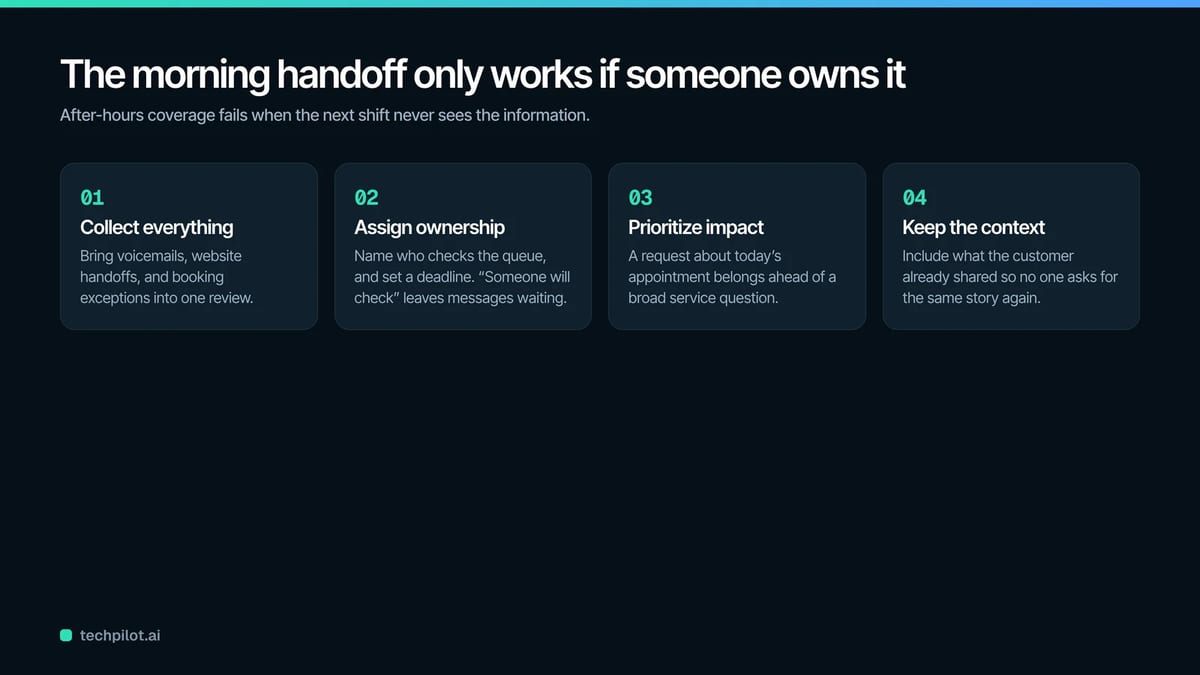
After-hours coverage succeeds only if the next shift receives the information. Bring voicemails, website handoffs, and booking exceptions into a review routine. Assign ownership and set a deadline. “Someone will check” is how messages remain unanswered until the afternoon.
Prioritize by customer impact. A request about today’s appointment belongs ahead of a broad service question. Include what the customer already shared so the person following up doesn’t ask for the same story again.
Review the Overnight Experience
Once a month, act like a customer after closing. Call the number, listen to the full greeting, visit the website, and try the suggested action. Confirm that the hours are current and that a booking appears where the team expects it.
Look at what customers ask overnight. Repeated questions may point to missing website content or unclear policies. Booking errors may expose a calendar rule that needs adjustment. Each pattern gives you a practical improvement to make.
Reopen Without a Backlog
When your business closes, customer conversations don’t have to disappear. Accurate hours, useful voicemail, website assistance, and a disciplined morning review can carry them into the next day without confusion.
Build the process around honest availability. Let customers complete routine steps after hours, and reserve complex decisions for your team. When the handoff works, you can reopen with organized requests instead of a scattered list of people who are still waiting.
Found this useful? Share it with someone comparing AI tools.