Research Paper AI: 5 Free Tools by Task
 Eimantas Kazėnas Marketing & Tech
- Published
- 5 min read
On this page The five free tools at a glance
- The five free tools at a glance
- 1. Semantic Scholar: find the papers
- 2. ResearchRabbit: see how the field connects
- 3. Elicit: summarise and compare many papers
- 4. Consensus: check what the evidence says
- 5. Gemini Notebook: read your own sources faster
- When a paid tool is worth it
- Rules that keep AI research honest
- Frequently asked questions
Independent and reader-supported. Some links may earn us a commission; it never changes our rankings. Editorial policy
Research paper AI that is free to start: Semantic Scholar, ResearchRabbit, Elicit, Consensus and Gemini Notebook, each matched to one stage of a paper.
Quick answer: there is no single “research paper AI” that does the whole job well, and the tools that promise to write the paper for you are the ones most likely to get you in trouble. The free tools worth using each handle one stage: finding papers, mapping how they connect, reading them quickly and checking what the evidence says. Use them for those stages and keep the argument, the writing and the final citation check for yourself. Every free limit below was checked on the tools’ own pricing pages on November 16, 2026.
The five free tools at a glance
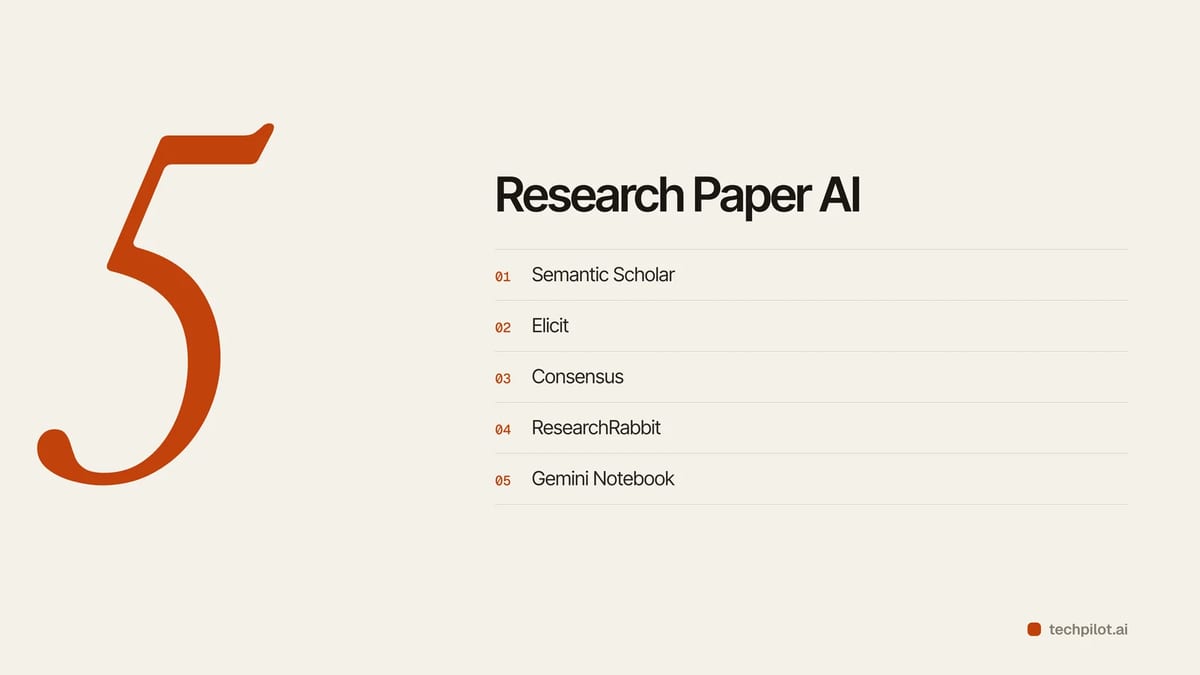
| Tool | Best stage | What is free | Paid from |
|---|---|---|---|
| Semantic Scholar | Finding papers | Everything: search over 200 million papers | Free |
| ResearchRabbit | Mapping a field | Unlimited searches across 310+ million articles, up to 50 seed articles | $10 a month on the annual plan |
| Elicit | Summaries and comparison tables | Unlimited search across 138 million+ papers, summaries and chat with papers | $49 per user a month, billed yearly |
| Consensus | “What does the evidence say?” | Basic paper search, 10 Pro messages and up to 3 Deep reviews a month | $12 a month, billed yearly |
| Gemini Notebook | Reading your own PDFs | Up to 50 sources per notebook with standard limits | Through Google AI Plus, Pro or Ultra |
1. Semantic Scholar: find the papers
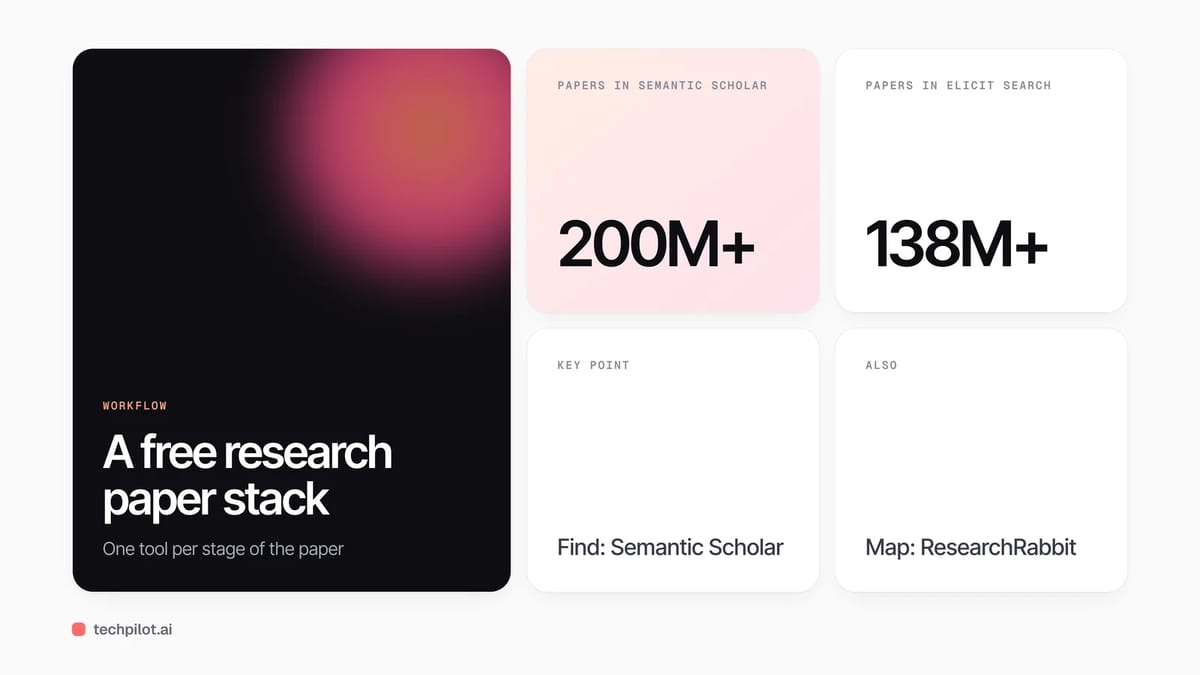
Start with a proper index, not a chatbot. Semantic Scholar is built by Ai2, the Allen Institute for AI, indexes over 200 million academic papers and is free with no paid tier. Its AI features summarise papers at a glance and surface related work, but every result is a real paper with a real record, which is exactly what you need before any AI starts summarising.
2. ResearchRabbit: see how the field connects
Once you have three or four key papers, ResearchRabbit turns them into a map of related and citing work, so you can spot the authors and clusters you missed. The free plan covers unlimited searches across 310+ million articles, unlimited collections and sharing, with up to 50 seed articles. ResearchRabbit+ raises that to 300 seed articles for large reviews, at $10 a month on the annual plan.
3. Elicit: summarise and compare many papers
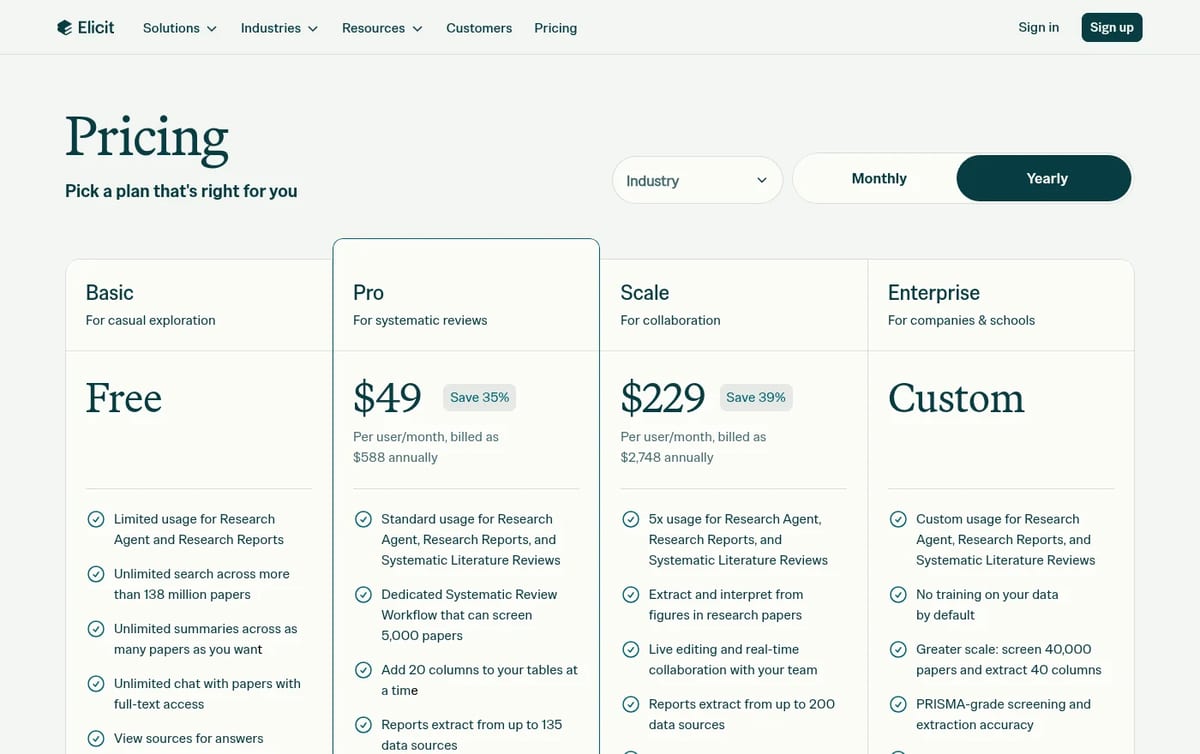
Elicit is strongest when you have 20 papers and need the same facts from each: sample size, method, outcome. The free Basic plan includes unlimited search across more than 138 million papers, unlimited summaries and unlimited chat with full-text papers, plus Zotero import, with limited use of its Research Agent and reports. Pro, built for systematic reviews, costs $49 per user a month billed as $588 a year. Our Elicit review covers the paid features in detail.
4. Consensus: check what the evidence says
Consensus answers a yes-or-no research question, such as whether a treatment works, by reading peer-reviewed studies and citing each claim. It searches over 400 million papers and scholarly works. The free plan gives basic paper search plus 10 Pro messages and up to 3 Deep reviews a month, enough for a few key questions per paper. Pro costs $12 a month on yearly billing, and students and faculty with a school email can get up to 40% off.
5. Gemini Notebook: read your own sources faster
Google’s notebook tool, formerly NotebookLM, works only from the sources you upload, which makes it the safest place to ask questions about your own reading list. The free version allows up to 50 sources per notebook with standard limits on chat and generated overviews; Google AI plans raise that to 100, 300 or 600 sources.
When a paid tool is worth it
Most students writing one paper never need to pay. Paying makes sense in two cases: a systematic review where you screen hundreds of papers, which is what Elicit Pro and its screening workflow are built for, or daily literature work where Consensus’ Deep reviews or a broader assistant such as SciSpace save hours each week. SciSpace’s Premium plan costs $12 a month on yearly billing; see our SciSpace review before you buy.
Rules that keep AI research honest
- Never cite a paper you have not opened. AI summaries can misread a result, and general chatbots can invent references that look real.
- Use AI to find and sort, not to argue. The research question, the structure and the conclusions should be yours.
- Keep a record. Note which tool found each paper and check it against the original before it goes in your reference list.
- Check your institution’s rules. Many universities now spell out which AI uses must be declared.
For other study tools beyond research, see our list of free AI tools for students.
Frequently asked questions
What is the best free AI for research papers?
It depends on the stage. Semantic Scholar is best for finding papers, ResearchRabbit for mapping a field, Elicit for summaries and tables, Consensus for evidence questions and Gemini Notebook for reading your own PDFs.
Is Elicit free?
Yes. Elicit Basic is free with unlimited search across more than 138 million papers, unlimited summaries and chat with papers. Pro costs $49 per user a month, billed yearly.
Is Consensus free?
Consensus has a free plan with basic paper search, 10 Pro messages and up to 3 Deep reviews a month. Pro costs $12 a month on yearly billing.
Can AI write my research paper?
It should not. Use AI to find, sort and summarise papers, but write the argument yourself, open every source you cite and follow your institution’s rules on AI use.
Is Semantic Scholar free?
Yes. Semantic Scholar is free, indexes over 200 million academic papers and is built by Ai2, the Allen Institute for AI.
Found this useful? Share it with someone comparing AI tools.
Free AI Tools for Students: 7 Worth Using
Free AI tools for students can explain topics, quiz you and check your writing at no cost. These seven free plans are the most useful for study in…
 Eimantas Kazėnas · 5 min read
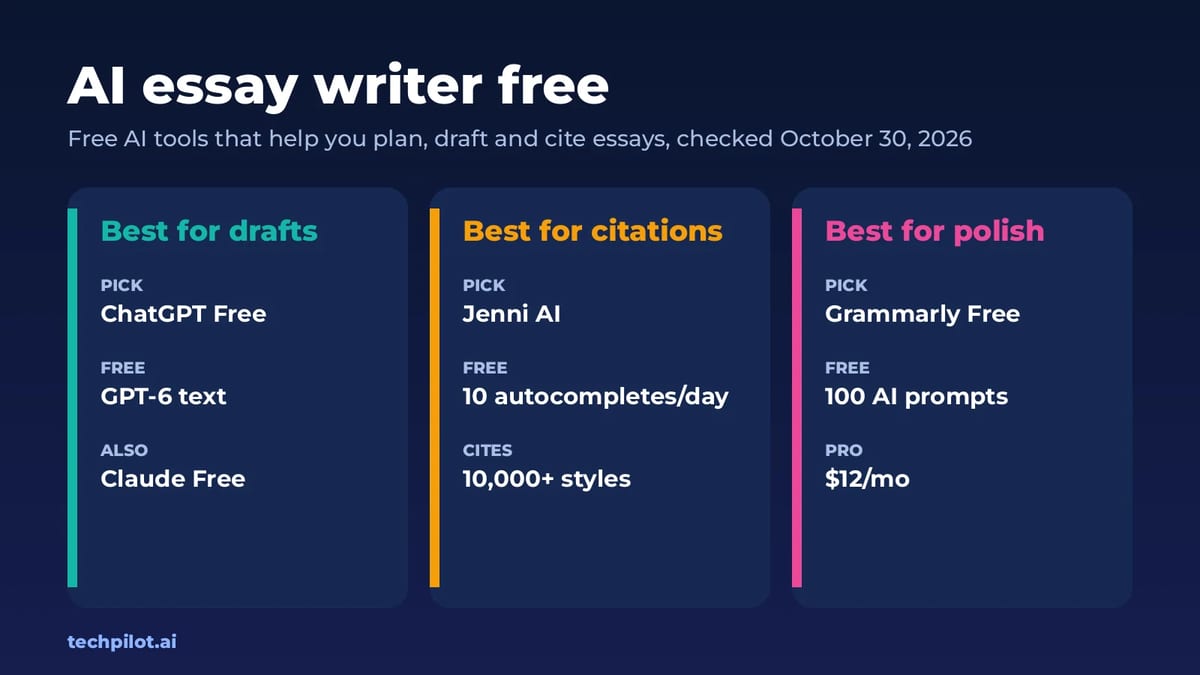
AI Essay Writer Free: 5 Best Tools in 2026
The best AI essay writer free options in 2026 are ChatGPT, Claude, Jenni AI and Grammarly. We compare free limits and explain how to use them…
Eimantas Kazėnas · 4 min read