AutoDraw is still one of the fastest free ways to turn a scribble into a clean, usable drawing, with zero setup.
Home / Tools / Digital Art
Digital Art · Tool review
AutoDraw Review: Free Google Drawing Tool
 TechPilot.ai review team Hands-on testing, one published method
- Last updated
- How we test
The AI news that actually mattered this week.
One short email every Friday: the biggest AI stories, what they mean for you, and the tools worth trying. A 3-minute read, no hype.
Free. Unsubscribe anytime.
You're in. Watch for the brief on Friday. Free. Unsubscribe anytime.
Summary
Pros and cons
What we like
- Completely free, no account.
- Clean icons from rough sketches.
- Works on phones and desktops.
- Instant results, no waiting.
- Simple enough for kids.
What could be better
- Fixed drawing library.
- No layers or advanced tools.
- Not a text-to-image generator.
- Few updates since 2017.
Key features
- Sketch recognition: Guesses your doodle.
- Suggestions: Artist-made drawings.
- Editing: Text, shapes and fills.
- Export: Download or share.
- Devices: Any browser.
- Pricing: Free.
Screenshots
Full review
Independent and reader-supported. Some links may earn us a commission; it never changes our scores. Editorial policy
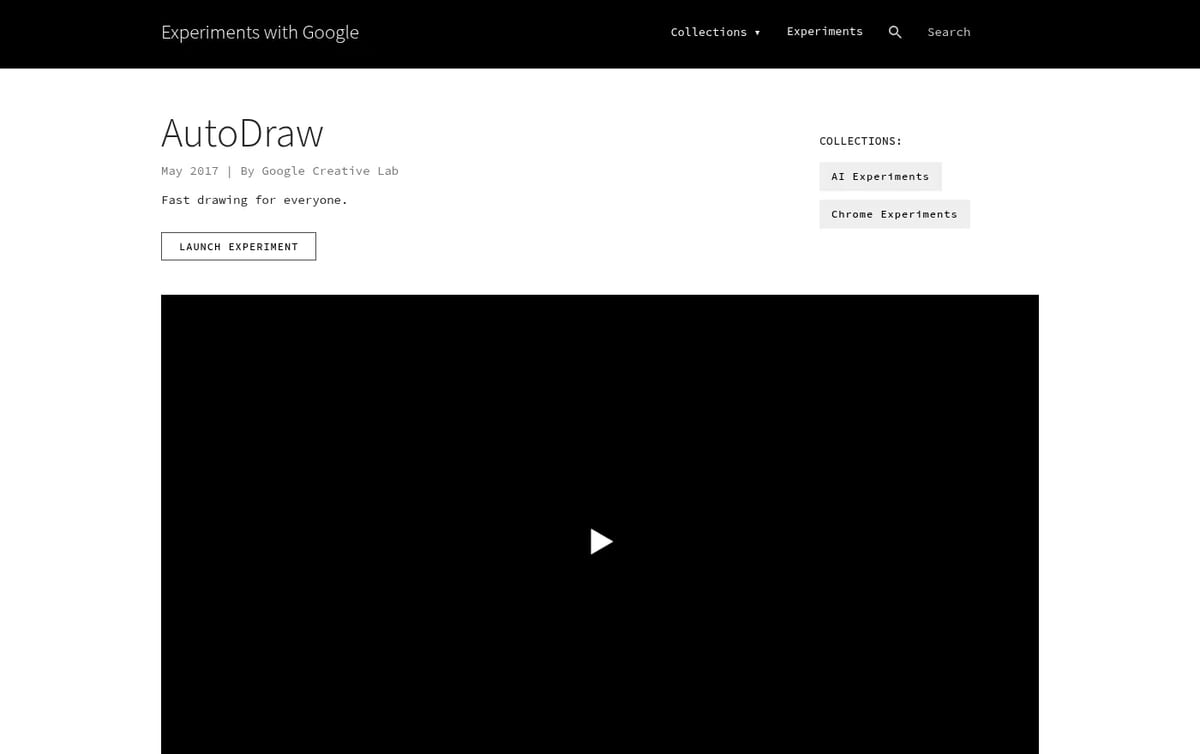
AutoDraw is a free Google drawing tool that turns rough doodles into clean icons with machine learning. It runs in any browser with no account or download.
Quick answer: AutoDraw is a Google Creative Lab experiment from 2017. You sketch something rough, such as a cake, a bike or a lightbulb, and a row of matching drawings made by real artists appears at the top of the screen. Click one and it replaces your doodle. Google’s Experiments page says there is nothing to download and nothing to pay for, and that is still true on November 12, 2026.
What AutoDraw does
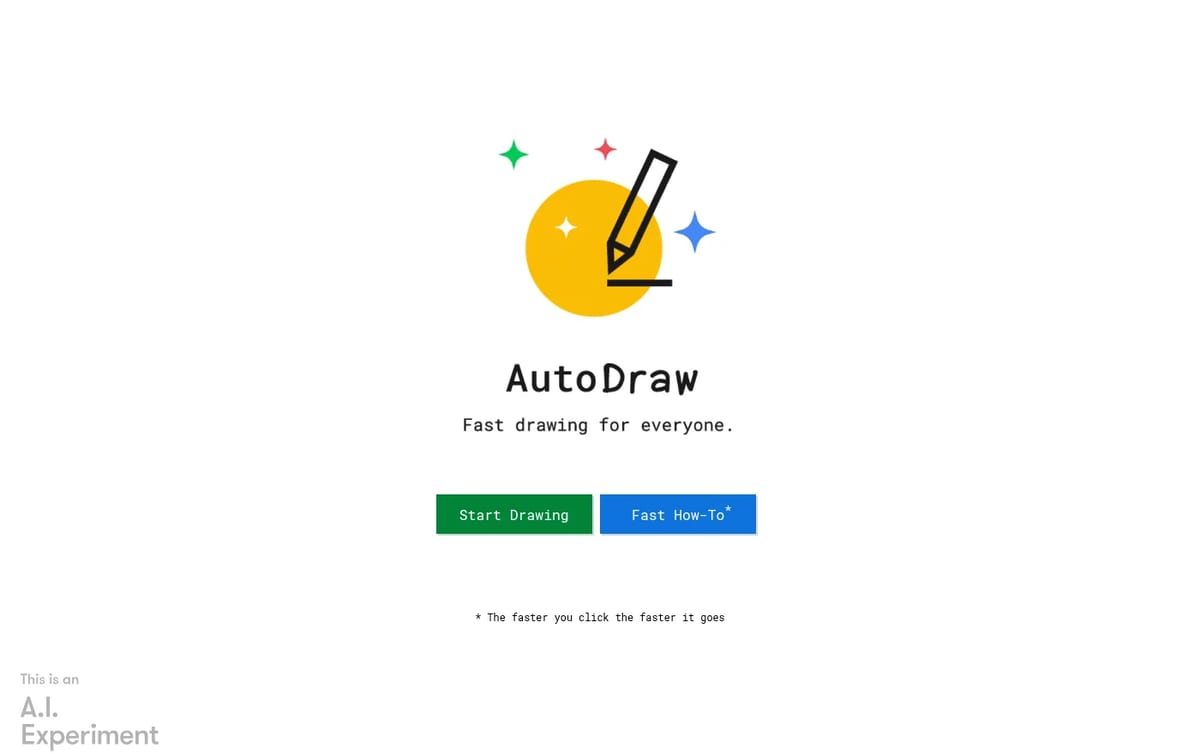
- Sketch recognition: the AutoDraw tool guesses what you are drawing, using the same technology as Google’s Quick, Draw! game.
- Artist-made suggestions: it swaps your doodle for a clean drawing from a library made by human illustrators, not a newly generated image.
- Basic editing: a plain draw tool, text, shapes, fill colors and canvas orientation (landscape, square or portrait).
- Download and share: save the finished canvas as an image or share a link.
- Works anywhere: phone, tablet, laptop or desktop browser, with a mouse, trackpad, finger or stylus.
AutoDraw Pricing (2026)
| Plan | Price | What you get |
|---|---|---|
| AutoDraw (web) | $0 | Every feature: sketch suggestions, text, shapes, fills, download and share, no account needed |
Our take: AutoDraw is not a text-to-image generator and there is no prompt box. That is its strength for quick jobs: a teacher’s worksheet, a party flyer icon or a simple diagram comes out clean in under a minute, and you never wait for a model. The catch is the fixed library. If no suggestion matches your idea, you are left with your own sketch.
For full images from a text prompt, use one of the best free AI image generators. For ready-made icons in many styles, Icons8 has a larger library, and our free Photoshop alternatives cover real editing.
Who AutoDraw is for
Teachers, students, kids and anyone who needs a simple icon or drawing fast and cannot draw well. It also works as a quick whiteboard on a phone. Designers who need layers, vectors or brand-consistent art should use a proper design tool.
Limitations
- Fixed library: it can only suggest drawings that exist in its collection.
- Few tools: no layers, and only basic text, shape and fill options.
- Old experiment: launched in 2017, it gets few visible updates.
- Not generative AI: do not expect new, detailed images from a description.
TechPilot.ai’s Verdict on AutoDraw
AutoDraw is still one of the fastest free ways to turn a scribble into a clean, usable drawing, with zero setup.
Use it for quick icons and worksheets; switch to an image generator or a design app when you need something original.
AutoDraw FAQ
Is AutoDraw free?
Yes. AutoDraw is completely free, with no account, no download and no paid tier.
•
How much does AutoDraw cost?
AutoDraw costs $0. Google’s Experiments page says there is nothing to pay for (checked November 12, 2026).
•
Who made AutoDraw?
Google Creative Lab built AutoDraw in 2017. The Experiments page credits Dan Motzenbecker and Kyle Phillips.
•
Does AutoDraw use AI?
Yes, for recognition. Machine learning guesses what you are sketching and suggests matching drawings made by artists. It does not generate new images.
•
Can I use AutoDraw on my phone?
Yes. AutoDraw runs in the browser on phones, tablets, laptops and desktops, so you can draw with a finger, stylus, mouse or trackpad.
Ling-3.1-flash
Digital Art
Ling-3.1-flash pairs very open MIT terms with a low API price, which makes it a sensible pick for cost-sensitive agent and document work.
Odyssey-3
Digital Art
Odyssey-3 is an impressive, free way to try a real-time AI world model in your browser, backed by serious physics and robotics research.
Viggle JST-2
Digital Art
Viggle JST-2 brings 3D scenes, characters and motion into one model, and you can test it free in PINOC with no card.