AutoPod is one of the most useful Premiere Pro plugins for multicam podcasts, because it turns hours of camera switching into a first cut in minutes.
Home / Tools / Audio / Voice
Audio / Voice · Tool review
AutoPod Review: Premiere Pro Plugin Pricing
 TechPilot.ai review team Hands-on testing, one published method
- Last updated
- How we test
The AI news that actually mattered this week.
One short email every Friday: the biggest AI stories, what they mean for you, and the tools worth trying. A 3-minute read, no hype.
Free. Unsubscribe anytime.
You're in. Watch for the brief on Friday. Free. Unsubscribe anytime.
Summary
Pros and cons
What we like
- Automatic multicam for up to 10 cameras.
- Batch social clips in three sizes.
- Silence-based jump cuts.
- Works in Premiere Pro and Resolve.
- 30-day free trial.
What could be better
- Needs one audio track per speaker.
- No free plan.
- One computer per license.
- Requires a paid editor app.
Key features
- Multicam: Up to 10 cameras and mics.
- Social clips: 16:9, 4:5 and 9:16.
- Jump cuts: Cuts on silence.
- Presets: Save your edit style.
- Editors: Premiere Pro and Resolve.
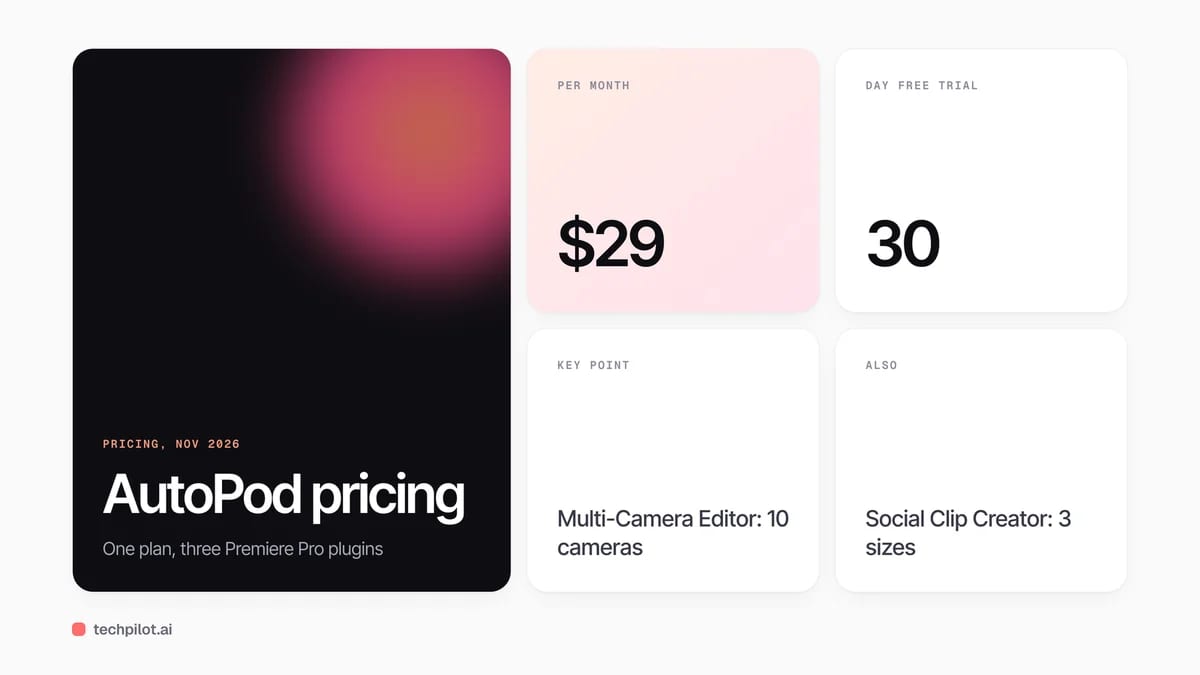
- Pricing: $29 a month, 30-day trial.
Screenshots
Full review
Independent and reader-supported. Some links may earn us a commission; it never changes our scores. Editorial policy
AutoPod is a Premiere Pro plugin pack that auto-edits multicam podcasts, jump cuts and social clips. Its one plan costs $29 a month after a 30-day trial.
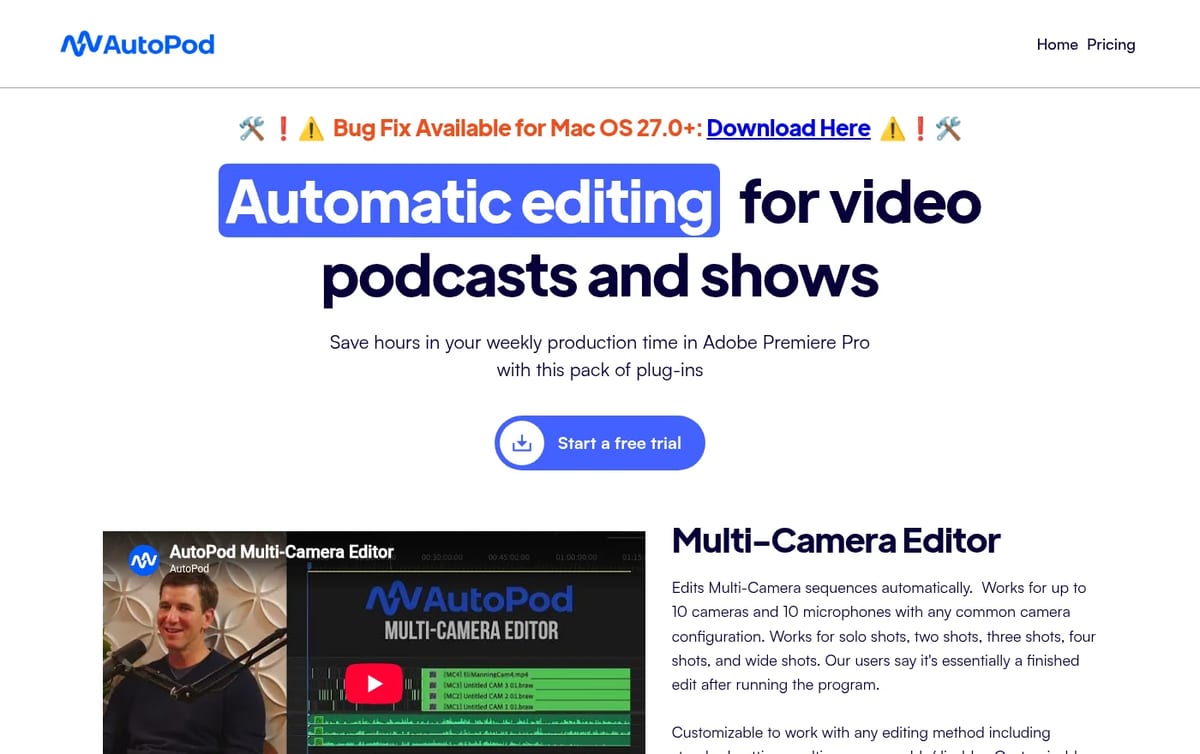
Quick answer: AutoPod is a set of three plugins for Adobe Premiere Pro, also sold for DaVinci Resolve, that automate the repetitive parts of video podcast editing. The Multi-Camera Editor switches between cameras based on who is talking, the Social Clip Creator makes vertical and square clips, and the Jump Cut Editor cuts out silence. There is one plan for all three. Prices below are from AutoPod’s pricing page on November 19, 2026.
What AutoPod does
- Multi-Camera Editor: edits multicam sequences with up to 10 cameras and 10 microphones, using solo, two, three, four and wide shots.
- Social Clip Creator: builds 1920×1080, 1080×1350 and 1080×1920 clips from in and out points, with auto-reframe, watermarks and end pages, then batch exports them.
- Jump Cut Editor: creates cuts on silence using a decibel cutoff you set for your microphones.
- Presets: save your editing method, such as standard cuts or multicam, and how often wide shots appear.
- Editors supported: Premiere Pro 2023 or newer, and DaVinci Resolve. Final Cut Pro and Avid are not planned.
AutoPod Pricing (2026)
| Plan | Price | Includes | Terms |
|---|---|---|---|
| Individual (monthly) | $29 a month per license | Multi-Camera Editor, Social Clip Creator, Jump Cut Editor | 30-day free trial |
| Individual (annual) | 1 month free per year | All three plugins | Billed yearly |
| Teams | No enterprise pricing | Buy several keys on one email | One computer per license |
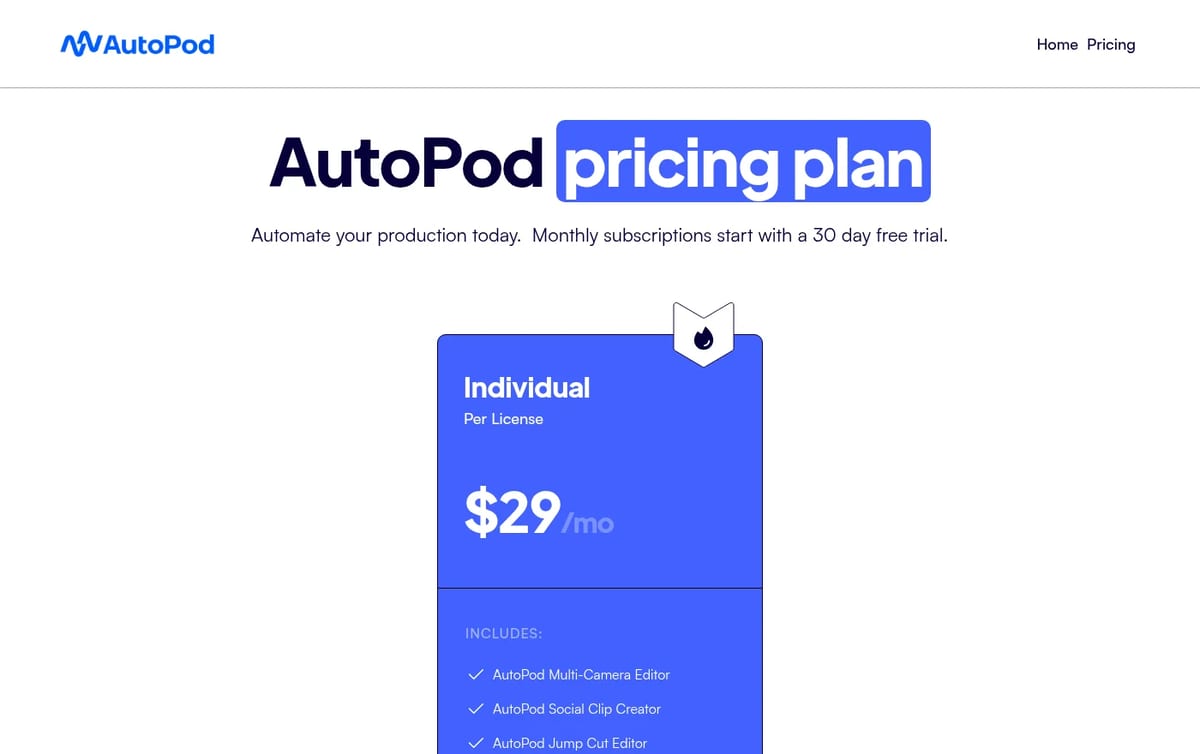
How to think about the cost: at $29 a month, AutoPod pays for itself if it saves an editor about an hour on each weekly episode. Annual billing gives one month free, so a year costs the same as 11 months. Start with the 30-day trial on a real multicam episode, because the Multi-Camera Editor needs a separate audio track for every speaker and won’t work with one shared mic. Each license is tied to one computer, though you can move it to a new machine.
If you only need silence removal, compare AutoPod with our AutoCut review. For text-based editing, see our Descript review, and for free options, our list of the best free AI video editors.
Who AutoPod is for
Video podcast editors, studios and YouTube shows that record two or more people on several cameras with separate microphones and cut in Premiere Pro or Resolve every week. Solo creators with one camera and one mic get little from the multicam tool and may only need a cheaper jump-cut plugin.
Limitations
- Needs separate audio tracks: the multicam editor does not work with a single audio source or a single speaker.
- Paid host app: you also need Premiere Pro 2023 or newer, or DaVinci Resolve.
- One computer per license: teams buy one key for each editing machine.
- No free plan: only a 30-day trial on monthly billing.
TechPilot.ai’s Verdict on AutoPod
AutoPod is one of the most useful Premiere Pro plugins for multicam podcasts, because it turns hours of camera switching into a first cut in minutes.
Use the 30-day trial on a real episode with separate mics, then switch to annual billing if you edit every week.
AutoPod FAQ
Is AutoPod free?
No. AutoPod has no free plan, but monthly billing starts with a 30-day free trial that includes all three plugins.
•
How much does AutoPod cost?
AutoPod costs $29 a month per license for the Multi-Camera Editor, Social Clip Creator and Jump Cut Editor. Annual billing gives 1 month free, checked November 19, 2026.
•
Does AutoPod work with DaVinci Resolve?
Yes. You buy the key through the usual AutoPod portal and download the separate DaVinci installer. It is not available for Final Cut Pro or Avid.
•
Can I use AutoPod on two computers?
No. Each license works on one computer, the first one you activate it on, but you can switch computers on AutoPod’s website.
•
Does AutoPod work with one microphone?
Not for multicam. The Multi-Camera Editor needs multiple cameras and a separate audio track for each speaker to decide when to cut.
Samplette
Audio / Voice
Samplette is one of the quickest ways to dig for fresh samples, and the free plan is enough to see if it fits your workflow.

Invideo AI
Audio / Voice
I have spent considerable time analyzing Invideo AI, its features, user feedback, and its position in the changing field of AI video tools.…
Fliki
Audio / Voice
Fliki AI Text to Video Generator is a valuable tool for businesses, marketers, and content creators seeking an efficient and user-friendly…