AutoCut is a practical time saver for anyone who already edits in Premiere Pro or DaVinci Resolve, especially for talking-head videos and podcasts.
Home / Tools / Productivity
Productivity · Tool review
AutoCut Review: Premiere Pro Plugin Pricing
 TechPilot.ai review team Hands-on testing, one published method
- Last updated
- How we test
The AI news that actually mattered this week.
One short email every Friday: the biggest AI stories, what they mean for you, and the tools worth trying. A 3-minute read, no hype.
Free. Unsubscribe anytime.
You're in. Watch for the brief on Friday. Free. Unsubscribe anytime.
Summary
Pros and cons
What we like
- Works inside Premiere and Resolve.
- Fast silence removal.
- Animated, editable captions.
- Podcast camera switching.
- 14-day free trial.
What could be better
- Needs a desktop editor.
- Basic only cuts silences.
- No lasting free plan.
- Teams pay per license.
Key features
- Silences: Remove pauses fast.
- Captions: Animated and editable.
- Podcast: Auto camera switching.
- Zoom and B-roll: Adds motion and stock.
- AutoViral: Shorts from long videos.
- Pricing: From $6.60/mo yearly.
Screenshots
Full review
Independent and reader-supported. Some links may earn us a commission; it never changes our scores. Editorial policy
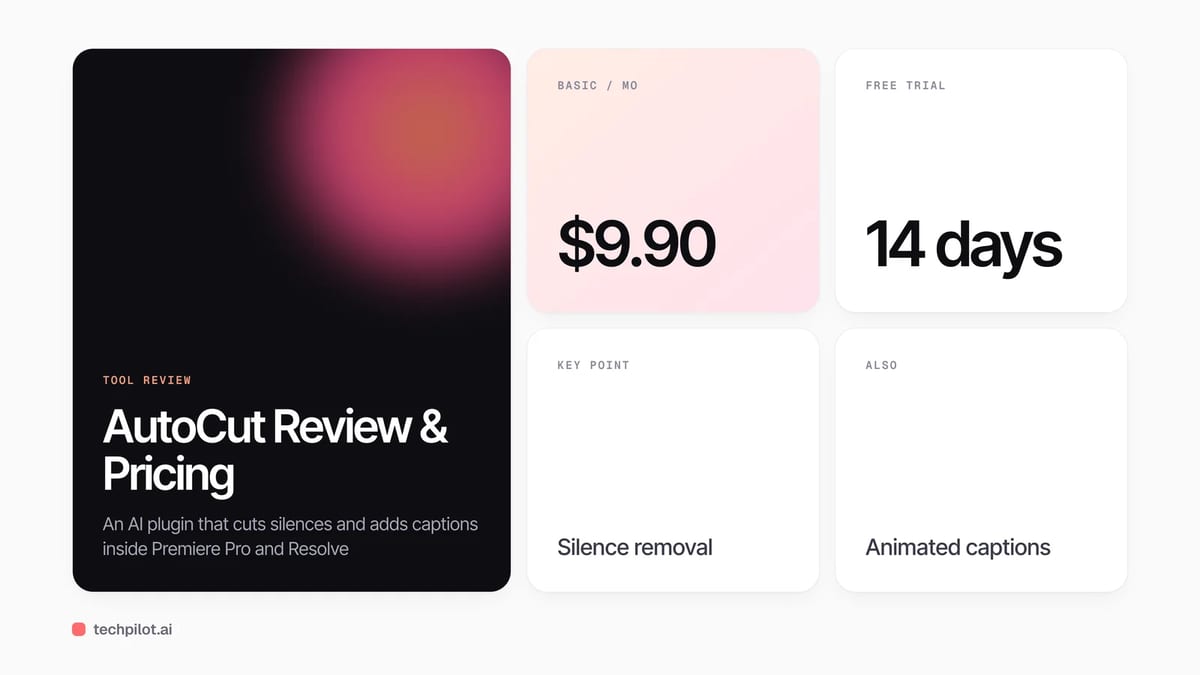
AutoCut is an AI plugin for Premiere Pro and DaVinci Resolve that removes silences and adds captions. Basic is $9.90 a month, with a 14-day free trial.
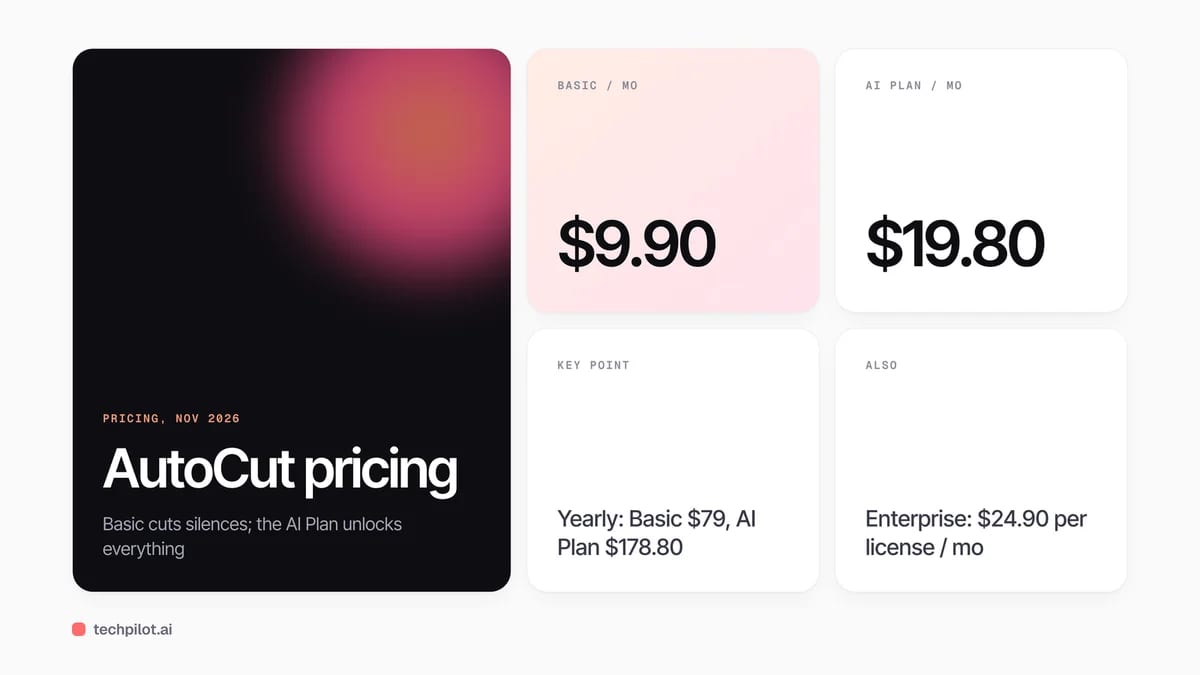
Quick answer: AutoCut is not a standalone editor. It is a plugin that runs inside Adobe Premiere Pro and DaVinci Resolve on Mac and Windows and automates the slow parts of an edit: cutting silences, adding animated captions, switching podcast camera angles, adding zooms and B-roll. The Basic plan only removes silences; the AI Plan unlocks the rest. Prices below are from AutoCut’s pricing page on November 16, 2026.
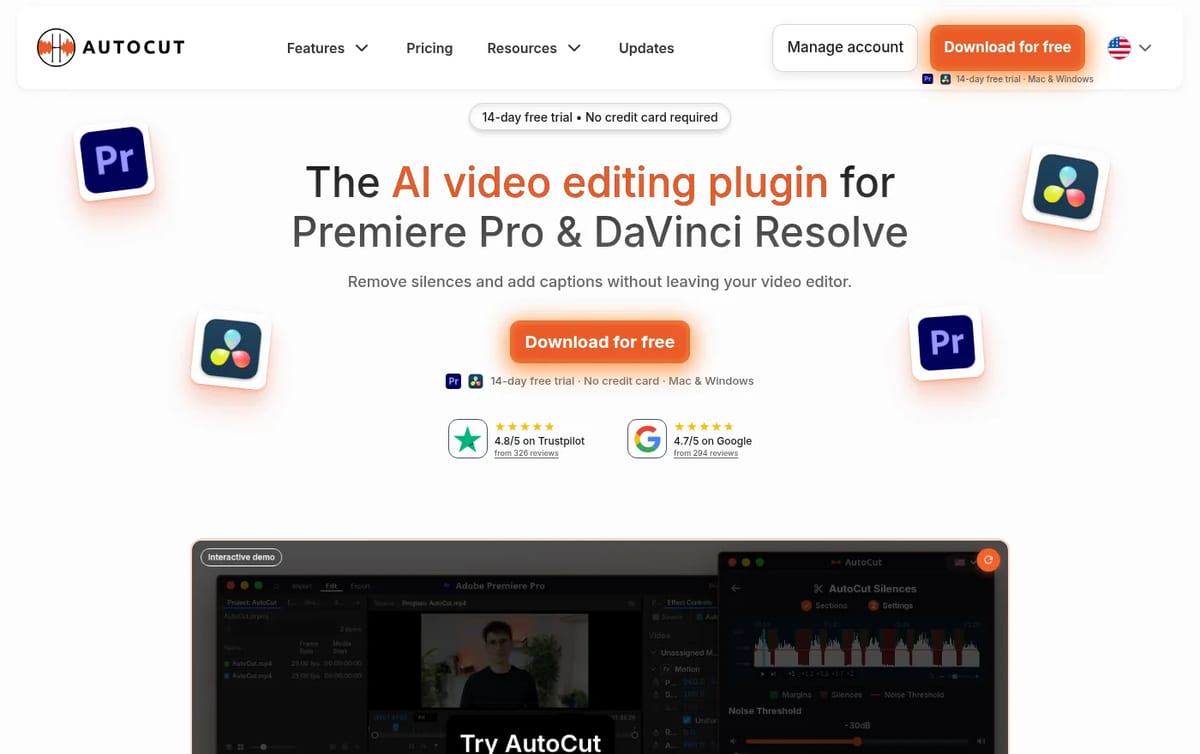
What AutoCut does
- AutoCut Silences: finds and removes pauses on your timeline, the original feature and the only one on Basic.
- AutoCaptions: animated captions plus an advanced, fully editable caption mode.
- AutoCut Podcast and Angles: switches cameras automatically for multi-cam podcasts and interviews.
- AutoZoom and AutoB-Rolls: adds punch-in zooms and stock B-roll from Storyblocks.
- AutoViral, Repeat, Profanity and Chapters: cuts shorts from long videos, removes bad takes, censors swearing and creates YouTube chapters.
AutoCut Pricing (2026)
| Plan | Monthly | Yearly | Includes |
|---|---|---|---|
| Basic | $9.90 / month | $79 a year ($6.60 a month) | AutoCut Silences only |
| AI Plan | $19.80 / month | $178.80 a year ($14.90 a month) | All 10+ AI features, captions, podcast, zooms, B-roll |
| Enterprise | $24.90 per license / month | $238.80 per license a year ($19.90 a month) | Everything in AI Plan, team licensing, central billing, priority support |
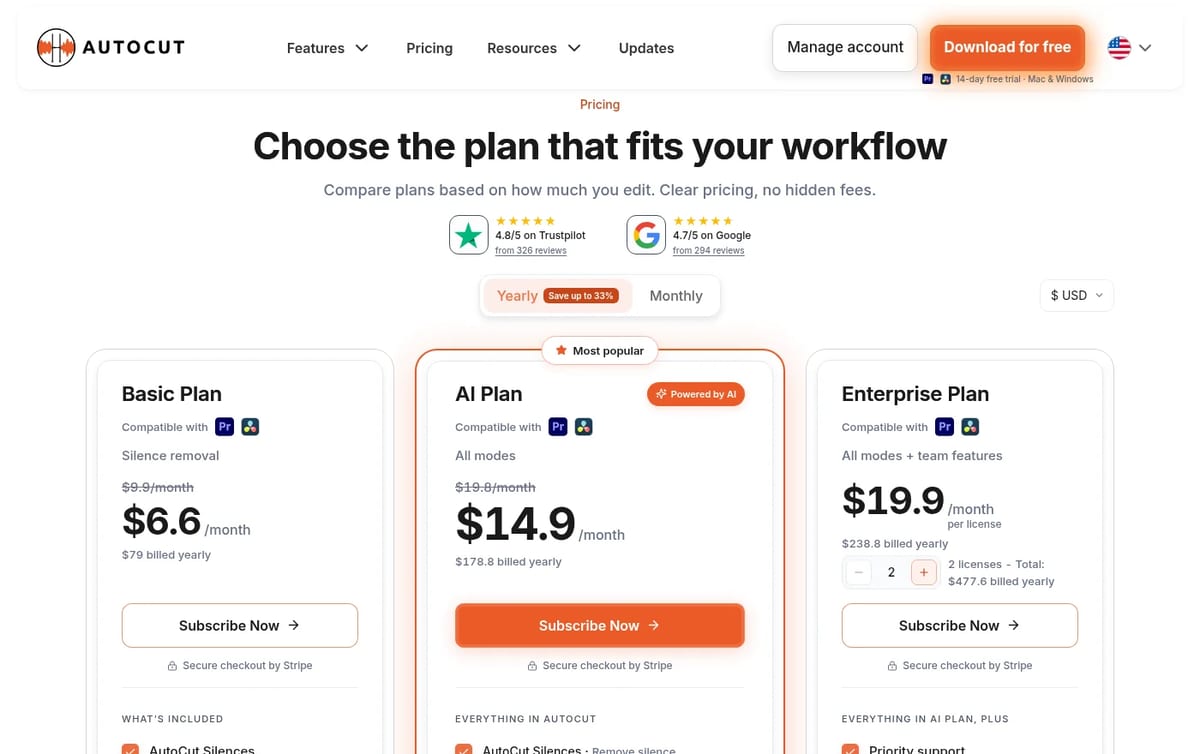
Which plan pays off: if you edit talking-head videos and only hate cutting pauses, Basic at $6.60 a month on yearly billing is the cheapest useful option. Most YouTubers and podcasters will want the AI Plan, because captions and camera switching are where the time savings add up. Yearly billing cuts the AI Plan by about 25%, so use the 14-day trial on a real project before committing.
If you do not edit in Premiere or Resolve, a browser tool like the one in our Viblo AI review may suit you better. For transcripts and subtitle files, see our Happy Scribe review, and for free options read our guide to the free AI video editors.
Who AutoCut is for
YouTubers, podcast editors and agencies who already work in Premiere Pro or DaVinci Resolve and spend hours on rough cuts and captions. It is not for people who want to edit on a phone or in a browser, because it needs one of those two desktop editors.
Limitations
- Needs Premiere Pro or Resolve: it adds to your editor rather than replacing it.
- Basic is narrow: it only removes silences.
- No lasting free plan: the trial lasts 14 days, then you pay.
- Teams pay per license: Enterprise is charged for each editor.
TechPilot.ai’s Verdict on AutoCut
AutoCut is a practical time saver for anyone who already edits in Premiere Pro or DaVinci Resolve, especially for talking-head videos and podcasts.
Run the 14-day trial on a real project, then choose Basic if you only cut silences or the AI Plan if you also want captions and camera switching.
AutoCut FAQ
Is AutoCut free?
AutoCut has a 14-day free trial on Mac and Windows, but no lasting free plan. After the trial you need Basic, the AI Plan or Enterprise.
•
How much does AutoCut cost?
Basic is $9.90 a month or $79 a year, the AI Plan $19.80 a month or $178.80 a year, and Enterprise $24.90 per license a month, checked November 16, 2026.
•
Does AutoCut work with DaVinci Resolve?
Yes. AutoCut runs inside both Adobe Premiere Pro and DaVinci Resolve, on Mac and Windows.
•
What does the AutoCut Basic plan include?
Basic includes only AutoCut Silences, which removes pauses. Captions, podcast camera switching, zooms and the other AI features need the AI Plan.
•
Can teams use AutoCut?
Yes. The Enterprise plan is priced per license and adds team licensing, centralized billing, priority support and on-demand demo calls.
Artlist
Productivity
Artlist is a strong pick for video editors who want AI clips, voice and music under one commercial license and one bill.

Topview AI
Productivity
Topview AI bundles the top video models behind an agent that plans your shots, and its free, open-source 3D Builder finally gives you real…

Step 5 Preview
Productivity
Step 5 Preview is one of the stronger price/performance frontier options live today at $1/$2.70 per 1M tokens with a 1M context. For hosted…