Artlist is a strong pick for video editors who want AI clips, voice and music under one commercial license and one bill.
Home / Tools / AI Video Generator
AI Video Generator · Tool review
Artlist AI: Pricing, Plans & Free Trial
 TechPilot.ai review team Hands-on testing, one published method
 - Last updated
- How we test
Summary
Pros and cons
What we like
- Over 100 image, video, voice and music models in one plan.
- Commercial use license on every AI plan.
- Unlimited generations on selected models from AI Core.
- 40% saving with yearly billing.
- Built by a stock music and footage company video editors already use.
What could be better
- No ongoing free plan, only a free sample.
- Video uses credits quickly on the Starter plan.
- Unlimited use is limited to selected models.
- Stock music and footage plans are billed separately.
Key features
- AI video: Veo, Kling, Seedance and more from text or images.
- AI images: Nano Banana, GPT Image, Seedream and Artlist Original 1.0.
- AI voiceover: Narration voices, including ElevenLabs models.
- AI music: Generate songs for your edits.
- Artlist Flows and Studio: Chain models into repeatable workflows.
- MCP and plugins: Use Artlist from other tools, billed in credits.
Screenshots
Full review
Independent and reader-supported. Some links may earn us a commission; it never changes our scores. Editorial policy
Artlist is an AI suite and stock library for video makers. AI plans start at $19.99 a month, or $11.99 billed yearly, all with a commercial use license.
Artlist started as a royalty-free music and stock footage library for filmmakers. It now sells a separate AI Suite that puts more than 100 image, video, voice and music models behind one credit balance, including Veo, Nano Banana, Kling, Seedance, ElevenLabs, GPT Image and Lyria. We checked the Artlist pricing page and the homepage on October 26, 2026.
Is Artlist free?
Partly. Artlist’s pricing FAQ says you can generate free voiceovers, images, a video and music to sample the AI Suite. That is a taster, not a free plan: there is no ongoing free tier with monthly credits, so anything regular needs a paid plan.
The useful thing to know before paying is that every AI plan includes a license that covers commercial use. That is the main reason video editors pick Artlist over a cheaper single-model app: the music, voice and footage you make can go straight into client work.
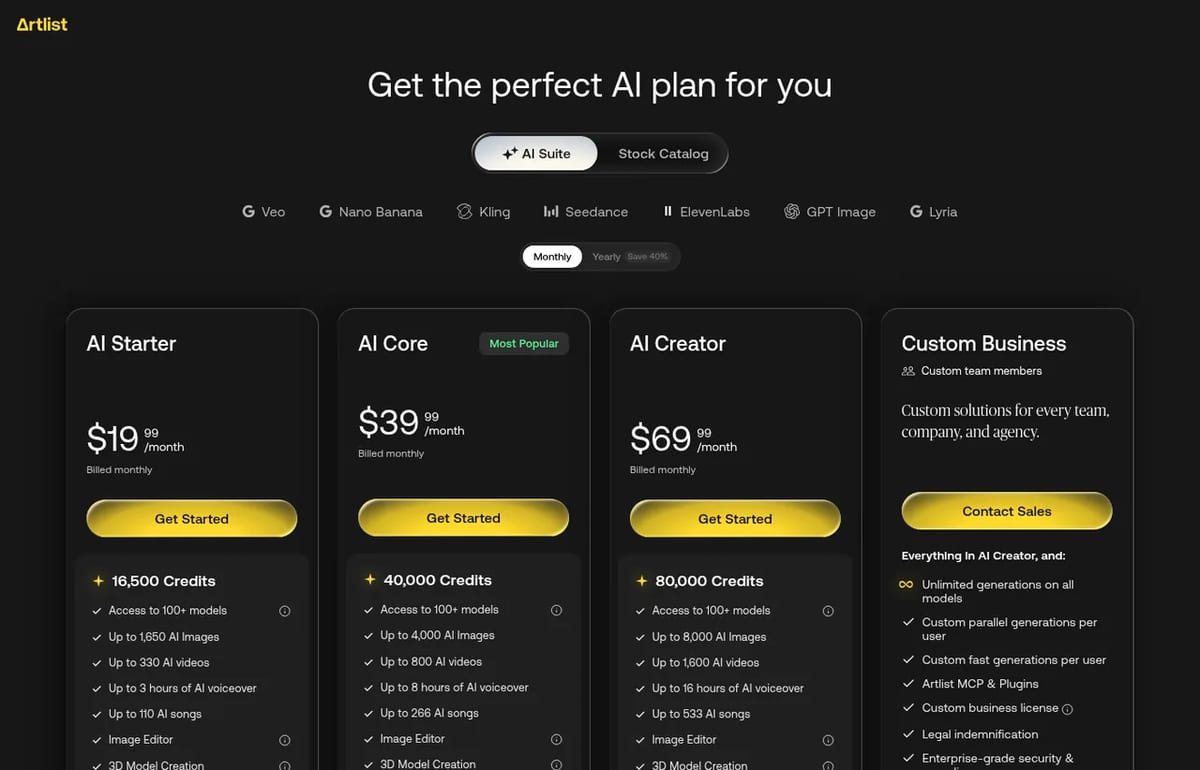
Artlist Pricing (2026)
| Plan | Monthly billing | Billed yearly | What you get |
|---|---|---|---|
| AI Starter | $19.99/month | $11.99/month | 16,500 credits: up to 1,650 images, 330 videos, 3 hours of voiceover or 110 songs |
| AI Core | $39.99/month | $23.99/month | 40,000 credits, unlimited generations on select models, 700 fast generations a month |
| AI Creator | $69.99/month | $41.67/month | 80,000 credits, more unlimited models, 900 fast generations a month |
| Custom Business | Contact sales | Contact sales | Unlimited generations on all models, SSO, legal indemnification |
The “up to” numbers are alternatives, not a bundle: 16,500 credits buy roughly 1,650 images or 330 videos, not both. The bigger jump is AI Core, which adds unlimited generations on a list of models that don’t use credits at all, such as Nano Banana 2 Lite, Seedream 5.0 Pro, Wan 3.0, Seedance 2.0 Mini and MiniMax H3 Max. AI Creator adds more to that list, including Nano Banana 2, GPT Image 2.0, Veo 3.1 Lite and Kling 2.5 Turbo.
Artlist says unlimited use is subject to reasonable use limits and model availability, and that MCP and plugin usage is always credit-based. Its stock music and footage plans are sold separately; we didn’t price those here.
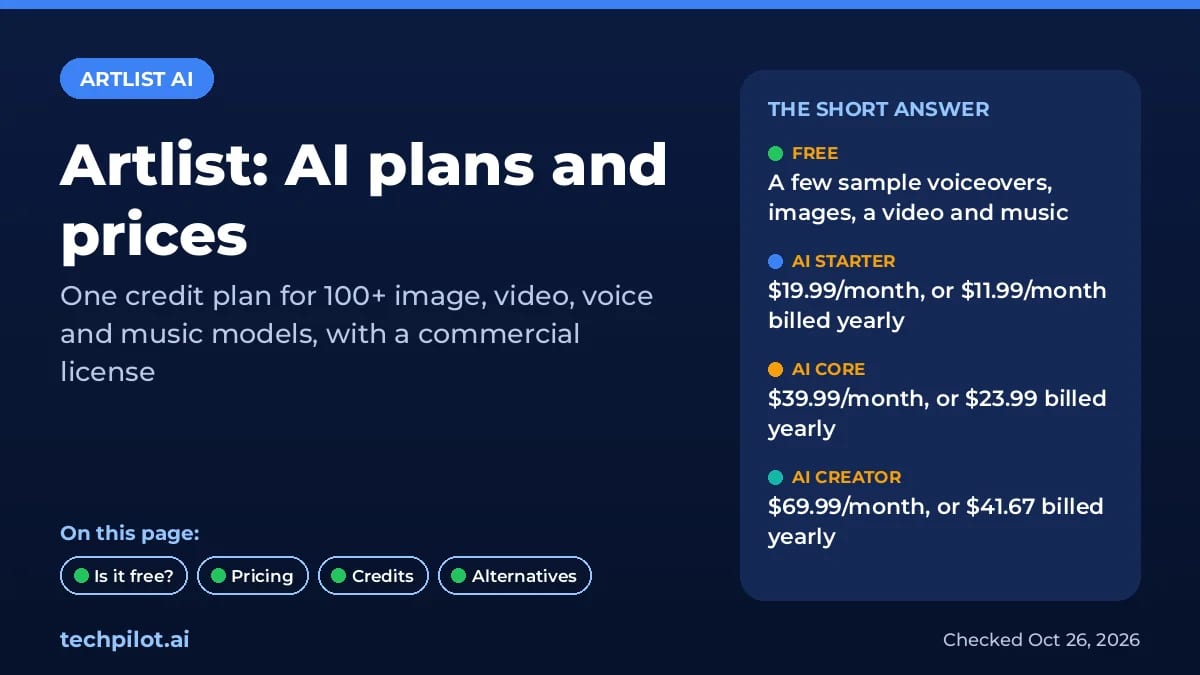
What you can make with Artlist AI
- Video: clips from Veo, Kling, Seedance and other models, from text or a start image.
- Images: Nano Banana, GPT Image, Seedream and Artlist’s own Artlist Original 1.0, plus an image editor.
- Voiceover: AI voices, including ElevenLabs models, for narration and ads.
- Music: AI songs, alongside Artlist’s licensed music catalog.
- Workflows: Artlist Flows, Artlist Studio, 70+ presets, 3D model creation and an MCP server with plugins.
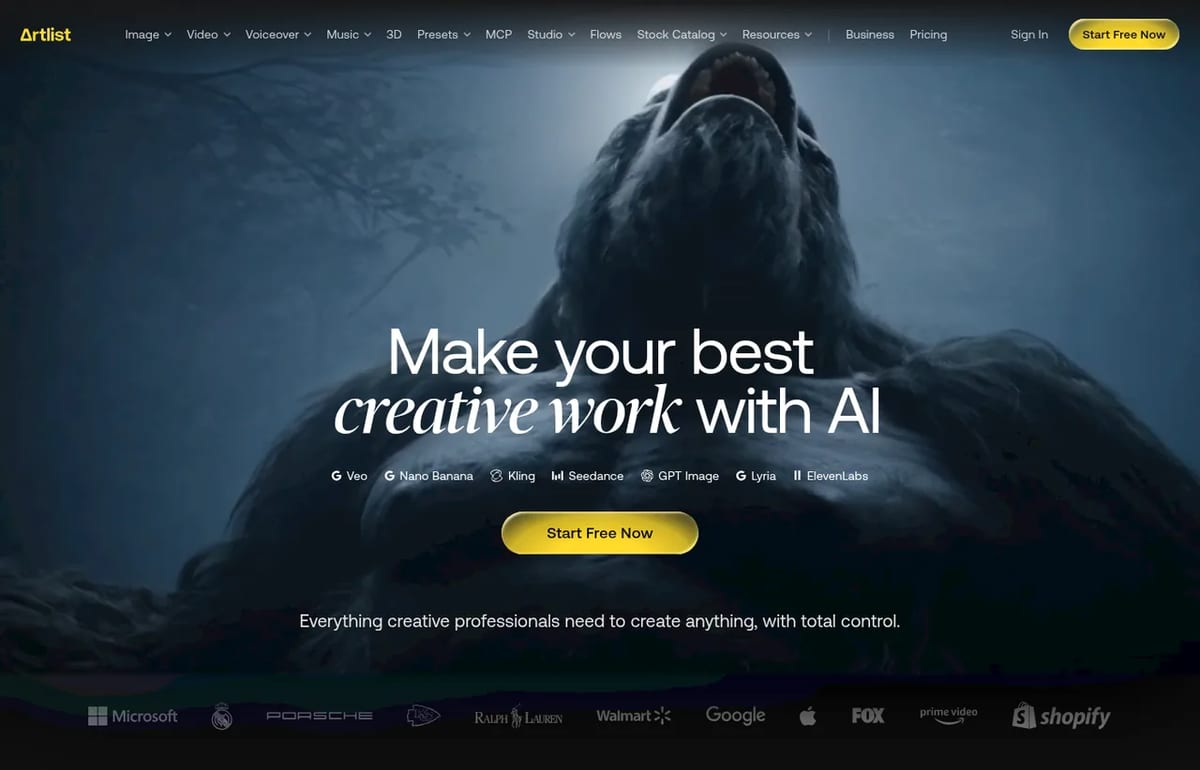
Who should pick Artlist
Artlist makes the most sense if you edit video for clients and want one bill and one license for footage, music, voice and AI shots. If you only need one thing, a single tool is usually cheaper: ElevenLabs for voice, Suno for songs, or Kling for video. If you want to try AI video before paying anyone, start with our list of the best free AI video generators.
Limitations
- No real free plan: only a small sample of free generations.
- Credits go fast on video: 330 videos on Starter assumes you spend nothing on images or voice.
- Unlimited has fine print: it covers selected models, with reasonable use limits.
- Stock plans are separate: the AI Suite doesn’t include the music and footage catalog subscription.
TechPilot.ai’s Verdict on Artlist
Artlist is a strong pick for video editors who want AI clips, voice and music under one commercial license and one bill.
Solo creators who need one kind of output will usually pay less with a single specialist tool.
Artlist FAQ
Is Artlist free?
Artlist lets you generate a few free voiceovers, images, a video and music to sample its AI Suite, but there is no ongoing free plan. Paid AI plans start at $19.99 a month.
•
How much does Artlist cost?
Artlist AI Starter costs $19.99 a month, AI Core $39.99 and AI Creator $69.99 with monthly billing. Billed yearly they work out to $11.99, $23.99 and $41.67 a month.
•
Can I use Artlist AI content commercially?
Yes. Artlist says every AI plan includes a license that covers commercial use. The Custom Business plan adds a custom business license and legal indemnification.
•
What AI models does Artlist include?
Artlist lists more than 100 models, including Veo, Nano Banana, Kling, Seedance, ElevenLabs, GPT Image, Lyria and its own Artlist Original 1.0.
•
What does unlimited mean on Artlist?
On AI Core and AI Creator, selected models don’t use credits, such as Seedream 5.0 Pro and Wan 3.0. It applies only to those models and is subject to reasonable use limits.

Grok Imagine
AI Video Generator
Grok Imagine is a quick, cheap way to make images and short videos, especially if you already pay for X or Grok.
Topview AI
AI Video Generator
Topview AI bundles the top video models behind an agent that plans your shots, and its free, open-source 3D Builder finally gives you real…
Flova AI
AI Video Generator
Flova is one of the more complete AI video agents we have looked at: it plans the whole project, uses current top models and lets you fix…