Eddie AI is one of the few AI editors built for professional editors, because it hands back a real, relinkable project instead of locking your cut inside its own app.
AI Agents · Tool review
Eddie AI: Pricing, Credits & v4 Features
 TechPilot.ai review team Hands-on testing, one published method
- Last updated
- How we test
The AI news that actually mattered this week.
One short email every Friday: the biggest AI stories, what they mean for you, and the tools worth trying. A 3-minute read, no hype.
Free. Unsubscribe anytime.
You're in. Watch for the brief on Friday. Free. Unsubscribe anytime.
Summary
Pros and cons
What we like
- Native Premiere, Resolve, Final Cut and Avid exports.
- Prompt-based rough cuts from hours of footage.
- Multicam sync with speaker labels.
- 500 free credits and no required subscription.
- Web, desktop, iPhone and MCP connector.
What could be better
- Credits can run up on long projects.
- Costs vary per prompt, so budgeting takes care.
- Yearly plans are non-refundable.
- Cuts still need an editor's review.
Key features
- Rough cuts: Prompt an assembly from raw footage.
- Multicam: Auto-sync angles by audio or timecode.
- Captions and titles: Word-level captions and motion graphics.
- NLE export: Native Premiere and Resolve projects.
- B-roll: Stock, generated or your own shots.
- MCP connector: Edit from Claude or ChatGPT.
Screenshots
Full review
Independent and reader-supported. Some links may earn us a commission; it never changes our scores. Editorial policy
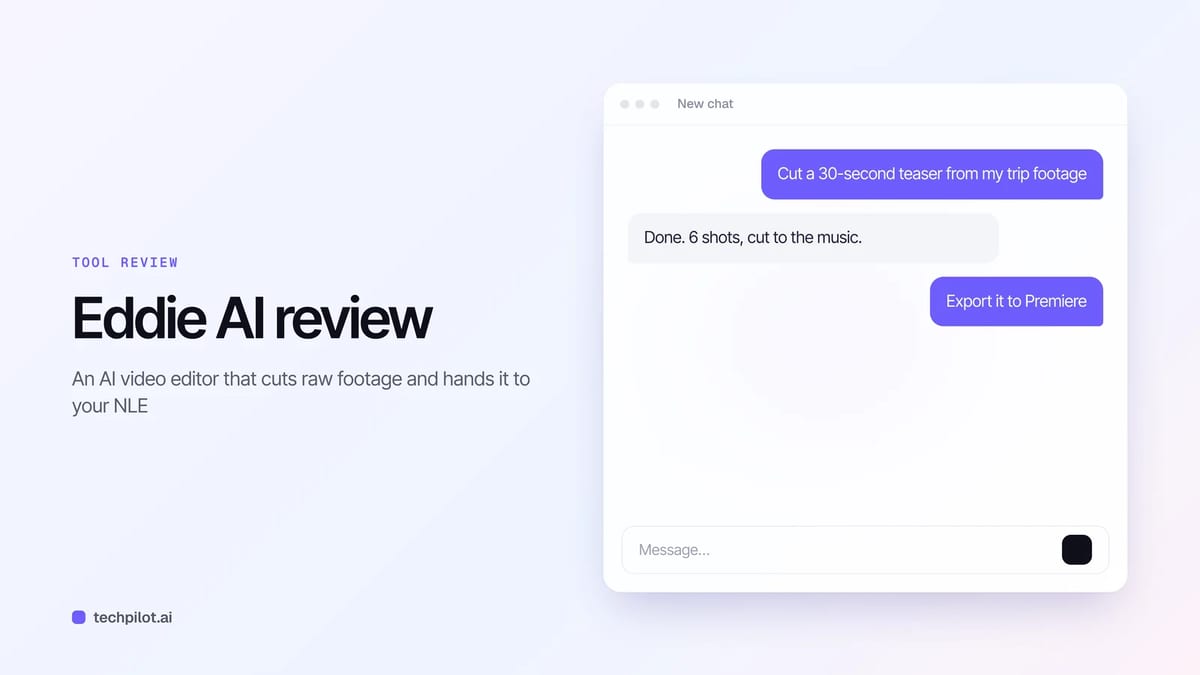
Eddie AI is an AI video editor that turns raw footage into rough cuts you can open in Premiere, Resolve or Final Cut. New accounts get 500 free credits.
Quick answer: Eddie AI, from Press Play Labs, is an AI assistant editor for people who already cut video for a living. You upload footage, Eddie transcribes and logs it, and you direct the edit in plain language: “cut a 30-second teaser,” “add captions,” “make it vertical.” The result opens as a real project in Premiere Pro, DaVinci Resolve, Final Cut Pro or Avid, or as an MP4. There’s no required subscription: you buy credit packs from $10, or a yearly plan, and new accounts start with 500 free credits. We checked every price on the Eddie pricing page and its yearly plans page on November 4, 2026.
What Eddie AI does
- Logging and search: Eddie transcribes every clip, logs A-roll and B-roll, and makes footage searchable by what’s said and shown.
- Rough cuts by prompt: ask for an assembly, a teaser or social clips, then refine with follow-up prompts.
- Multicam and podcasts: syncs angles by audio or timecode and labels who is on which camera, so you can say “cut to Sarah.”
- Polish: word-level captions, titles and motion graphics templates, color grading, music with ducking, voiceover, dubbing, stock and generated B-roll.
- Real NLE handoff: native .prproj and .drp projects, FCPXML, Avid and OTIO exports that point back at your original camera files.
- Everywhere you work: web, Mac and Windows apps, an iPhone app, and an MCP connector for Claude and ChatGPT.
If you mostly edit talking-head videos by transcript, compare it with Descript. And if you record remote interviews first, Riverside handles the recording side and now has its own AI agents.
Eddie v4 and what’s new
Eddie v4 launched on September 8, 2026. According to the v4 announcement, the big change is that Eddie now builds a full edit, not just a trimmed timeline: it finds the story in your rushes, syncs cameras, writes music, sources B-roll and hands over a native project file. Projects live in the cloud, so the web app, desktop app, iPhone app and chat assistants all open the same project.
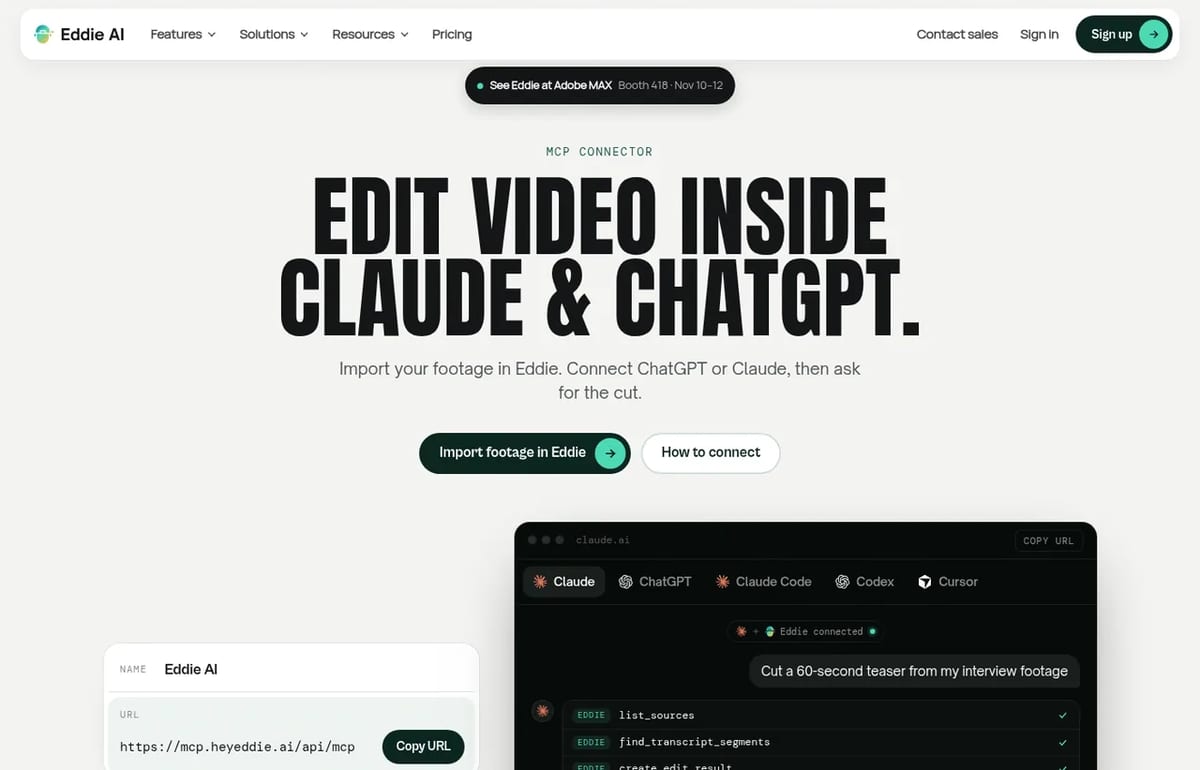
Eddie also ships weekly. The November 1 update added motion graphics that travel into Premiere, Final Cut and Resolve exports as transparent ProRes 4444 clips, custom .cube LUTs at no credit cost, frame-accurate trimming, and comments that become timeline markers. Eddie will demo at Adobe MAX in Miami Beach on November 10 to 12.
Our take: Eddie is built around the handoff. Plenty of AI editors can make a quick clip, but few give a professional editor a clean, relinkable project file to finish in their own NLE. That’s what makes it worth testing for client work.
Eddie AI Pricing (2026)
| Option | Price | Credits | Notes |
|---|---|---|---|
| Free credits | $0 | 500 | For new accounts, about two hours of footage; no card required |
| Credit pack | $10 one time | 1,000 | About an hour of footage, imported and edited |
| Credit pack | $45 one time | 5,000 | Marked popular; about two 3-hour projects |
| Credit pack | $120 one time | 15,000 | Marked best value |
| Credit pack | $350 one time | 50,000 | For heavy months or a team |
| Eddie Plus | $239 a year | 3,000 every month | Works out to $19.92 a month |
| Eddie Max | $1,999 a year | 30,000 every month | Works out to $166.58 a month |
| Enterprise | Contact sales | Custom | SSO, admin, on-prem option, bring your own LLM |
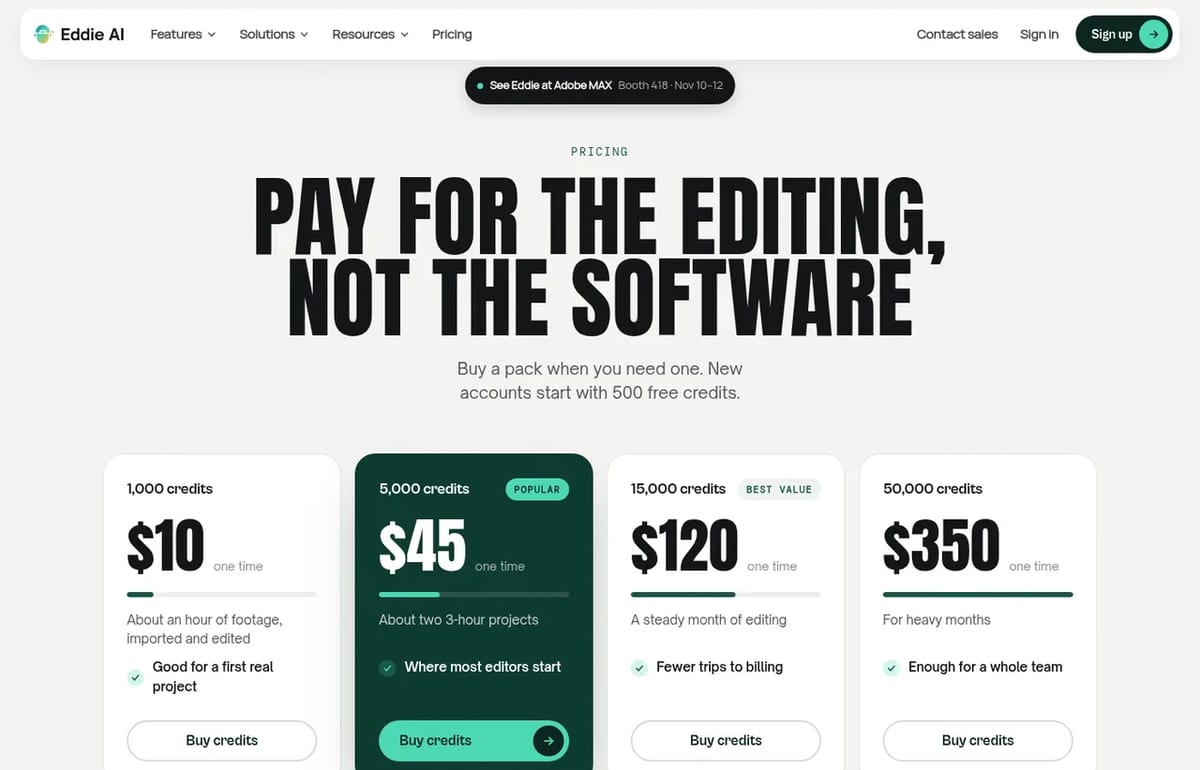
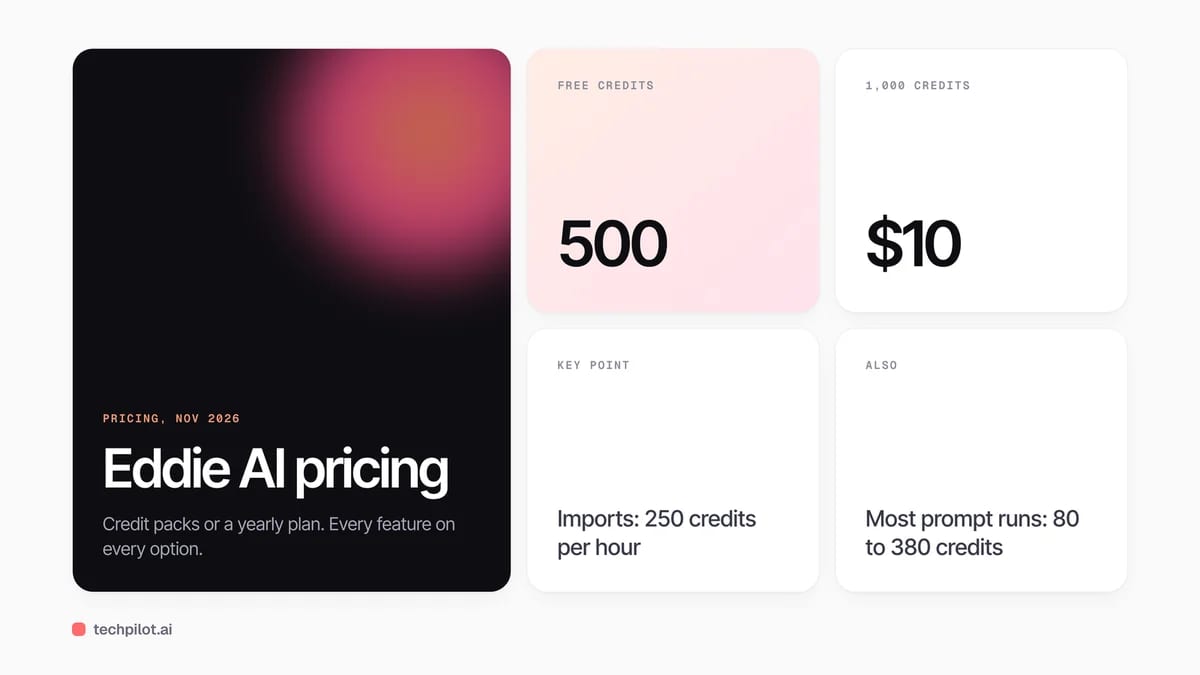
How credits get spent: imports cost 250 credits per hour of source footage, billed in 15-minute blocks. Prompt runs are metered on the work, and Eddie’s credits guide says most land between about 80 and 380 credits, with a quote shown before larger jobs run. Music, voiceover, dubbing and AI B-roll cost extra credits. Credit packs never expire. Yearly plan credits roll over while the plan is active but expire when it ends, and plan payments aren’t refundable.
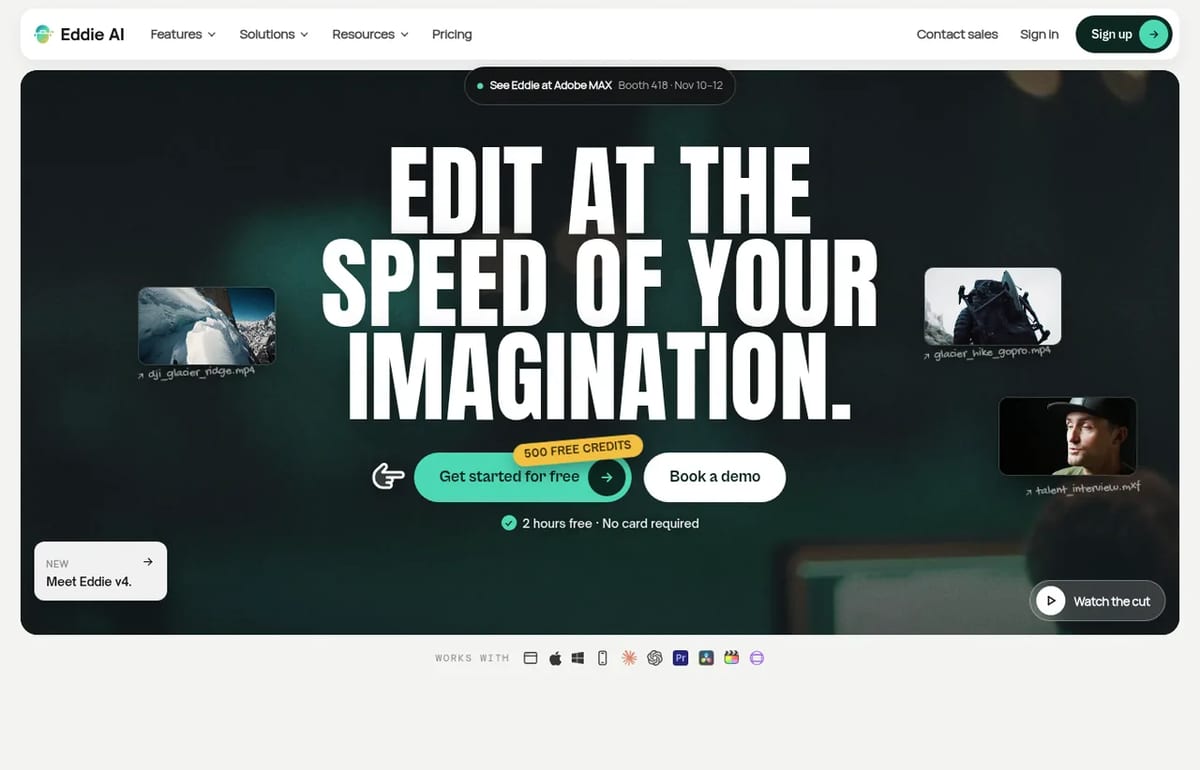
Is Eddie AI free? You can start free. New accounts get 500 credits, enough to import roughly two hours of footage and try a few edits. After that you pay for credits, starting at $10 for 1,000. Every feature is included whichever way you pay.
Who Eddie AI is for
Eddie fits editors, producers and in-house video teams who cut interviews, podcasts, documentaries, event recaps and customer stories, and who want the first assembly done before they sit down. It’s less of a fit if you just want a free, all-in-one editor for the occasional social video; our guide to the best free AI video editors covers simpler tools.
Limitations
- Credits add up on long projects: a three-hour shoot costs about 750 credits just to import.
- Pay-per-use takes planning: costs vary by prompt, so watch the estimate on big runs.
- Yearly plans only: the old $199 monthly plan is no longer sold, and plan payments are non-refundable.
- You still finish the edit: Eddie is an assistant editor, so expect to review and polish its cuts in your NLE.
TechPilot.ai’s Verdict on Eddie AI
Eddie AI is one of the few AI editors built for professional editors, because it hands back a real, relinkable project instead of locking your cut inside its own app.
Use the 500 free credits on a real interview or podcast. If the first assembly saves you an afternoon, a $45 pack or Eddie Plus covers most monthly workloads.
Eddie AI FAQ
Is Eddie AI free?
You can start free. New accounts get 500 credits, about two hours of footage, with no card required. After that, credit packs start at $10 for 1,000 credits.
•
How much does Eddie AI cost?
Credit packs cost $10, $45, $120 or $350 one time. Eddie Plus is $239 a year for 3,000 credits a month, and Eddie Max is $1,999 a year for 30,000 a month.
•
Which editing software does Eddie AI work with?
Eddie exports native projects for Premiere Pro and DaVinci Resolve, FCPXML for Final Cut Pro, plus Avid and OTIO. It can also render a finished MP4.
•
Do Eddie AI credits expire?
Credits from packs, referrals and sign-up never expire. Yearly plan credits carry over month to month while the plan is active, but expire when the plan ends.
•
Can I use Eddie AI in ChatGPT or Claude?
Yes. Eddie has an MCP connector for Claude, ChatGPT, Claude Code, Codex and Cursor. You import footage in Eddie, connect the assistant and ask for the cut.

Factory Droid
AI Agents
Factory Droid is a strong pick if you want one coding agent that isn’t tied to a single AI lab, and Droid 1.0’s script mode is a real step…
Gemini 4 Carbon
AI Agents
Gemini 4 Carbon looks like Google’s biggest step yet for security teams and long coding tasks, and its intro price matches Argon’s.

Uizard
AI Agents
I tested Uizard to determine if it fulfills its promise of making design accessible to everyone. My goal was to create a simple prototype…