Fillout is one of the most generous form builders available, with unlimited forms and seats free and a useful AI builder for long forms.
Home / Tools / No-Code Web
No-Code Web · Tool review
Fillout Review: Forms, Pricing and Free Plan
 TechPilot.ai review team Hands-on testing, one published method
- Last updated
- How we test
The AI news that actually mattered this week.
One short email every Friday: the biggest AI stories, what they mean for you, and the tools worth trying. A 3-minute read, no hype.
Free. Unsubscribe anytime.
You're in. Watch for the brief on Friday. Free. Unsubscribe anytime.
Summary
Pros and cons
What we like
- Unlimited forms and seats free.
- AI form builder saves setup time.
- Payments and PDFs built in.
- Flat price, no per-seat fees.
- 50+ integrations.
What could be better
- 1,000 responses/month on Free.
- Branding stays until Pro.
- Custom domain only on Business.
- Many features to learn.
Key features
- AI builder: Describe a form, get a draft.
- Logic: Branching, piping and scoring.
- Payments: Collect money in the form.
- Scheduling: Book meetings from a form.
- PDFs: Generate and fill PDF forms.
- Integrations: Sheets, Airtable, Notion and more.
Screenshots
Full review
Independent and reader-supported. Some links may earn us a commission; it never changes our scores. Editorial policy
Fillout is a form builder with unlimited forms and seats on its free plan, plus an AI builder, payments and PDFs. Paid plans start at $15 a month, yearly.
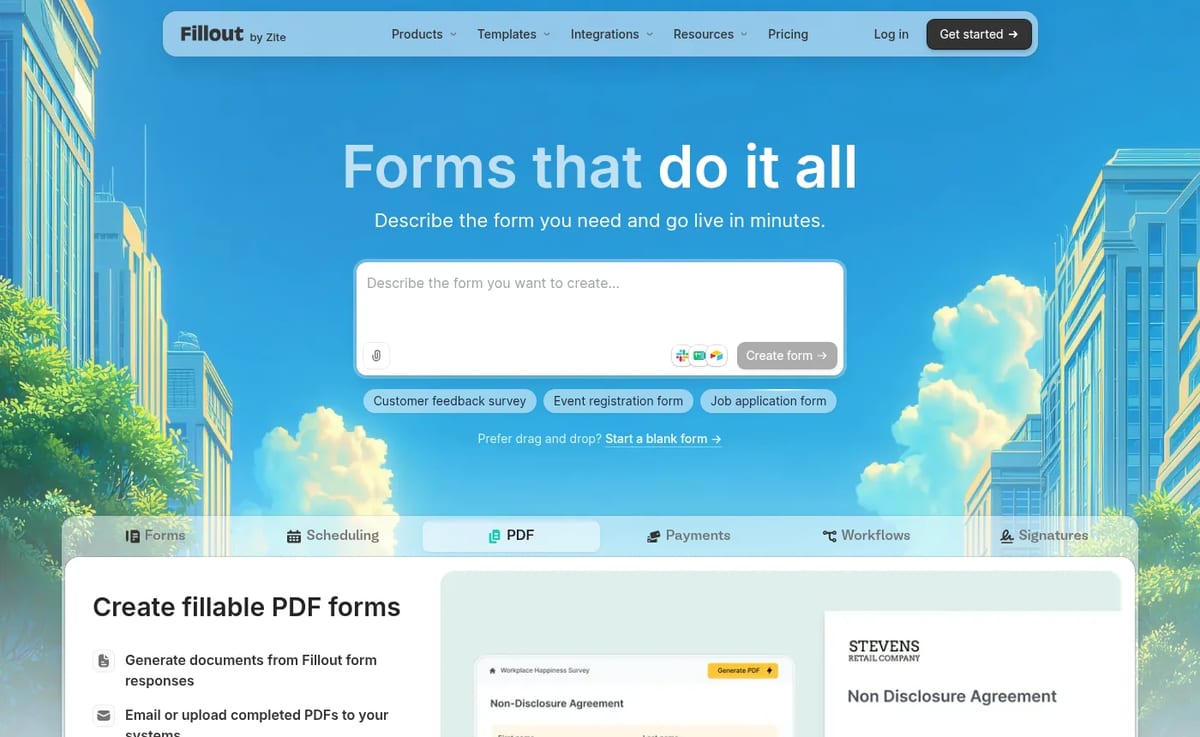
Quick answer: Fillout builds forms, surveys, quizzes, scheduling pages and fillable PDFs, either from a plain-English description with its AI form builder or by drag and drop. The free plan is unusually generous: unlimited forms, questions and team seats, payments, conditional logic and 1,000 responses a month. You pay when you need more responses, your own branding removed or a custom domain. Paid plans run from $15 to $75 a month on yearly billing, or $19 to $89 month to month, per Fillout’s pricing page on November 27, 2026.
What Fillout does
- AI or drag-and-drop building: describe the form you need (an event registration, a job application, a feedback survey) and Fillout drafts it, or start blank and drag in from 50+ field types.
- Logic and calculations: conditional logic, answer piping, scoring and calculations work on every plan, so quizzes and quote forms do not need a paid tier.
- Payments, scheduling and signatures: collect payments, book meetings and gather e-signatures inside the same form instead of chaining separate tools.
- PDF generation: turn responses into filled PDFs, or build fillable PDF forms, then email or upload the result to your systems.
- Data where you already work: responses can go to Airtable, Google Sheets, Notion, HubSpot, Mailchimp and 50+ other integrations, or into a database through Zite, the company platform behind Fillout.
Who it is for
Fillout suits small teams and solo operators who need serious forms without paying per seat: agencies running client intake, schools and nonprofits taking registrations, SaaS teams collecting onboarding data, and anyone who outgrew Google Forms but balks at Typeform’s response caps. Because seats are unlimited on every plan, a whole company can build and edit forms on one subscription. The main reason to pay is volume: 1,000 responses a month covers most side projects, but a busy lead form or a school-wide survey will hit it.
If you are building a simple site or internal tool around your forms, compare it with our Softr review and our list of the best free AI website builders. If you are trimming SaaS costs across the board, our list of open-source alternatives to paid software is a good next stop.
Fillout Pricing (2026)
| Plan | Billed yearly | Billed monthly | Responses and key extras |
|---|---|---|---|
| Free | $0 | $0 | 1,000 responses/month, unlimited forms and seats, payments, logic, PDFs, scheduling |
| Starter | $15/month ($180/year) | $19/month | 2,000 responses/month, all question types, login forms, custom endings, redirect on completion |
| Pro | $40/month ($480/year) | $49/month | 5,000 responses/month, remove all branding, custom share links, fonts and CSS |
| Business | $75/month ($900/year) | $89/month | Unlimited responses, form analytics, custom domain, custom code, partial submissions |
| Team bundle (Zite) | $250/month ($3,000/year) | Not listed | 800+ AI credits/month, unlimited workspaces, 1,000,000 records, roles and permissions |
| Enterprise | Custom | Custom | SSO, audit logs, unlimited workflow runs, SLAs |
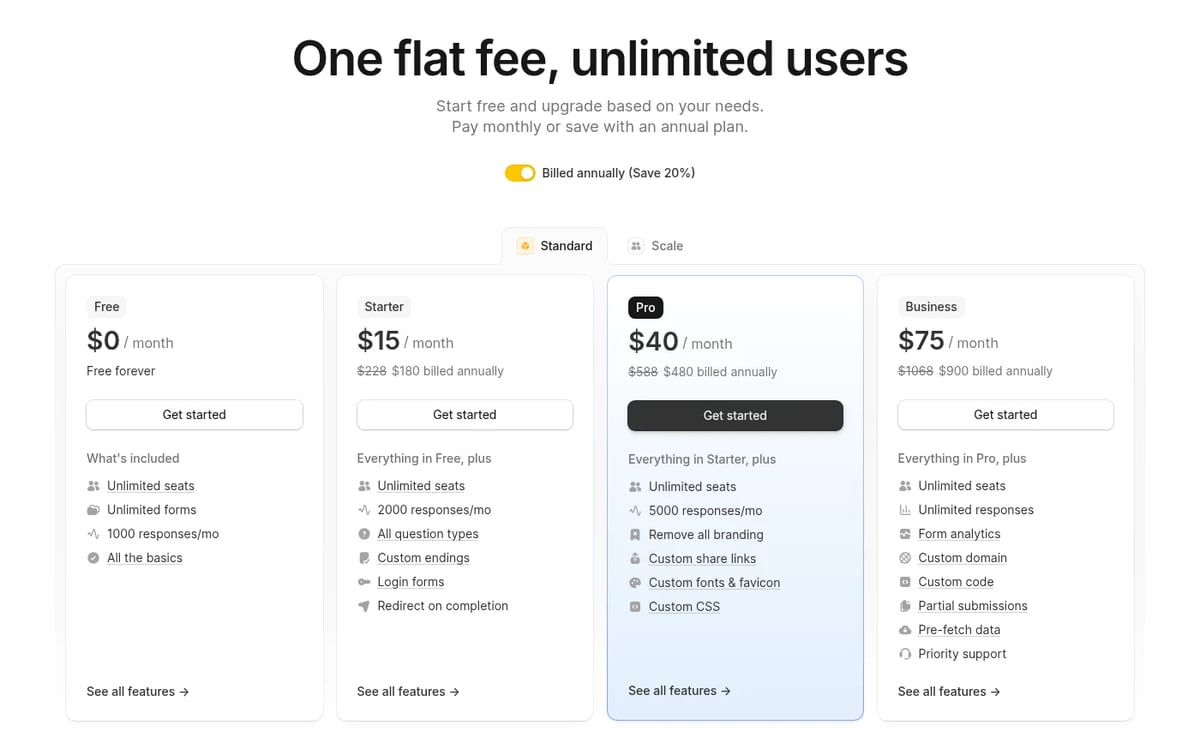
Which plan makes sense: stay on Free until you hit 1,000 responses in a month; when you do, forms keep collecting and the count resets on the 1st. Starter is the cheapest way to double that ceiling. Pro is the plan most businesses end up on, because it removes Fillout branding. Only pick Business if you need unlimited responses, a custom domain or partial submissions to recover abandoned forms. Every plan is flat-rate with unlimited users, so there is no per-seat math.
Our verdict
Fillout gives away more on its free plan than most form builders do on their first paid tier, and the AI builder saves real setup time on long forms. The trade-offs are the monthly response caps and the branding you only lose on Pro. For most small businesses it is a cheaper, more flexible Typeform alternative.
Alternatives
Typeform is the polished one-question-at-a-time option but caps responses tightly on its lower plans. Jotform has the largest template library and a free plan limited to a few forms. Tally is the closest rival on free generosity, and Google Forms remains the simplest choice when you only need basic surveys inside Google Workspace.
TechPilot.ai’s Verdict on Fillout
Fillout is one of the most generous form builders available, with unlimited forms and seats free and a useful AI builder for long forms.
Start free; move to Pro at $40 a month billed yearly when you need more responses and want Fillout branding removed.
Fillout FAQ
Is Fillout free?
Yes. Fillout’s free plan includes unlimited forms, questions and seats, payments, conditional logic and PDF generation, with 1,000 responses a month. No credit card is needed.
•
How much does Fillout cost?
Starter is $15 a month billed yearly or $19 monthly, Pro is $40 or $49, and Business is $75 or $89. Enterprise is custom priced.
•
What happens when I reach my Fillout response limit?
Your forms keep collecting responses. You can upgrade, or wait until the count resets on the 1st of the next month.
•
Does Fillout have an AI form builder?
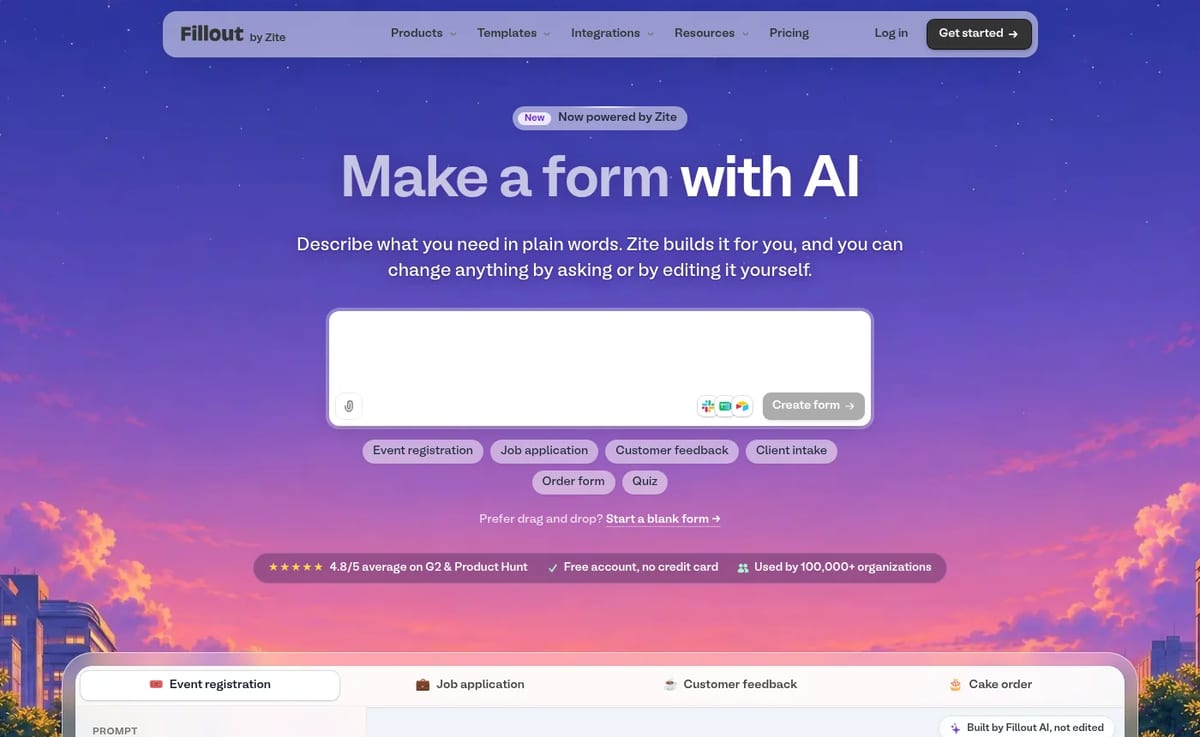
Yes. You describe the form you need in plain English and Fillout drafts the questions, logic and layout, which you can then edit by drag and drop.
•
Is Fillout better than Typeform?
For most small teams, yes on price: Fillout’s free plan has unlimited forms and seats and 1,000 responses a month. Typeform still leads on design polish.

Astrocade
No-Code Web
Astrocade is the easiest free way we’ve seen to turn a game idea into something people actually play, with an audience built in.

Softr
No-Code Web
Softr is one of the quickest ways to put a secure portal or internal tool in front of real users, and its per-user pricing suits apps with…

Macaly
No-Code Web
Macaly is a strong pick when you want an AI builder that also owns hosting, database and auth, not just the UI.