Flowrite now lives on as MailMaestro, and it is a capable AI email assistant for people who answer a lot of email in Outlook or Gmail.
Home / Tools / Copywriting
Copywriting · Tool review
Flowrite AI Review: Now MailMaestro
 TechPilot.ai review team Hands-on testing, one published method
- Last updated
- How we test
The AI news that actually mattered this week.
One short email every Friday: the biggest AI stories, what they mean for you, and the tools worth trying. A 3-minute read, no hype.
Free. Unsubscribe anytime.
You're in. Watch for the brief on Friday. Free. Unsubscribe anytime.
Summary
Pros and cons
What we like
- Works inside Outlook and Gmail.
- Free plan to try it.
- Auto drafts and follow-ups on Pro.
- Summaries of long threads.
- Strong security certifications.
What could be better
- Flowrite brand is discontinued.
- Free plan allows 3 requests a week.
- Best features are Outlook only.
- Annual plans are not refundable.
Key features
- AI writer: Drafts emails from prompts.
- Replies: Context-aware responses.
- Summaries: Emails, threads, attachments.
- AI agents: Labels, drafts, follow-ups.
- Templates: Magic templates, shortcuts.
- Apps: Outlook and Gmail.
Screenshots
Full review
Independent and reader-supported. Some links may earn us a commission; it never changes our scores. Editorial policy
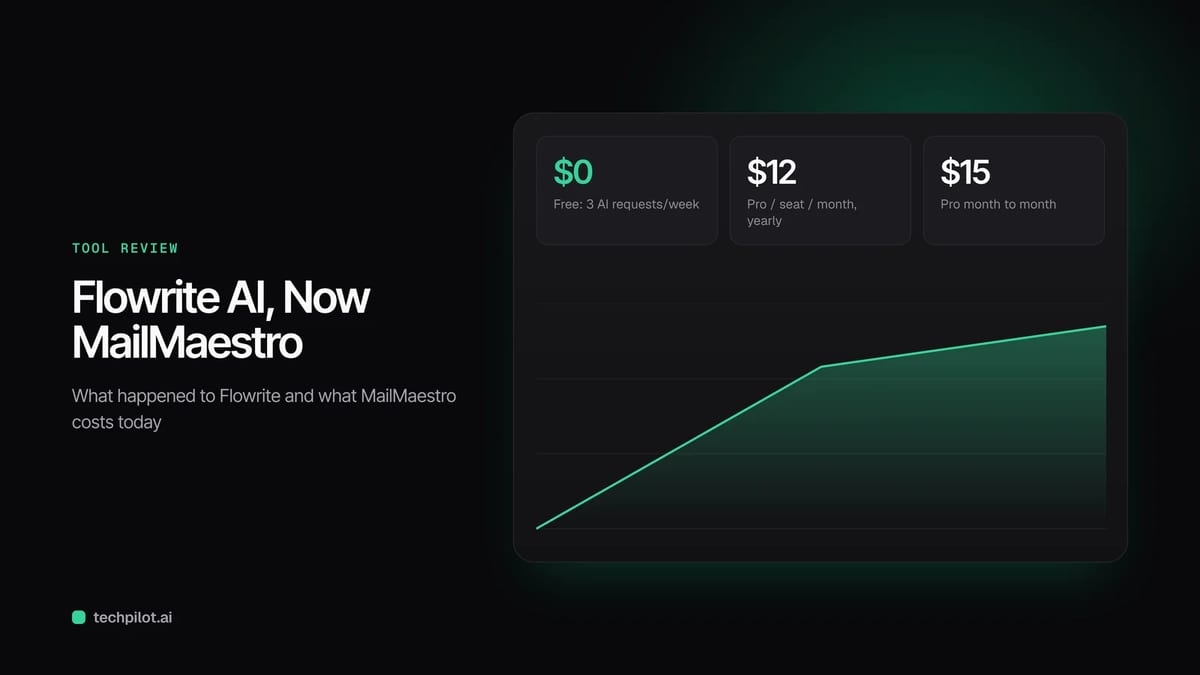
Flowrite AI is now MailMaestro, the Outlook and Gmail AI assistant from Maestro Labs. It has a free plan, and Pro costs $12 a seat a month billed yearly.
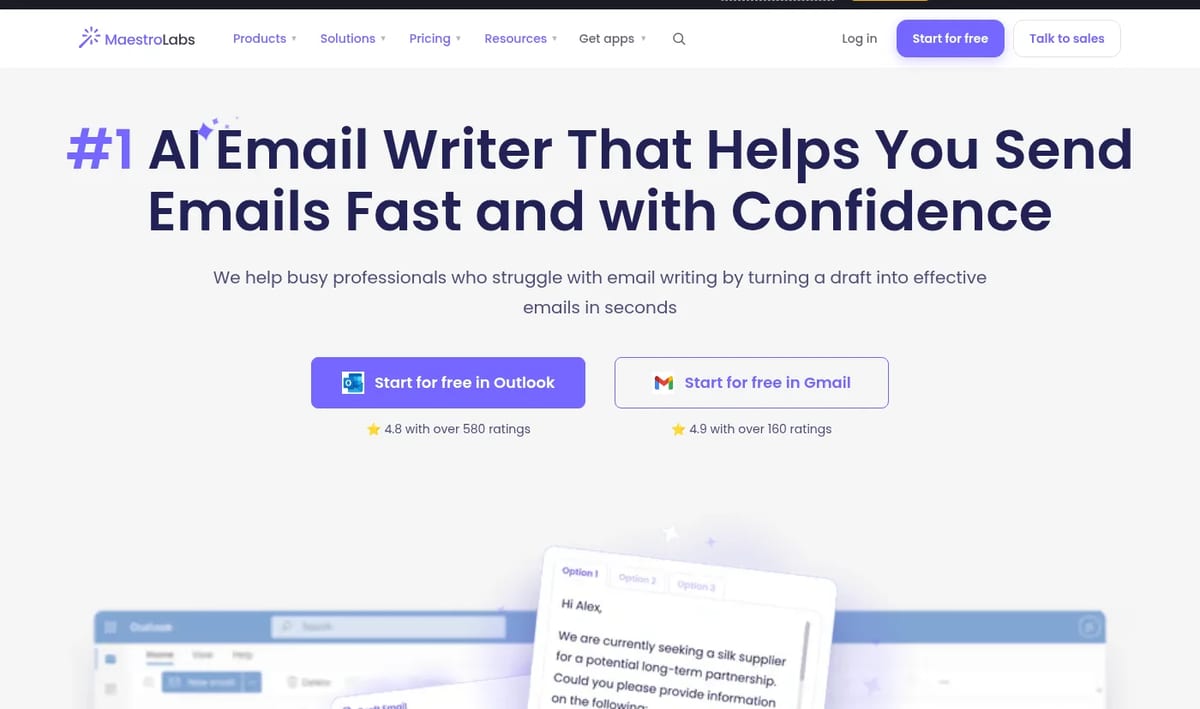
Quick answer: Flowrite was a popular AI email writer that turned a few bullet points into a finished email. In 2024 it was acquired by Maestro Labs, and the email product now lives on as MailMaestro, while the original Flowrite team moved on to a separate company, Flow AI. If you search for Flowrite today, MailMaestro is the product you can actually sign up for. Prices below are from MailMaestro’s pricing page on November 25, 2026.
What happened to Flowrite
Flowrite started in Helsinki in 2020 as a browser extension for writing emails and messages from short instructions. After the Maestro Labs deal, new sign-ups moved to MailMaestro, which keeps the core idea (write, reply and polish emails with AI) and adds inbox tools that Flowrite never had. One thing to watch: a different voice-dictation app also uses the Flowrite name, so check the website before you download anything.
What MailMaestro does today
- Write and reply: draft a new email or a reply from a short prompt, then improve tone, length or clarity before sending.
- Summaries: summarize long emails and threads, and in Outlook also summarize attachments.
- AI agents in the inbox: Pro adds auto labels that sort mail, auto drafts that are ready when you open an email, and auto follow-ups when someone has not replied.
- Templates and shortcuts: magic templates and custom text shortcuts for emails you send again and again.
- Where it works: an Outlook add-in and a Gmail extension, so you do not have to switch email clients.

Who it is for
MailMaestro suits people who spend hours a day in Outlook or Gmail and answer similar emails over and over: sales, recruiting, customer success and managers buried in threads. The Outlook version gets the most features, including attachment summaries and asking AI about your inbox. If you only write a few emails a week, the free plan or a general chatbot is enough.
If you are comparing writing assistants, see our list of free AI writing tools, our guide to formal cold emails that get replies, and how AI tools simplify Outlook email management.
Flowrite Pricing (2026)
| Plan | Annual billing | Monthly billing | What you get |
|---|---|---|---|
| Free | $0 | $0 | 3 AI requests a week to compose, reply and improve emails, magic templates, custom text shortcuts, Outlook and Gmail |
| Pro | $12/seat/month ($144 a year) | $15/seat/month | Unlimited AI writing and summaries, auto labels, auto drafts, auto follow-ups, Outlook attachment summaries, no MailMaestro watermark |
| Enterprise | Custom | Custom | Company templates and knowledge, SSO, custom data retention, SOC 2 Type II, HIPAA and GDPR, dedicated support |
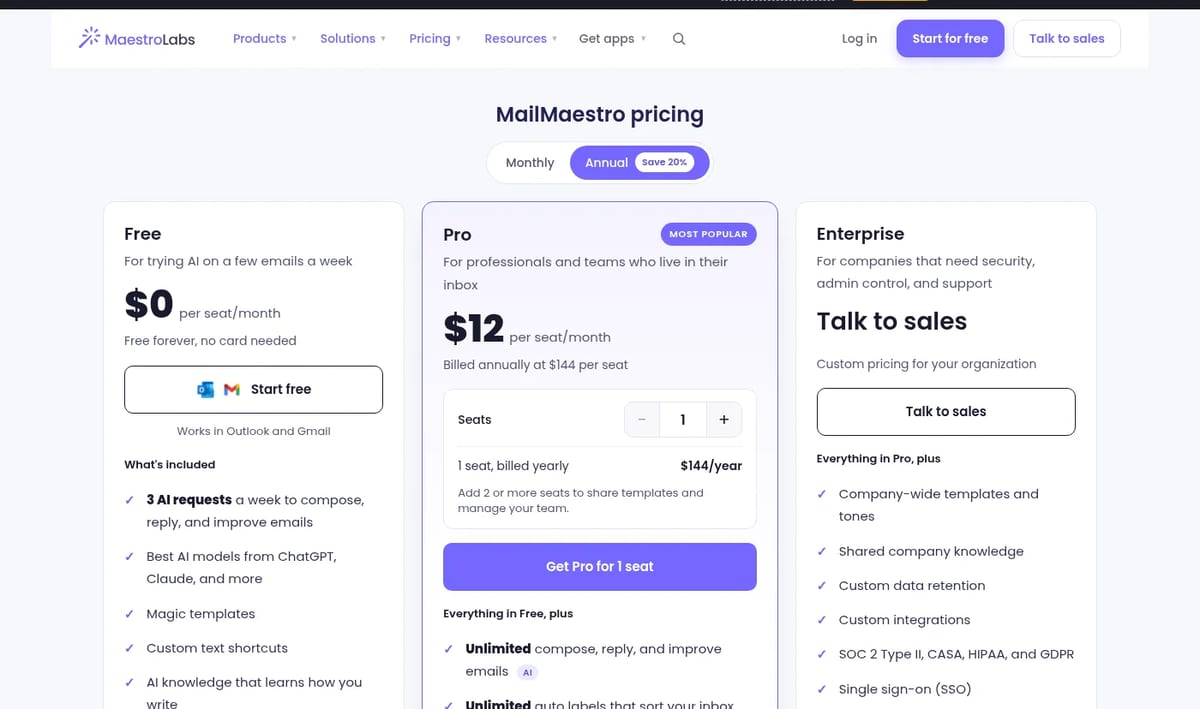
Which plan makes sense: three AI requests a week is only a taste, so anyone who would use it daily will end up on Pro. Pay yearly if you are sure: $144 a year beats $180 on monthly billing, but Maestro Labs says annual plans are not refundable after purchase. If you also want AI meeting notes, TeamsMaestro costs $17 a seat a month billed yearly, and the MaestroDuo bundle costs less than buying both. Until November 27, 2026, Maestro Labs is also running a 40% Black Friday discount on the first annual payment.
Our verdict
Flowrite as a standalone app is gone, but MailMaestro is a solid replacement, especially for Outlook users who want AI drafts, summaries and follow-ups inside the inbox. Start with the free plan or the 14-day Pro trial and see whether the auto drafts match your writing style before paying for a year.
Alternatives
Grammarly covers tone and rewriting across apps, Superhuman and Shortwave rebuild the email client around AI, and Microsoft Copilot in Outlook and Gemini in Gmail are the default choices if your company already pays for those suites.
TechPilot.ai’s Verdict on Flowrite
Flowrite now lives on as MailMaestro, and it is a capable AI email assistant for people who answer a lot of email in Outlook or Gmail.
Try the free plan or the 14-day Pro trial first; Pro at $12 a seat a month billed yearly is fair if the auto drafts save you real time.
Flowrite FAQ
Is Flowrite free?
Flowrite itself is no longer sold. Its successor, MailMaestro, has a free plan with 3 AI requests a week, and Pro has a 14-day free trial.
•
How much does Flowrite cost?
MailMaestro Pro costs $12 a seat a month billed yearly ($144) or $15 month to month, as listed on November 25, 2026. Enterprise is custom.
•
What happened to Flowrite?
Flowrite was acquired by Maestro Labs in 2024. Its email writing product continues as MailMaestro, and the original team now builds Flow AI.
•
Does MailMaestro work with Gmail and Outlook?
Yes. It runs as an Outlook add-in and a Gmail extension. Some features, such as attachment summaries and asking AI about your inbox, are Outlook only.
•
Is MailMaestro safe for work email?
Maestro Labs says it is SOC 2 Type II certified, GDPR and HIPAA compliant, and that your data is never used to train AI models.

Icons8
Copywriting
Icons8 is still one of the best places to get icons that actually match across a product, and the MCP makes it useful for AI-built apps too.

MagicSchool
Copywriting
MagicSchool is one of the clearer freemium bets for teachers who want school-shaped tools instead of a generic chat box.

Meshy AI
Copywriting
Meshy is one of the more practical AI 3D pipelines if you need draft assets quickly for games or print.