Vidful AI is a simple way to sample popular video models and effects from one account, which suits short social clips.
Home / Tools / AI Video Generator
AI Video Generator · Tool review
Vidful AI Review: Video Generator Pricing
 TechPilot.ai review team Hands-on testing, one published method
- Last updated
- How we test
The AI news that actually mattered this week.
One short email every Friday: the biggest AI stories, what they mean for you, and the tools worth trying. A 3-minute read, no hype.
Free. Unsubscribe anytime.
You're in. Watch for the brief on Friday. Free. Unsubscribe anytime.
Summary
Pros and cons
What we like
- Many video models in one place.
- 60+ no-prompt effects.
- Free plan to test.
- Cheap credits on Ultra.
- Lip sync and auto sound.
What could be better
- Watermark on free videos.
- Video counts assume cheap models.
- Only 720p on Basic.
- Relies on third-party models.
Key features
- Text to video: Prompt in, clip out.
- Image to video: Animate a still.
- Effects: 60+ templates.
- Audio: Auto speech, sound, lip sync.
- Extend: Longer and sharper clips.
- Pricing: Free, then $7.90/mo yearly.
Screenshots
Full review
Independent and reader-supported. Some links may earn us a commission; it never changes our scores. Editorial policy
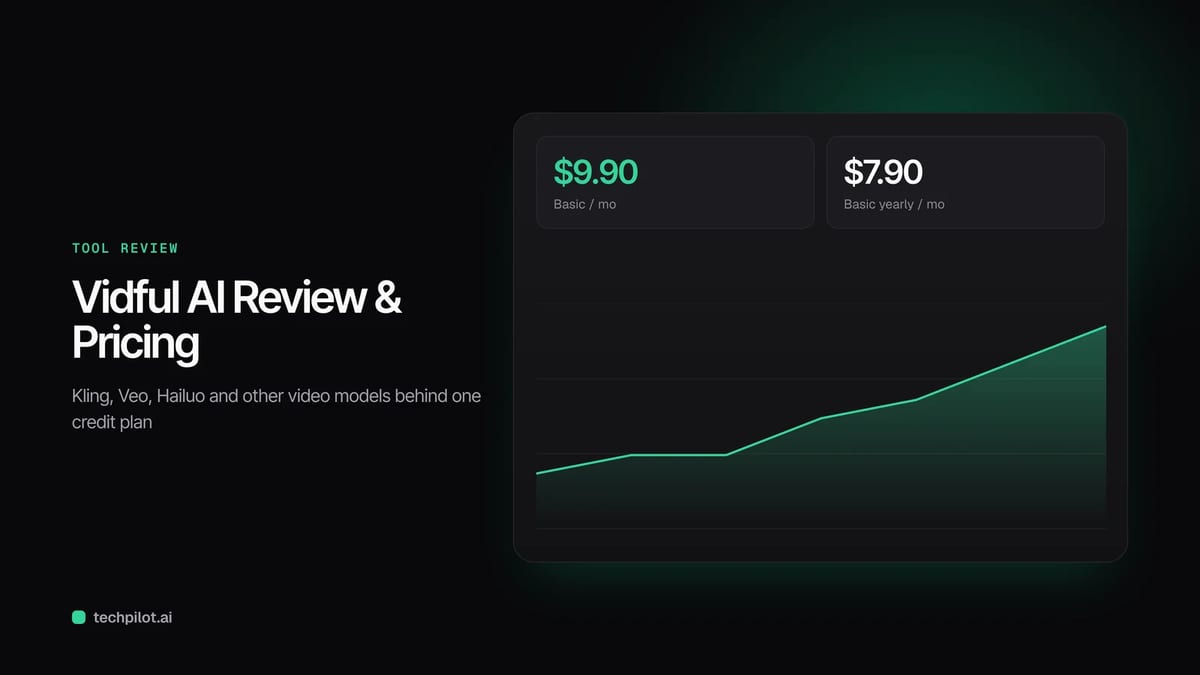
Vidful AI is a browser video generator that puts Kling, Veo and other models behind one credit plan. Basic costs $9.90 a month, or $7.90 a month yearly.
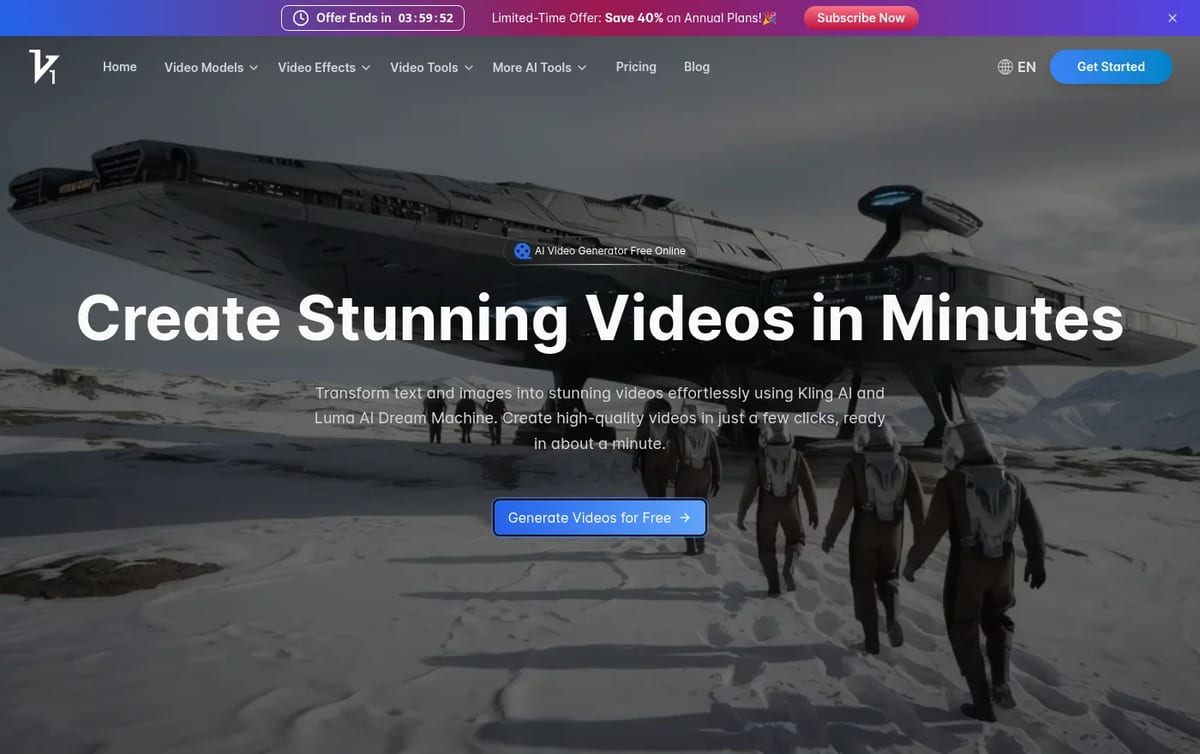
Quick answer: Vidful is a reseller-style video studio. Instead of building its own model, it gives you text-to-video and image-to-video on top of models such as Kling, Google Veo 3 and Luma, plus a long list of one-click effects. You pay for credits, and each model spends them at its own rate. Prices below are from Vidful’s pricing page on November 16, 2026.
What Vidful AI does
- Text and image to video: type a prompt or upload a still and pick the model that should animate it.
- Many models, one account: separate pages for Kling, Veo, Hailuo, Pixverse, Runway, Pika and other generators.
- 60+ effects: template effects such as hugs, logo animation and paper-cut styles that need no prompt writing.
- Auto speech and sound: adds voice and sound effects, with lip sync on supported models.
- Extend and upscale: make a clip longer or sharper after it is generated.
Vidful AI Pricing (2026)
| Plan | Monthly | Yearly (per month) | Includes |
|---|---|---|---|
| Free | $0 | — | Watermarked videos, public generations, slower at peak times |
| Basic | $9.90 / month | $7.90 | 100 credits a month (up to 50 videos), 720p, 2 jobs at once |
| Pro | $49.90 / month | $39.90 | 1,000 credits (up to 500 videos), 1080p, 4 jobs at once, priority support |
| Ultra | $99.90 / month | $59.90 | 3,000 credits (up to 1,500 videos), 1080p, 6 jobs at once, premium support |
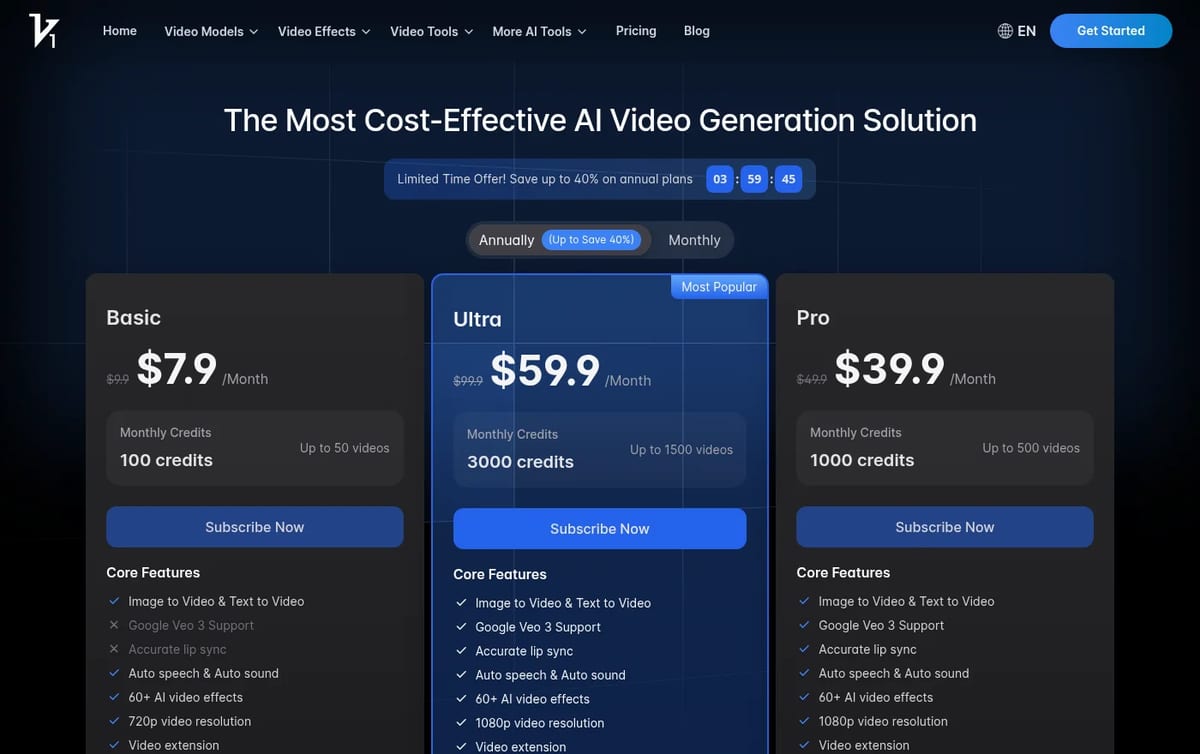
Read the “up to” numbers carefully: 100 credits for “up to 50 videos” assumes the cheapest model at 2 credits a clip. Premium models such as Veo cost more per clip, so the real count on Basic can be a small fraction of 50. The best value is on Ultra, where a credit costs about 3.3 cents on monthly billing against about 9.9 cents on Basic. Test your favourite model on the Free plan first and count what one usable clip really costs before you commit to a yearly plan.
For story-style videos, see our MagicLight AI review. If you want to stay on free plans, our guides to the free AI text to video generators and the best free AI video generators compare the options.
Who Vidful AI is for
Social creators and marketers who want to try several video models without paying for each one, and who mostly make short clips and effects for TikTok, Reels and Shorts. Filmmakers who need long, consistent scenes or fine camera control are better served by a model’s own studio.
Limitations
- Free plan limits: watermarks, public generations and slow queues at busy times.
- Credit math varies by model: the advertised video counts only hold for the cheapest options.
- 720p on Basic: 1080p starts on Pro.
- Third-party models: quality and features depend on the models Vidful connects to, not on Vidful itself.
TechPilot.ai’s Verdict on Vidful AI
Vidful AI is a simple way to sample popular video models and effects from one account, which suits short social clips.
Measure what one usable clip costs on your preferred model before buying, because the credit math changes a lot between models.
Vidful AI FAQ
Is Vidful AI free?
Yes, there is a Free plan, but its videos carry a watermark, generations are public and the queue can be slow at peak times.
•
How much does Vidful AI cost?
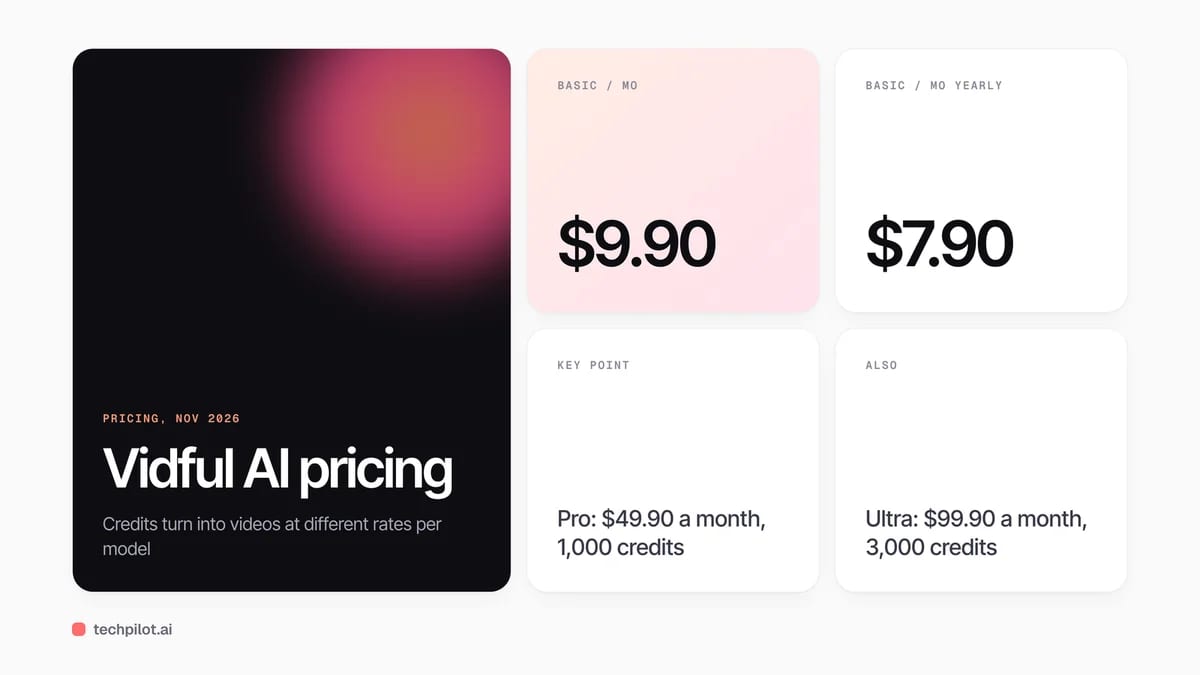
Basic is $9.90 a month, Pro $49.90 and Ultra $99.90. On yearly billing they cost $7.90, $39.90 and $59.90 a month, checked November 16, 2026.
•
Which models does Vidful AI use?
Vidful runs third-party models such as Kling, Google Veo 3 and Luma, along with dozens of template effects, from one credit balance.
•
Are Vidful AI videos watermark-free?
Paid plans give watermark-free, private downloads. Videos made on the Free plan include a watermark.
•
How do I cancel Vidful AI?
Open your account settings on vidful.ai and choose Edit Billing Details, or email support@vidful.ai with your account details.

Moondream 3
AI Video Generator
I have been following the development of small, efficient AI models, as they are a practical alternative to the “bigger is better”…

Cardboard
AI Video Generator
Cardboard is one of the more complete agentic editors: it plans a first cut, handles cleanup and captions, and generates the missing…
Dora Studio
AI Video Generator
I spent time working with Dora Studio to understand its practical applications and current limitations. My objective was to determine if…