AI Cover Letter Generator Free: Real Limits
 Eimantas Kazėnas Marketing & Tech
- Published
- 5 min read
On this page What “free” really gets you
Independent and reader-supported. Some links may earn us a commission; it never changes our rankings. Editorial policy
AI cover letter generator free options: ChatGPT, Gemini and Claude draft letters free, Teal gives 2 AI credits, and Kickresume has free templates, no AI.
Quick answer: the most useful free AI cover letter generator is a general chatbot such as ChatGPT, Gemini or Claude, because their free tiers write as many drafts as your daily limits allow. Dedicated job tools are free in a narrower sense: we checked their official pricing pages on November 23, 2026, and most cap the free AI at one or two letters or keep it for paid plans. The best free setup is to draft with a chatbot and format in a free template.
What “free” really gets you
| Tool | Free AI cover letters | Free templates and downloads | Paid plan |
|---|---|---|---|
| ChatGPT, Gemini, Claude | Yes, within free-tier usage limits | None; you paste the text into a document | Optional; not needed for cover letters |
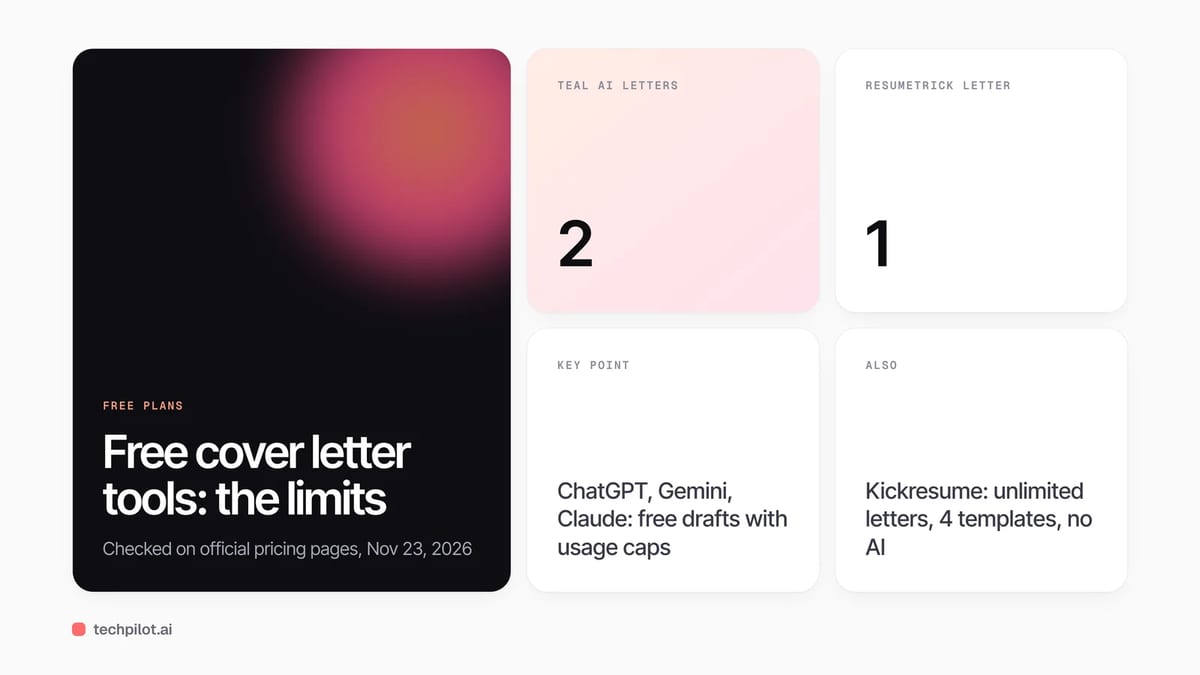
| Teal | 2 AI cover letter credits | Free resume builder and job tracker | Teal+ $13 per 7 days, $29 per 30 days, $79 per 90 days |
| ResumeTrick | AI generator included; 1 cover letter per account | 4 PDF templates, unlimited TXT downloads | $18 a month, or $7 a month billed $84 yearly |
| Kickresume | No; the AI Writer is Premium | 4 cover letter templates, unlimited letters and downloads | $19 a month, $9 a month quarterly, $4.50 a month yearly |
| Rezi | No; cover letters are not on the free plan | 1 resume, 3 PDF downloads | Pro $29 a month, or $149 lifetime |
Prices are from each company’s own pricing page: Teal, ResumeTrick, Kickresume and Rezi.
The free options, one by one
ChatGPT, Gemini or Claude: best for unlimited drafts
A chatbot does not know your career unless you tell it, but once you paste the job ad and your resume it can write, shorten and re-angle a letter as many times as you like on a free account. Free tiers have message limits, which rarely matter for a one-page letter. See what you give up on the free plan in our ChatGPT free vs paid breakdown. The catch: no templates, no formatting and no job tracking, so you need somewhere to lay the letter out.
Teal: best if you are already tracking jobs there
Teal’s free plan includes 2 AI cover letter credits, plus 5 for resume bullets and 2 for professional summaries. Because Teal links the letter to a saved job, the draft can draw on the job description you bookmarked. Two credits is enough to try it; if you apply to many roles a week, Teal+ makes the AI unlimited. Our Teal review covers the rest of the tool.
ResumeTrick: best for one polished letter
ResumeTrick’s free plan keeps its AI resume and cover letter generator and lets you download a PDF in one of 4 free templates, but you get one resume and one cover letter per account. That suits a single application, not a search. Details are in our ResumeTrick review.
Kickresume: best free formatting
Kickresume’s free plan has no AI writer, yet it is the most generous for layout: unlimited cover letters and downloads, with 4 cover letter templates that match its free resume templates. Paste a chatbot draft here and your letter and resume look like a set.
Rezi: skip it for free cover letters
Rezi is built around ATS-friendly resumes. Its free plan covers one resume, but the cover letter builder and AI cover letter writer are Pro features, so it is not a free option for this job.
A free workflow that beats most generators
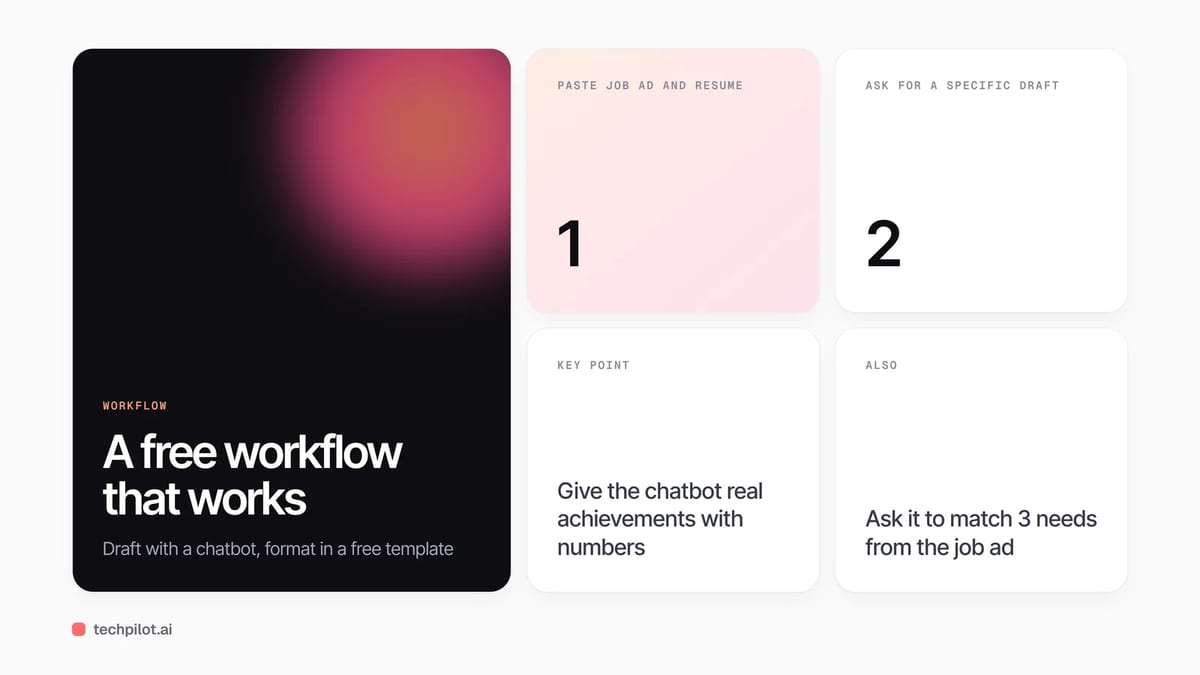
- Collect your inputs: the full job ad, your resume, and two or three achievements with numbers.
- Prompt the chatbot specifically: “Write a 250-word cover letter for this job. Match my experience to the three most important requirements in the ad. Use these achievements. No clichés, no opening with ‘I am writing to apply’.”
- Edit for truth and voice: remove anything you did not do, and replace generic lines with a detail only you could know about the company or role.
- Format for free: paste it into a free Kickresume or ResumeTrick template, or a plain document that matches your resume.
- Repeat per job: keep the same chat open and paste the next job ad, asking it to tailor the letter rather than start over.
When paying makes sense
Pay only when volume or features justify it. If you apply to ten or more roles a week and want letters tied to tracked jobs, a short Teal+ period ($13 for 7 days) costs less than a monthly plan. If you want premium templates for both resume and letter, Kickresume’s yearly plan works out to $4.50 a month. For a wider comparison of resume tools, see our list of AI resume builders.
One last check before you send anything: recruiters read many AI-written letters, and the ones that stand out name a real result and a real reason for wanting the job. Use AI for the first draft and the tailoring; the specifics have to come from you.
Frequently asked questions
Is there a completely free AI cover letter generator?
Yes. ChatGPT, Gemini and Claude can all write cover letters on their free tiers, within their usage limits. They do not include templates, so format the letter yourself.
Does Teal have a free AI cover letter generator?
Yes, with limits. Teal’s free plan includes 2 AI cover letter credits. Teal+ makes AI generation unlimited from $13 for 7 days.
Is Kickresume’s AI cover letter writer free?
No. Kickresume’s free plan includes 4 cover letter templates and unlimited downloads, but the AI Writer is a Premium feature.
How long should an AI-generated cover letter be?
Keep it to one page. Around 250 to 400 words is enough to match your experience to the job’s main requirements.
Can employers tell if a cover letter was written by AI?
Generic phrasing gives it away more than the tool does. Edit the draft, add real achievements and a specific reason for the role, and remove anything untrue.
Found this useful? Share it with someone comparing AI tools.

Best AI Video Editor for Real Estate Walkthroughs
For agents managing multiple active listings, the Best AI Video Editor for Real Estate should handle two things well: bringing separate room clips…
 Mihai (Mike) Bizz · 4 min read

Free AI Tools for Etsy Sellers: We Tested Creative Fabrica Studio Desktop (Here’s What It Actually Does)
Creative Fabrica Studio Desktop App provides the most-used, free AI tools for Etsy sellers – no subscriptions, no credits, no watermarks.
 John Daniel · 7 min read