Home / Guides / Productivity
Alternatives to Canva Compared
 Eimantas Kazėnas Marketing & Tech
- Published
- 6 min read
On this page Why look for a Canva alternative?
- Why look for a Canva alternative?
- 1. Adobe Express: the closest all-rounder
- 2. Figma Buzz: for brand and product teams
- 3. Kittl: for print-on-demand and merch
- 4. Visme: for decks, reports and infographics
- 5. Picsart: for AI photo and video edits
- 6. Recraft: for AI images, vectors and brand styles
- 7. Microsoft Designer: the quick free option
- How to choose
- Our verdict
- Frequently asked questions
Independent and reader-supported. Some links may earn us a commission; it never changes our rankings. Editorial policy
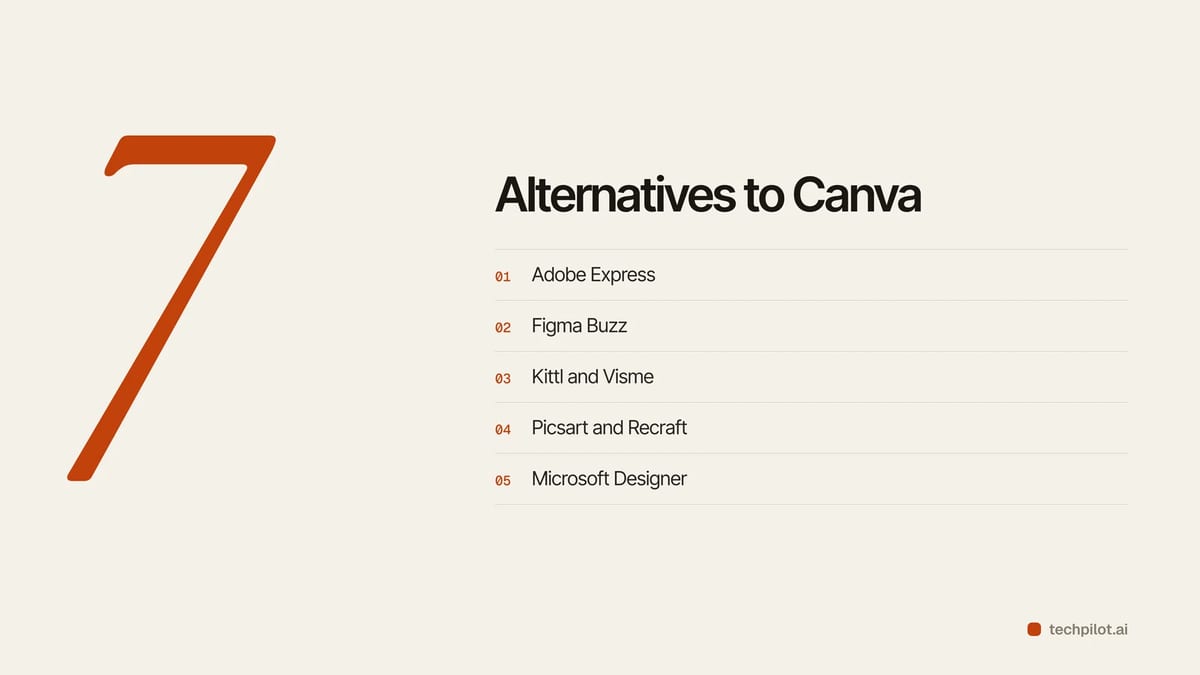
Alternatives to Canva in 2026: we compare Adobe Express, Figma Buzz, Kittl, Visme, Picsart, Recraft and Microsoft Designer on AI, free plans and price.
Quick answer: Adobe Express is the closest all-round Canva alternative and costs less than Canva Pro at US$9.99 a month. Pick Figma Buzz if your brand already lives in Figma, Kittl for print-on-demand and merch, Visme for presentations and infographics, and Recraft or Picsart if AI images matter more than templates. Microsoft Designer is the easy free pick for quick social posts and invites.
Why look for a Canva alternative?
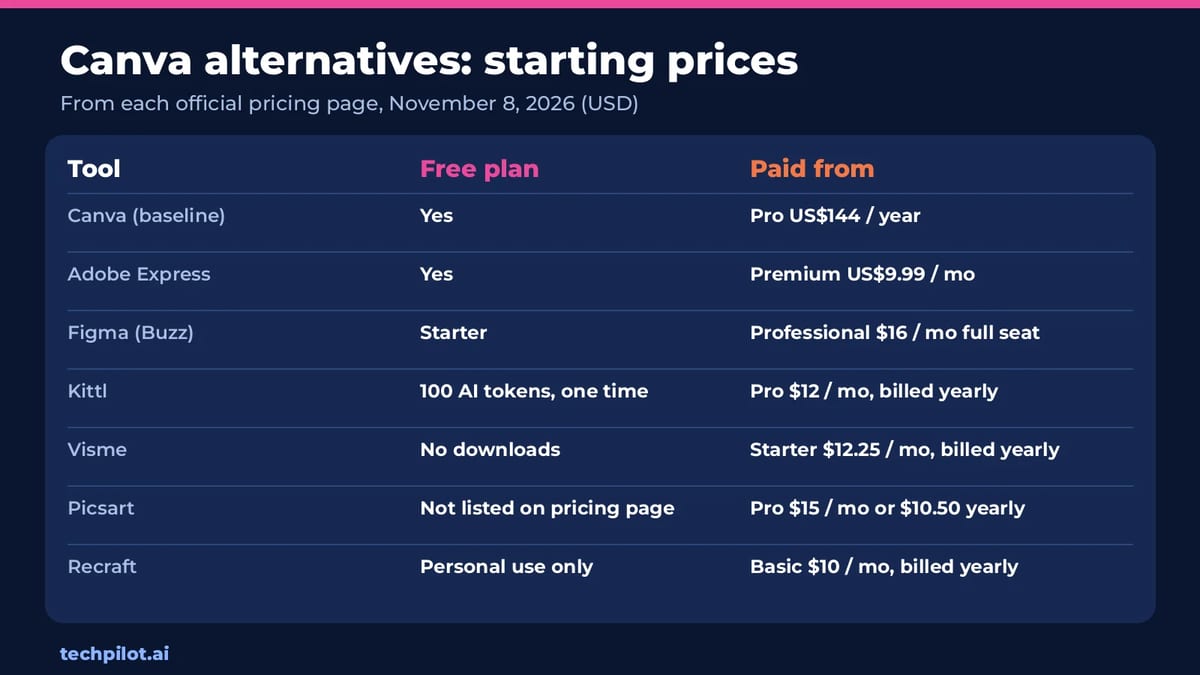
Canva is still the default for quick design. Its Free plan is generous, and Canva Pro is listed at US$144 a year for one person on Canva’s US pricing page (Business is US$250 a year per person). The usual reasons people switch: they want stronger AI image or video tools, a cheaper monthly plan, brand files that live next to product design, better print and merch workflows, or data-heavy documents. Our Canva AI review covers what Canva itself does well.
We checked every tool’s official pricing page on November 8, 2026. Prices are in USD and change often, so treat them as starting points.
1. Adobe Express: the closest all-rounder
Best for: social posts, flyers, short videos and anyone who wants Canva-style templates with Adobe Stock and Adobe Fonts behind them.
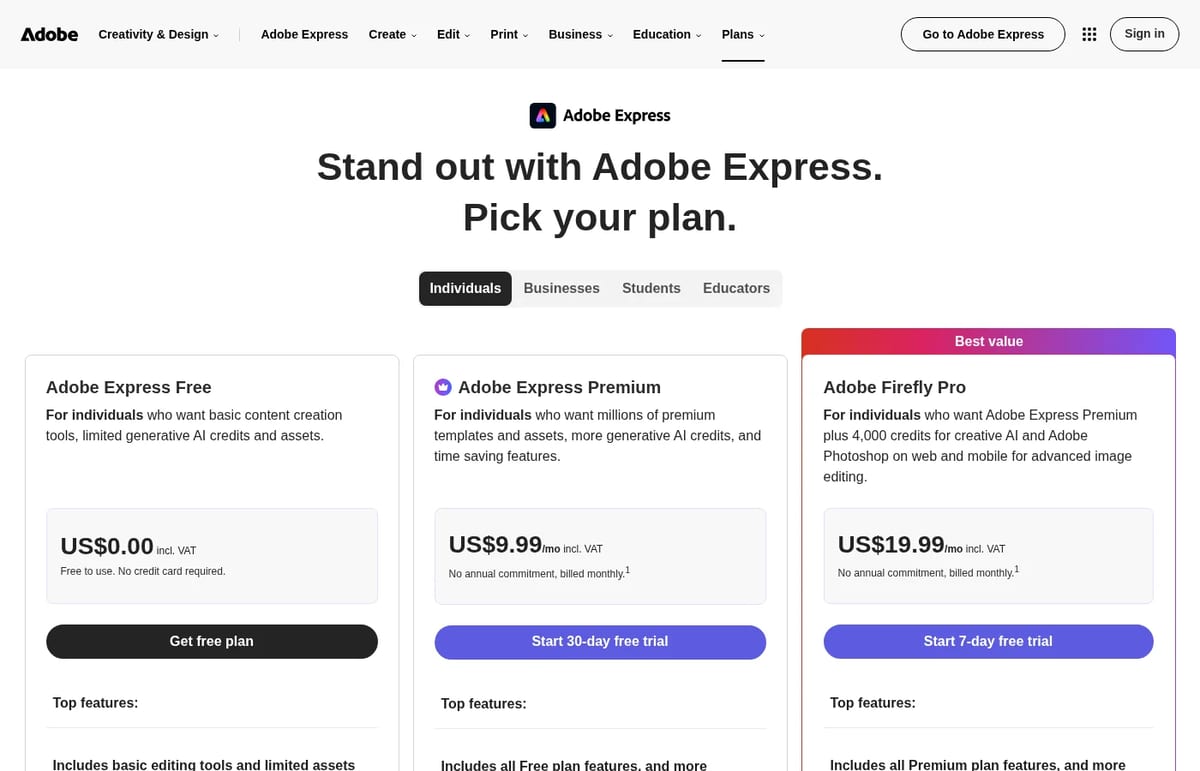
Adobe Express Free is US$0 with 100,000+ templates and 5 GB of storage. Premium is US$9.99 a month with no annual commitment, adds all premium templates, 250 generative AI credits a month, one-click resize, brand kits and 100 GB of storage. Adobe Firefly Pro at US$19.99 a month adds 4,000 credits for AI video and audio plus Photoshop on web and mobile.
Our take: the most direct swap for Canva Pro, and cheaper month to month. Adobe also says its generative AI features are designed to be commercially safe, which matters for client work.
2. Figma Buzz: for brand and product teams
Best for: teams that design products in Figma and want marketing assets built from the same libraries.
Figma Buzz is in beta and available on all Figma seats. Figma’s Starter plan is free with 150 AI credits a day, up to 500 a month. On Professional, a Full seat is listed at $16 a month with 3,000 AI credits, and Collab seats start at $3 a month.
Our take: not a beginner tool, but the best way to keep marketing graphics on-brand when the design system already lives in Figma.
3. Kittl: for print-on-demand and merch
Best for: t-shirt, sticker and poster sellers who need strong typography, mockups and a clear commercial license.
Kittl’s Free plan gives 100 AI tokens once. Paid plans are Pro at $12, Expert at $26 and Max at $48 a month per editor, billed annually, and every paid plan includes a commercial license. Paid tiers add premium templates, high-resolution print exports, unlimited bulk mockups and an AI upscaler and background remover.
Our take: the best Canva alternative for product sellers. Its AI token model suits people who generate a lot of images.
4. Visme: for decks, reports and infographics
Best for: marketers, trainers and analysts who need data visuals, interactive content and forms.
Visme’s Free plan lets you try the editor and every AI tool, but with no public sharing or downloads. Starter is $12.25 a month billed yearly ($147) with 200 AI credits, and Business is $24.75 a month billed yearly ($297) with brand kits, analytics and more export formats like PPTX and HTML5.
Our take: stronger than Canva for charts and interactive documents. The free plan is a trial, not a working plan.
5. Picsart: for AI photo and video edits
Best for: creators who edit photos and short videos on their phone and want trending AI models in one app.
Picsart Pro is $15 a month, or $10.50 a month billed yearly. It runs on a fixed monthly credit pool for AI image and video generation, with access to third-party models such as Seedance and Nano Banana Pro.
Our take: better than Canva for AI photo effects and quick edits, weaker for multi-page layouts and team brand control.
6. Recraft: for AI images, vectors and brand styles
Best for: designers who need AI illustrations, icons and vector art that follow one consistent style.
Recraft’s Free plan is for personal use only, with public images and no commercial use. Basic is $10 a month billed annually ($120) with 1,000 credits, commercial rights and models like Nano Banana, Seedream, GPT Image and Flux. Pro is $16 a month billed annually and adds video generation.
Our take: not a template editor, but a strong add-on or replacement when your Canva use is mostly AI imagery. See also our list of the best free AI image generators.
7. Microsoft Designer: the quick free option
Best for: Microsoft account users making invitations, posters, social posts, greeting cards and stickers.
Designer lets you create with AI, edit images with AI or design from scratch at designer.microsoft.com after signing in with a Microsoft account. Heavier AI image use comes through Microsoft 365: Personal at $9.99 a month lists higher-than-free AI image creation in Copilot.
Our take: great for one-off designs in minutes; limited for brand kits, teams and long documents.
How to choose
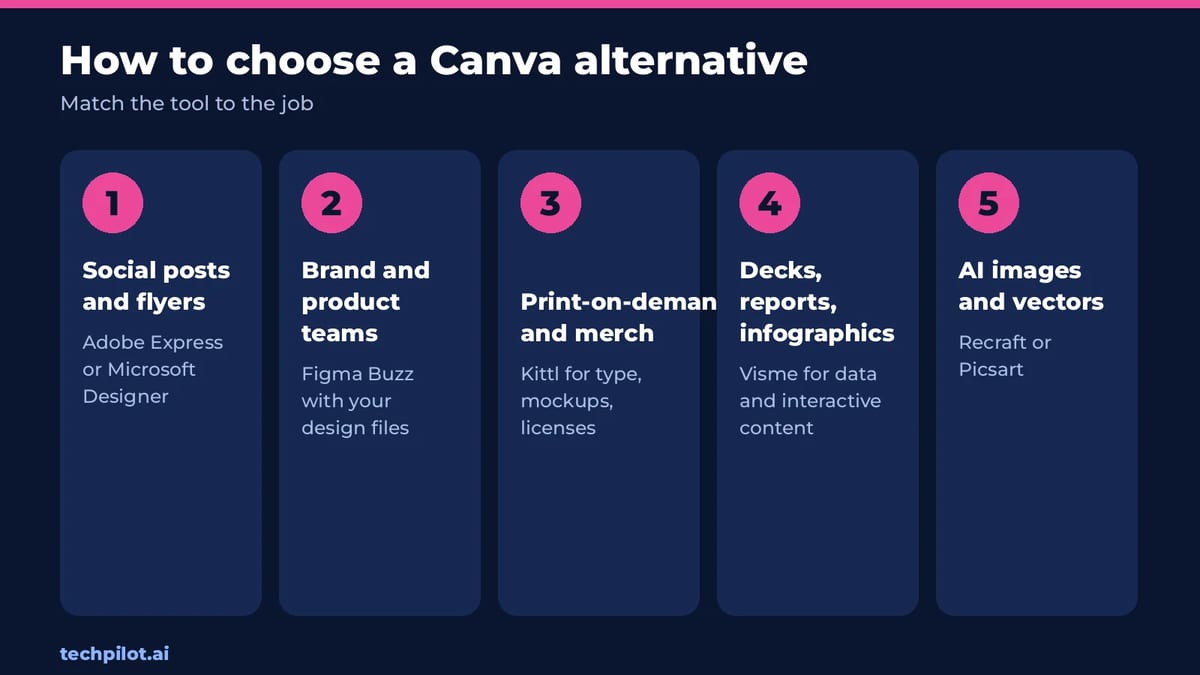
- Want Canva, just cheaper or more Adobe: Adobe Express.
- Brand team on Figma: Figma Buzz.
- Selling merch: Kittl.
- Presentations and data: Visme.
- AI images first: Recraft or Picsart.
- Free and fast: Microsoft Designer.
If you also edit photos, our guide to the best free alternatives to Photoshop pairs well with any of these.
Our verdict
No single tool beats Canva at everything, which is why it stays popular. But most people leave Canva for one reason, and each pick above fixes a specific one: price and Adobe assets (Express), brand systems (Figma Buzz), merch (Kittl), data storytelling (Visme) or AI imagery (Recraft and Picsart). Start with the free plan of the one that matches your reason, and keep Canva Free as a backup.
Frequently asked questions
What is the best alternative to Canva?
Adobe Express is the closest all-round alternative, with templates, Adobe Stock, Adobe Fonts and a US$9.99 a month Premium plan. The best pick depends on your main job.
Is there a free alternative to Canva?
Yes. Adobe Express, Figma and Microsoft Designer all have free options. Visme and Recraft also have free plans, but with limits on downloads or commercial use.
Is Adobe Express better than Canva?
Adobe Express is close to Canva for templates and social content and is cheaper month to month. Canva still has a bigger template library and simpler team features.
What is the best Canva alternative for print on demand?
Kittl. It focuses on typography, mockups and print-ready exports, and every paid plan includes a commercial license. Pro starts at $12 a month billed annually.
How much does Canva Pro cost?
Canva’s US pricing page lists Canva Pro at US$144 a year for one person and Business at US$250 a year per person. Local prices vary by country.
Found this useful? Share it with someone comparing AI tools.
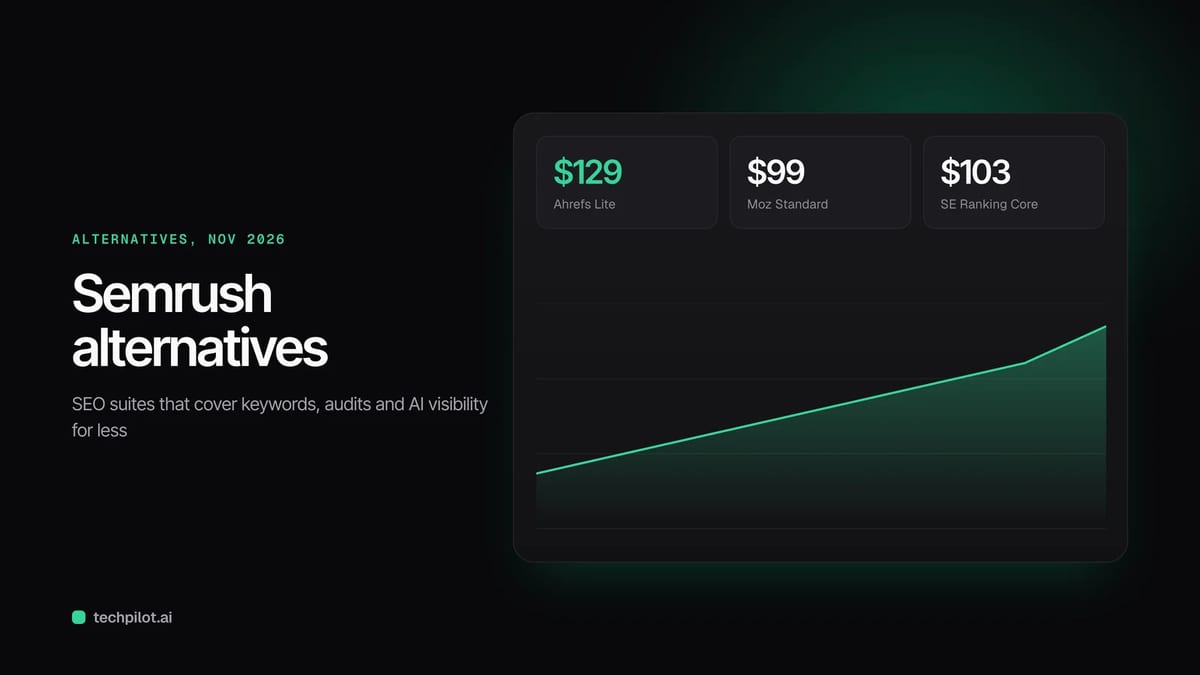
Alternatives to Semrush: 2026 Price Guide
Alternatives to Semrush for 2026: Ahrefs, Moz, SE Ranking and Similarweb with verified prices, so you can pick an SEO suite that fits your budget in…
 Eimantas Kazėnas · 3 min read
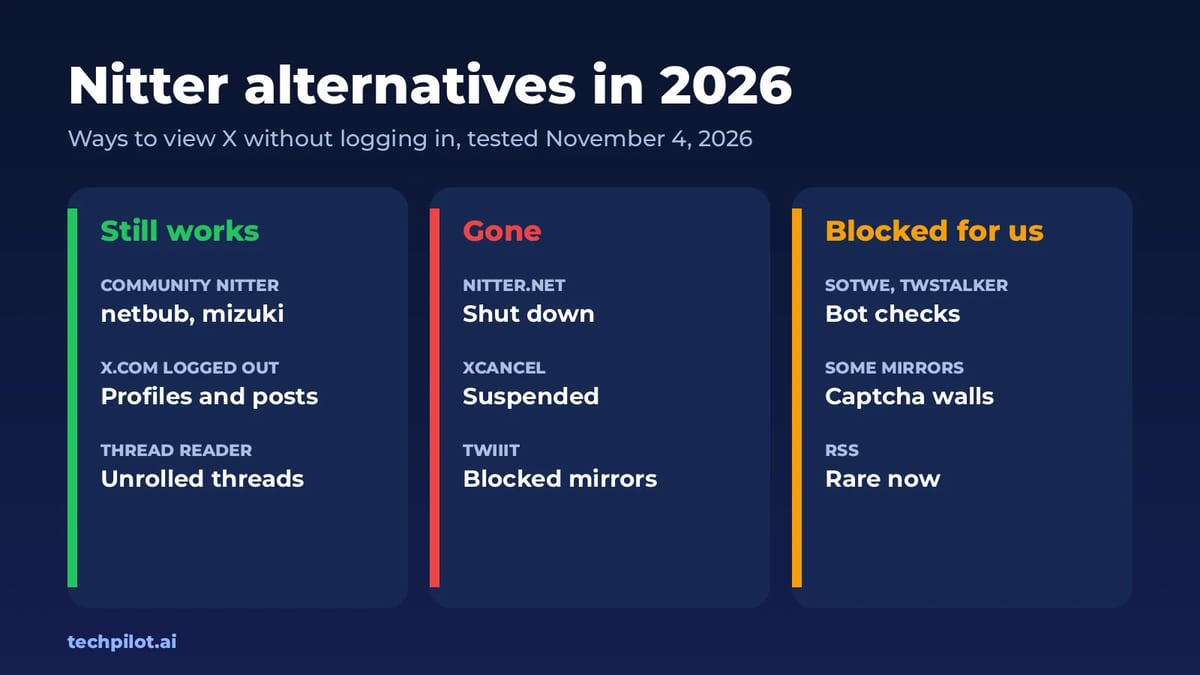
Nitter Alternatives: View X Without Login
Nitter alternatives: nitter.net and XCancel are down, but a few community Nitter instances and logged-out x.com still let you read X posts without…
Eimantas Kazėnas · 4 min read