Home / Guides / Web development & Coding
Building vs. Buying In-App Chat: Architecture, Hidden Costs, and When to Use a Chat API
Build vs buy chat: what production in-app messaging really requires, the hidden costs of a custom build, 3-year TCO, and when a chat API makes more sense.
 Eimantas Kazėnas Marketing & Tech
 - Published
- 7 min read
On this page Why the weekend WebSocket prototype is a trap
Independent and reader-supported. Some links may earn us a commission; it never changes our rankings. Editorial policy
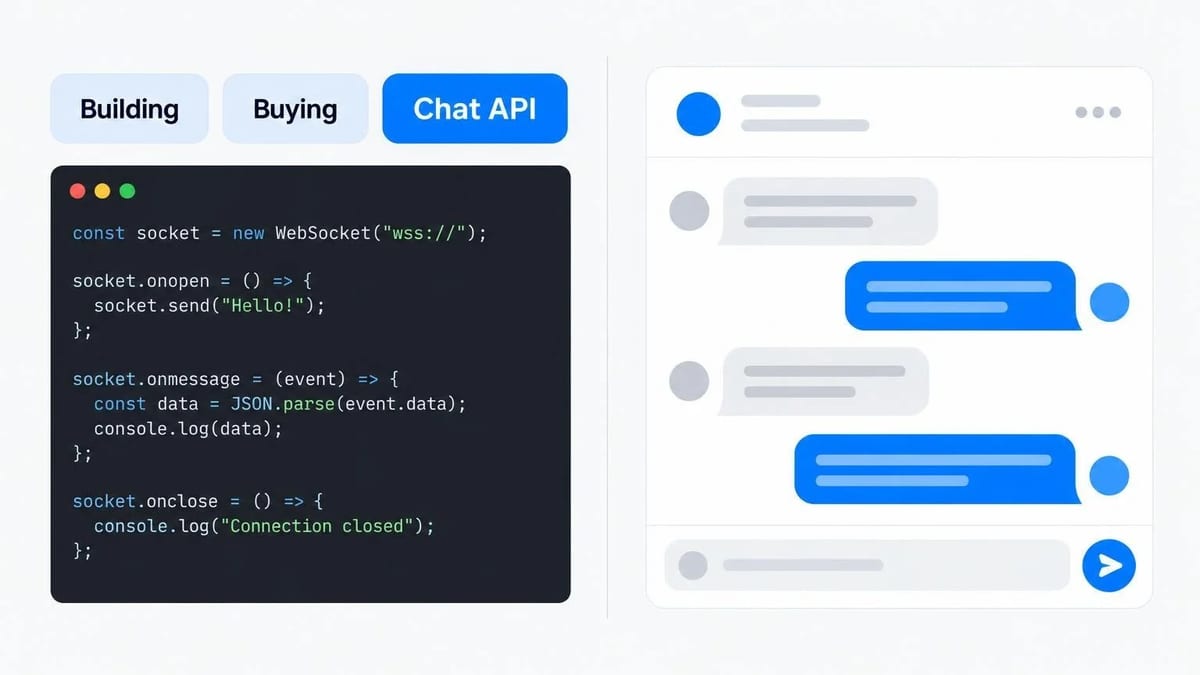
Every engineering team that builds a marketplace, SaaS platform, telehealth portal, or collaborative workspace eventually hits the same architectural fork in the road: users need to message each other inside the product.
On a whiteboard, real-time messaging looks deceptively simple. Open a WebSocket connection, write a messages table in PostgreSQL, and render a scrollable list of bubbles in React. A senior developer can wire up a working two-tab prototype before lunch.
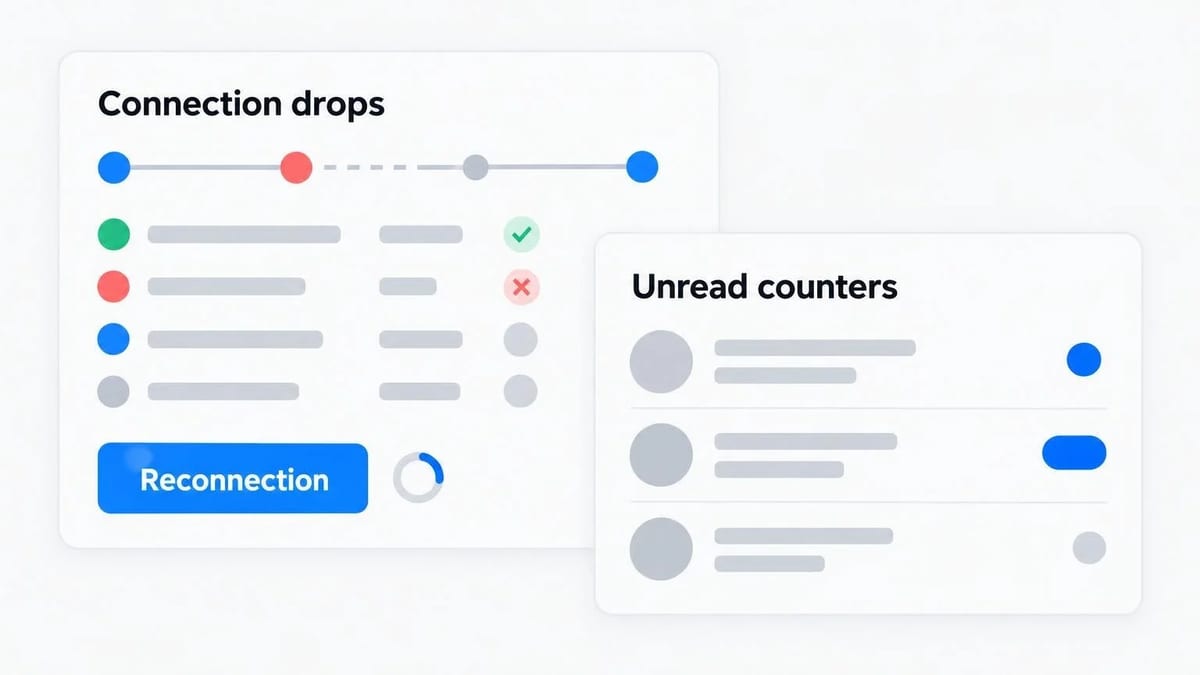
Six months later, that prototype has quietly grown into an infrastructure tax that consumes a full-time engineer. Connection drops on mobile networks, out-of-order message delivery, unread count race conditions, multi-tab state synchronization, push notification deduplication, and compliance audits turn a "weekend feature" into a permanent distributed-systems problem.
Here is an engineering breakdown of what production in-app chat actually requires, where custom builds bog down, and how to evaluate whether your team should build from scratch or integrate a dedicated chat API.
Why the weekend WebSocket prototype is a trap
The gap between a proof-of-concept chat widget and production-grade messaging comes down to edge cases that only appear under real user behavior.
When two browser tabs sit on a fast office Wi-Fi connection, a basic WebSocket server (or a pub/sub layer on Redis) passes JSON payloads without friction. Real users, however, switch between cellular and Wi-Fi on trains, background their mobile apps mid-upload, open five tabs of your web app at once, and expect their conversation history to load in under 100 milliseconds.
To make messaging feel reliable, your architecture has to solve five distinct problems:
- Stateful connection management at scale. WebSockets are long-lived stateful connections. Load balancers, serverless functions, and auto-scaling container groups require sticky sessions or a distributed pub/sub backplane so that when User A sends a message on Node 1, User B connected to Node 4 receives it immediately.
- Reconnection and gap recovery. When a user’s connection drops for four seconds in an elevator, the client cannot simply reconnect and listen for new events—it has to fetch every message, edit, and read receipt it missed during that window without duplicating messages already in the DOM.
- Unread counters and read state synchronization. Counting unread messages across 50 active threads while a user reads on both a laptop and an iOS app is notoriously prone to off-by-one bugs. Every read event mutates state for multiple participants.
- Offline fallback orchestration. If a recipient is offline, you want to trigger an email, SMS, or mobile push notification—but not if they are actively typing in another tab, and not twenty separate emails if the sender writes twenty short lines in a row.
- Media pipelines and security. Users expect to drag and drop PDFs, screenshots, and voice notes. That means signed upload URLs, malware scanning, thumbnail generation, MIME-type validation, and access control tied to conversation membership.
None of these problems are impossible to solve. The question is whether solving them differentiates your product.
The true stack of a custom chat build
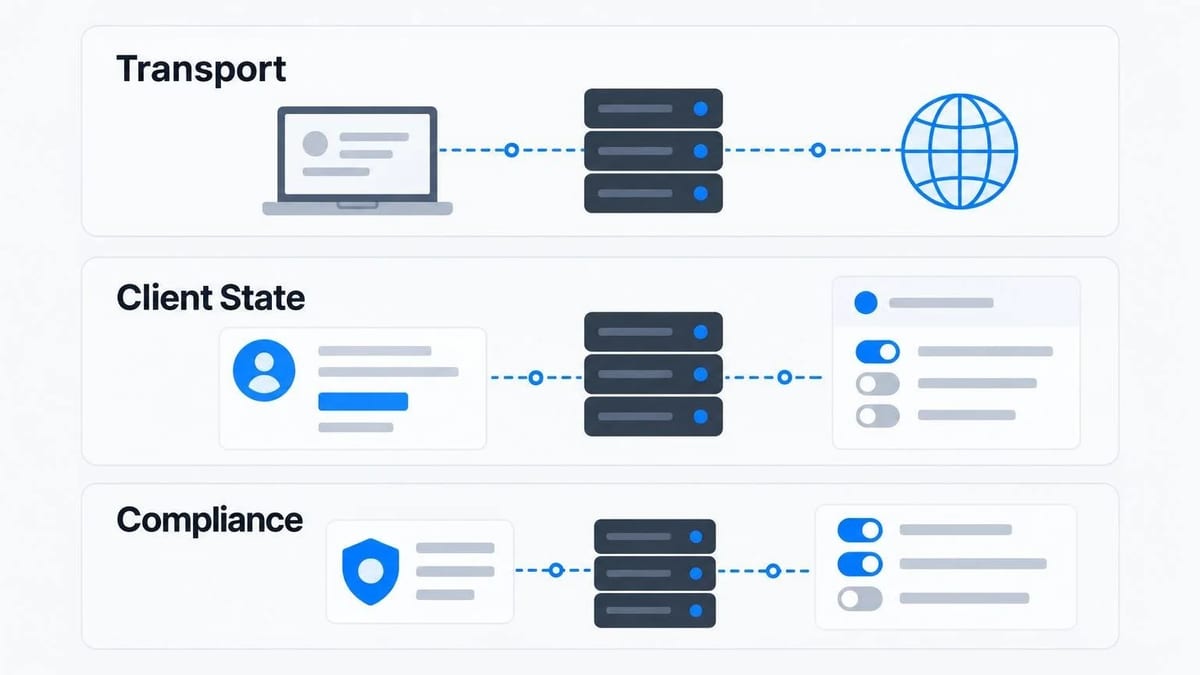
Before committing engineering sprints to an in-house build, map out every layer your team will own, test, and maintain in production:
| Layer | What your team has to build and maintain |
|---|---|
| Transport & Presence | WebSocket gateway, heartbeat pings, exponential backoff reconnection, online/typing indicators |
| Persistence & Indexing | Message store, cursor-based pagination, thread list sorting by last activity, attachment metadata |
| Client State & UI | Optimistic UI sends, retry queues, scroll-position anchoring, accessibility (keyboard nav, screen readers), mobile responsiveness |
| Notifications | Debounced email digests, APNs and FCM push payloads, reply-by-email parsing |
| Trust, Safety & Compliance | Role-based access rules, user blocking, message flagging, profanity filters, GDPR data export and deletion |
Building the minimum viable version of this stack typically takes two to three engineers several months. More importantly, once it ships, your team owns the on-call rotation whenever a browser update breaks scroll anchoring or a spike in concurrent connections saturates your WebSocket nodes.
How a chat API changes the architecture
A managed chat API separates your core business logic from the messaging infrastructure. Your backend remains the source of truth for identity, permissions, and transactions—who the users are, what role they hold, and whether they are allowed to talk to each other—while the chat provider handles the real-time transport, storage, notification routing, and UI rendering.
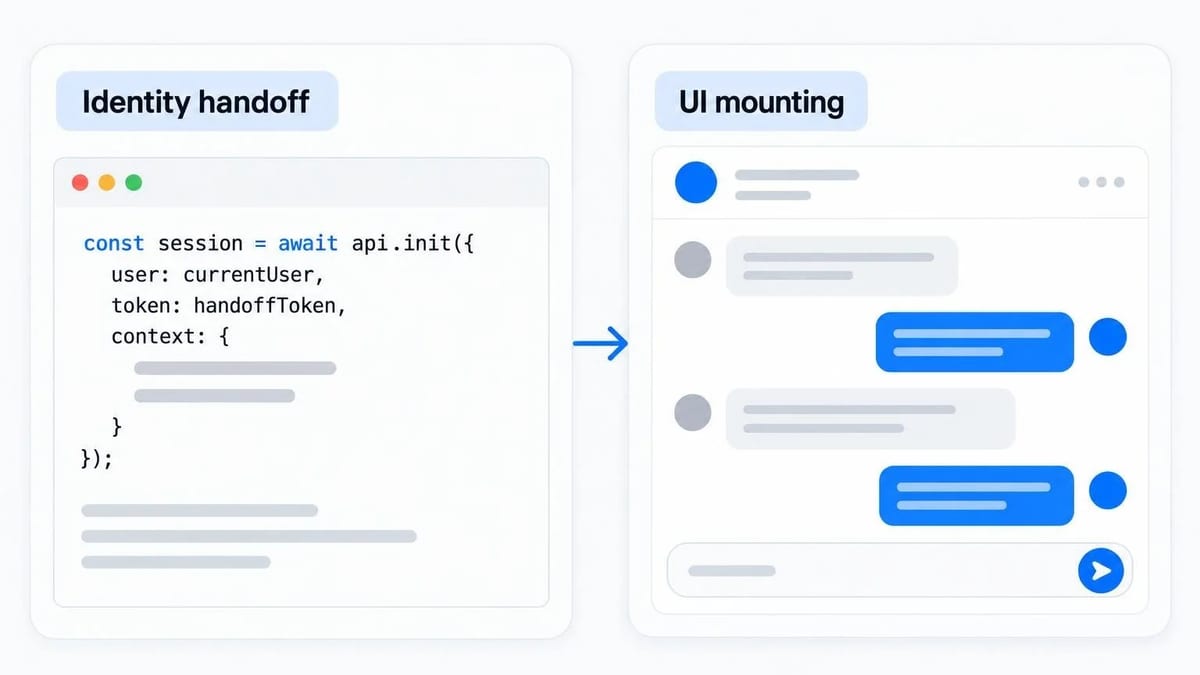
With a platform like TalkJS, developers drop a pre-built, customizable chat UI and real-time messaging backend into an existing web or mobile app in days rather than quarters. Instead of building WebSocket fan-out, cursor pagination, and optimistic state reducers from scratch, your team initializes a session with a signed token, passes the current user and conversation participants, and mounts the chat component.
In practice, that integration looks like three steps:
- Identity handoff: Your server generates an HMAC-signed or JWT token for the logged-in user so the chat service can verify identity without taking over your authentication system.
- Conversation creation: When a buyer clicks "Message seller" on an order or a patient opens a consultation thread, your code creates or resumes a conversation ID tied to that business object.
- UI mounting and theming: You embed the inbox, popup, or chatbox component using SDKs for JavaScript, React, React Native, Flutter, Angular, or Vue, and style it with CSS so it matches your design system.
Because TalkJS is ISO 27001 certified, GDPR compliant, and offers EU hosting alongside features like email and push notifications, file sharing, typing indicators, and moderation tools (with advanced capabilities such as message search and AI features available on higher tiers), engineering teams skip both the plumbing and the enterprise security questionnaire bottlenecks.
Calculating the 3-year total cost of ownership
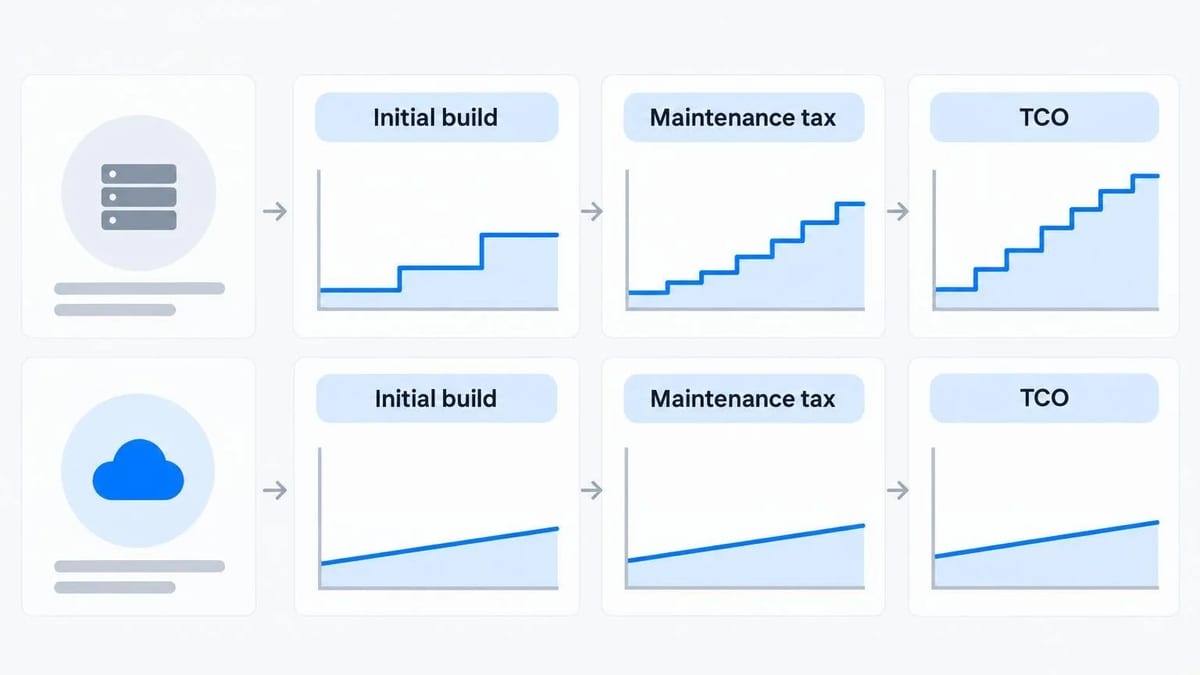
Engineering leaders often compare a monthly SaaS invoice against "$0" because salaried developers are already on payroll. A realistic Total Cost of Ownership (TCO) model compares opportunity cost and ongoing maintenance over 36 months.
Custom build cost drivers
- Initial build: 2 full-stack engineers for 3 to 4 months to reach feature parity with what users expect from modern messaging apps.
- Infrastructure: Managed Redis/pub-sub clusters, database IOPS for high-write message tables, object storage bandwidth, and push notification gateways.
- Maintenance tax: Roughly 15% to 25% of one full-time engineer’s capacity every year for SDK upgrades, mobile OS push changes, bug fixes, and incremental requests from product managers ("Can we add file previews? Can we let admins join a thread?").
Chat API cost drivers
- Initial integration: 1 engineer for a few days to two weeks to wire up user sync, auth tokens, and theme customization.
- Subscription: A predictable monthly fee that scales with your active users or usage tier.
- Maintenance: Near zero on transport and storage; your team only touches code when your own product workflows change.
Unless you have tens of millions of monthly active users where per-MAU pricing exceeds the cost of a dedicated messaging squad, buying gets your feature to market months earlier at a fraction of the engineering cost.
When you should build vs. when you should buy
There are legitimate cases where building your own messaging engine is the right call:
- Messaging is your core product. If you are building the next Slack, Discord, or WhatsApp competitor, the chat protocol and storage engine are your proprietary moat.
- Extreme custom protocol constraints. If your app runs on air-gapped on-premise networks with no outbound internet access, or requires custom peer-to-peer encryption protocols that no hosted API supports.
- Massive consumer scale with ultra-low ARPU. If you run a free consumer social network with millions of concurrent chatters and zero revenue per user, you may eventually need a custom Erlang/Go/Rust transport layer to control unit economics.
On the other hand, you should use a chat API when:
- Chat enables a transaction or workflow. You run a B2B SaaS platform, two-sided marketplace, staffing platform, edtech app, or healthcare portal where messaging helps users complete bookings, projects, or purchases.
- Roadmap speed matters. Every sprint spent debugging WebSocket reconnections is a sprint not spent on your core product’s differentiators.
- You need cross-platform parity fast. Supporting web, iOS, and Android with consistent read receipts, file uploads, and offline notifications out of the box saves months of mobile engineering.
A technical evaluation checklist before you pick a provider
If you decide to integrate a chat API, run a two-day technical spike and test these six criteria before signing an annual contract:
- Pre-built UI vs. headless SDKs: Does the provider give you a production-ready, themeable UI out of the box, or will your frontend team still spend six weeks building message lists, virtualized scrolling, and attachment pickers?
- Token-based security: Can you lock down client connections with server-signed tokens so users can never spoof another user ID or join unauthorized rooms from the browser console?
- Webhook and REST API coverage: Can your backend listen to webhooks (message.sent, conversation.created) and inject system messages ("Order #4821 has been marked complete") directly from your server?
- Offline notification routing: Does the platform automatically batch missed messages into clean email or push notifications without you writing cron jobs?
- Data residency and compliance: Where are messages stored at rest, and does the vendor hold ISO 27001 and GDPR compliance documentation?
- Sandbox ergonomics: Can a developer sign up, run a local test environment for free, and render a live two-user conversation in under thirty minutes?
Final takeaway
Users never praise a SaaS platform or marketplace because its chat window delivered a message in order—they simply expect it to work like every modern messaging app on their phone. Treat in-app chat as critical infrastructure rather than a science project: use a proven chat API to ship the feature in a week, and keep your engineering team focused on the product only you can build.
Found this useful? Share it with someone comparing AI tools.

OfoxAI for Developers: API Integration, Pricing and Practical Trade-offs
OfoxAI is worth evaluating when you already own a text application and want to connect it to an OpenAI-compatible model-access service.
 Mihai (Mike) Bizz · 8 min read

Why AI Startups Are Quietly Building Their Engineering Teams in Latin America
What’s changing the game for early and growth-stage founders right now — especially in AI — is Engineering teams in Latin America.
 Eimantas Kazėnas · 6 min read