Can You Really Tell if a Video Is Made by AI? 5 Giveaways to Look For
Most people cannot spot AI video. Use these five giveaways—hands, motion, faces, lighting, and source—to detect an AI-generated video before you share.
 Eimantas Kazėnas Marketing & Tech
- Published
- 6 min read
On this page TLDR
- TLDR
- Why AI video is so hard to spot now
- Giveaway 1: Hands and small details
- Giveaway 2: Motion that feels slightly off
- Giveaway 3: Faces, eyes, and mouths
- Giveaway 4: Lighting, shadows, and reflections
- Giveaway 5: Source and context
- Do AI video tools leave clues behind?
- What to do when you are still not sure
- FAQ
Independent and reader-supported. Some links may earn us a commission; it never changes our rankings. Editorial policy
TLDR
- Most people are bad at spotting AI video, and most feel sure they are not.
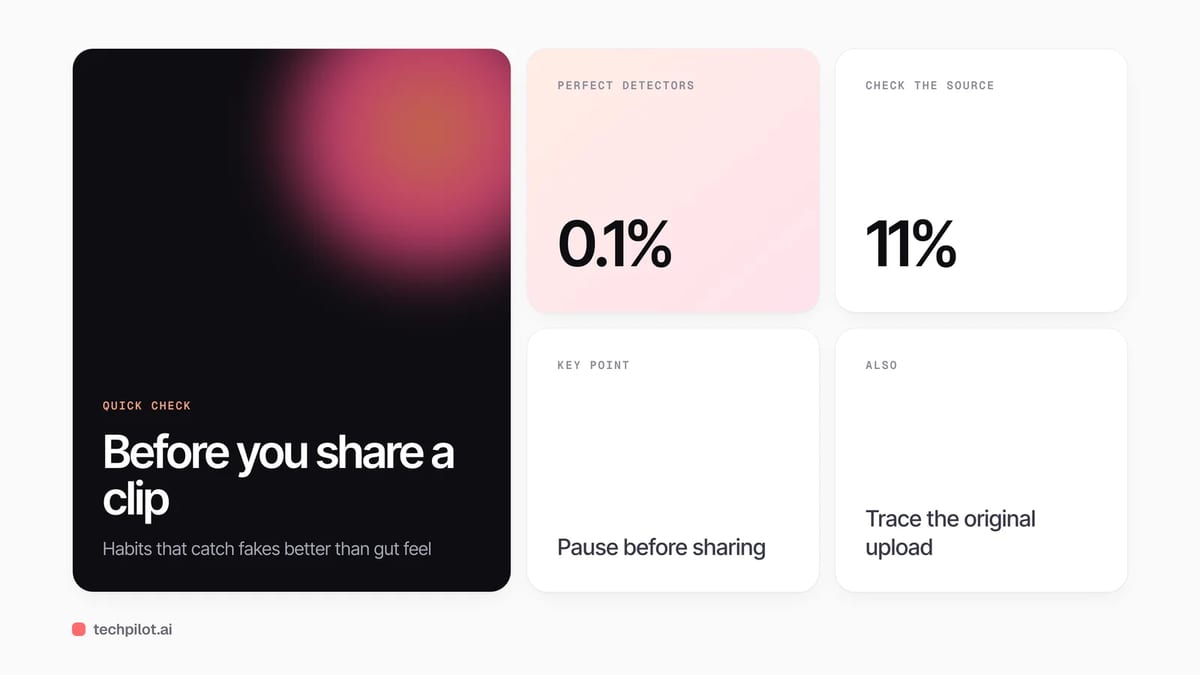
- A 2025 iProov study found only 0.1% of people sorted every real and fake item correctly.
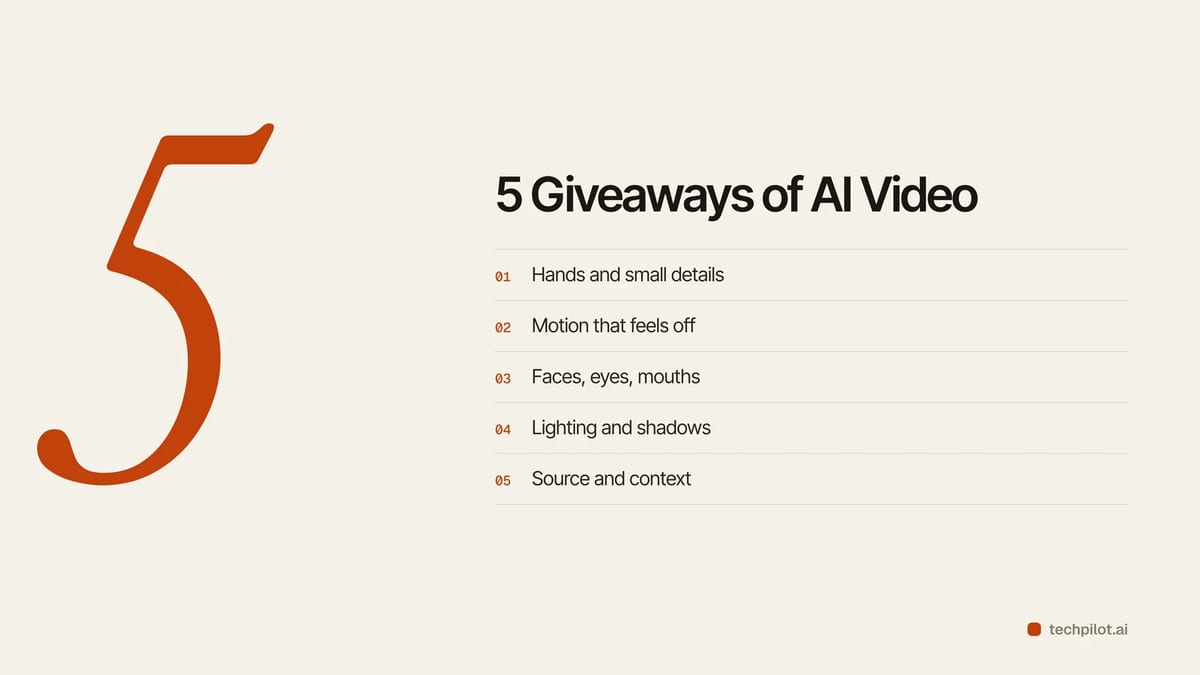
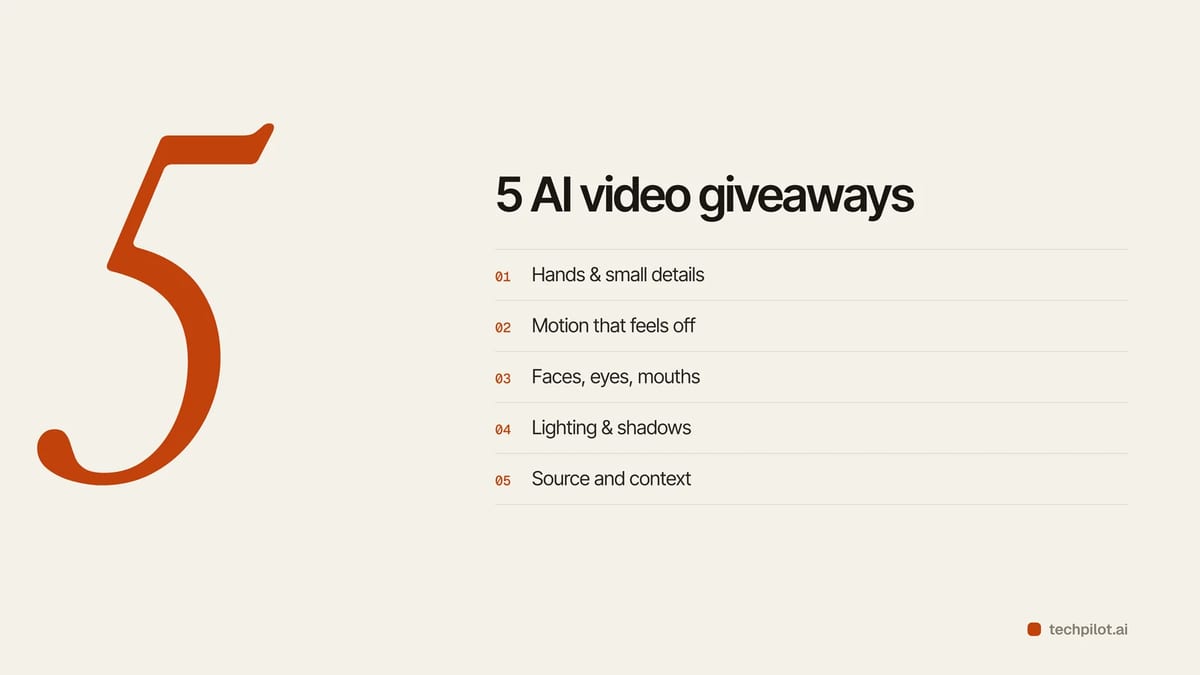
- Five clues still help: hands and small details, motion, faces, lighting, and the source.
- No single clue proves a fake. Look for two or three together.
- Watermarks and Content Credentials help, but only when the maker added them.
- Not sure? Do not share it until you find the original source.
Why AI video is so hard to spot now
AI video generation has come a long way.
Text to video and image to video models can now make short clips with smooth camera moves, lifelike people, and synced sound.
That makes your gut feeling less reliable than it used to be.
Here is what the research says. iProov, a company that builds identity verification tools, tested 2,000 people in the UK and US. Only 0.1% correctly sorted every real and fake image and video they saw. People were also 36% less likely to spot a fake video than a fake image. And over 60% said they felt confident anyway.
So this guide is not about turning you into a human lie detector. It is about building better habits.
One more thing before we start. MIT Media Lab’s Detect Fakes project says there is no single telltale sign of a fake. Treat each clue below as a nudge, not a verdict.
Giveaway 1: Hands and small details
Hands are still a weak spot for many AI video models.
Part of the reason is data. A Stability AI spokesperson told BuzzFeed News that people show their hands less clearly than their faces in training images. Less clear data means weaker results.
What to look for:
- Fingers that merge, split, or change count mid clip
- Hands that pass through objects
- Jewelry, buttons, or glasses that appear and vanish
- Garbled letters on signs, labels, or captions
This clue is fading as models improve. A clean hand does not prove a clip is real.
Giveaway 2: Motion that feels slightly off
Real life has weight and friction. AI often misses that.
These models learn patterns from training data. They do not run a true physics engine. So objects can drift, and backgrounds can shift for no reason.
Ask yourself:
- Do people move too smoothly, with no small fidgets?
- Do objects change shape or color between frames?
- Does the scene jump suddenly every few seconds?
That last one matters. Google’s Veo 3.1 makes clips of about 8 seconds, and tools like Flow help creators join them. So a longer AI video is often several short clips stitched together. Watch the cut points.
Giveaway 3: Faces, eyes, and mouths
Faces carry identity, so errors here stand out fast.
MIT Media Lab’s Detect Fakes project suggests checking skin, eyes, eyebrows, facial hair, blinking, and lip movement.
Try this:
- Pause on a face. Does the skin look too smooth or waxy?
- Watch the blinks. Too few, too many, or oddly timed?
- Check the teeth. Do they blur or change shape?
- Match the mouth to the words. Lip sync is much better now, so a good match proves nothing.
Giveaway 4: Lighting, shadows, and reflections
Light follows rules. AI does not always follow them.
Guides on spotting AI video often point to shadows that fall the wrong way, reflections that do not match the scene, and lighting that shifts between cuts.
Check these:
- Where is the light source? Do all shadows agree with it?
- Do mirrors, windows, and puddles show the right scene?
- Does the color tone jump between shots for no reason?
Giveaway 5: Source and context
This is the strongest clue, and the one most people skip.
iProov found that only 11% of people look closely at the source and context of a video. Yet that is often how fakes get caught.
Ask these questions:
- Who posted this first?
- Is there a longer, original version?
- Are trusted outlets reporting the same event?
- Does it look too perfect for a surprise moment?
If you cannot trace the source, treat the clip as unverified.
Do AI video tools leave clues behind?
Some do. Many do not.
Here is how five popular tools handle it.
OpenArt
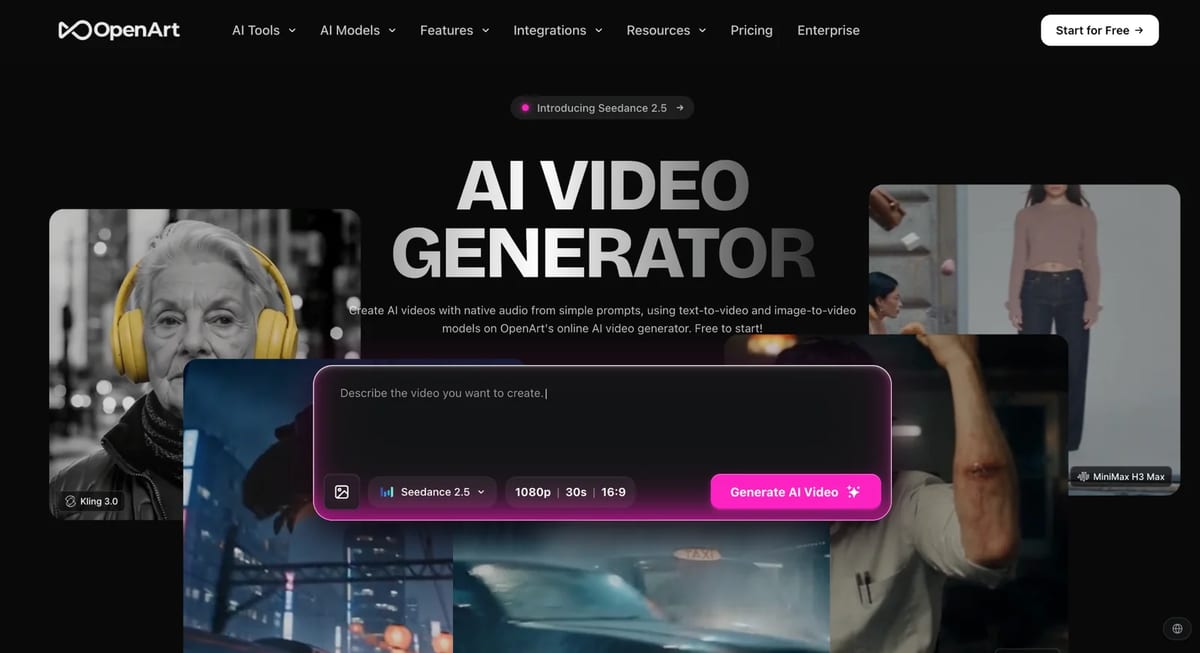
OpenArt bundles models from several labs in one place. So there is no single OpenArt look. A clip could resemble many different models.
Judge the clip itself, not the app name.
Akool
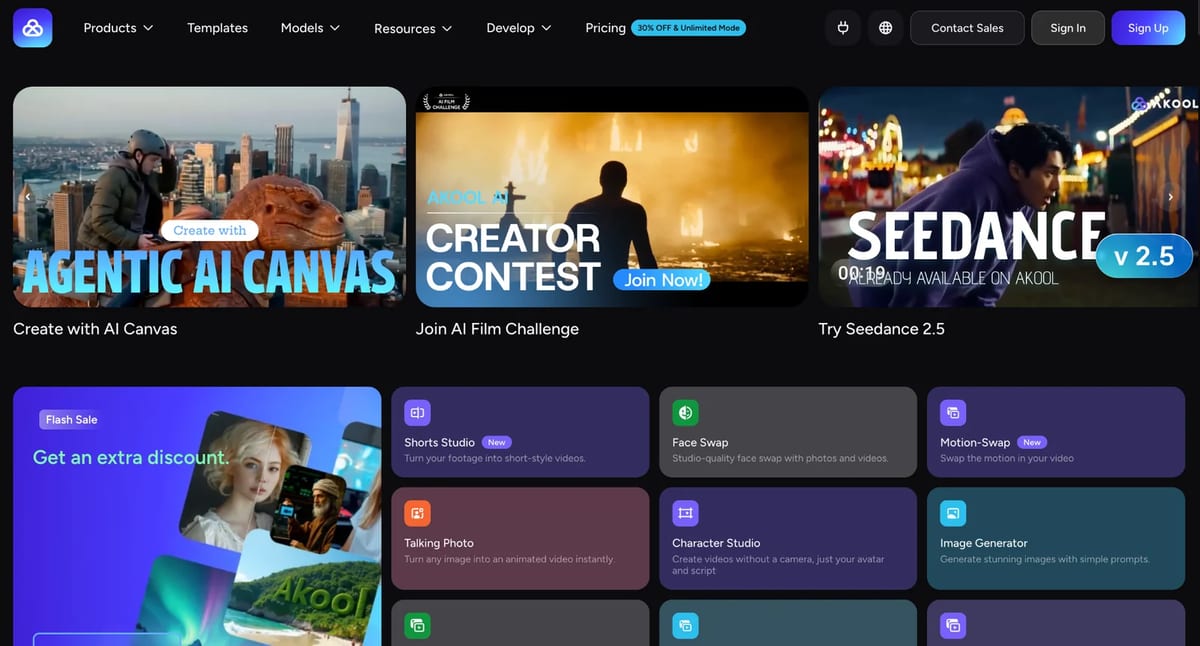
Akool is known for face swap, talking avatars, and video translation with lip sync. That matters here. With these tools, the voice and body can be real while the face or mouth is not.
Reviews say the platform has content moderation, but some reviewers still raise consent concerns. When you see a clip like this, ask if it should carry an AI label.
Google Veo
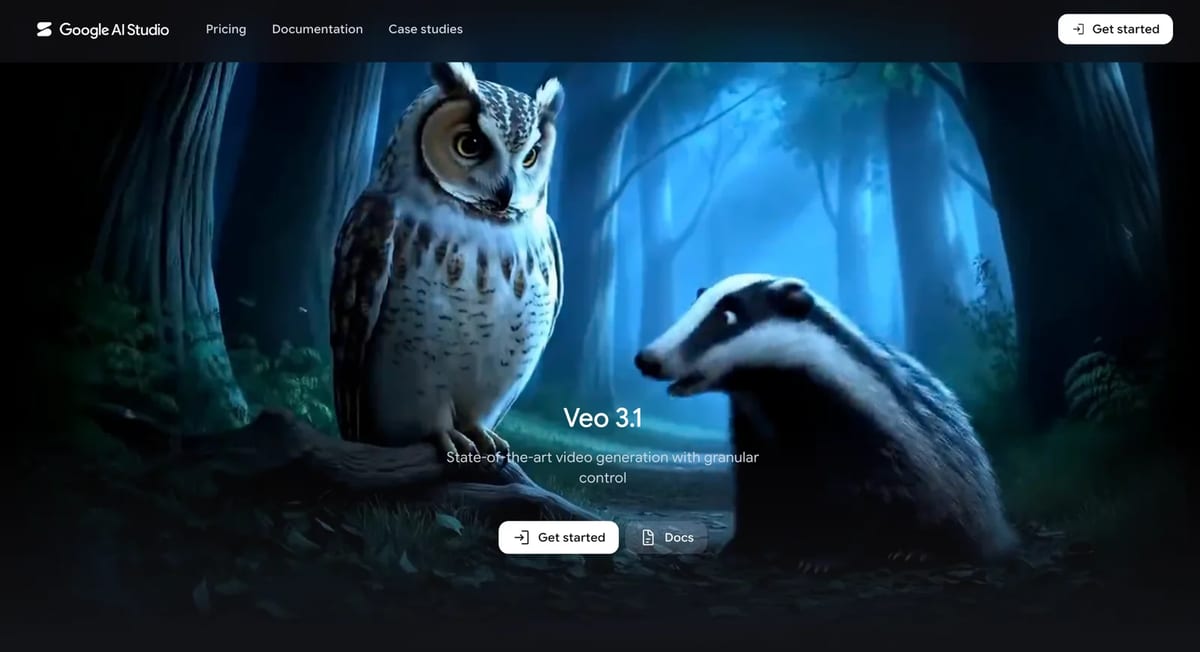
Google says content made with its tools carries SynthID, an invisible digital watermark. Google also launched a SynthID Detector, and its Gemini app can now check videos for the mark. Many Veo clips show a small visible watermark too, though the rules differ by plan and can change.
The catch: SynthID only identifies content made with Google’s own tools.
Adobe Firefly
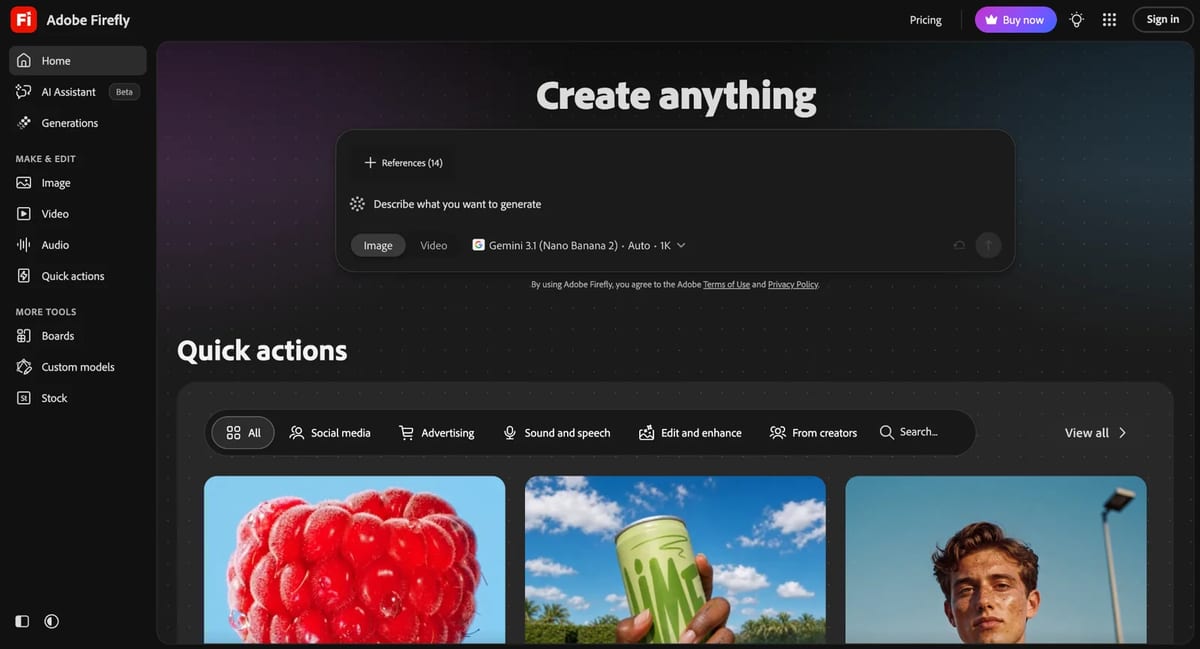
Adobe attaches Content Credentials to Firefly outputs. Think of them as a nutrition label that shows how and when a file was made. Adobe says the label shows whether a Firefly model or a partner model was used.
The catch: labels can be lost when a file is recorded on screen or shared again through other apps.
Higgsfield
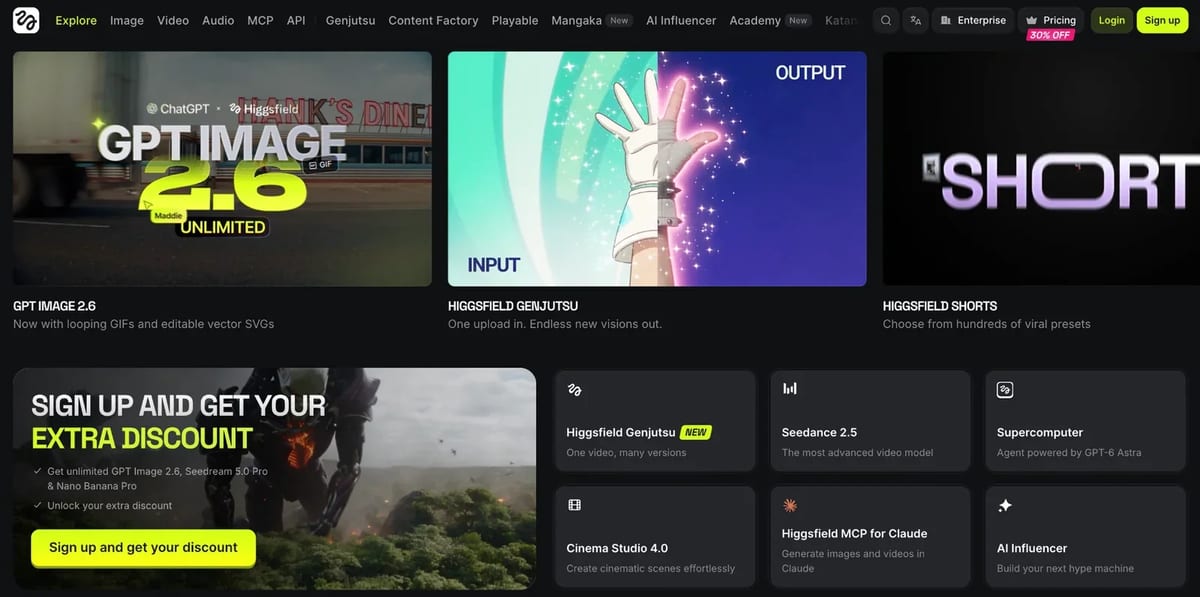
Higgsfield’s Cinema Studio lets creators set camera, lens, and aperture before generating. The result can look like it was shot on a real camera.
A filmed look is no longer proof of a real camera.
What to do when you are still not sure
- Pause before you share.
- Search for the original upload.
- Grab a frame and run a reverse image search.
- Look for credentials or watermarks, and use the tool’s own checker if one exists.
- Ask the poster where it came from.
Media forensics researchers at the University at Buffalo told HuffPost that today’s tells will likely be fixed soon. They also warned that missing tells do not mean a clip is real.
So keep the habit, not just the checklist.
FAQ
Can AI video detectors be trusted? They help, but none are perfect. Use them as one input next to source checks.
Does a missing watermark mean a video is real? No. Many tools add none, and marks can be removed or lost.
What is the difference between a deepfake and an AI generated video? A deepfake changes or imitates a real person. An AI generated video can be built from scratch with no real footage.
Can I trust the audio? Not by itself. Some models, including Veo 3.1, now generate sound together with the video.
Found this useful? Share it with someone comparing AI tools.