Shots is the easiest way to jump on an AI dance trend: pick a template, add a photo and you have a clip in seconds, powered by models like Kling and Seedance.
Home / Tools / AI Video Generator
AI Video Generator · Tool review
Shots AI App: Pricing, Coins & Dance Videos
 TechPilot.ai review team Hands-on testing, one published method
 - Last updated
- How we test
Summary
Pros and cons
What we like
- One tap Templates do the work, no editing skills needed.
- Trend-ready A large, growing library of viral dance templates.
- Many tools in one app Video, portraits, headshots, restoration and filters.
- Strong models Built on Kling, Seedance, PixVerse and other leading models.
- Popular 4.5 stars from about 17,000 App Store ratings.
What could be better
- Coins plus subscription Costs add up quickly.
- Unclear allowances Coin amounts aren't published.
- Short clips Some users report cropped or short results.
- iPhone only No Android app linked.
Key features
- AI dance videos: Viral TikTok dance templates for people or pets.
- Photo to video: Animate any still photo in one tap.
- Text to video: Describe a scene and generate a short clip.
- AI portraits: Studio, business and vintage looks from one selfie.
- Photo restoration: Fix blurry or damaged photos.
- Polaroid and Y2K filters: Retro film looks for photos.
Screenshots
Full review
Independent and reader-supported. Some links may earn us a commission; it never changes our scores. Editorial policy
Shots AI is the iPhone app behind viral AI dance videos, turning one photo or prompt into a clip. See Shots pricing, weekly plans, coin packs and limits.
Shots: Photo & Video Generator, made by DeePix AI, is a one-tap app: upload a selfie or a pet photo, pick a dance template or style and it generates the clip. It also does text to video, AI portraits, headshots, photo restoration and retro Polaroid and Y2K filters.
What is Shots AI and why is it trending?
Shots isn’t brand new. Version 1.7.0 shipped on the App Store in August 2026, and the app has had dance templates for months. It went viral in late September 2026 with the TikTok AI dance trend, when it climbed 95 places to No. 2 in the US App Store’s Photo & Video chart in three days, according to MWM. On October 8, 2026, its App Store listing showed it at No. 7 in Photo & Video with a 4.5-star rating from about 17,000 reviews.
The listing says Shots runs on third-party models including Nano Banana 2 Edit, Kling v2.6, GPT Image v2 Edit, Grok Imagine Image Edit, PixVerse v4.5 Effect and Seedance 2.0. So the output is similar to what you’d get from PixVerse or Seedance 2.0, packaged as ready-made templates.
How Shots works
- Download Shots on an iPhone with iOS 16 or later.
- Start from a photo or a prompt: upload a selfie, a group shot or your pet, or type what you want to see.
- Pick a template or style: viral dance clips, cinematic scenes, portraits, business headshots or filters.
- Generate and share: download the result or post it to TikTok, Reels or Shorts.
Shots Pricing (2026)
Shots is free to download, but generating videos needs a subscription and coins. DeePix AI doesn’t publish a pricing page, so we checked the in-app purchases on the US App Store listing on October 8, 2026.
| In-app purchase | Price (US App Store) |
|---|---|
| Weekly Basic Premium | $6.99 |
| Weekly Premium Intro / Weekly Pro | $9.99 each |
| Weekly Gold Premium | $12.99 |
| Yearly Premium | $39.99 or $79.99 (two yearly options listed) |
| Coin packs | Starter $9.99, Quarter $14.99, Half $24.99, Full $34.99 |
The listing describes weekly and yearly plans that unlock all styles, effects and tools, but videos also use coins. Several App Store reviewers say the coins included with a weekly plan ran out after a few videos and they had to buy coin packs to keep going, so budget for more than the weekly price if you plan to make lots of clips.
Is it worth it? For one or two trend videos, a single week can do the job. Cancel before it renews if you don’t need more, because plans auto-renew.
Best use cases for Shots
- Viral dance videos: put yourself, friends or a pet into trending TikTok dance templates.
- Photo to video: animate a still photo in one tap.
- AI portraits and headshots: studio, business or vintage looks from one selfie.
- Old photo restoration: sharpen blurry or damaged family photos.
- Themed events: limited templates such as the current Become a Rap Star event.
Limitations
- Coins on top of subscriptions: paid plans don’t mean unlimited videos in practice, according to user reviews.
- Unclear allowances: coin amounts per plan and pack aren’t published on the listing.
- Short clips: some reviewers say results are shorter or more cropped than the examples.
- iPhone only: no Android or web version is linked from the listing.
- Tracking: the privacy label says location, identifiers and usage data may be used to track you.
Shots alternatives
- Summrs: viral AI video templates with 50 free credits on signup.
- Pollo AI: hug, kiss and dance effects from photos.
- Higgsfield AI: cinematic effects and AI influencer tools.
- Kling 4.0: a full AI video model for longer, controllable clips.
TechPilot.ai’s Verdict on Shots
Shots is the easiest way to jump on an AI dance trend: pick a template, add a photo and you have a clip in seconds, powered by models like Kling and Seedance.
The catch is cost. Weekly plans plus coin packs add up, and the listing doesn’t say how many videos you get. Try one week for a specific trend, then cancel unless you’ll keep using it.
Shots FAQ
Is Shots AI free?
Shots is free to download, but making videos requires a paid weekly or yearly plan and coins. Prices on the US App Store start at $6.99 a week for Weekly Basic Premium.
•
How much does Shots cost?
On the US App Store, weekly plans cost $6.99, $9.99 or $12.99, yearly plans $39.99 or $79.99, and coin packs $9.99 to $34.99. The listing doesn’t say how many coins each option includes.
•
How do I make an AI dance video with Shots?
Open Shots, choose a dance template, upload a clear photo of yourself, a friend or your pet and tap generate. You can then save the clip or share it to TikTok, Reels or Shorts.
•
Who makes the Shots app?
Shots: Photo & Video Generator is made by DeePix AI. The App Store lists the seller as Deepix AI Yazilim Teknolojileri Anonim Sirketi, a company in Turkey.
•
Is Shots available on Android?
The App Store listing is for iPhone and needs iOS 16 or later. DeePix AI doesn’t link an Android version from the listing.
Learnify Club
AI Video Generator
As the editorial team at TechPilot.ai, we approach every tool with a goal to understand its real-world value. With Learnify Club, our…

Boba Video
AI Video Generator
Our team looks at many AI tools, and the AI video generator market is particularly crowded. Most platforms try to do everything, so a tool…

Reeroll AI
AI Video Generator
I was able to get access to a beta version of Reeroll AI to test its core functionality. My goal was to see if the chat-based editing…
AI Video Generator  Eimantas Kazėnas · 6 min read
How to Make an AI Video for Free (2026)
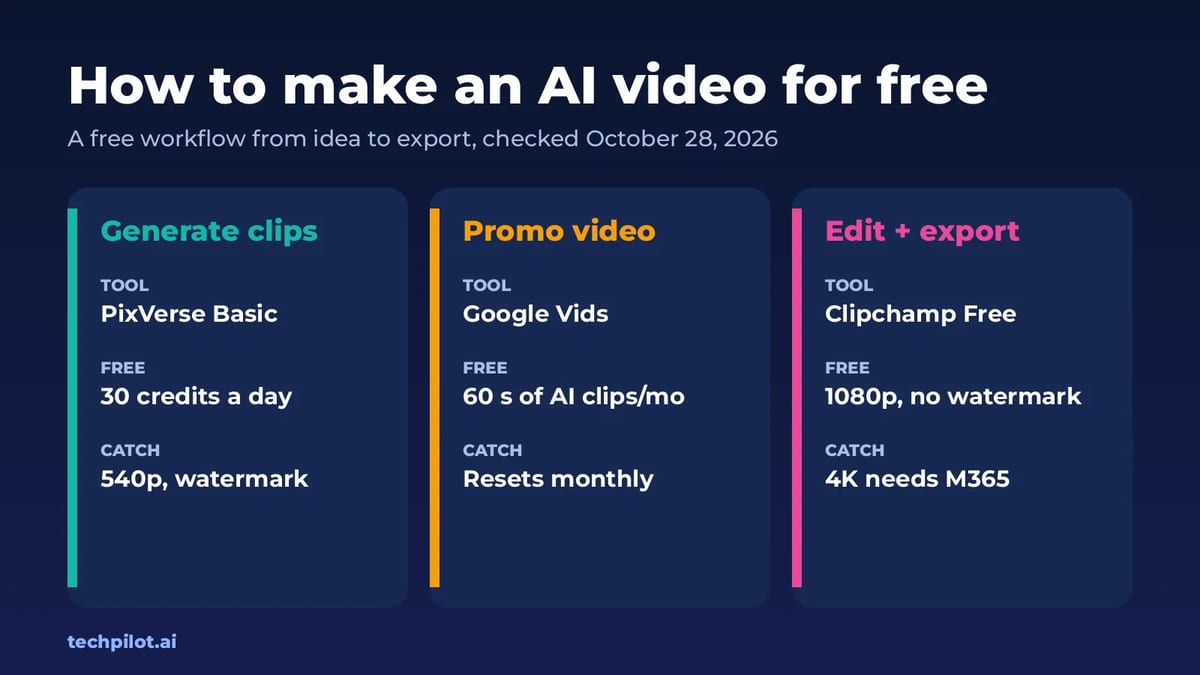
How to make an AI video for free: write a short script, make key images, animate them in a free AI video generator and finish in a free editor.…
Eimantas Kazėnas · 6 min read
AI Video Generator  Mihai (Mike) Bizz · 7 min read
Image to Video Free AI: 6 Best Tools (2026)
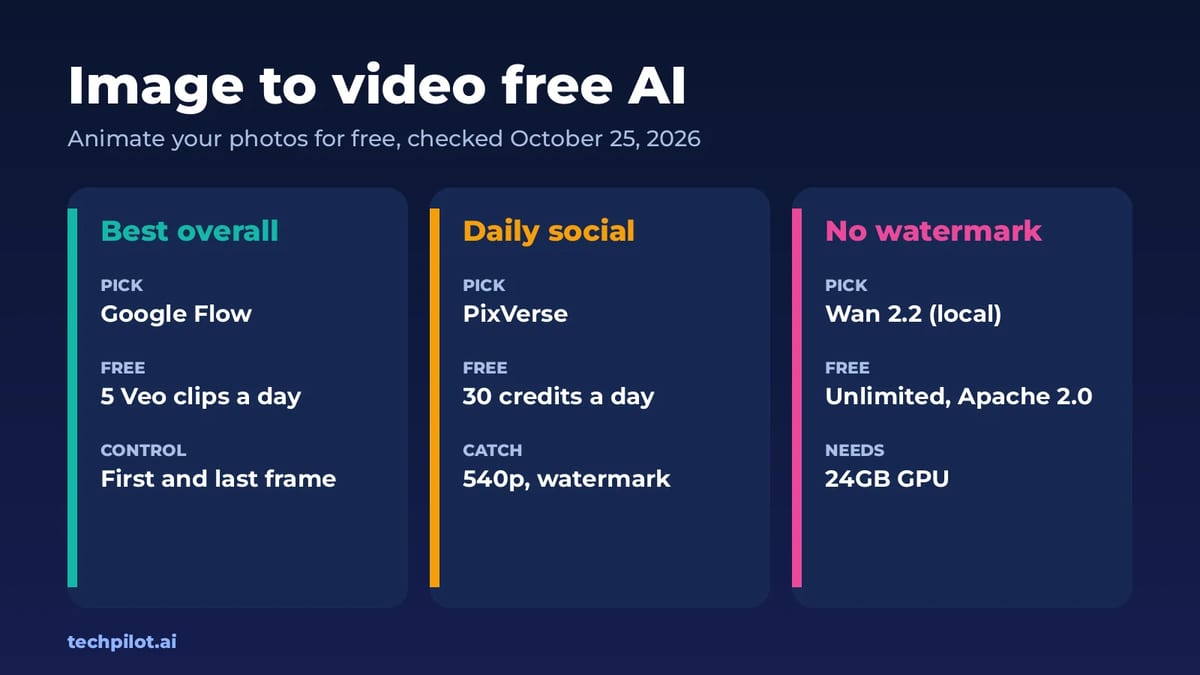
Image to video free AI tools compared: Google Flow, PixVerse, Kling, Vidu, Hailuo and Wan 2.2. See free credits, watermarks and which photo animator…
Mihai (Mike) Bizz · 7 min read