Home / Guides / Productivity
Free AI Headshot Generator: 5 Best Options
 Mihai (Mike) Bizz Business, entrepreneurship, tech & AI
 - Published
- 5 min read
On this page Free AI headshot generators compared
- Free AI headshot generators compared
- 1. Poised: best free AI headshot generator
- 2. Magic Hour: best for one quick photo
- 3. Canva: best if you already design in Canva
- 4. Gemini and ChatGPT: best for custom styles
- When a paid AI headshot is worth it
- How to get a good free AI headshot
- Frequently asked questions
Independent and reader-supported. Some links may earn us a commission; it never changes our rankings. Editorial policy
Free AI headshot generator options that actually work: Poised, Magic Hour, Canva, Gemini and ChatGPT. Compare free limits, quality and when paid wins.
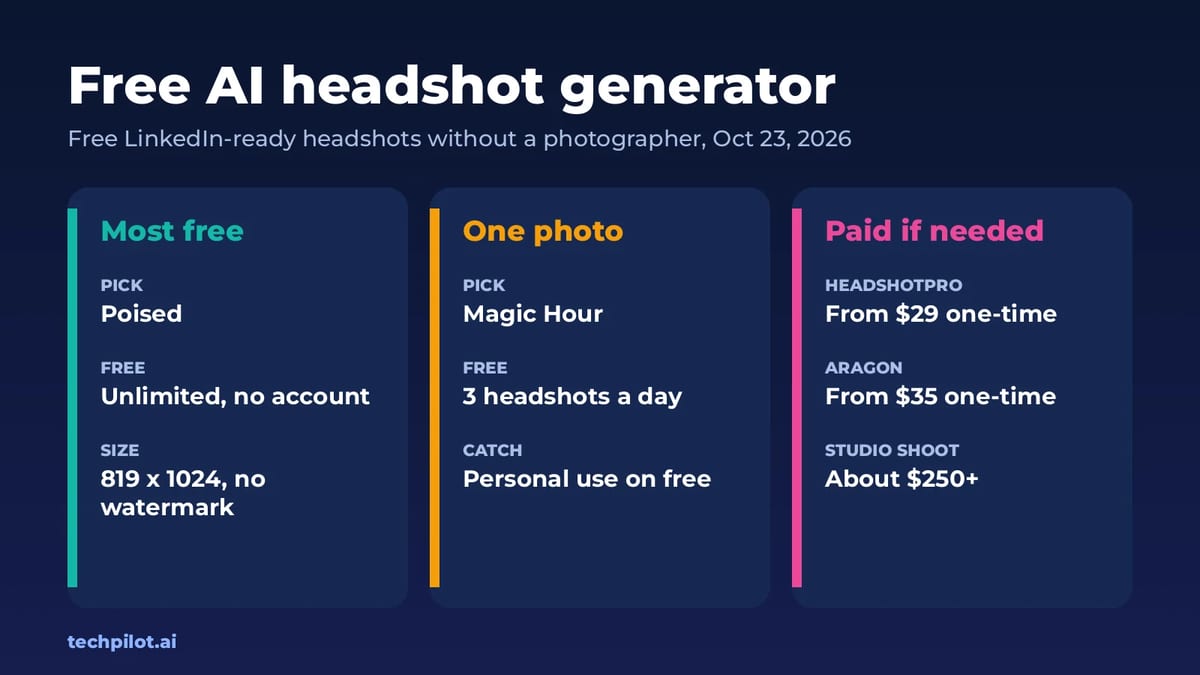
Quick answer: the most generous free AI headshot generator we found is Poised: unlimited headshots, no account and no watermark, at 819 x 1024 pixels, which is plenty for LinkedIn. For a single quick result from one photo, Magic Hour gives you 3 free headshots a day without signing up. If you need dozens of polished options in different outfits, paid services like HeadshotPro start at $29 one-time. We checked all prices and limits on October 23, 2026.
Free AI headshot generators compared
| Tool | Free limit | Account needed | Watermark | Commercial use on free |
|---|---|---|---|---|
| Poised | Unlimited, 8 style packs, 819 x 1024 | No | No | Yes |
| Magic Hour | 3 headshots a day from one photo | No | No | No, paid plans only |
| Canva | 2 free credits, then a 24-hour wait | Yes | Check Canva terms | Check Canva terms |
| Google Gemini | Free image limits that refresh every 5 hours | Yes | Check Google terms | Check Google terms |
| ChatGPT Free | Image creation with tight caps | Yes | Check OpenAI terms | Check OpenAI terms |
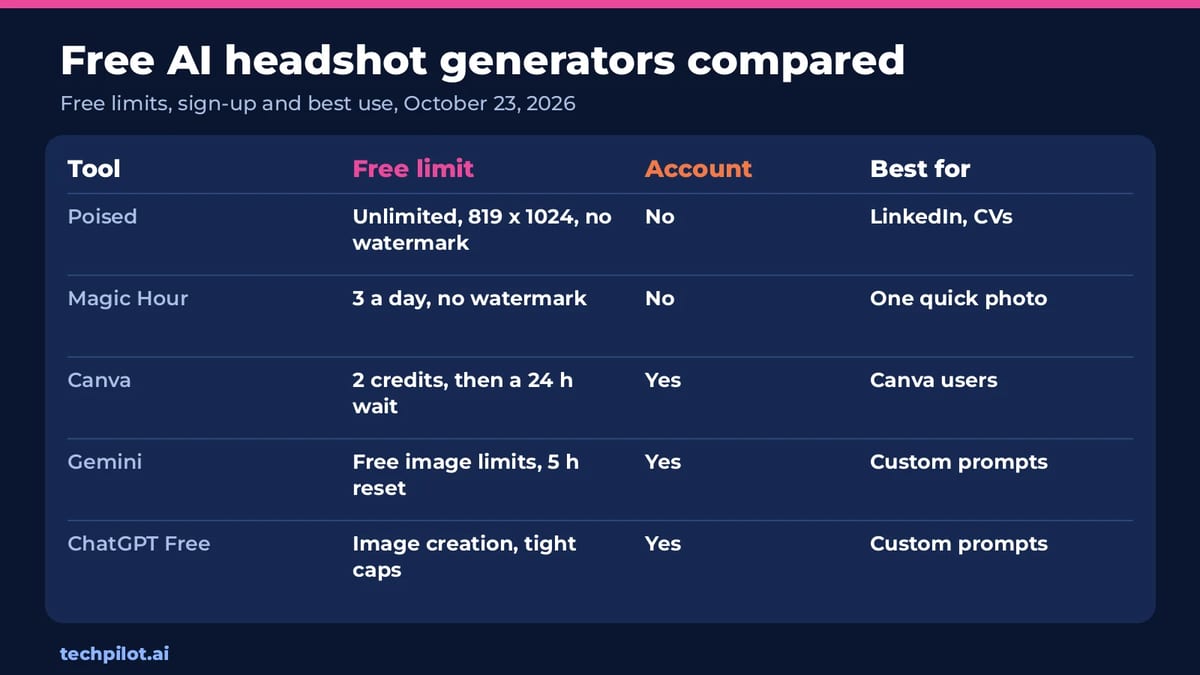
What surprised us is how much the free options differ. Poised runs in your browser and says your photo is never uploaded, while most others process it on their servers. Magic Hour’s free results carry no watermark but are for personal use only, so read the last column before you put a free headshot on a company website.
1. Poised: best free AI headshot generator
- Free: unlimited headshots with no account and no watermark, across 8 style packs, at 819 x 1024 pixels. Commercial use is allowed.
- Privacy: Poised says it runs in your browser and your photo is never uploaded.
- The catch: 819 x 1024 is fine for LinkedIn and CVs, but small for print. A higher-resolution Studio tier at 2048 x 2560 is in beta.
- Best for: a free LinkedIn or CV photo with no strings attached.
2. Magic Hour: best for one quick photo
- Free: 3 headshots a day from one uploaded photo, with no sign-up and no watermark.
- The catch: free results are for personal, non-commercial use. Paid subscriptions and credit packs add commercial rights. Uploads are kept for 1 day.
- Best for: testing a few looks quickly. Developers can also use its headshot API from $0.047 an image.
3. Canva: best if you already design in Canva
- Free: Canva’s AI headshot generator gives you 2 free credits, then you wait 24 hours for more.
- Best for: dropping a headshot straight into a CV, slide deck or social post you’re already making in Canva.
4. Gemini and ChatGPT: best for custom styles
General chatbots can turn a selfie into a headshot if you give them a clear prompt. Gemini’s free plan uses Nano Banana 2 for image editing, and ChatGPT’s free plan includes image creation with tighter caps. Upload a sharp, front-facing photo and try a prompt like this:
“Turn this photo into a professional headshot. Keep my face, hair and features exactly the same. Plain light grey studio background, soft window light, navy blazer over a white shirt, head and shoulders, sharp focus.”
The key line is “keep my face exactly the same”. Without it, chatbots tend to smooth skin and change features until the photo no longer looks like you. Our ChatGPT photo editing prompts have more prompts you can adapt, and our free chat AI guide covers each chatbot’s free limits.
When a paid AI headshot is worth it
Free tools give you one or a few images from one photo. Paid services train on several selfies and return dozens of headshots in different outfits and backgrounds, which matters for teams or if you want a strong choice.
| Service | Price (one-time) | What you get |
|---|---|---|
| HeadshotPro | $29 / $39 / $59 | 30, 50 or 70 headshots; 4K on the $59 plan |
| Aragon | $35 / $45 / $75 | 40, 60 or 100 headshots; higher resolution on the top plan |
| Studio photographer | About $250 or more | A one-hour session, usually 5 to 10 final photos |
Prices are from each service’s pricing page on October 23, 2026. Aragon’s prices were shown as discounts from $44, $56 and $94. For one LinkedIn photo, a free tool is usually enough. For a whole team that needs matching photos, a paid service is cheaper than a photographer.
How to get a good free AI headshot
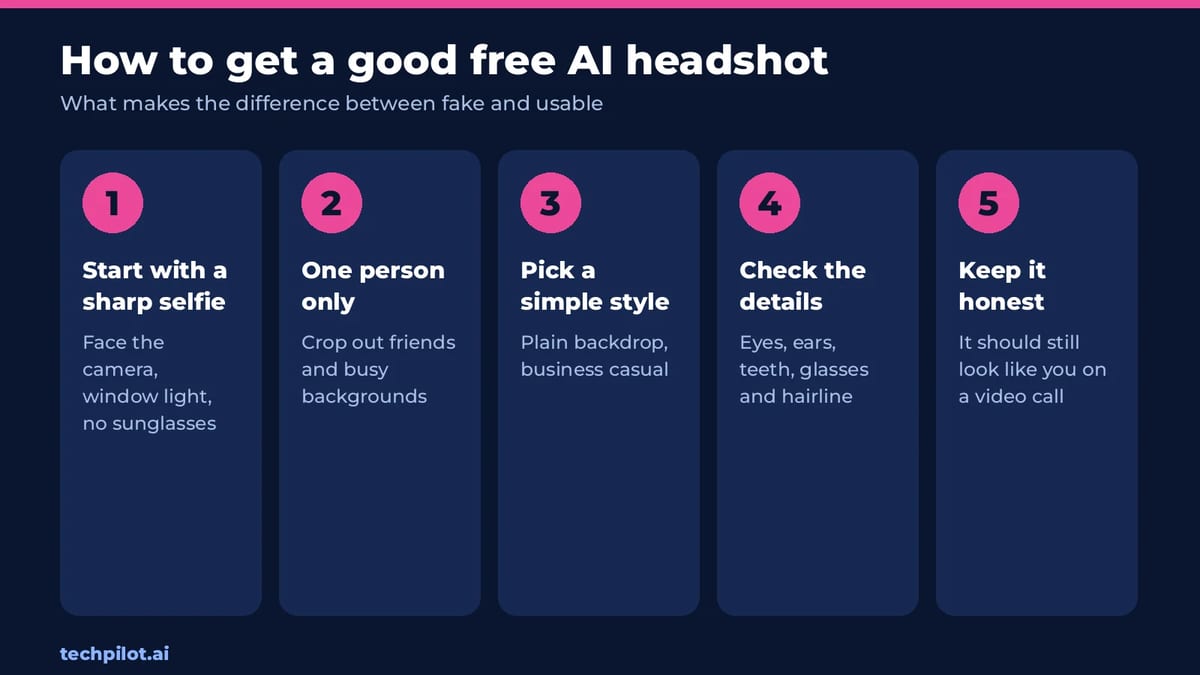
- Start with a sharp selfie. Face the camera near a window, with no sunglasses or hats.
- One person only. Crop out friends and busy backgrounds.
- Pick a simple style. A plain backdrop and business-casual clothes look the most natural.
- Check the details. Look closely at eyes, ears, teeth, glasses and the hairline, where AI usually slips.
- Keep it honest. Your headshot should still look like you on a video call.
Want a fully AI-made person instead of a photo of you? See our guide to AI person generators. For other image jobs, see the best free AI image generator picks, and for video, the AI face swap video free tools.
Frequently asked questions
What is the best free AI headshot generator?
Poised is the most generous: unlimited headshots with no account and no watermark, at 819 x 1024 pixels, with commercial use allowed. Magic Hour gives 3 free headshots a day.
Is there a completely free AI headshot generator?
Yes. Poised is free with no account, no watermark and no daily limit. Magic Hour is also free for 3 headshots a day, but only for personal use.
Can I use ChatGPT or Gemini to make a headshot?
Yes. Upload a clear selfie and ask for a professional headshot with a plain background, telling it to keep your face exactly the same. Free plans have image limits.
How much does a paid AI headshot cost?
HeadshotPro costs $29, $39 or $59 one-time for 30 to 70 headshots. Aragon costs $35, $45 or $75 for 40 to 100. A studio photographer is usually $250 or more.
Are AI headshots OK for LinkedIn?
Yes, as long as the photo still looks like you. Check eyes, teeth and hairline for errors, and avoid heavy smoothing. 819 x 1024 pixels is well above LinkedIn’s 400 x 400 recommendation.
Found this useful? Share it with someone comparing AI tools.
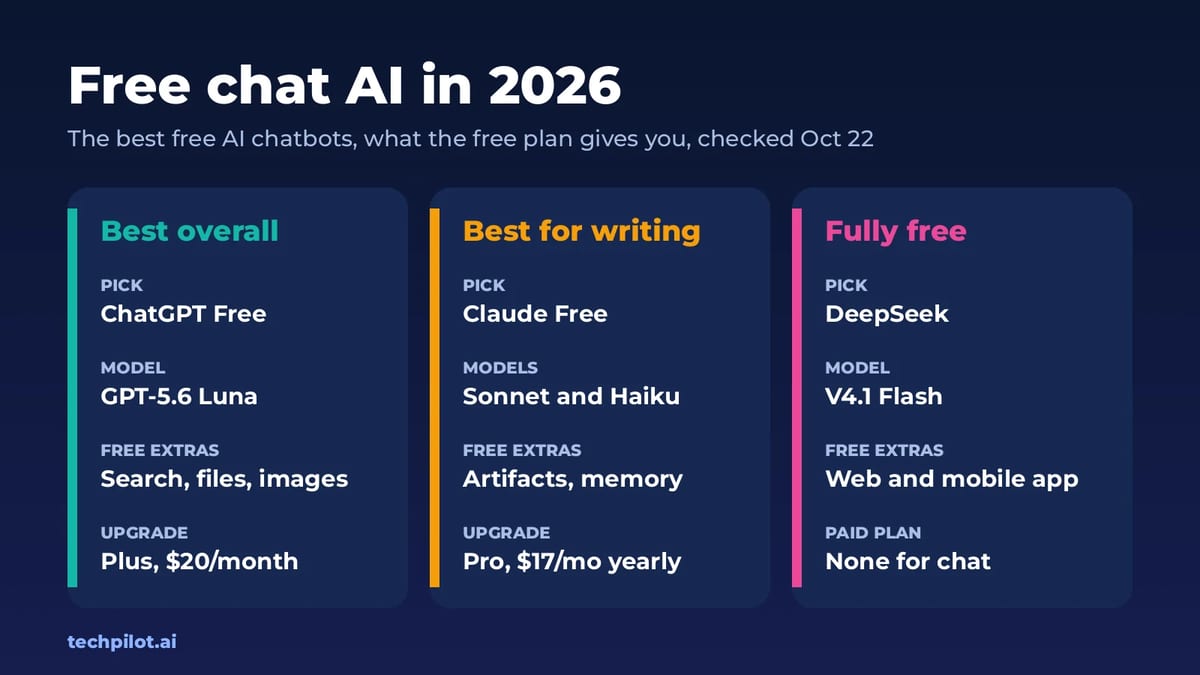
Free Chat AI: 7 Best Free AI Chatbots (2026)
Free chat AI is easy to find: ChatGPT, Claude, Gemini, Copilot, Grok and more have free plans. We compare their limits, models and when paying is…
 Mihai (Mike) Bizz · 6 min read
Seedance 2.0 Review: ByteDance’s AI Video Generator Takes on Sora 2, Veo 3.1, and Kling in 2026
Seedance 2.0 review 2026: We tested ByteDance’s multimodal AI video generator against Sora 2, Veo 3.1 & Kling 3.0.
Mihai (Mike) Bizz · 10 min read