Home / Guides / AI Video Generator
6 Best Tools for Dynamic Camera Moves in AI Video: A 2026 Roundup
A 2026 roundup of the top AI video tools for dynamic camera moves and motion control, comparing invideo agent, Moonvalley, Luma, Vidu, Pika, and Marble.
 Eimantas Kazėnas Marketing & Tech
 - Published
- 6 min read
On this page Why Camera Movement Is Still the Hard Part
Independent and reader-supported. Some links may earn us a commission; it never changes our rankings. Editorial policy
A static, drifting shot is the fastest way to spot AI-generated video. Real cinematography moves with intent: a dolly-in for tension, a crane rise for scale, an orbit for reveal. Getting that same intentional movement out of a generative model, rather than a vague, wobbly approximation of “camera motion,” is still one of the toughest problems in the category, and it’s exactly where the tools reviewed below have chosen to specialize.
Camera control matters more than ever because the volume of AI video is exploding. Digital video ad spending is projected to reach $223.5 billion in 2026, climbing to $338.6 billion by 2030, according to Statista, and a growing share of that spend runs through AI-generated footage. When a brand or a filmmaker is competing for attention inside that volume, a shot that moves like it was actually directed, rather than merely generated, is what separates a usable clip from a discardable one.
This roundup looks at six tools built around solving that specific problem, from full production platforms to single-purpose camera-motion generators.
Why Camera Movement Is Still the Hard Part
Most text-to-video models will happily accept a prompt like “cinematic camera movement,” but what comes back is often an ambiguous drift rather than a controlled, repeatable move. That’s because a generic model treats camera language as a style cue, not a geometric instruction. It doesn’t know the difference between a slow dolly-in meant to build emotional pressure and a crash zoom meant to punctuate a joke; it just knows the words are associated with a certain look.
The economics of production make this worth solving properly. AI-assisted video has already cut per-minute production costs from roughly $4,500 to around $400, a 91% reduction, according to a 2026 industry breakdown from Fortune Business Insights. But those savings only hold up if the resulting footage looks intentional. A shot with the right lighting and composition but a camera move that reads as random still costs a production credibility, even if it cost less to make.
The Top Tools for Dynamic Camera Moves in 2026
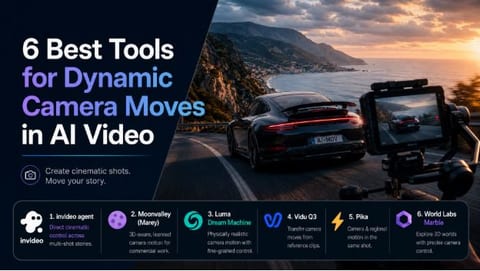
1. invideo agent
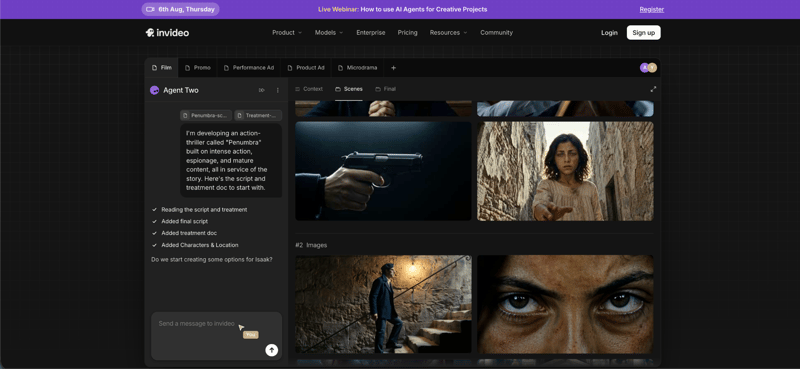
Most AI video platforms treat camera movement as something bolted onto a single prompt, which is exactly why the result so often reads as an approximation rather than a deliberate choice. invideo agent approaches it differently, treating motion control as a directorial decision made deliberately, ahead of generation, rather than a gamble on wording.
Inside a project, a director can select a specific motion control move, a slow dolly-in for emotional build, a crash zoom for energy, a 360-degree orbit for a hero reveal, and have that choice carried out consistently across a sequence of shots rather than re-approximated with every new generation. Because the platform holds full project context, that same motion control decision applies across multiple shots in a scene, and the agent routes each shot to whichever of its underlying video models handles that particular motion most reliably.
Best for: filmmakers and brand teams who need a specific camera move to serve a specific story beat, held consistently across a multi-shot sequence rather than reset every time.
Pricing: plans start at $17/month, with team and enterprise options also available.
2. Moonvalley (Marey model)
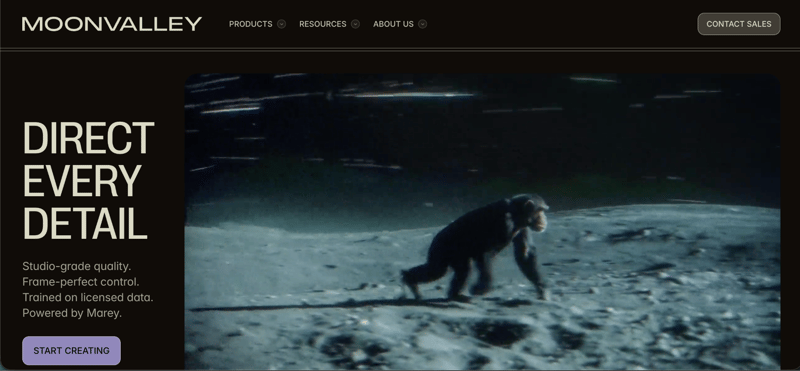
Moonvalley’s Marey model takes a fundamentally different technical approach: it’s built to be 3D-aware, meaning camera angle, character movement, and background elements remain adjustable parameters even after a clip is generated, rather than being locked into whatever came out of the first pass. Directors can shift a camera trajectory, dial in a pan or zoom, and pull off close to a full 360 degrees of camera motion through mouse-driven controls while the model preserves spatial coherence.
Because Marey trains exclusively on licensed footage, it’s also positioned specifically for commercial work where legal clearance on the training data matters, which is why agencies producing paid campaigns tend to reach for it over more general-purpose models.
Best for: professional filmmakers and agencies who need adjustable, legally clean camera paths for paid campaign work.
Pricing: Standard plan at $14.99/month for 100 credits.
3. Luma Dream Machine
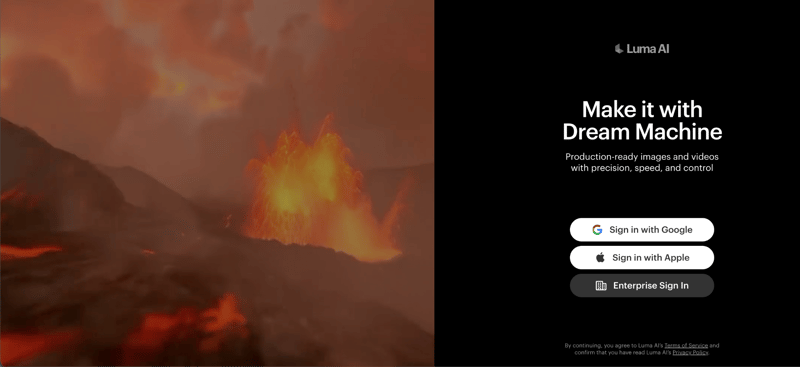
Luma’s Camera Motion SDK gives fine-grained control over truck, dolly, pan, tilt, and roll moves, either through a slider interface or direct vector input, and it’s built on an architecture that blends diffusion transformers with NeRF-style 3D-space reasoning. That extra spatial grounding is why the camera motion this model produces tends to look unusually physical, rather than the slightly floaty quality that shows up in more purely 2D approaches.
Best for: creators who care most about how physically convincing a camera move looks, especially for product visualization or architectural concepts.
Pricing: Plus plan from roughly $30/month with commercial-use rights.
4. Vidu Q3
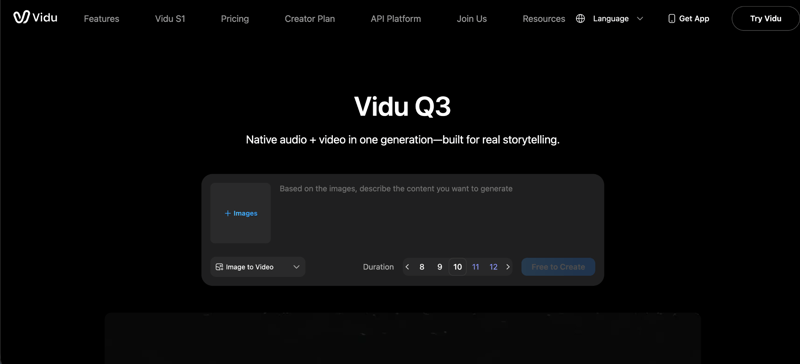
Rather than describing a camera move in words, Vidu’s Motion Control feature lets a creator upload a reference clip and transfer that exact motion pattern onto a new generation. That’s a meaningfully different workflow for camera paths that are awkward to put into a sentence, an unusual orbit speed, a specific handheld wobble, and it tends to produce more predictable results than trying to prompt the same effect from scratch.
Best for: creators who already have a reference clip with the exact camera path they want and would rather transfer it than describe it.
Pricing: subscription plans from roughly $10/month for 800 credits.
5. Pika
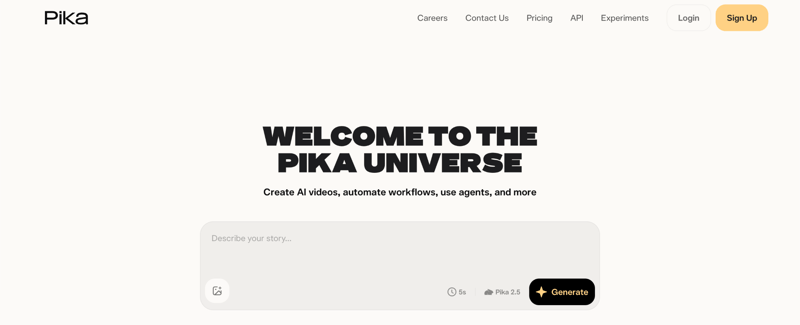
Pika layers its camera control at two levels. One-click presets cover the standard moves, pan, tilt, dolly, zoom, orbit, with adjustable speed and direction, while its Regional Motion Painting feature lets a creator assign different motion to different parts of the same frame, a drifting sky behind a subject that stays locked in place, for example.
That separation of camera motion from subject or background motion is the more interesting part: it means a creator isn’t stuck treating the whole frame as a single motion decision.
Best for: short-form creators who want a directed camera move combined with independent control over what else in the frame is moving.
Pricing: paid plans start around $8/month (Standard).
6. World Labs Marble
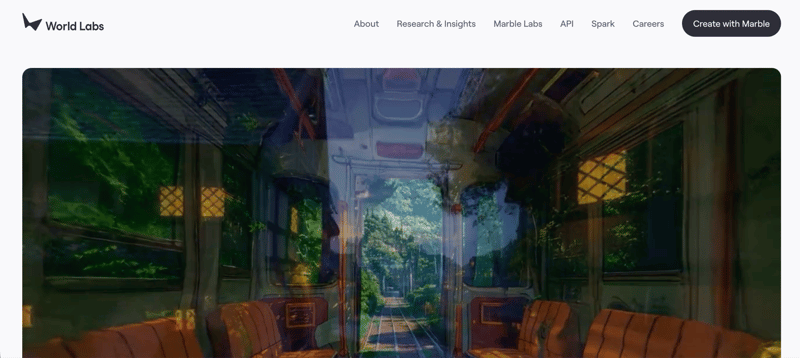
Marble takes an entirely different technical route from everything else on this list. Instead of generating a 2D clip with camera motion baked into the output, it builds a persistent, explorable 3D world, as Gaussian splats or a mesh, that a creator can then navigate with genuinely precise camera control, because the camera is moving through an actual 3D scene rather than a model guessing at plausible motion.
That sidesteps the core reliability problem affecting most AI video generators: since the environment already exists in three dimensions, camera movement through it can be frame-perfect rather than approximated.
Best for: VFX artists and filmmakers who need to plan and execute exact, repeatable camera paths through a consistent environment across multiple angles or shots.
Pricing: free tier with 4 outputs; paid plans from $20/month.
How to Choose the Right Tool for the Shot
- Need one camera move to serve a specific story beat across a full sequence? invideo agent holds that decision consistently across every shot in the project.
- Producing paid, commercial work where footage needs to be legally clean? Moonvalley’s Marey model is trained exclusively on licensed footage.
- Prioritizing how physically real the motion looks? Luma Dream Machine’s 3D-space-aware architecture is built for this.
- Already have a reference clip with the exact motion you want? Vidu Q3’s Motion Control transfers it directly.
- Need independent control over camera motion and subject or background motion in the same shot? Pika’s Regional Motion Painting handles that separation.
- Planning complex, repeatable camera paths through one consistent environment? World Labs Marble builds the environment in 3D first, so the camera moves through real geometry instead of an approximation.
The Bottom Line
Dynamic camera movement is quickly becoming the line between AI video that looks generated and AI video that looks directed. The six tools above take genuinely different approaches to solving it, from planning the move ahead of generation, to training on licensed 3D-aware footage, to skipping 2D approximation altogether in favor of a navigable 3D world. As AI-generated footage continues absorbing a larger share of the $223.5 billion in projected 2026 digital video ad spend, the tools that can make a camera move on purpose, rather than by accident, are the ones worth learning first.
Found this useful? Share it with someone comparing AI tools.
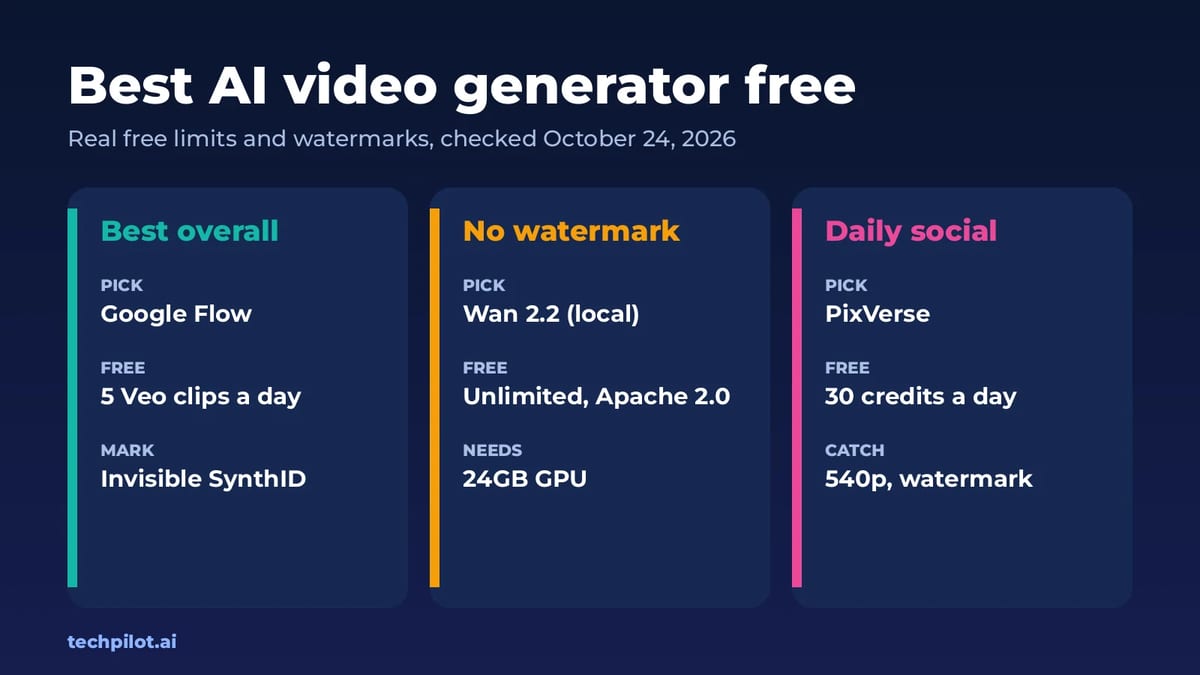
Best AI Video Generator Free (No Watermark)
Best AI video generator free picks for 2026: Google Flow, Wan 2.2, PixVerse, Kling and Runway. See real free limits, watermarks and how many clips…
 Eimantas Kazėnas · 6 min read
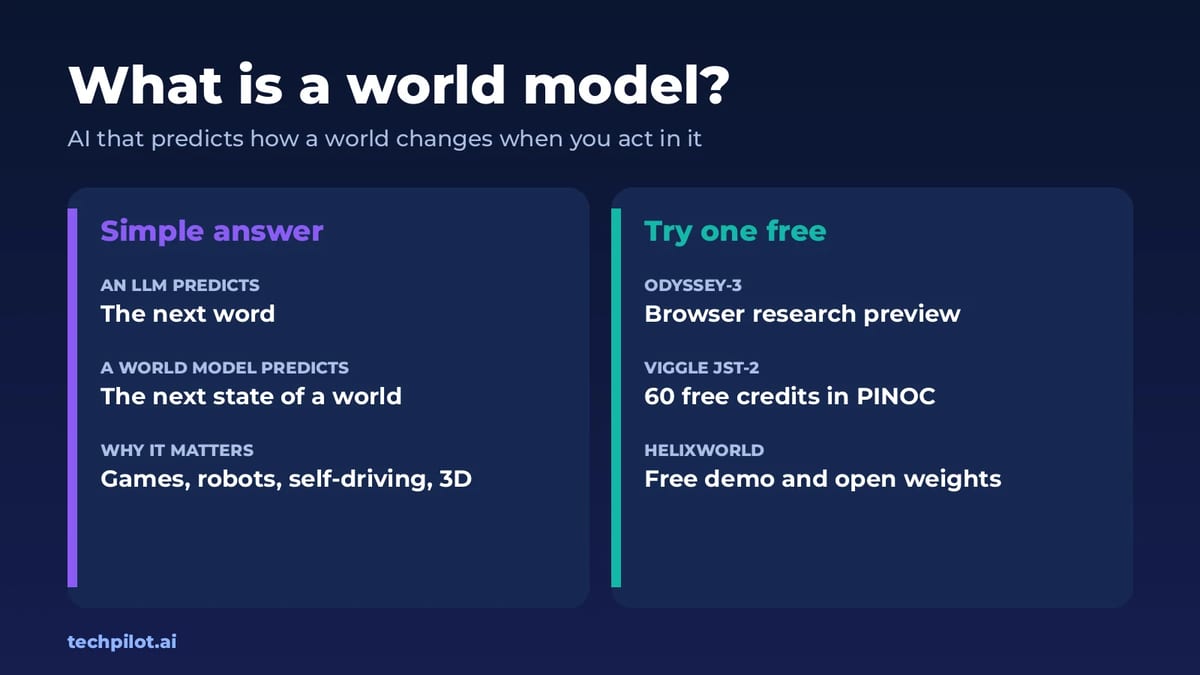
What Is a World Model? AI World Models 2026
What is a world model? It’s an AI that learns how a world works so it can predict what happens next when you act. Here’s how it works and where to…
Eimantas Kazėnas · 6 min read