Home / Guides / AI Video Generator
How to Choose an AI Video Generator for Real Creative Work
 Alexi Carmichael Business, Mentorship, and AI
 - Published
- 4 min read
Independent and reader-supported. Some links may earn us a commission; it never changes our rankings. Editorial policy
Knowing how to choose an AI video generator matters more every month, because adoption keeps climbing. In Wyzowl’s 2026 State of Video Marketing survey, 63% of video marketers said they had used AI tools to create or edit marketing videos, up from 51% the year before. But feature lists and demo reels don’t predict how a tool will perform on your project. This guide shows you how to choose an AI video generator by testing it on real work.
Short answer: Run the same real brief through two or three shortlisted tools. Compare how each handles your source material, how much control you get, whether it fits your destination format, and the total cost to an approved clip, not the per-generation price.
How to Choose an AI Video Generator: A 4-Step Test for Your Real Projects
Before you shortlist: write a real production brief
A social clip built from a product photo, a cinematic concept scene and a narrated training explainer each stress a tool differently. Before shortlisting any AI video tool, define four things:
- Your source material
- Your output format
- Your review process
- Your budget for revisions
Step 1: Start with the input you already have
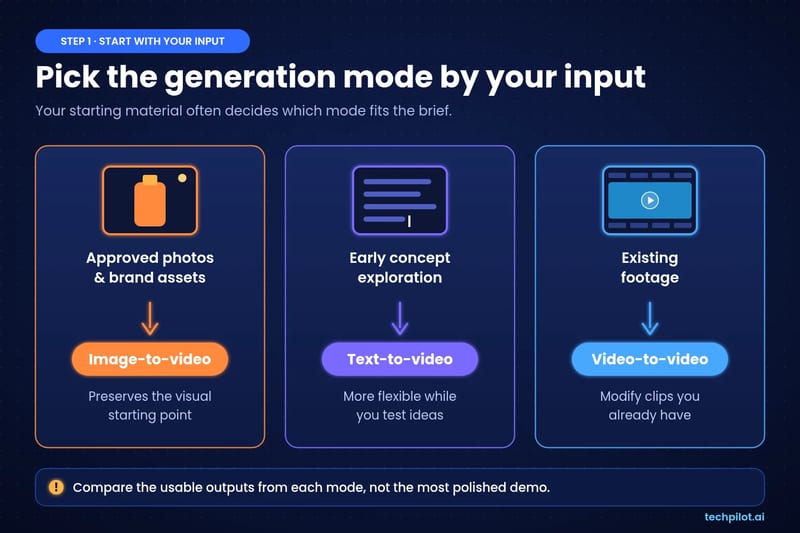
Your starting material often decides which generation mode fits. Tools that bundle text-to-video, image-to-video, and editing, like the Magic Hour AI video generator, let you run one brief through every mode without switching platforms.
- Approved photography or brand assets: image-to-video preserves the visual starting point, which matters when product appearance is non-negotiable.
- Early concept exploration: text-to-video is more flexible when you’re still testing ideas and don’t want to be anchored to one look.
- Existing footage: video-to-video or editing features matter if you’re modifying clips you already have.
Whatever you test, compare the usable outputs from each mode, not the most polished demo. For a broader walkthrough of the basics, TechPilot.ai’s guide on how to use an AI video generator to create better content faster covers prompting and workflow in more detail.
Step 2: Evaluate control and iteration
First-generation quality matters less than how well you can steer from there. When you compare AI video generators, check whether you can specify:
- Motion and camera behavior
- Aspect ratio and duration
- Source media (reference images or clips)
- Which underlying model runs the generation
Camera control is often the deciding factor for cinematic work, and tools vary widely here. This comparison of AI tools for cinematic camera movement shows how the approaches differ.
Then run a revision test. Request one small change after the first result, such as slower camera movement or a different background, and see whether you can refine the clip without rebuilding it. Log how many attempts it takes to reach an acceptable result. Generation price alone hides the real cost of rework.
Step 3: Match the AI video generator to your destination
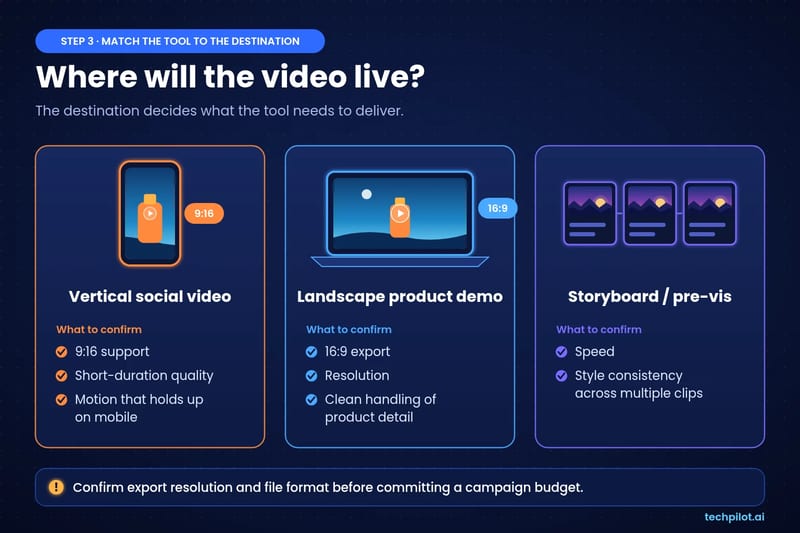
Where the video will live determines what the tool needs to deliver.
| Destination | What to confirm |
|---|---|
| Vertical social video | 9:16 support, short-duration quality, motion that holds up on mobile |
| Landscape product demo | 16:9 export, resolution, clean handling of product detail |
| Storyboard or pre-visualization | Speed, style consistency across multiple clips |
Length matters too. In the same Wyzowl survey, 71% of respondents said videos between 30 seconds and 2 minutes are most effective, so check that a tool holds quality across that range. Confirm export resolution and file format before committing a campaign budget, not after.
Step 4: Compare total production cost
Run two or three representative briefs through each shortlisted tool and record:
- Output quality against the brief
- Time to a usable clip
- Number of revisions required
- Commercial-use terms under your specific plan
The best AI video generator for you is the tool that reliably produces an approved result for your use case. The lowest advertised price and the longest feature list are both weaker signals. For teams producing at volume, revision speed compounds quickly.
How to choose an AI video generator: quick checklist
- Define the brief, source material and destination format.
- Test every relevant mode (text, image, video) on the same brief.
- Request one small revision and count the attempts.
- Verify export resolution, format and plan limits for each shortlisted tool.
- Confirm commercial-use terms.
- Compare total cost to an approved clip, not per-generation price.
FAQ
What should I look for in an AI video generator?
Look for the input modes you need (text, image, video), control over motion, camera, aspect ratio and duration, export quality for your destination, and commercial-use terms on your plan. Test these on a real brief, not a demo.
How many AI video generators should I test?
Two or three. Run the same brief through each, then compare output quality, time to a usable clip and the number of revisions needed.
Should I choose text-to-video or image-to-video?
Use image-to-video when approved photography or brand assets must stay accurate, and text-to-video when you’re still exploring concepts. AI Tools that offer both let you test either approach on one brief.
How do I compare AI video generator pricing?
Compare the total cost to an approved clip, including revisions, not the per-generation price. The cheapest tool can cost more if it takes many attempts to get a usable result.
Found this useful? Share it with someone comparing AI tools.
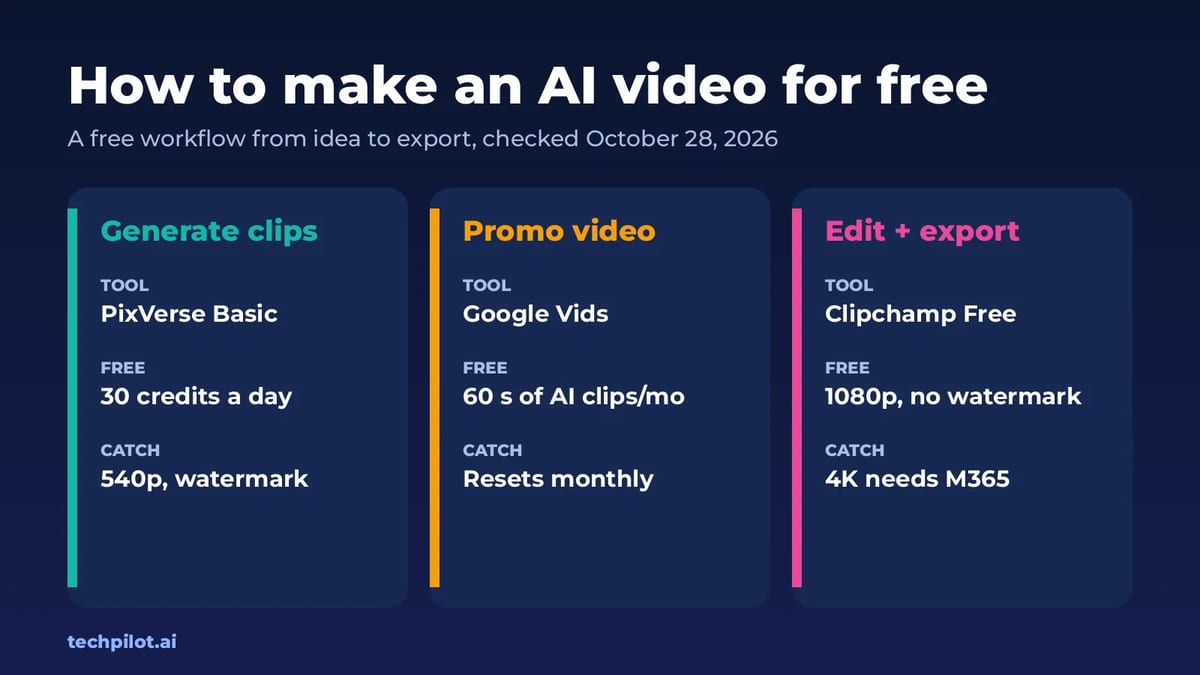
How to Make an AI Video for Free (2026)
How to make an AI video for free: write a short script, make key images, animate them in a free AI video generator and finish in a free editor.…
 Eimantas Kazėnas · 6 min read
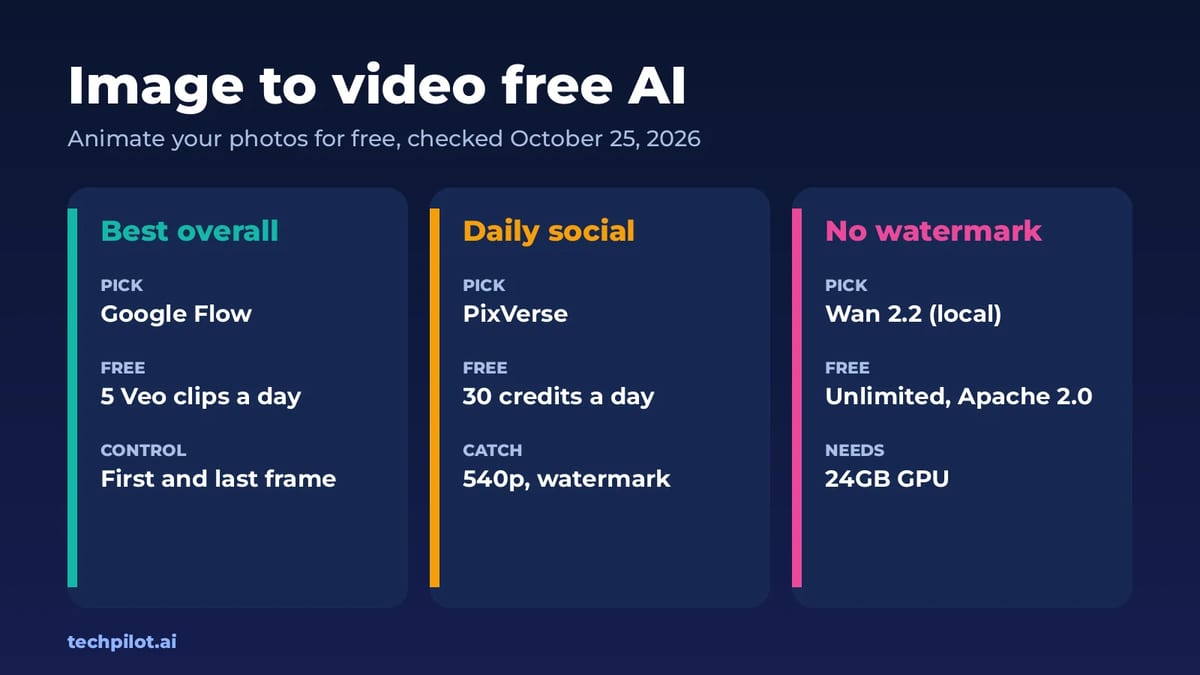
Image to Video Free AI: 6 Best Tools (2026)
Image to video free AI tools compared: Google Flow, PixVerse, Kling, Vidu, Hailuo and Wan 2.2. See free credits, watermarks and which photo animator…
 Mihai (Mike) Bizz · 7 min read