Home / Guides / Web development & Coding
How to Update Claude Code: Every Method
 Eimantas Kazėnas Marketing & Tech
- Published
- 4 min read
On this page Step 1: Find out how you installed Claude Code
- Step 1: Find out how you installed Claude Code
- Step 2: Run the update command for your install
- Step 3: Restart and check the version
- The npm trap: do not use npm update
- Turn on auto-updates for Homebrew and WinGet
- Choose a release channel: latest or stable
- How to stop Claude Code updating
- Frequently asked questions
Independent and reader-supported. Some links may earn us a commission; it never changes our rankings. Editorial policy
How to update Claude Code: run claude update, or let native installs update in the background. Homebrew, WinGet, npm and apt users need their own command.
Quick answer: open a terminal and run claude update. On the native installer that is all you need, and Claude Code already updates itself in the background, applying the new version the next time you start it. If you installed with Homebrew, WinGet, npm or a Linux package manager, use that tool’s upgrade command instead (table below). Run claude --version afterwards to confirm.
Step 1: Find out how you installed Claude Code
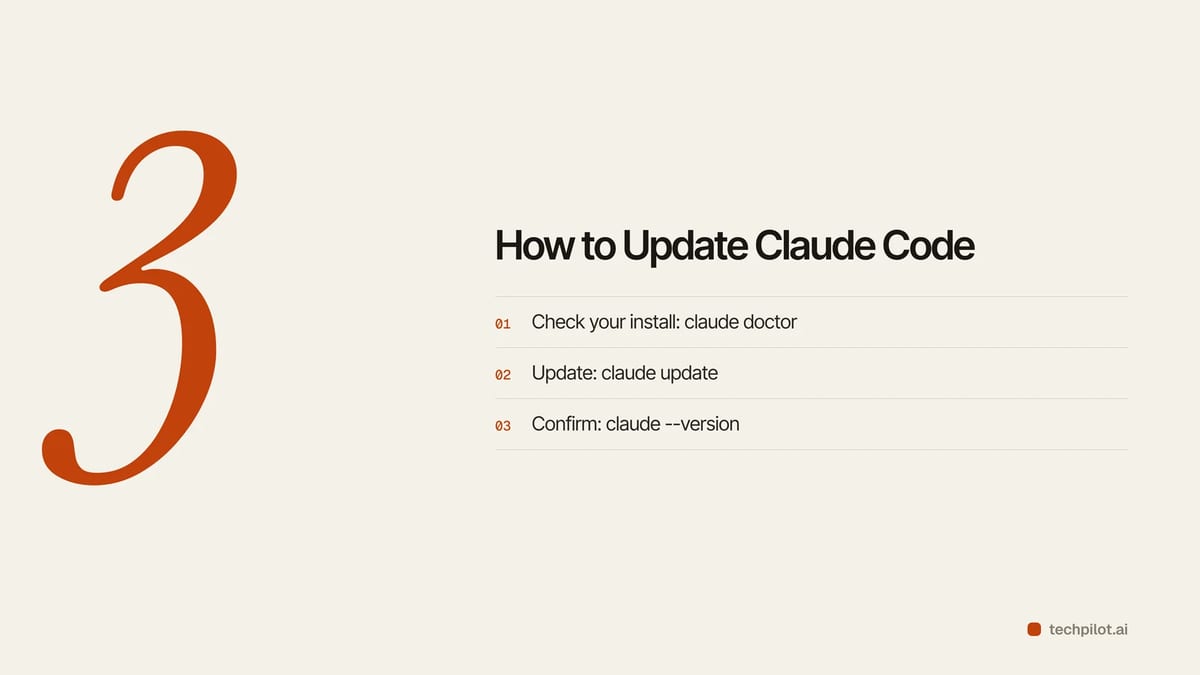
The right update command depends on the install method, and this is where most failed updates come from. Run claude doctor. It shows the result of the last update attempt and whether auto-updates are enabled, and it flags a launcher the native installer did not create. If you remember typing curl -fsSL https://claude.ai/install.sh | bash, you are on the native installer. If you used brew, winget, npm or apt, you need the matching command below.
Step 2: Run the update command for your install
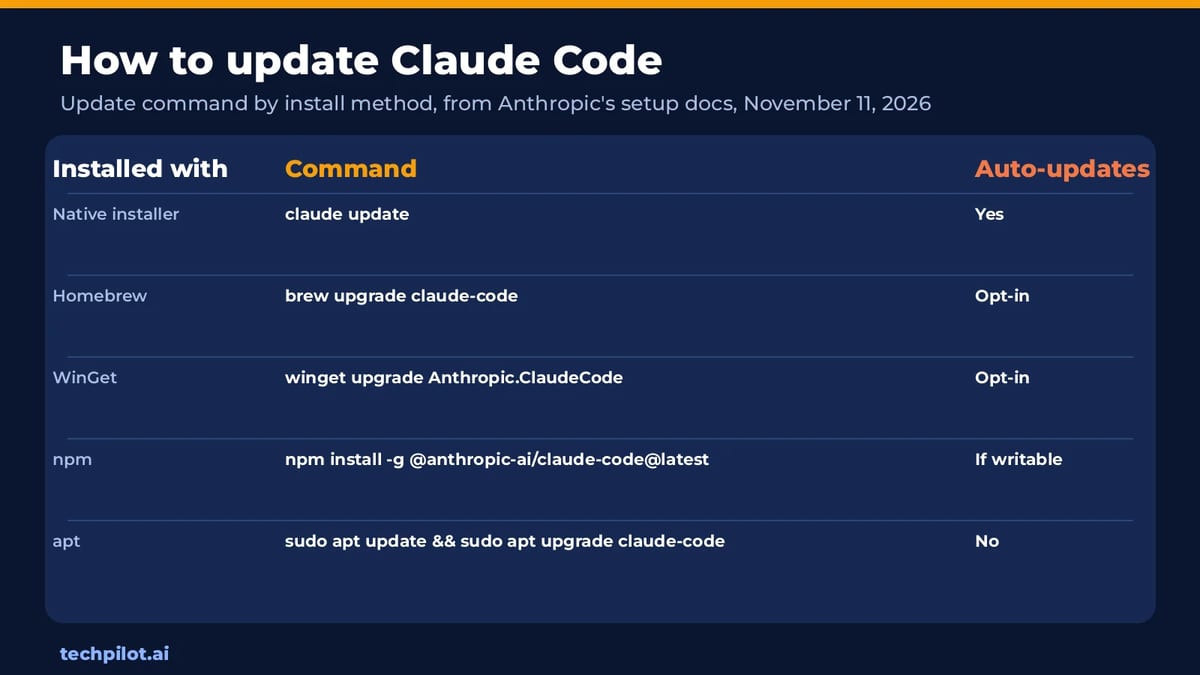
| Installed with | Update command | Auto-updates? |
|---|---|---|
| Native installer (macOS, Linux, WSL, Windows) | claude update | Yes, in the background |
| Homebrew (stable cask) | brew upgrade claude-code | No, unless you opt in |
| Homebrew (latest cask) | brew upgrade claude-code@latest | No, unless you opt in |
| WinGet | winget upgrade Anthropic.ClaudeCode | No, unless you opt in |
| npm | npm install -g @anthropic-ai/claude-code@latest | Yes, if the npm folder is writable |
| apt (Debian, Ubuntu) | sudo apt update && sudo apt upgrade claude-code | No |
| dnf or apk | Your normal system upgrade | No |
When claude update installs something it prints Successfully updated from the old version to the new one. If you are current, it says Claude Code is up to date. These commands come from Anthropic’s Claude Code setup docs, checked November 11, 2026.
Step 3: Restart and check the version
Updates take effect the next time you start Claude Code, so exit any running session and open a new one. Then run claude --version. A working install prints a number followed by (Claude Code). If claude doctor still reports a failed update, the most common cause on npm is a global folder that needs sudo.
The npm trap: do not use npm update
On npm installs, npm update -g looks like the obvious command but it respects the version range from your original install and may not move you to the newest release. Use npm install -g @anthropic-ai/claude-code@latest instead. Never add sudo: Claude Code runs npm without sudo when it updates itself, so an install that needed sudo can never auto-update. The npm package also needs Node.js 22 or later.
Our view: unless you have a reason to manage it through npm, switching to the native installer removes this whole class of problems, because it updates itself and cleans up old versions on its own.
Turn on auto-updates for Homebrew and WinGet
Homebrew and WinGet installs do not update themselves by default. Set the environment variable CLAUDE_CODE_PACKAGE_MANAGER_AUTO_UPDATE to 1 and Claude Code will run the upgrade in the background when a new version is out, then show a restart prompt. On Windows the WinGet upgrade can fail while Claude Code is running, because Windows locks the executable; Claude Code then shows you the manual command. Homebrew keeps old versions, so run brew cleanup now and then.
Choose a release channel: latest or stable
By default Claude Code follows the latest channel and gets new features the day they ship. The stable channel serves a build that is usually about a week old and skips releases with major regressions. Switch in /config under Auto-update channel, or add "autoUpdatesChannel": "stable" to settings.json.
- Pick latest if you want new models on day one. A newly launched model can need a version newer than stable serves.
- Pick stable for team machines and CI, where a broken release costs more than a week’s delay.
- Set a floor with
minimumVersionso moving to stable never downgrades you.
Homebrew picks the channel by cask name instead: claude-code tracks stable and claude-code@latest tracks latest.
How to stop Claude Code updating
To pause background updates, set DISABLE_AUTOUPDATER to "1" in the env section of settings.json, then confirm with claude doctor. That still lets anyone run claude update by hand. To block every update path, which companies need when they ship a tested version, set DISABLE_UPDATES instead.
New to the tool? Our guide on how to set up Claude Code covers install and login, is Claude AI free explains which plans include it, and Claude vs ChatGPT compares it with OpenAI’s tools.
Frequently asked questions
How do I update Claude Code?
Run claude update in your terminal. Homebrew uses brew upgrade claude-code, WinGet uses winget upgrade Anthropic.ClaudeCode, and npm uses npm install -g @anthropic-ai/claude-code@latest.
Does Claude Code update automatically?
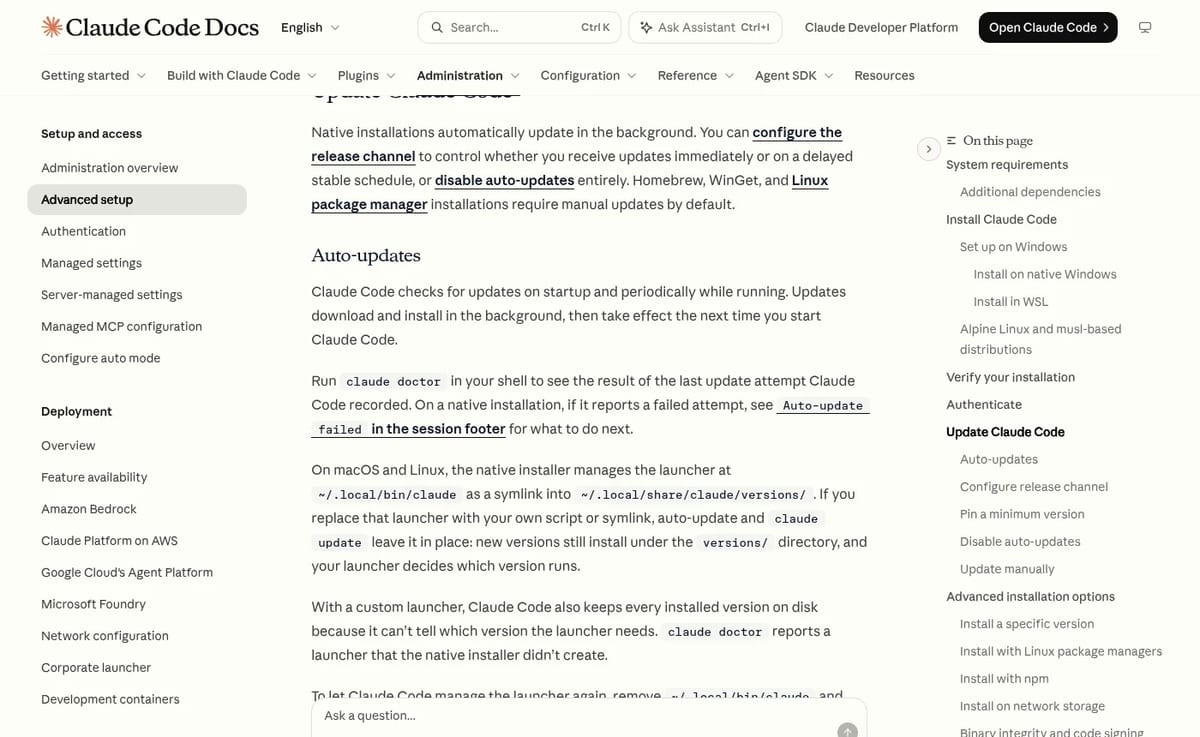
Yes on the native installer, which checks on startup and in the background and applies updates the next time you start it. Homebrew, WinGet, apt, dnf and apk installs do not by default.
How do I check my Claude Code version?
Run claude –version. It prints the version number followed by (Claude Code). Run claude doctor to see the last update attempt.
Why is npm update not updating Claude Code?
npm update -g respects the version range from your original install and may not reach the newest release. Use npm install -g @anthropic-ai/claude-code@latest instead.
How do I turn off Claude Code auto-updates?
Set DISABLE_AUTOUPDATER to 1 in the env section of settings.json. To block manual updates too, set DISABLE_UPDATES.
Found this useful? Share it with someone comparing AI tools.

Claude AI API vs Gemini AI API: Which Model Wins in Real Tasks?
In this guide, we break down Claude AI API vs Gemini AI API by actual use cases – how do their perform in common tasks and how do they stack against…
 Mihai (Mike) Bizz · 11 min read

How to Set Up Claude Code (2026 Guide)
How to set up Claude Code: install it with one command, sign in with a paid Claude plan, add a CLAUDE.md and pick safe permissions. Tested Nov 5,…
 Eimantas Kazėnas · 6 min read