FastH3 makes MiniMax H3 video with sound fast enough to use on a single RTX 5090.
Home / Tools / AI Video Generator
AI Video Generator · Tool review
FastH3: Free Fast MiniMax H3 Video with Sound
 TechPilot.ai review team Hands-on testing, one published method
 - Last updated
- How we test
Summary
Pros and cons
What we like
- Free weights with no subscription.
- Video and synchronized stereo sound in one pass.
- Very fast a 5-second clip in 5.7 seconds on 8 GB200s, about 62 seconds on an RTX 5090.
- Many references up to 9 images, 3 videos and 3 audio clips.
- Builds for Blackwell, 24 GB GPUs, Apple Silicon and ComfyUI.
What could be better
- Licence excludes the EU, UK, South Korea and USA.
- Revenue cap and attribution rules for commercial use.
- Large model about 35B plus a 32B text encoder.
- Slow on older GPUs and Macs 17 to 20 minutes per clip.
Key features
- 8-step distillation: Cuts latency 5.6 to 11.9 times versus the base MiniMax H3.
- Audio and video together: 24 fps video with 32 kHz stereo sound.
- Reference-guided: Combine photos, video clips and a voice sample.
- Text to video: Works from a prompt alone too.
- Local builds: NVFP4, FP8, MLX INT6 and ComfyUI checkpoints.
- Open release: Weights on Hugging Face from Hao AI Lab’s FastVideo team.
Screenshots
Full review
Independent and reader-supported. Some links may earn us a commission; it never changes our scores. Editorial policy
FastH3 is FastVideo’s free 8-step version of MiniMax H3 that makes video with sound from photos, clips and voice. See speed, hardware and licence limits.
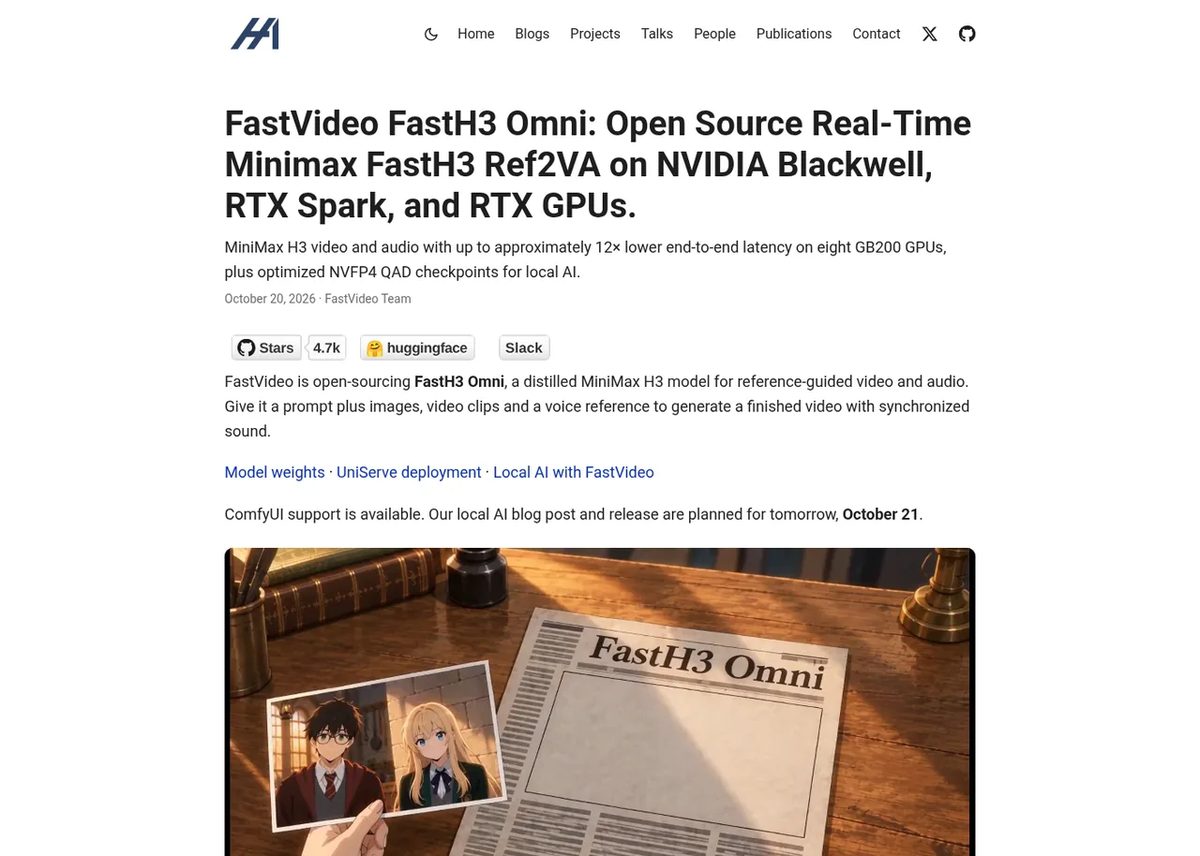
The FastVideo team at Hao AI Lab (UC San Diego) released FastH3 Omni on October 20, 2026, and a local version for desktop GPUs and Macs a day later. It’s a distilled copy of MiniMax H3 that needs only 8 denoising steps, which is why it’s so much faster than the original. You give it a prompt plus reference images, video clips or a voice sample, and it returns a finished video with synchronized sound. We checked the release post, the local AI post and the model card on October 23, 2026.
Is FastH3 free?
Yes, the weights are free to download from Hugging Face. But it isn’t a normal open-source licence. FastH3 inherits the MiniMax H3 Community License, which has real limits on where and how you can use it (see Limitations below). There’s no paid app or subscription, so your cost is the GPU you run it on.
FastH3 Pricing (2026)
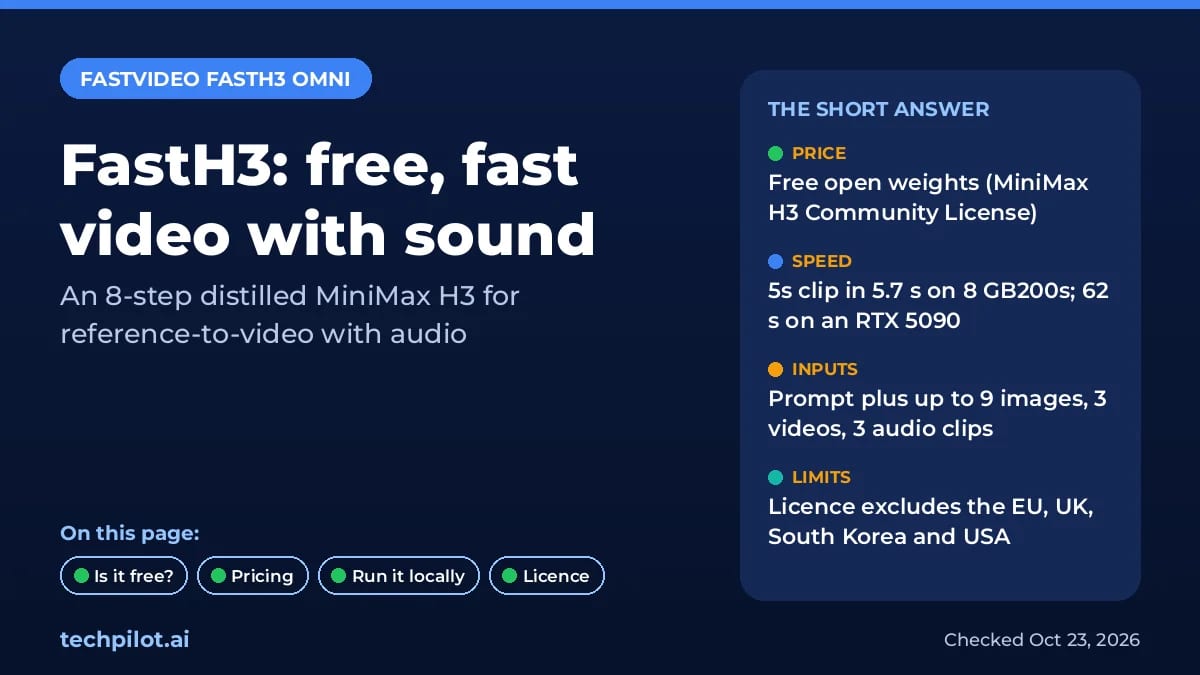
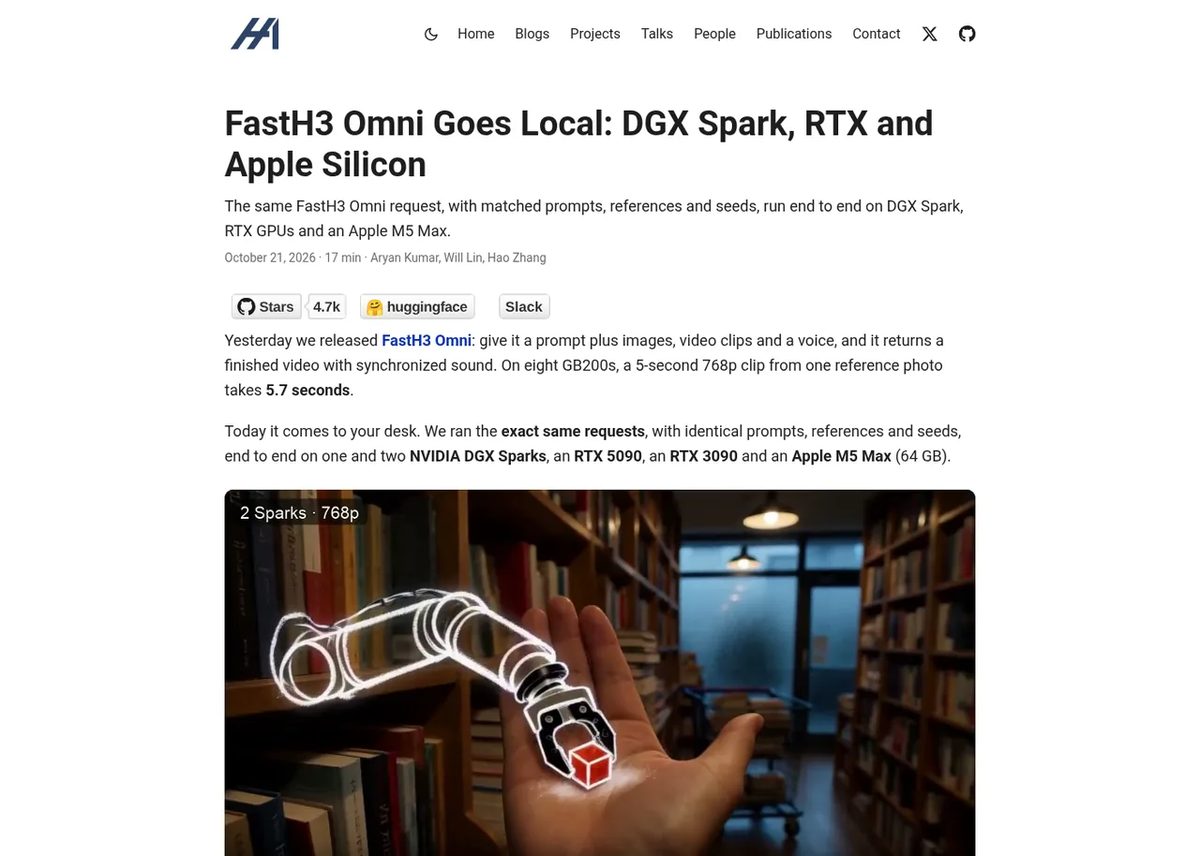
FastH3 costs $0 to download. What you pay for is hardware, and the speed difference between machines is huge. Here’s how long the FastVideo team’s own test took, a 5-second 480p clip from one reference photo:
| Hardware | Time for a 5-second clip |
|---|---|
| 8x NVIDIA GB200 (768p) | 5.7 seconds |
| NVIDIA RTX 5090 | 62 seconds |
| NVIDIA DGX Spark | 192 seconds |
| NVIDIA RTX 3090 | 16.9 minutes |
| Apple M5 Max (64 GB) | 19.5 minutes |
So an RTX 5090 makes it practical at home, while older 24 GB cards and Macs work but are slow. If you just want video with sound without a GPU, a paid app like Kling 4.0 or Seedance Pro is easier.
What FastH3 can do
- Reference-to-video with audio: 24 fps video with 32 kHz stereo sound generated together.
- Lots of references: text plus up to 9 images, 3 video clips and 3 audio clips, up to 12 in total. You need at least one image or video.
- Fast: 5.6 to 11.9 times lower latency than the base MiniMax H3 on 8 GB200 GPUs. One example went from 35.44 seconds to 5.67 seconds.
- Text to video too: 52.6 seconds on a DGX Spark with no reference images.
How to run FastH3 locally
FastVideo publishes builds for different hardware:
- NVIDIA Blackwell (RTX 50 series, DGX Spark): the NVFP4 QAD checkpoint is the fastest option.
- RTX 4090 and other 24 GB cards: use the FP8 build.
- Mac: an MLX INT6 build runs on Apple Silicon.
- ComfyUI: BF16, INT8, FP8 and NVFP4 checkpoints for node workflows.
The model is big: a transformer of about 35B parameters plus a Qwen3-VL text encoder of about 32B, so plan for plenty of disk space and memory. For other open models that fit consumer GPUs, see the best local AI models, and for free online options see our list of the best free AI text to video generators.
Limitations
- Region limits: the MiniMax H3 Community License excludes the EU, UK, South Korea and USA.
- Revenue cap: companies earning over $20 million a year need written permission from MiniMax.
- Attribution: commercial products must show “MiniMax H3” prominently in their interface.
- No training on outputs: you can’t use its videos to improve other models.
- Slow on older hardware: about 17 to 20 minutes per clip on an RTX 3090 or M5 Max.
Verdict
FastH3 is the fastest way to run MiniMax H3-quality video with sound on your own GPU, and on an RTX 5090 it’s genuinely usable. Read the licence first: if you’re in an excluded region or building a large commercial product, it’s not for you.
TechPilot.ai’s Verdict on FastH3
FastH3 makes MiniMax H3 video with sound fast enough to use on a single RTX 5090.
It’s free to download, but check the MiniMax H3 licence’s region and revenue limits before you build anything on it.
FastH3 FAQ
Is FastH3 free?
Yes. The FastH3 Omni weights are free on Hugging Face, but they’re covered by the MiniMax H3 Community License, which excludes the EU, UK, South Korea and USA and limits large commercial use.
•
How much does FastH3 cost?
FastH3 costs nothing to download and there’s no subscription. You only pay for hardware or cloud GPUs. A 5-second clip takes about 62 seconds on an RTX 5090.
•
What is FastH3 Omni?
FastH3 Omni is an 8-step distilled version of MiniMax H3 from Hao AI Lab’s FastVideo team, released October 20, 2026. It makes video with synchronized sound from a prompt plus image, video and audio references.
•
Can I run FastH3 on my PC or Mac?
Yes. There are NVFP4 builds for Blackwell GPUs, FP8 for 24 GB cards like the RTX 4090, MLX INT6 for Apple Silicon and ComfyUI checkpoints. Older cards and Macs are slow, around 17 to 20 minutes per clip.
•
Can I use FastH3 commercially?
Only with limits. The licence excludes the EU, UK, South Korea and USA, companies over $20 million in yearly revenue need MiniMax’s permission, and products must display “MiniMax H3” prominently.
Odyssey-3
AI Video Generator
Odyssey-3 is an impressive, free way to try a real-time AI world model in your browser, backed by serious physics and robotics research.

Spira Maxima
AI Video Generator
Spira Maxima is compelling when you need a finished short, not another 5-second clip to edit. The launch per-second discount makes early…

HelixWorld
AI Video Generator
HelixWorld adds what other world models miss: sound that moves with the camera. The free demo makes it easy to try, and the Apache-2.0 code…