mnml AI is one of the most practical AI render tools for architects because it works from the views you already model, inside the software you already use.
Home / Tools / Digital Art
Digital Art · Tool review
mnml AI Review: Architecture Renders Pricing
 TechPilot.ai review team Hands-on testing, one published method
- Last updated
- How we test
The AI news that actually mattered this week.
One short email every Friday: the biggest AI stories, what they mean for you, and the tools worth trying. A 3-minute read, no hype.
Free. Unsubscribe anytime.
You're in. Watch for the brief on Friday. Free. Unsubscribe anytime.
Summary
Pros and cons
What we like
- Built for architecture and interiors.
- Free SketchUp, Revit and Rhino plugins.
- Region-by-region editing.
- Credits roll over.
- Commercial license on every plan.
What could be better
- Small free allowance.
- Ultra renders cost 3x.
- Revit plugin is Windows only.
- Not for general art.
Key features
- Studio: Sketch to approved render.
- Flow: Compare four options side by side.
- Plugins: SketchUp, Revit, Rhino.
- Quick tools: Interior, exterior, staging.
- Upscaler: 8K on every plan.
- Pricing: From $29 a month.
Screenshots
Full review
Independent and reader-supported. Some links may earn us a commission; it never changes our scores. Editorial policy
mnml AI is an AI render studio for architects that turns sketches, photos and SketchUp, Revit or Rhino views into visuals. Paid plans start at $29 a month.
Quick answer: mnml AI is built for architects and interior designers, not general image makers. You bring a sketch, a site photo or a view from SketchUp, Revit or Rhino, say whether it is an interior, exterior, plan or masterplan, and refine the render region by region until it is ready for a client. Free plugins run it inside your modelling software. Prices below come from mnml’s pricing page on November 17, 2026.
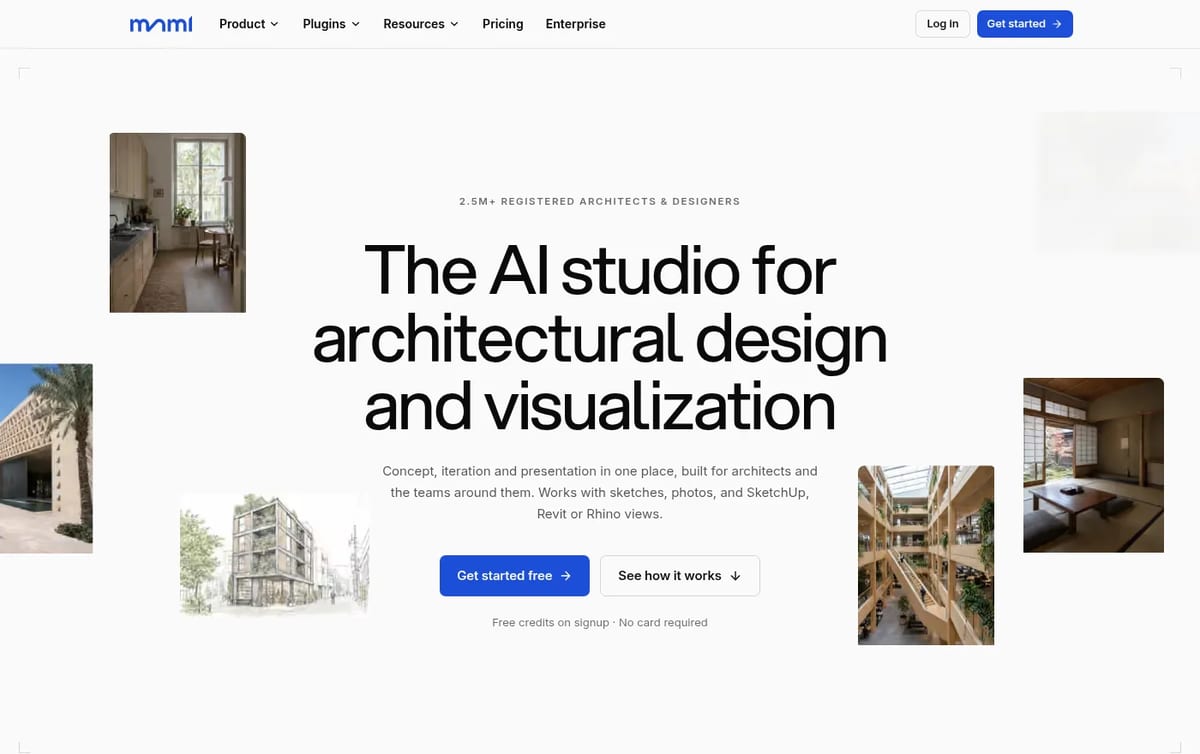
What mnml AI does
- Studio: take one image from sketch or massing model to an approved render, edit single regions and animate it into a short video.
- Flow: a board where up to four renders land beside their source, so you can compare options and branch the one that works.
- Quick tools: interior, exterior, landscape, masterplan, virtual staging, sketch to image, render enhancer and an 8K upscaler.
- Plugins: free add-ons for SketchUp 2026, Revit 2024 to 2027, Rhino 8 and Grasshopper that render the active view without exporting.
- Privacy: paid plans state no model training on your data, and every plan has a commercial license.
mnml AI Pricing (2026)
| Plan | Monthly price | Credits a month | What you get |
|---|---|---|---|
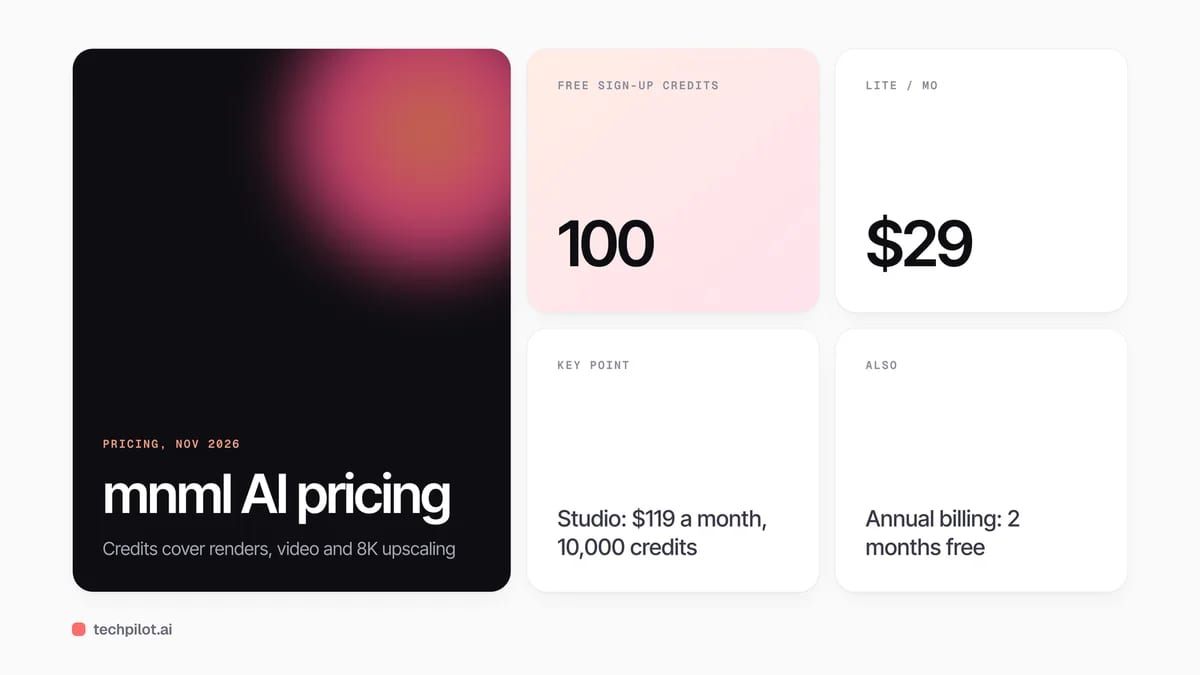
| Free trial | $0 | 100 credits at sign-up | No card required |
| Lite | $29 | 1,000 | About 100 Fast or 33 Ultra renders, 2 parallel renders, 10 videos |
| Plus | $49 | 3,000 | About 300 Fast or 100 Ultra renders, 4 parallel renders, 30 videos |
| Studio | $119 | 10,000 | About 1,000 Fast or 333 Ultra renders, 6 parallel renders, 100 videos |
| Credit pack | $149 once | 10,000, valid 12 months | No subscription, same render allowance as Studio |
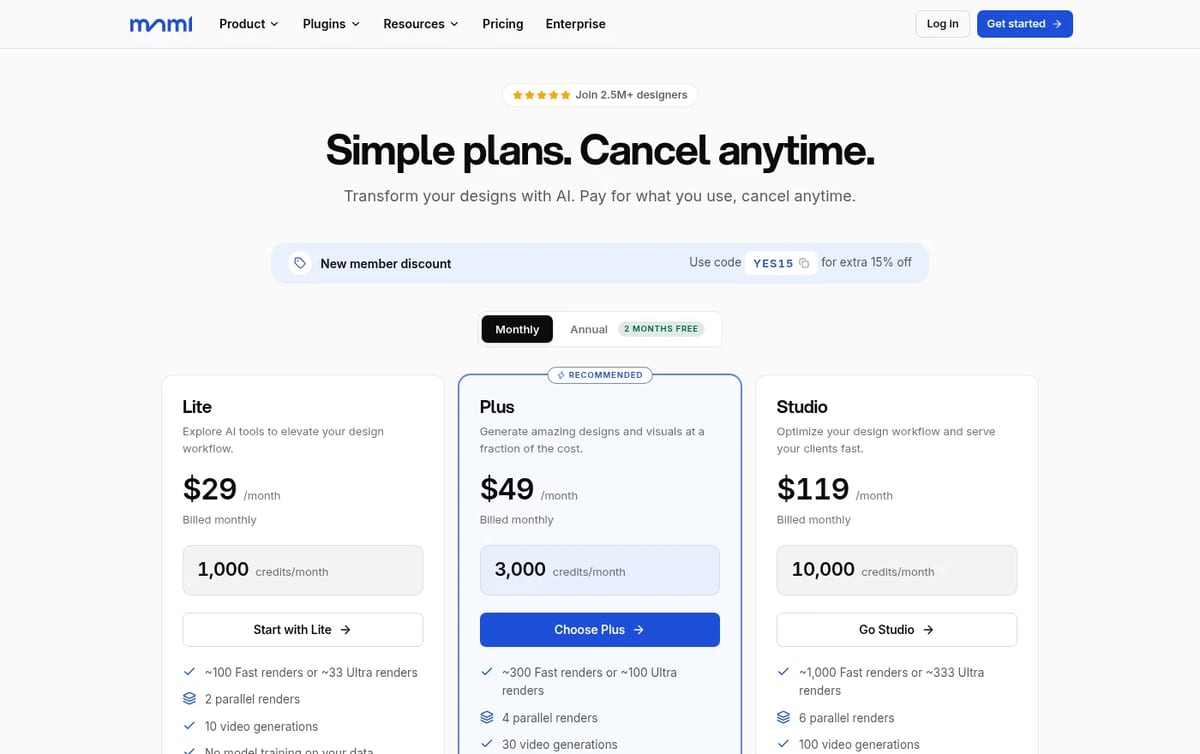
Which plan pays off: work it out per render. Lite comes to about 29 cents per Fast render, Plus about 16 cents and Studio about 12 cents. A designer who presents a few options a week fits Lite; a small office running competition boards should start at Plus, where the per-render price nearly halves. The one-time 10,000-credit pack costs more than a month of Studio but never renews, so it suits a single big project. Credits roll over on every plan.
For home and room planning rather than professional renders, see our Homestyler review. For concept images from sketches, compare our PromeAI review, and for listing photos read our guide to AI for real estate agents.
Who mnml AI is for
Architects, interior designers, landscape designers and architecture students who need presentable renders quickly from early sketches or working models. mnml says it is used by teams at more than 2,400 firms and 250 universities. It is not a good fit for general illustration, social media art or people who only need one render a year.
Limitations
- Specialist tool: it is tuned for buildings and spaces, not general images.
- Small free allowance: 100 credits is about 10 Fast renders.
- Ultra renders cost 3x: high-quality output drains credits faster.
- Revit plugin is Windows only: SketchUp and Rhino work on Mac and Windows.
TechPilot.ai’s Verdict on mnml AI
mnml AI is one of the most practical AI render tools for architects because it works from the views you already model, inside the software you already use.
Spend the 100 free credits on a real project view, then choose Lite for occasional renders or Plus if you present options every week.
mnml AI FAQ
Is mnml AI free?
mnml AI gives 100 free credits on sign-up with no card required, which is about 10 Fast renders. Ongoing use needs Lite, Plus or Studio.
•
How much does mnml AI cost?
Lite is $29 a month, Plus $49 and Studio $119 on monthly billing. A one-time pack of 10,000 credits costs $149, checked November 17, 2026.
•
Does mnml AI work with SketchUp and Revit?
Yes. mnml has free plugins for SketchUp 2026, Revit 2024 to 2027, Rhino 8 and Grasshopper that render the active view without exporting.
•
Do mnml AI credits roll over?
Yes. Unused subscription credits roll over on every plan, and the one-time credit pack is valid for 12 months.
•
Is there a student discount for mnml AI?
Yes. Students and educators can apply for a 30% education discount, and annual billing gives 2 months free on top.
AI Ease
Digital Art
AI Ease is good value if you mainly need photo cleanup, with AI video as a bonus rather than the main reason to pay.

ArtCraft
Digital Art
ArtCraft is one of the most interesting free creative projects of 2026: a controllable AI studio plus a set of open-source apps that feel…

FLUX 3
Digital Art
FLUX 3 Image gives designers a level of control most image models still lack: place every element with a box, then edit one part without…