Napkin is one of the faster ways to turn a rough outline into a diagram you can still edit.
Home / Tools / Copywriting
Copywriting · Tool review
Napkin AI Review: Pricing & Diagrams
 TechPilot.ai review team Hands-on testing, one published method
- Last updated
- How we test
The AI news that actually mattered this week.
One short email every Friday: the biggest AI stories, what they mean for you, and the tools worth trying. A 3-minute read, no hype.
Free. Unsubscribe anytime.
You're in. Watch for the brief on Friday. Free. Unsubscribe anytime.
Summary
Pros and cons
What we like
- Real Free Forever plan with weekly credits.
- Diagrams stay editable after generation.
- Simple Plus and Pro pricing per person.
- Useful for docs, decks and explainers.
- Yearly billing discount around 25%.
What could be better
- Free credits reset weekly, not monthly.
- Per-seat pricing adds up for large teams.
- Slides features are still in beta.
- Not a replacement for a full design tool.
Key features
- Text to diagram: Generate from an outline.
- Editable visuals: Restyle every element.
- Slides beta: Presentation-style frames.
- Exports: Move visuals into docs.
- Free Forever: Weekly AI credits.
- Team plans: Per-person Plus and Pro.
Screenshots
Full review
Independent and reader-supported. Some links may earn us a commission; it never changes our scores. Editorial policy
Napkin AI turns plain text into editable diagrams and visuals, with Free Forever at $0 plus Plus at $9 and Pro at $22 per person a month in November 2026.
Quick answer: Napkin AI turns notes and outlines into editable diagrams, visuals and (in beta) slides. Free Forever includes weekly AI credits. Plus is $9 per person a month and Pro is $22 per person a month, with about 25% off on yearly billing. We checked Napkin’s pricing page on November 6, 2026.
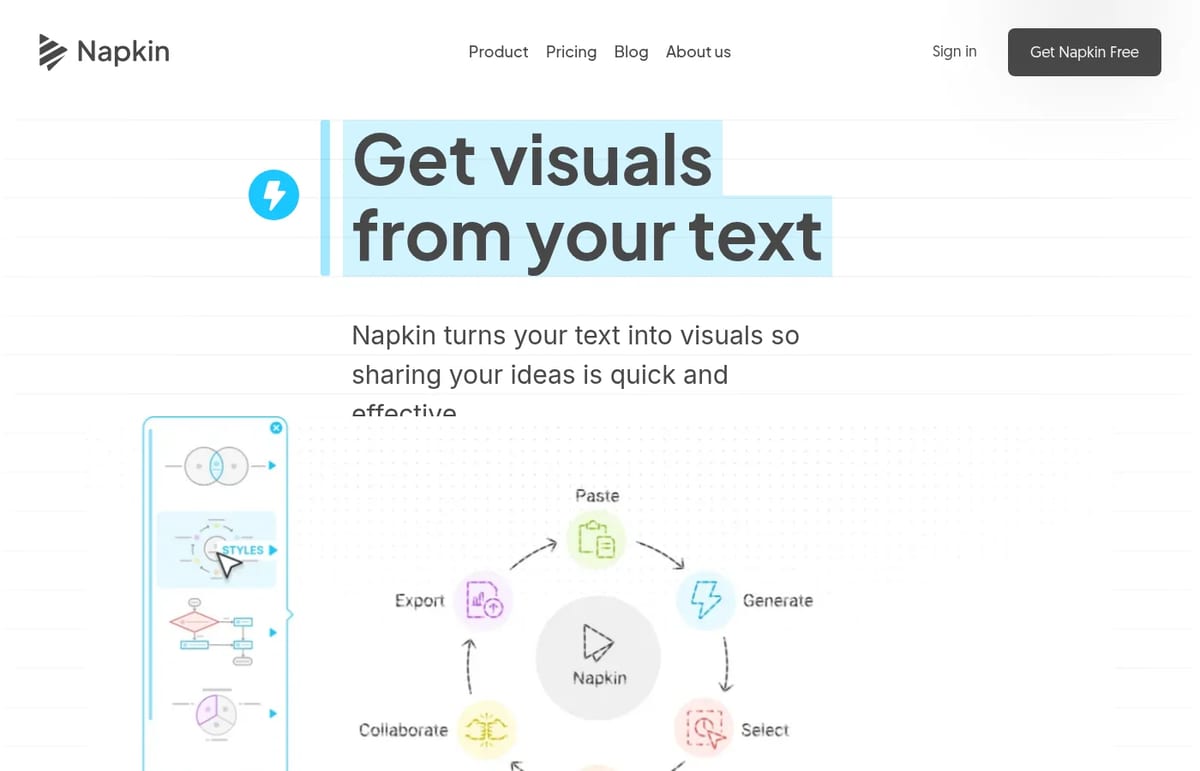
What Napkin AI offers
- Text to visuals: paste an outline and get diagrams you can rearrange.
- Editable elements: restyle colors, icons and layout instead of exporting a flat image.
- Slides beta: turn ideas into presentation-style frames.
- Export options: take visuals into docs and decks without starting in a design tool.
- Team billing: Plus and Pro are priced per person with shared workspace options on higher tiers.
Napkin AI Pricing (2026)
| Plan | Price | Credits / limits | Notes |
|---|---|---|---|
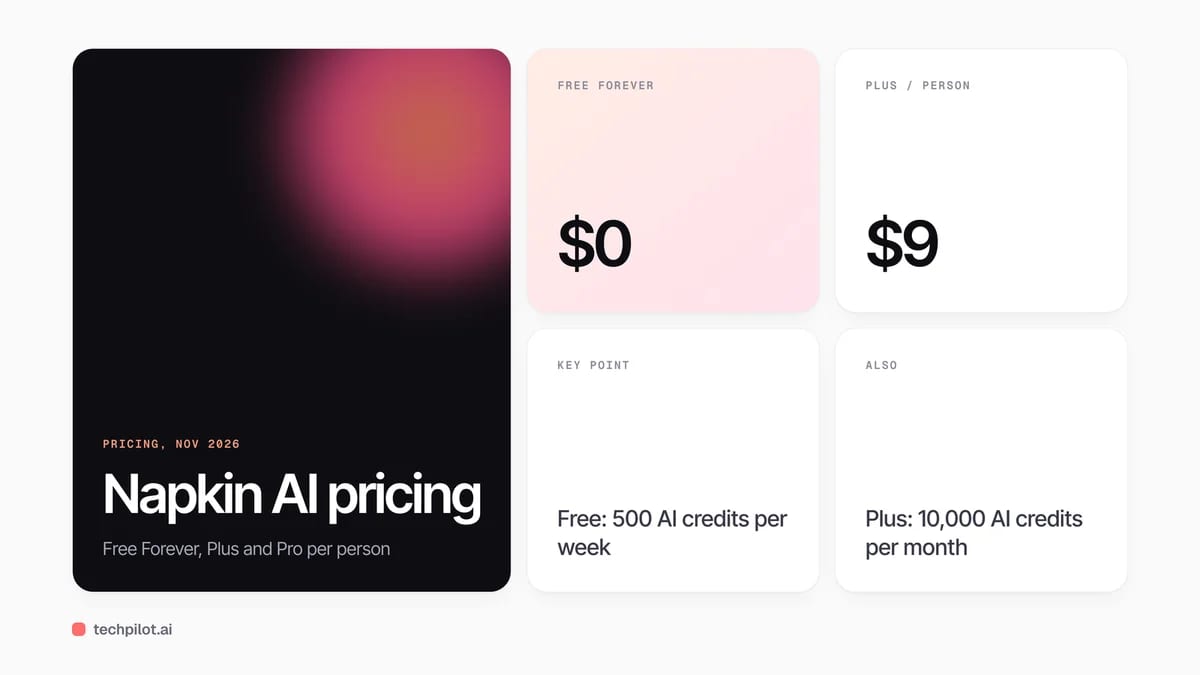
| Free Forever | $0 | 500 AI credits per week | Napkin branding on visuals |
| Plus | $9 per person / month | 10,000 AI credits per month | Everything in Free, minus most free limits |
| Pro | $22 per person / month | Higher limits + branding control | Built for teams that publish often |
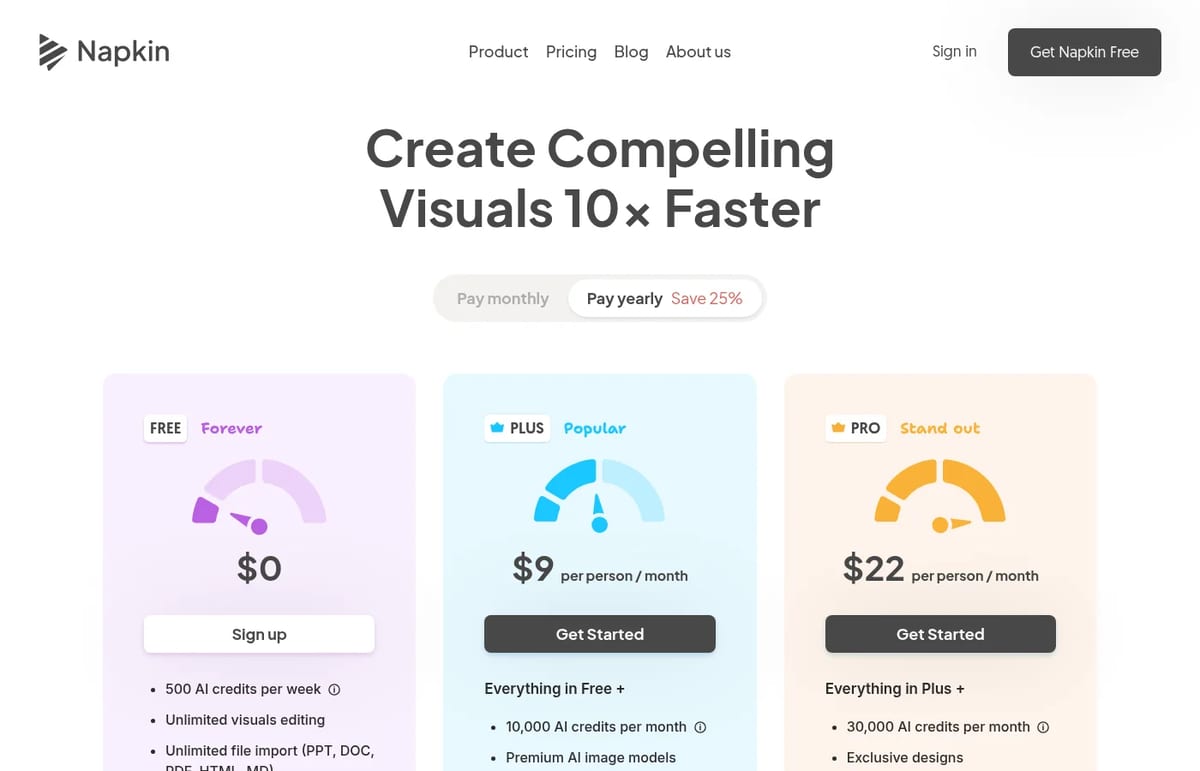
If you burn through retries on a visual, Napkin may move you back to limited free access until credits refresh. Non-profits and students are pointed at the free plan rather than a separate education SKU.
Is Napkin AI free? Yes. Free Forever is usable without a card, with weekly credit caps and Napkin branding on exports.
Who Napkin is for
Product managers, educators and marketers who need diagrams faster than a slide template will like it. If you care more about polished marketing creatives, compare with broader design AI. For research-heavy visuals from papers, SciSpace is a different job. Our test of AI infographic generators is useful context, and writers who only need sentence polish can stay with QuillBot.
Limitations
- Weekly free credits: Free Forever is fine for trials, not daily production.
- Per-person paid pricing: teams add up quickly on Plus and Pro.
- Slides still in beta: treat deck export as early.
- Not a full design suite: complex brand systems still need Figma or similar.
TechPilot.ai’s Verdict on Napkin AI
Napkin is one of the faster ways to turn a rough outline into a diagram you can still edit.
Stay on Free Forever until credits feel tight, then Plus is the sensible default for solo work.
Napkin AI FAQ
Is Napkin AI free?
Yes. Free Forever includes 500 AI credits per week with Napkin branding on visuals. Paid plans start at Plus.
•
How much does Napkin AI cost?
Plus is $9 per person a month and Pro is $22 per person a month. Yearly billing saves about 25%.
•
What does Napkin AI do?
It turns text into editable diagrams and visuals, with a slides beta for presentation-style frames.
•
Does Napkin work for teams?
Yes. Plus and Pro are priced per person, with Pro aimed at teams that publish visuals often.
•
Is Napkin AI good for infographics?
It is strong for diagrams from outlines. For a wider infographic bake-off, see our separate AI infographic generators test.

Poe AI
Copywriting
Poe is the right buy when you actually rotate models week to week.

SciSpace
Copywriting
SciSpace is one of the more useful AI research desks for students and solo researchers who live in PDFs.

Speechma
Copywriting
Speechma is one of the strongest no-account free voice studios we reviewed in 2026.