Home / Guides / Graphics & Design
Alternatives to Figma: 7 Best Picks in 2026
 Eimantas Kazėnas Marketing & Tech
- Published
- 5 min read
On this page Why people look for Figma alternatives in 2026
Independent and reader-supported. Some links may earn us a commission; it never changes our rankings. Editorial policy
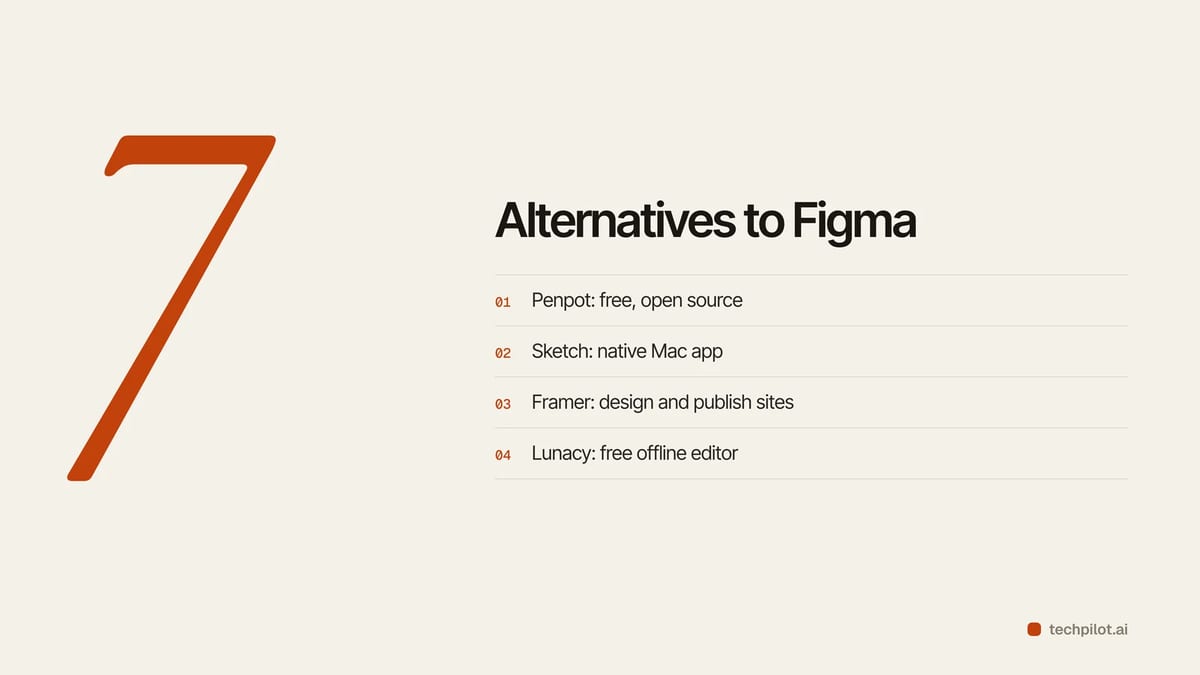
Alternatives to Figma in 2026: Penpot is the top free open-source swap, Sketch suits Mac teams and Framer wins for sites. Prices from each official site.
Quick answer: if you want the closest Figma replacement without paying, use Penpot. It runs in the browser, is open source, and its Professional plan is free with no file limits. If your team is all on Macs and wants a native app, pick Sketch. If what you really design is websites, Framer lets you design and publish in one place. Lunacy is the free pick for offline work on Windows or Linux.
Why people look for Figma alternatives in 2026
Figma is still the default for UI design, so most switchers are not leaving because the editor is bad. They leave over cost and control. A Professional Full seat is $16 a month billed yearly or $20 month to month, Organization is $55 per Full seat, and AI features now run on monthly AI credits (3,000 a month on a Professional Full seat, 150 a day on the free Starter plan). For a five-person team that is $960 a year before any add-ons. Others want to self-host their files, work offline, or skip a browser app entirely.
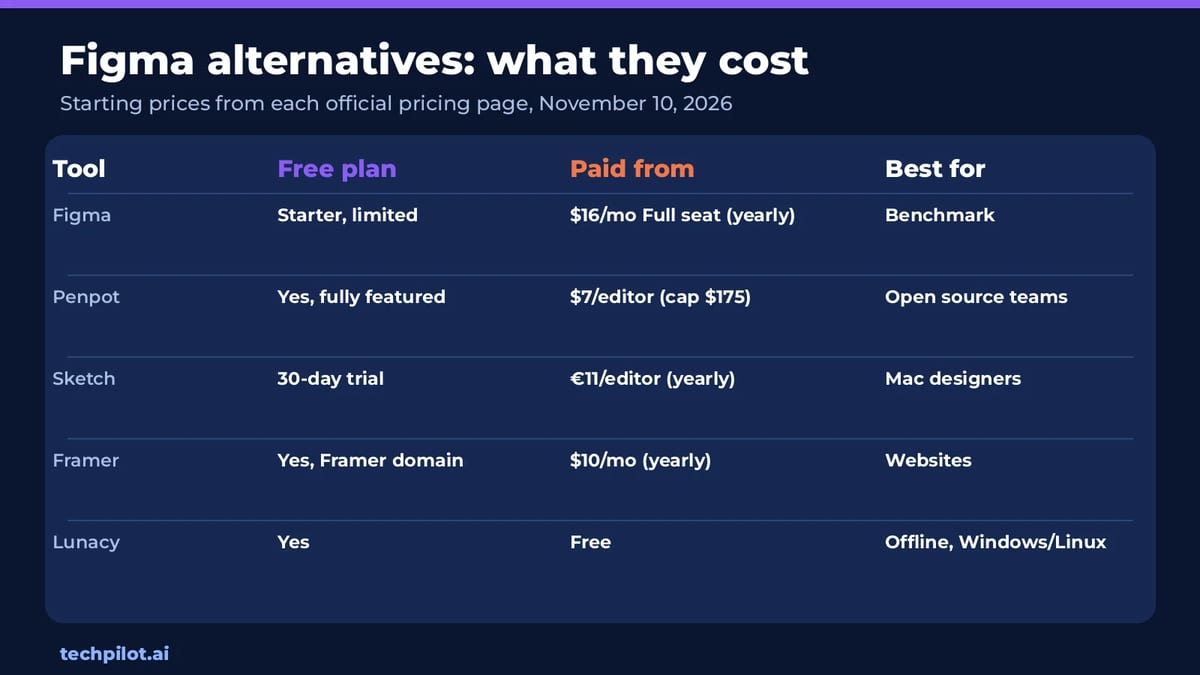
We compared each tool on price, how much of a Figma workflow it covers (components, prototyping, dev handoff, collaboration) and who it suits. Prices come from each company’s pricing page on November 10, 2026.
The 7 best alternatives to Figma
1. Penpot: best free Figma alternative
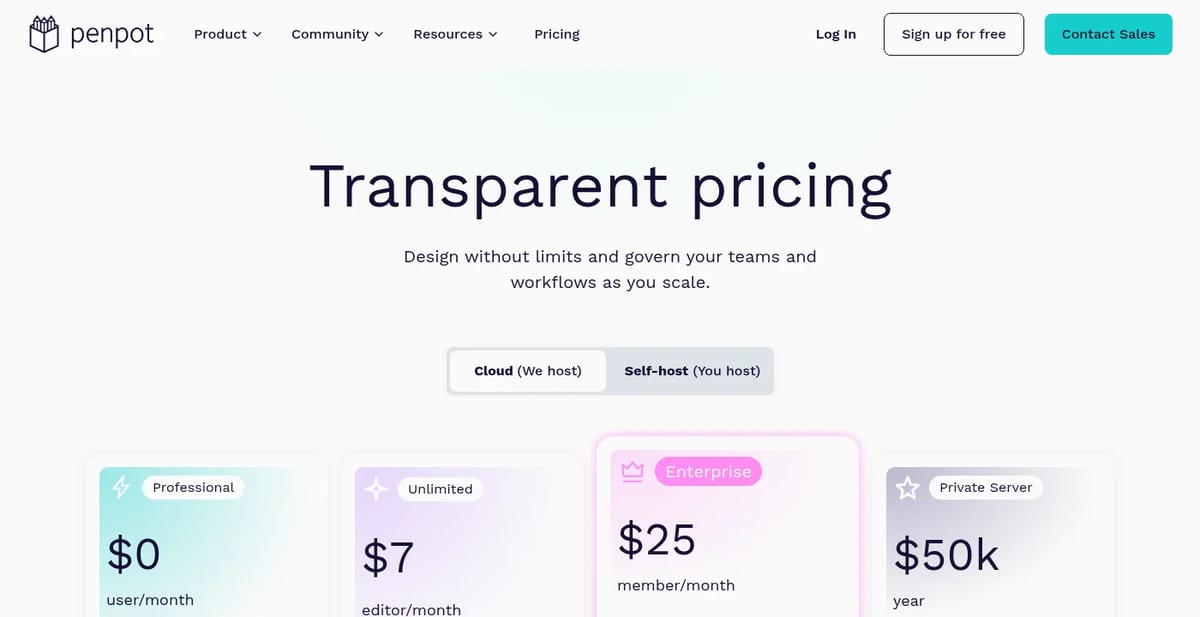
Penpot is an open-source design and prototyping tool that runs in the browser or on your own server. The cloud Professional plan costs $0 and is fully featured, with unlimited teams and no file limits. Unlimited costs $7 per editor a month, capped at $175 a month however big the team is, and adds extra storage and longer history. Enterprise is $25 per member a month. Penpot builds on open standards like CSS, HTML, SVG and JSON, so the code developers inspect matches the design.
Pick it if: you want Figma-style collaboration with no seat bill, or you need to self-host for privacy.
2. Sketch: best for Mac-only teams
Sketch is the native macOS design app that Figma originally chased. It now has real-time collaboration, a web app for viewers, free developer handoff and a free MCP server that connects Claude, Codex or Cursor to your designs without AI credits. Standard is €11 per editor a month billed yearly, Professional €22 and Enterprise €44, with unlimited free viewers. You can also buy a one-time Mac license per seat with a year of updates. There is a 30-day free trial and no free plan.
Pick it if: everyone on the team uses a Mac and you prefer a fast desktop app to a browser tab.
3. Framer: best for designing websites
Framer is a design tool that publishes real websites. On yearly billing it has a Free plan with a Framer domain and 500 AI credits to try, Basic at $10 a month for personal sites and Pro at $30 a month with CMS collections, staging and redirects. If your Figma files mostly end up as marketing pages, Framer removes the handoff step entirely.
Pick it if: you design landing pages and want to ship them without a developer.
4. Lunacy: best free offline editor
Lunacy is a free native design app from Icons8 for Windows, macOS and Linux, with online and offline modes, real-time collaboration, components and a Figma import. It is the easiest answer for designers on Linux or anyone who needs to work offline. Built-in icons, photos and illustrations come from the Icons8 library.
5. Google Stitch: best for AI-first UI drafts
Stitch is Google’s AI tool that turns a prompt or sketch into app screens you can refine and export. It does not replace Figma for detailed design systems, but it is a fast way to get first drafts. See our Stitch review.
6. Uizard: best for non-designers
Uizard turns screenshots, sketches and text prompts into editable mockups, so founders and product managers can wireframe without learning a pro tool. We compared it head to head in Uizard vs Figma.
7. Magic Patterns: best for prototypes as code
Magic Patterns generates working React prototypes from prompts and can match your existing design system. It suits teams that want something clickable for user tests fast. Read our Magic Patterns review for details.
Figma alternatives compared
| Tool | Free plan | Paid from | Platforms |
|---|---|---|---|
| Figma | Starter, limited | $16/mo Full seat, yearly | Browser, desktop |
| Penpot | Yes, fully featured | $7/editor/mo, capped at $175 | Browser, self-host |
| Sketch | 30-day trial | €11/editor/mo, yearly | macOS, web viewer |
| Framer | Yes | $10/mo, yearly | Browser |
| Lunacy | Yes | Free | Windows, macOS, Linux |
Our take: who should switch
Solo designers and students can stay on Figma’s free Starter plan for small projects, but Penpot is the better free home once you need unlimited files. Small teams paying for three or more Figma seats save the most by moving to Penpot, since the $175 monthly cap makes even large teams cheap. Mac studios that dislike browser apps should trial Sketch. And if your work is mostly websites, Framer is less an alternative than a shortcut. For social graphics rather than UI, our list of Canva alternatives fits better.
Frequently asked questions
What is the best free alternative to Figma?
Penpot. Its cloud Professional plan is free and fully featured, with unlimited teams and no file limits, and it is open source so you can also self-host it.
Is there an open-source Figma alternative?
Yes. Penpot is open source and can be self-hosted. It uses open standards like SVG, CSS and HTML, which helps developer handoff.
How much does Figma cost in 2026?
Figma Professional is $16 per Full seat a month billed yearly or $20 monthly. Organization is $55 per Full seat, and Starter is free with limits.
Is Sketch better than Figma?
Sketch is better if your whole team uses Macs and wants a native app. Figma is better for cross-platform teams that work in the browser.
Can Framer replace Figma?
For websites, yes. Framer lets you design and publish sites directly. For app UI and design systems, Figma or Penpot are better fits.
Found this useful? Share it with someone comparing AI tools.
Free AI Upscaler: 4 Best Picks Compared
Free AI upscaler picks for 2026: Upscayl, Bigjpg, Let’s Enhance and Real-ESRGAN. See which are truly free, size limits, watermarks and when to pay up.
 Mihai (Mike) Bizz · 5 min read
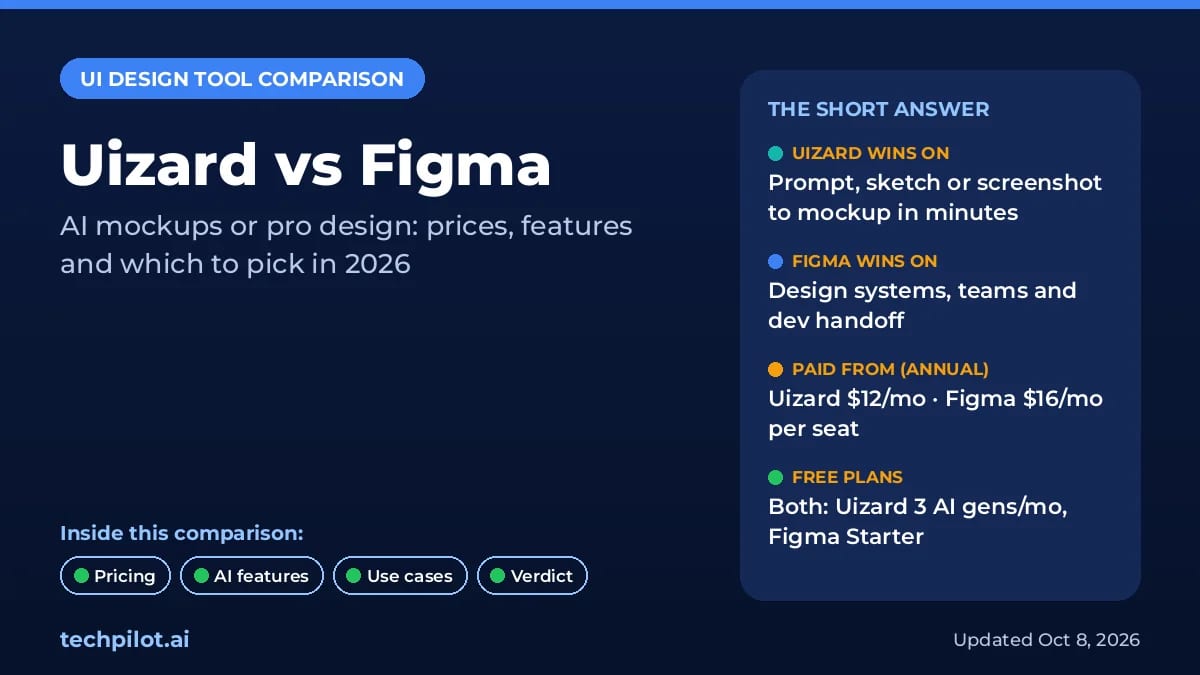
Uizard vs Figma: Which UI Design Tool Wins?
Uizard vs Figma: Uizard turns a prompt or sketch into editable screens from $12 a month, while Figma is the pro standard. Compare 2026 prices and our…
 Eimantas Kazėnas · 6 min read