MagicOS is a smart answer to the main problem with chat-based design tools: losing track of what you tried. Keeping every variant and reference on one canvas, then handing the winner to a coding agent, fits how product teams actually work.
AI Agents · Tool review
Magic Patterns: MagicOS, Pricing & Review
 TechPilot.ai review team Hands-on testing, one published method
 - Last updated
- How we test
The AI news that actually mattered this week.
One short email every Friday: the biggest AI stories, what they mean for you, and the tools worth trying. A 3-minute read, no hype.
Free. Unsubscribe anytime.
You're in. Watch for the brief on Friday. Free. Unsubscribe anytime.
Summary
Pros and cons
What we like
- Persistent canvas Briefs, variants and decisions stay visible in one place.
- Parallel exploration Several design directions generated and compared side by side.
- Coding-agent handoff Connects to Claude Code, Cursor and Codex over MCP.
- Works with existing work Imports from your codebase, Claude Design and Figma.
- Free plan to start No payment needed to try it.
What could be better
- Per-seat pricing Business costs $85 to $100 per seat a month.
- Credits run out Extra usage is $0.02 per credit.
- Vague free tier No published free credit amount, and previews are watermarked.
- Brand-new canvas MagicOS launched October 13, 2026 and is still changing.
Key features
- Infinite canvas: Keep PRDs, inspiration, variants and final picks together.
- Context import: Paste a PRD, connect a GitHub repo, or drop in screenshots and brand images.
- Parallel variants: Generate several directions at once and compare them side by side.
- Real-time voice: Talk to the canvas to brainstorm and give feedback.
- MCP handoff: Send the winning design to Claude Code, Cursor or Codex.
- Design systems: Use your own design system and the classic Magic Patterns editor.
Screenshots
Full review
Independent and reader-supported. Some links may earn us a commission; it never changes our scores. Editorial policy
Magic Patterns has a free plan, then Starter at $20 a seat monthly or $17 yearly. See what the new MagicOS canvas does, who it suits and how to begin.
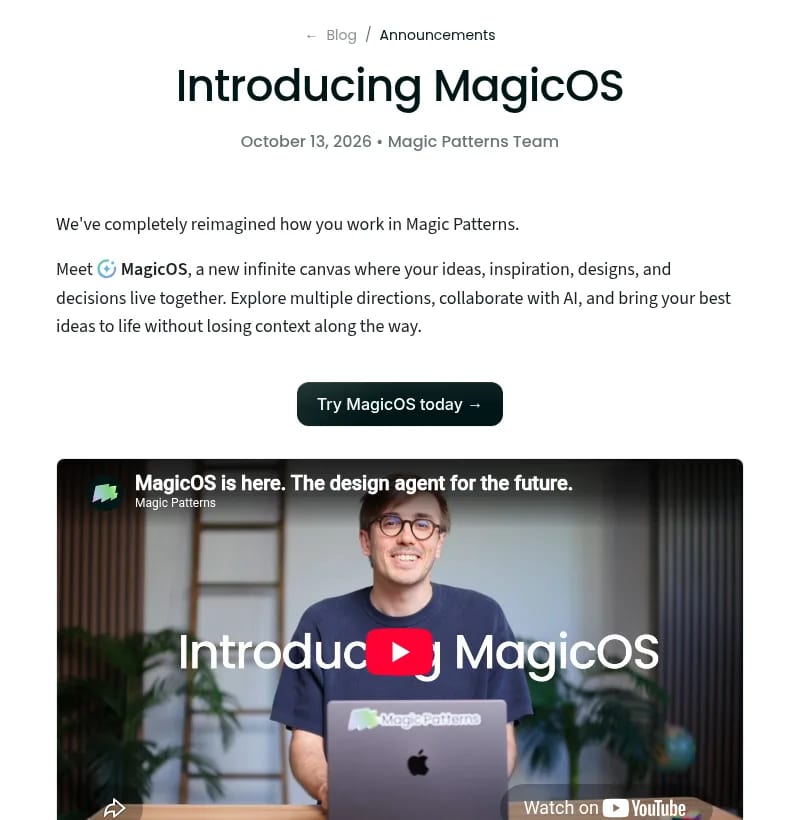
Magic Patterns is an AI design tool that turns prompts, screenshots and product docs into working UI prototypes. On October 13, 2026 the team launched MagicOS, which rebuilds the app around an infinite canvas where your briefs, inspiration, design variants and decisions sit side by side. This page explains what Magic Patterns and MagicOS do, the plan prices we checked on October 16, 2026, and where the tool fits next to other AI design apps.
What is Magic Patterns?
Magic Patterns, made by North Park Labs, is built for product teams that want to test an idea before anyone writes production code. You describe a screen or a flow, and it generates an interactive prototype you can click through, edit and share. It can work from your own design system, sync with GitHub, and connect to other tools over MCP.
The company says more than 500,000 teams use it and that it holds SOC 2 and ISO 27001 certifications. Typical users are product managers mocking up features, designers exploring directions quickly, and founders who need a demo before they hire a front-end developer.
What’s new: MagicOS (October 2026)
Most AI design tools work as one long chat: prompt, generate, iterate, repeat. Magic Patterns argues that this buries the useful history (rejected directions, references, reasons) in a chat log nobody reads again. MagicOS keeps it all on one persistent canvas instead. In the launch post the team describes the workflow in three steps:
- Bring in your context: paste a PRD, connect your GitHub repo, and drop in screenshots or brand images.
- Generate variants: ask for a few directions and compare them side by side on the canvas.
- Hand it off: pass the winning design to Claude Code, Cursor, Codex or another coding agent, connected over MCP.
Other changes in MagicOS:
- Parallel design tasks: one ongoing conversation can coordinate several design jobs at once.
- Canvas-aware AI: the agent reads what’s already on the canvas, so you repeat yourself less.
- Real-time voice: talk through ideas and feedback while MagicOS moves around the canvas and makes changes.
- Import and export: bring in work from your codebase, Claude Design and Figma, and export it again.
- Classic editor kept: the original Magic Patterns design editor is now a building block inside the canvas, with your design systems and MCP integrations intact.
Magic Patterns Pricing (2026)
We checked the Magic Patterns pricing page on October 16, 2026. Paid plans are priced per seat, and annual billing saves 15%:
| Plan | Monthly billing | Annual billing | Monthly credits | Highlights |
|---|---|---|---|---|
| Free | $0 | $0 | Limited free credits | Try the product; previews keep a watermark |
| Starter | $20 per seat | $17 per seat / mo | 1,000 | No watermark, on-demand usage, credit rollovers, MCP, GitHub sync, team workspace up to 10 users |
| Business | $100 per seat | $85 per seat / mo | 5,000 | Everything in Starter plus SSO, usage reporting, workspaces over 10 users |
| Enterprise | Custom | Custom | Custom credit pools | Custom design system import, SCIM, dedicated account manager, priority support |
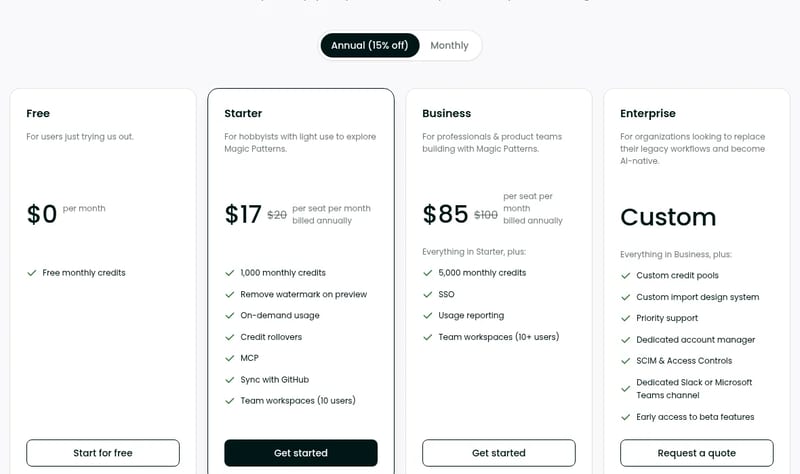

When the monthly credits run out, paid plans can keep going with on-demand usage at $0.02 per extra credit, billed on the next invoice. So a Starter seat that needs 500 more credits in a busy month adds about $10. The Free plan has no on-demand option; Magic Patterns’ FAQ says the free tier exists but is limited because every AI request costs it money, and the pricing page doesn’t give a fixed number of free credits.
How to use MagicOS
- Sign up on magicpatterns.com with the Start for Free button.
- Add context: paste a product brief or PRD, connect a GitHub repo, or drop in screenshots and brand images.
- Ask for options: request several directions for a screen or flow and compare them on the canvas.
- Refine: edit by prompt or voice, or open a design in the classic editor for detailed changes.
- Hand off: connect your coding agent (Claude Code, Cursor or Codex) over MCP to build the chosen design, or export to Figma.
Who Magic Patterns is for
Magic Patterns fits product managers who want to show rather than describe a feature, designers who want to explore many directions quickly, and small teams without a full-time designer. MagicOS makes the most sense when a project produces lots of variants and you need to remember why you picked one. If you need a finished, deployed app rather than a prototype, a full app builder or coding agent is the better tool.
Limitations
- Credit-based: heavy exploration burns through 1,000 Starter credits, and extra usage costs $0.02 a credit.
- Per-seat pricing: costs climb fast for larger teams, especially on Business at $85 to $100 a seat.
- Limited free tier: no published credit amount, and previews carry a watermark.
- Prototypes, not production: the handoff to a coding agent still needs developer review.
- New canvas: MagicOS launched on October 13, 2026, so expect changes as the team iterates.
Magic Patterns alternatives
- Uizard: AI UI design from text prompts and hand-drawn sketches.
- Stitch: Google’s AI tool for generating app UI designs and front-end code.
- Jaaz: an AI design agent with an open-source, canvas-based workflow.
- Best AI design tools: our wider guide for businesses and freelancers.
TechPilot.ai’s Verdict on Magic Patterns
MagicOS is a smart answer to the main problem with chat-based design tools: losing track of what you tried. Keeping every variant and reference on one canvas, then handing the winner to a coding agent, fits how product teams actually work.
Start on the free plan to test the canvas. Solo users and small teams will find Starter at $17 a seat billed yearly reasonable; larger teams should model credit use before committing to Business seats.
Magic Patterns FAQ
Is Magic Patterns free?
Yes, there is a free plan at $0 with limited monthly credits. Magic Patterns doesn’t publish a fixed free credit amount, and free previews carry a watermark. Paid plans remove the watermark and add more credits.
•
How much does Magic Patterns cost?
On magicpatterns.com/pricing (checked October 16, 2026): Free $0, Starter $20 per seat a month or $17 billed yearly with 1,000 credits, Business $100 per seat or $85 yearly with 5,000 credits, and custom Enterprise pricing. Extra credits cost $0.02 each on paid plans.
•
What is MagicOS?
MagicOS is the new version of Magic Patterns, launched October 13, 2026. It is an infinite canvas where your briefs, references, design variants and decisions live together, with an AI agent that reads the canvas, runs design tasks in parallel and takes voice input.
•
Does Magic Patterns work with Claude Code and Cursor?
Yes. MagicOS hands designs off to coding agents such as Claude Code, Cursor and Codex over MCP, and it can also import and export designs from your codebase, Claude Design and Figma.
•
Who should use Magic Patterns?
Product managers, designers and founders who need clickable prototypes quickly and want to compare several design directions before development starts.

Ultramarine 1 Flash
AI Agents
Ultramarine 1 Flash is a cheap, focused model worth testing if you build agents that produce spreadsheets, decks and memos. At $0.15 /…

MiniCPM-V 4.7
AI Agents
MiniCPM-V 4.7 is one of the most interesting open vision models this month: free, Apache-licensed and built to run where your data lives.…
Lucas
AI Agents
Lucas gets the hard part right: it lives where you already text, it asks before acting, and Vault keeps passwords away from the model. Its…
News  Mihai (Mike) Bizz · 6 min read
Figma Code Layers Explained (+ Figma Specs)
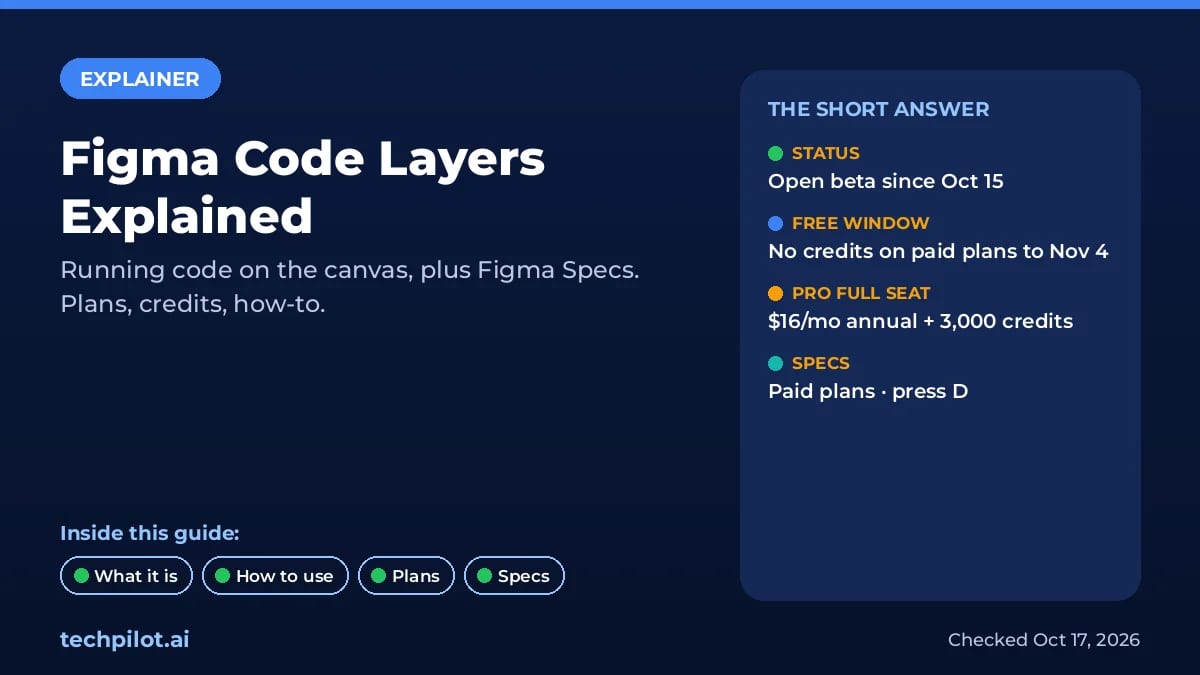
Figma code layers put running code on the canvas, in open beta since Oct 15. What they do, how to make one, which plans get them, credits, and Figma…
Mihai (Mike) Bizz · 6 min read
News  Eimantas Kazėnas · 6 min read
OpenUI vs v0: Which One Do You Need?
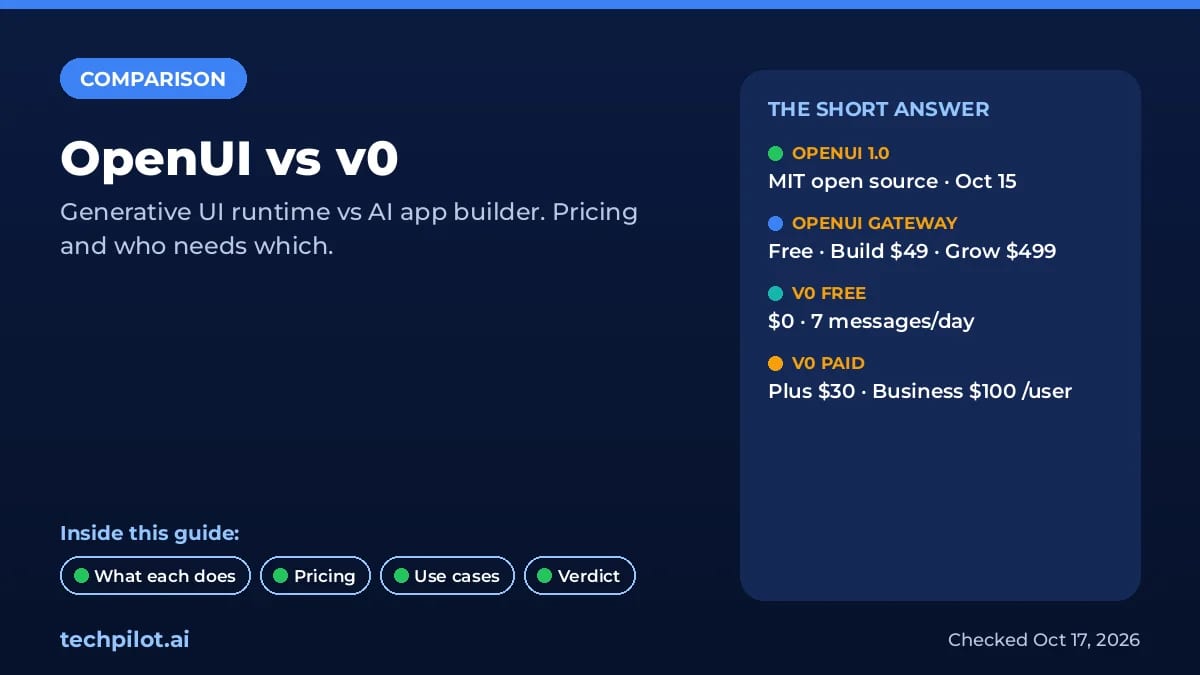
OpenUI vs v0: OpenUI 1.0 turns AI agent replies into live UI inside your app, while v0 builds the app itself. Pricing from $0, use cases, who needs…
Eimantas Kazėnas · 6 min read