MiniCPM-V 4.7 is one of the most interesting open vision models this month: free, Apache-licensed and built to run where your data lives. The 1B model is an easy pick for apps, and the 35B-A3B model is worth testing for OCR, documents and video.
AI Agents · Tool review
MiniCPM-V 4.7: iPhone Speed, Pricing & Specs
 TechPilot.ai review team Hands-on testing, one published method
 - Last updated
- How we test
The AI news that actually mattered this week.
One short email every Friday: the biggest AI stories, what they mean for you, and the tools worth trying. A 3-minute read, no hype.
Free. Unsubscribe anytime.
You're in. Watch for the brief on Friday. Free. Unsubscribe anytime.
Summary
Pros and cons
What we like
- Free and open Apache-2.0, commercial use allowed.
- Two sizes 1B for small devices, 35B-A3B for quality.
- On-device focus Claimed 13+ tokens/s on iPhone 17 Pro Max.
- Easy local setup Ollama, vLLM, SGLang and llama.cpp.
- Strong vision tasks OCR, PDFs, grounding and video.
What could be better
- Vendor benchmarks Speed and scores are self-reported.
- Big desktop build About 22GB on Ollama.
- Text output only Doesn't generate images or video.
- Few hosted options No major inference providers yet.
Key features
- 35B-A3B MoE: 35B total parameters, about 3B active per token.
- Lookahead Expert Scheduling: Prefetches experts for smooth on-device decoding.
- Image and video input: Single image, multi-image and video understanding.
- 4x/16x token compression: Trade visual detail for speed.
- Thinking mode: Optional reasoning, off by default.
- Quantized variants: GGUF, AWQ, GPTQ, FP8 and int4.
Screenshots
Full review
Independent and reader-supported. Some links may earn us a commission; it never changes our scores. Editorial policy
MiniCPM-V 4.7 is OpenBMB’s free Apache-2.0 vision model in 1B and 35B-A3B sizes, claimed to run at 13+ tokens/s on an iPhone. See specs, setup and limits.
OpenBMB, the open-source group behind the MiniCPM models, uploaded the weights on October 6 and 7, 2026 and published the full model card on October 12. The headline is the 35B-A3B version: the first mixture-of-experts model in the MiniCPM-V line, which OpenBMB says runs smoothly on a phone. Here’s what that claim means, what the model costs (nothing) and how to run it.
What is MiniCPM-V 4.7?
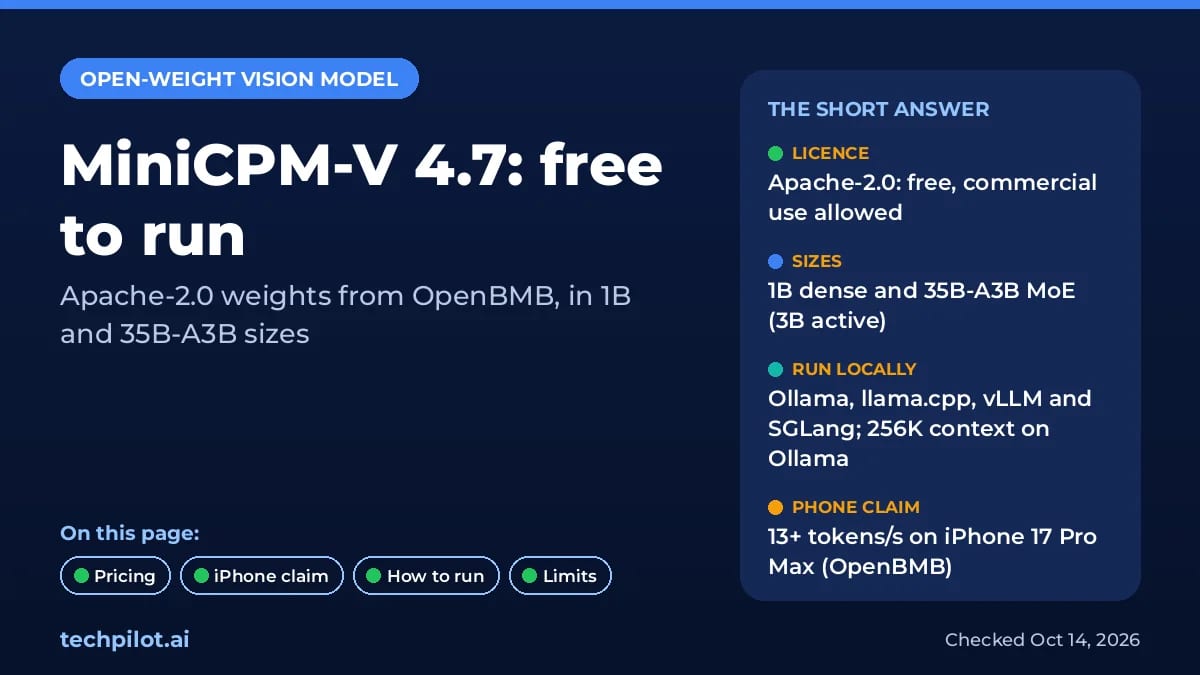
MiniCPM-V 4.7 is a multimodal model that understands single images, multiple images and video, and answers in text. It comes in two sizes on Hugging Face: a dense 1B model for small devices and a 35B-A3B model with 35 billion total parameters, of which about 3 billion are active for each token. OpenBMB credits Qwen3.5 and Qwen3.6 for the language backbone.
- Efficient vision encoding: early visual token compression inside the vision encoder, with a choice of 4x or 16x compression to trade detail for speed.
- Useful tasks: OpenBMB’s cookbook covers OCR, PDF parsing, visual grounding, multi-image chat and video understanding.
- Thinking mode: reasoning is off by default and can be switched on per request.
- Wide platform support: iOS, Android and HarmonyOS, plus day-0 support for Rockchip, Intel, AMD, Arm and Houmo chips.
The iPhone claim: 13+ tokens a second in 3GB
OpenBMB claims the 35B-A3B model decodes at more than 13 tokens per second on an iPhone 17 Pro Max using only about 3GB of memory. That’s surprising, because a 35B model normally needs far more memory than a phone has. The trick is Lookahead Expert Scheduling: the full expert weights stay in storage, and the phone predicts which experts the next layer will need and loads them early. Layer-wise quantization and speculative decoding make up the rest.
Two caveats. First, these are OpenBMB’s own figures, backed by screen recordings on its model card, not an independent test. Second, the speed depends on OpenBMB’s custom llama.cpp-omni build and phone apps; the standard downloads you run on a computer are much larger, as the table below shows.
MiniCPM-V 4.7 Pricing (2026)
MiniCPM-V 4.7 is free. Both sizes are released under the Apache-2.0 licence, which allows commercial use, modification and redistribution. We checked the licence tag on Hugging Face on October 14, 2026.
| Option | Price | Details |
|---|---|---|
| Open weights (Hugging Face) | Free | Apache-2.0. Full weights plus GGUF, AWQ, GPTQ, FP8 and int4 variants. |
| Ollama (openbmb/minicpm-v4.7) | Free | Default tag 22GB and 1B tag 1.8GB, both with a 256K context window and text plus image input. |
| Hugging Face demo Space | Free | Try it in the browser before downloading. |
| ModelBest hosted API | Not published | OpenBMB documents an OpenAI-compatible API with MiniCPM-V-4.7-1B and 35B-A3B; we couldn’t find public per-token prices. |
The real cost is hardware. The 1B model runs on almost anything. The 35B-A3B model needs a computer with enough memory for a roughly 22GB download on Ollama, unless you use OpenBMB’s on-device builds. No major inference provider on Hugging Face or OpenRouter was hosting it when we checked.
How to run MiniCPM-V 4.7
- Ollama: run
ollama run openbmb/minicpm-v4.7, or add:1bfor the small model. See the Ollama page. - Transformers: load openbmb/MiniCPM-V-4.7-35B-A3B with Transformers 5.18 or newer.
- Servers: vLLM and SGLang both serve it behind an OpenAI-compatible API.
- Phones: OpenBMB’s edge apps and llama.cpp-omni build handle on-device use; details are in the GitHub repository.
- Browser: the official demo Space on Hugging Face.
Benchmarks: OpenBMB’s claims
OpenBMB says the 35B-A3B model gets a higher overall score in less inference time than Qwen3.6 35B-A3B in instruct mode. Its chart plots MiniCPM-V 4.7 35B-A3B at about 77 points, averaged over MMStar, MMMU-Pro, CharXiv reasoning, BLINK and MathVista, well above the line other open models sit on. Treat it as a vendor chart until independent tests arrive. For the bigger picture of open versus closed models, see our open-source vs closed AI guide.
Limitations
- Self-reported speed: the iPhone figure comes from OpenBMB, on its own software stack.
- Large desktop download: the default Ollama build is about 22GB.
- Text output only: it reads images and video but doesn’t generate them.
- Limited hosting: no big inference providers yet, and the ModelBest API has no public price list.
- Developer setup: on-device use takes more work than installing an app.
MiniCPM-V 4.7 alternatives
- Kimi K2: Moonshot AI’s large open-weight model for coding and agents.
- Qwen 4: what we know about the next Qwen models, MiniCPM’s backbone family.
- Best AI models: how open models compare with GPT-6, Claude and Gemini.
TechPilot.ai’s Verdict on MiniCPM-V 4.7
MiniCPM-V 4.7 is one of the most interesting open vision models this month: free, Apache-licensed and built to run where your data lives. The 1B model is an easy pick for apps, and the 35B-A3B model is worth testing for OCR, documents and video.
Treat the iPhone speed as a promise until independent tests confirm it. For quick desktop trials, Ollama is the simplest start.
MiniCPM-V 4.7 FAQ
Is MiniCPM-V 4.7 free?
Yes. Both the 1B and 35B-A3B models are free to download under the Apache-2.0 licence, which also allows commercial use.
•
How much does MiniCPM-V 4.7 cost?
Nothing to download or run yourself. You only pay for your own hardware. OpenBMB documents a hosted API through ModelBest, but we couldn’t find public per-token prices.
•
Does MiniCPM-V 4.7 run on an iPhone?
OpenBMB says the 35B-A3B model runs at 13+ tokens per second with about 3GB of memory on an iPhone 17 Pro Max, using its Lookahead Expert Scheduling build. That’s a vendor claim.
•
What does 35B-A3B mean?
It’s a mixture-of-experts model with 35 billion total parameters, of which about 3 billion are active for each token, so it runs much faster than a dense 35B model.
•
How do I run MiniCPM-V 4.7 locally?
The easiest way is Ollama: run ollama run openbmb/minicpm-v4.7, or use the 1b tag for the small model. It also works with Transformers, vLLM, SGLang and llama.cpp.

Ultramarine 1 Flash
AI Agents
Ultramarine 1 Flash is a cheap, focused model worth testing if you build agents that produce spreadsheets, decks and memos. At $0.15 /…
Magic Patterns
AI Agents
MagicOS is a smart answer to the main problem with chat-based design tools: losing track of what you tried. Keeping every variant and…
Lucas
AI Agents
Lucas gets the hard part right: it lives where you already text, it asks before acting, and Vault keeps passwords away from the model. Its…
News  Eimantas Kazėnas · 4 min read
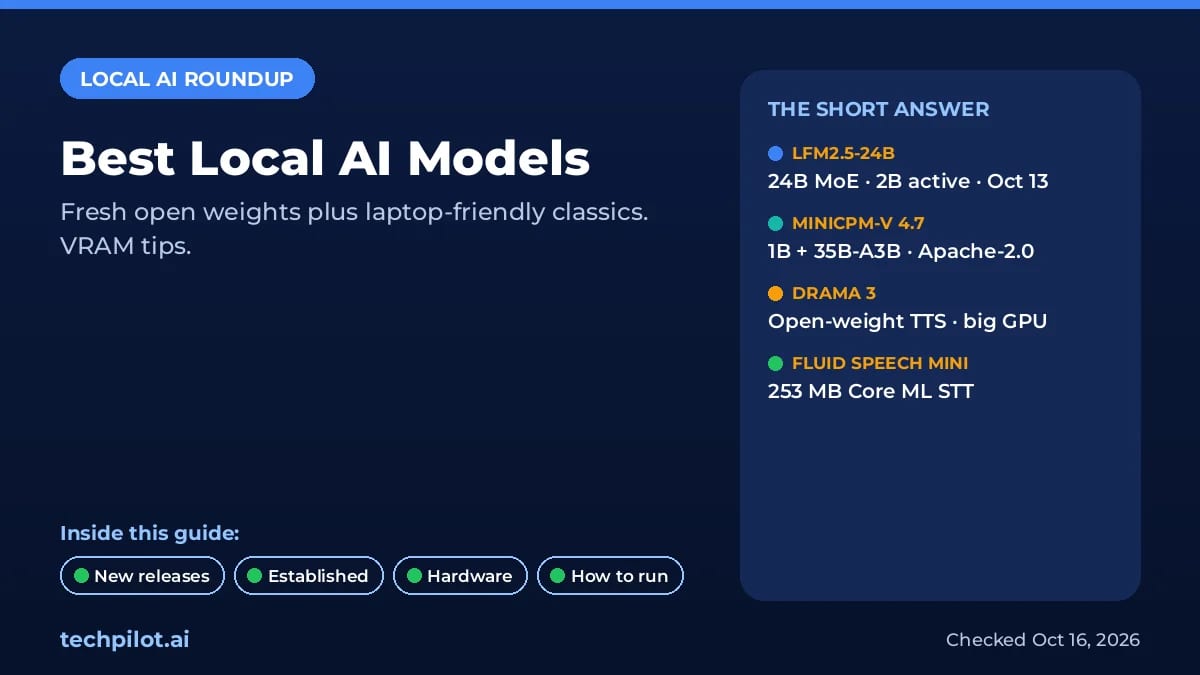
Best Local AI Models (October 2026)
Best local AI models this October: LFM2.5-24B-A2B, MiniCPM-V 4.7, Drama 3, Fluid Speech Mini, plus verified Qwen/Gemma picks, VRAM, and how to run…
Eimantas Kazėnas · 4 min read
News Eimantas Kazėnas · 6 min read
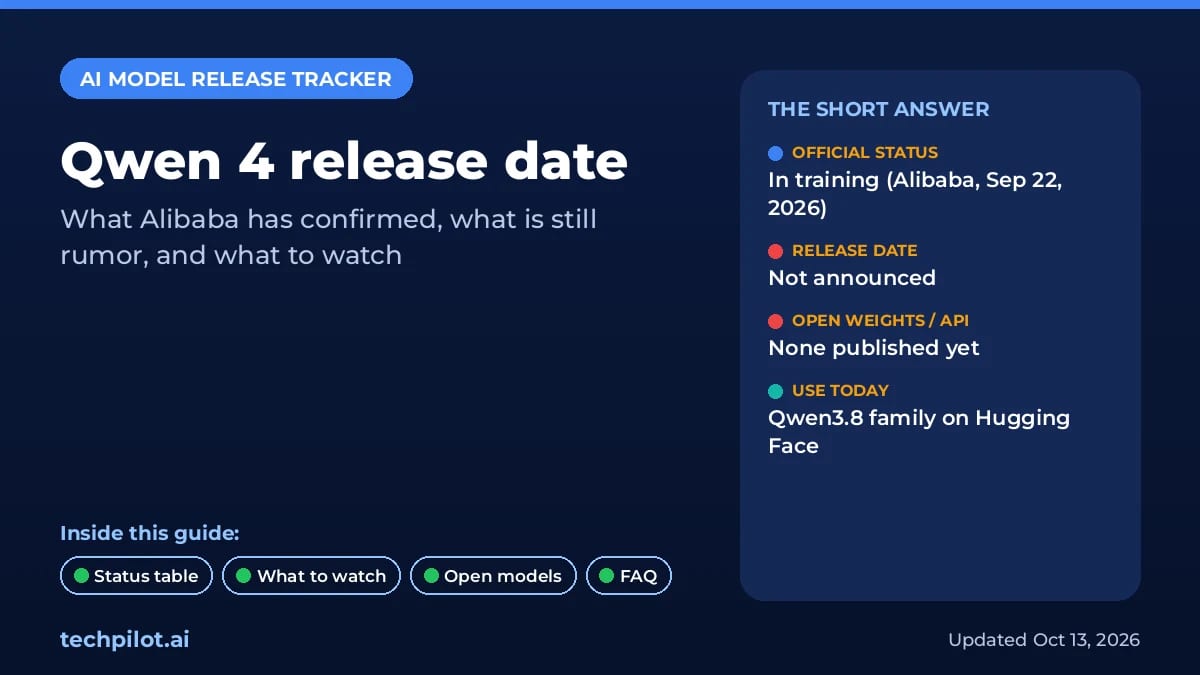
Qwen 4 Release Date: Is It Out Yet?
Qwen 4 release date: not out yet. Alibaba’s CTO reportedly said Qwen4 would ship the week of Nov 2, 2026, but no weights, API or price have appeared…
Eimantas Kazėnas · 6 min read