After testing Ssemble, I found it to be a promising tool for content creators looking to capitalize on the YouTube Shorts trend. The AI-powered short generation is impressive, saving significant time and effort. The ability to customize Shorts and add captions and translations is also a big plus.
Home / Tools / AI Automation
AI Automation · Tool review
Ssemble AI Video Editor: Attention-Grabbing Shorts Made Easy
 TechPilot.ai review team Hands-on testing, one published method
 - Last updated
- How we test
Summary
Pros and cons
What we like
- Effortless Ssemble's AI handles the heavy lifting, saving you valuable time and effort.
- Customizable While the AI does most of the work, you still have control over the final product with manual editing options.
- Accessible Captions and translations make your Shorts accessible to a wider audience.
- Efficient Ssemble streamlines the short-form video creation process.
What could be better
- Limited Editing Ssemble's editing capabilities are basic compared to professional video editing software.
- AI Imperfections The AI-generated Shorts may not always be perfect and may require manual adjustments.
- Cost There's no free plan or free trial, so you need a paid plan to download or publish clips.
Key features
- AI-Powered Short Generation: Ssemble automatically identifies and extracts key moments from your long-form videos to create Shorts.
- Manual Editing: Customize your Shorts with trimming, cropping, and text overlays.
- Captioning and Translation: Generate captions and translate them into multiple languages for greater accessibility.
- Templates and Styles: Choose from a variety of templates and styles to personalize your Shorts.
- Direct Integrations: Seamlessly publish your videos to your YouTube or Social channels
- Scheduling: Publish instantly or schedule according to your content plan
Screenshots
Full review
Independent and reader-supported. Some links may earn us a commission; it never changes our scores. Editorial policy
Ssemble, an AI-powered video generator, promises to alleviate this burden by automating the creation of shorts from existing long-form YouTube videos for repurposing on different platforms. With the creator economy booming, estimated to be worth over $156 billion, tools like Ssemble could be a big help for content creators seeking to efficiently capitalize on the short-form video trend.
In today’s world, we are bombarded by information and the average person’s attention span is dwindling to a mere 8 seconds, short-form video content has become king. Instagram Reels, Tik Tok and YouTube Shorts, in particular, have exploded in popularity, with over 50 billion daily views worldwide. For content creators, this presents both a challenge and an opportunity. While Shorts offer a powerful way to engage audiences and grow channels, the sheer volume of content needed to stay relevant can be overwhelming.
But does Ssemble deliver on its promise of simplifying short form content creation? Here is our analysis of its features, capabilities, and overall value to determine if it’s a worthwhile investment for creators seeking to thrive in the attention-grabbing world of short form content.
Ssemble Pricing (2026)
Ssemble sells monthly and yearly plans that run on credits. One credit processes up to 20 minutes of source video. Prices below were checked October 2026 on Ssemble’s official pricing page.
| Plan | Price (monthly / yearly) | Credits | Key inclusions |
|---|---|---|---|
| Pro | $15/mo ($6/mo billed yearly, $72/year) | 30/mo (360 upfront on yearly) | AI clipping, API access, scheduling and posting, 1 social account |
| Expert | $30/mo ($12/mo billed yearly, $144/year) | 60/mo plus 10 bonus (720 plus 120 bonus upfront on yearly) | Everything in Pro, 3 social accounts |
| Business | $60/mo ($24/mo billed yearly, $288/year) | 120/mo plus 30 bonus (1,440 plus 360 bonus upfront on yearly) | Everything in Expert, unlimited social accounts |
| Custom | $100/mo ($40/mo billed yearly, $480/year) | 2,000 plus 600 bonus upfront on yearly | Credit top-ups: 100 credits for $60 |
Free plan: Ssemble has no free plan or free trial. You can sign up and generate preview clips without paying, but you need a paid plan to download, publish or make more clips. The FAQ on Ssemble’s pricing page still mentions a free plan, but its help center says Ssemble doesn’t support a free trial or a free tier.
How credits work
One credit covers up to 20 minutes of input video. If you clip a whole video that’s longer, Ssemble splits it into 20-minute segments at 1 credit each, so a 1-hour video costs 3 credits. You can also pick a window of up to 20 minutes from a long video for 1 credit. Monthly credits expire after 30 days, and yearly plans give you the full year’s credits upfront, valid for 12 months. On the Custom plan you can buy top-ups of 100 credits for $60 (up to 10 blocks at a time), and they never expire. Ssemble doesn’t offer refunds.
Is Ssemble worth it? Pro billed yearly at $6 a month is cheap for 30 credits a month, which covers up to 10 hours of source video. If you’re choosing between the two main clipping tools, see our Opus Clip vs Ssemble comparison.
Ssemble Best Use Cases
- YouTubers: Repurpose your long-form content into bite-sized Shorts to reach a wider audience and increase engagement.
- Social Media Managers: Quickly create eye-catching Shorts for various platforms without needing extensive video editing skills.
- Marketers: Leverage Shorts to showcase products, share testimonials, or create quick tutorials to promote your brand.
- Educators: Condense lengthy lectures or presentations into engaging Shorts for students to review key concepts.
TechPilot.ai’s Verdict on Ssemble – AI Video Editor for Short Form Content
After testing Ssemble, I found it to be a promising tool for content creators looking to capitalize on the YouTube Shorts trend. The AI-powered short generation is impressive, saving significant time and effort. The ability to customize Shorts and add captions and translations is also a big plus.
However, it isn’t perfect. The limited editing features (which sometimes are not loading) are a drawback for those who need more control over their videos. Additionally, the AI isn’t always spot-on, and the pricing might be a bit steep for some users.
Compared to alternatives like Opus Pro and 2Shorts.AI, Ssemble strikes a balance between ease of use and functionality. Opus Pro offers more advanced editing features but comes at a higher price point. 2Shorts.AI is a more affordable option but lacks some of Ssemble’s polish and capabilities.
Overall, Ssemble is a valuable tool for creators who want to streamline their Shorts creation process. If you’re willing to overlook its limitations, it can be a great asset for expanding your reach on YouTube.
Ssemble FAQ
What is Ssemble?
Ssemble is an AI video editor that turns long videos into short clips for YouTube Shorts, TikTok and Instagram Reels. It adds captions and translations, and it can publish or schedule clips to your social channels.
•
Is Ssemble free?
No. Ssemble has no free plan or free trial. You can sign up and generate preview clips for free, but downloading, publishing or making more clips needs a paid plan, starting at $15 a month or $6 a month billed yearly.
•
How much does Ssemble cost?
Pro costs $15 a month ($6 billed yearly), Expert $30 ($12), Business $60 ($24) and Custom $100 ($40). Each plan includes credits, and 1 credit covers up to 20 minutes of source video.
•
Do Ssemble credits roll over?
No. Credits on monthly plans expire after 30 days, and credits on yearly plans expire after 12 months. Only top-up credits, which are sold on the Custom plan, never expire.

Abacus AI
AI Automation
After weeks of testing Abacus AI, we’ve come to appreciate its strengths and understand its limitations. This platform is versatile,…

Omnimind AI
AI Automation
Omnimind AI is a powerful AI automation tool that integrates data sources and automates workflows. Its features, including content…

Monica.im
AI Automation
After spending time with Monica.im, we found it to be a thoughtfully designed AI platform that brings together a wide range of tools to…
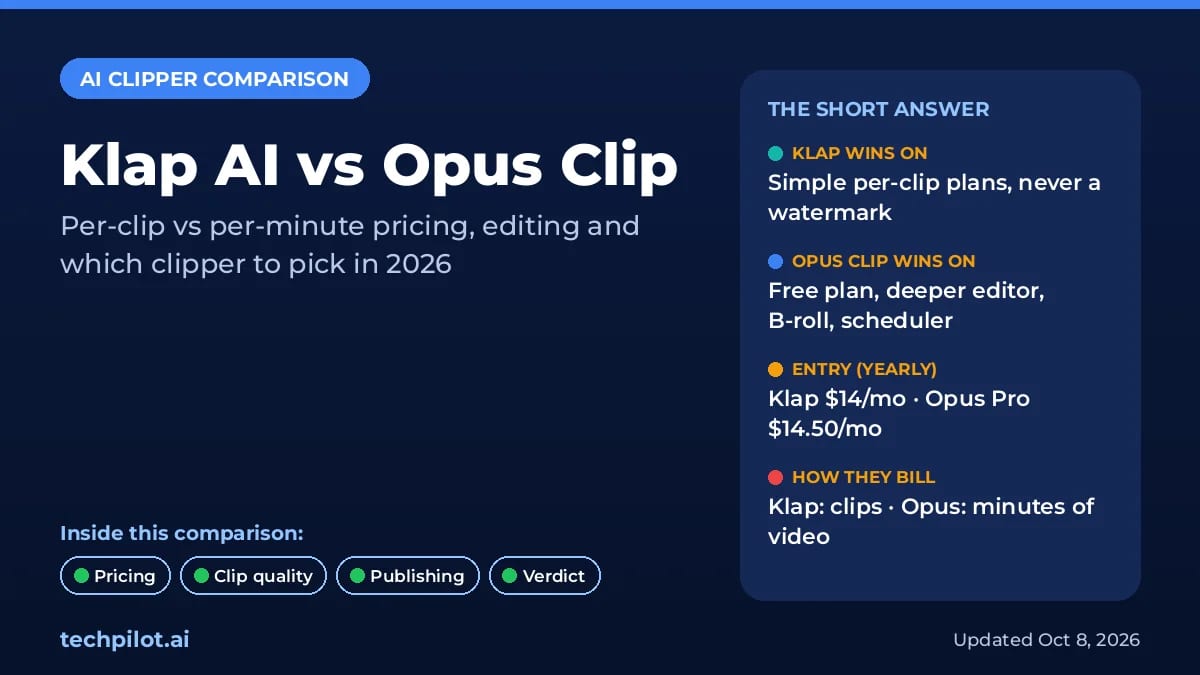
AI Video Generator  Eimantas Kazėnas · 5 min read
Klap AI vs Opus Clip: Which Clipper to Pick?
Klap AI vs Opus Clip: Klap bills per clip with no watermark, while Opus bills per minute of video and has a free plan. Compare 2026 prices and our…
Eimantas Kazėnas · 5 min read
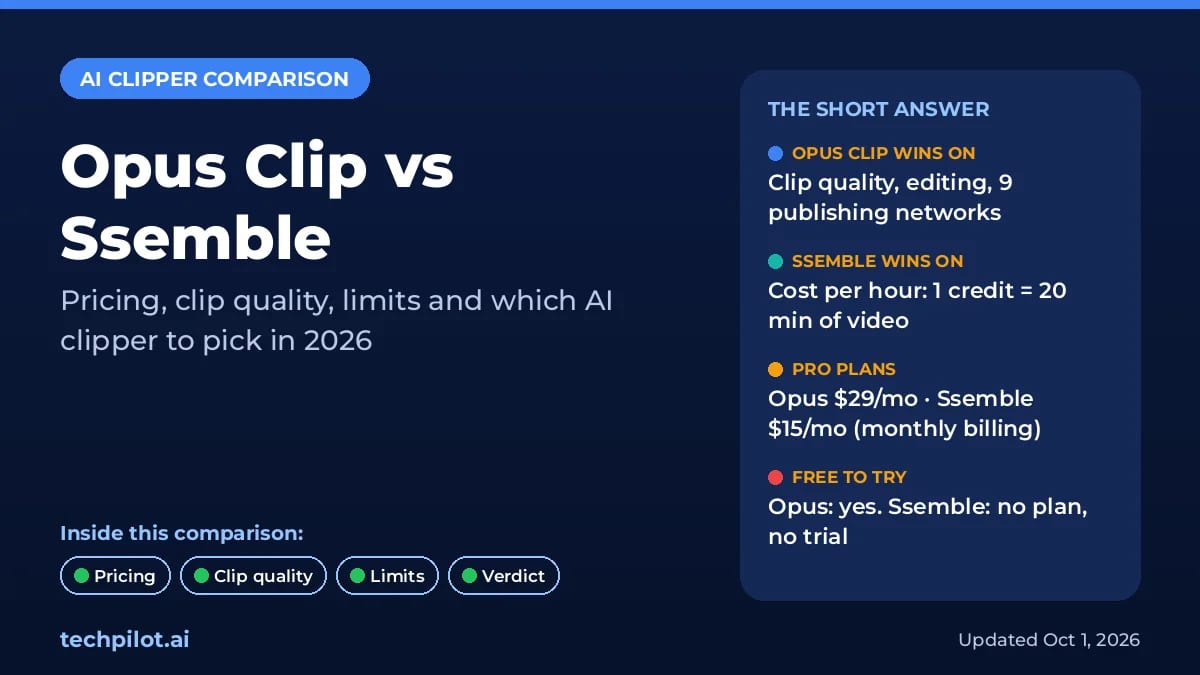
AI Video Generator Eimantas Kazėnas · 18 min read
Opus Clip vs Ssemble: Which AI Clipper Wins?
Opus Clip vs Ssemble: Opus makes better AI picks, but Ssemble clips an hour of video for $0.60, not $2.90. Compare 2026 prices, limits and our…
Eimantas Kazėnas · 18 min read