Viggle JST-2 brings 3D scenes, characters and motion into one model, and you can test it free in PINOC with no card.
Home / Tools / Digital Art
Digital Art · Tool review
Viggle JST-2: Free Access, Pricing & Uses
 TechPilot.ai review team Hands-on testing, one published method
 - Last updated
- How we test
Summary
Pros and cons
What we like
- Free to try PINOC's Free plan includes JST-2 with 60 credits.
- One model, three jobs 3D scenes, characters and motion.
- No rigging step Characters come out ready to animate.
- Motion from video Turn real footage into 3D motion without a mocap suit.
- Standard exports FBX and GLB for Blender, Unity and Unreal.
What could be better
- Tiny free trial 60 credits once, with no top-ups on Free.
- No commercial use on Free Starter or Pro is needed.
- Static scenes Scenes don't animate on their own yet.
- Billed separately PINOC plans don't cover the Viggle AI app.
Key features
- Text to 3D scene: Describe a place and get an explorable 3D scene.
- Image to 3D character: Turn one image into an animation-ready character.
- Text to motion: Describe a movement and get full-body 3D motion.
- Video to motion: Capture a real performance from a video.
- Agent mode: Combine scenes, characters and motion in one workflow.
- API access: Build JST-2 scenes, characters and motion into your own app.
Screenshots
Full review
Independent and reader-supported. Some links may earn us a commission; it never changes our scores. Editorial policy
Viggle JST-2 is Viggle’s new world model for 3D scenes, characters and motion. See how to use JST-2 free in PINOC, what credits buy and what plans cost.
Viggle released JST-2 on October 19, 2026. If you know Viggle, it’s probably from the meme-style character swap videos made with the Viggle AI app. JST-2 is a bigger step: one model that generates explorable 3D scenes, animation-ready 3D characters and full-body motion from text, images or video. The quickest way to try it is free, in the browser, through Viggle’s PINOC app. This page covers what JST-2 does, how to use it without paying, and what the credits and plans cost, with prices checked on Viggle’s pricing page on October 21, 2026.
What is Viggle JST-2?
JST stands for Joint Space-and-Time. Viggle calls JST-2 a physics-native world foundation model. Instead of drawing pixels frame by frame like a video model, it represents a scene as persistent “atoms”, small pieces of matter with real 3D positions that keep their identity as they move. Those are rendered as 3D Gaussian splats, which is why you can orbit around the results in your browser. Viggle’s JST-2 launch page lists three jobs it handles:
- Scenes: type a prompt (or upload a 360° panorama) and get an explorable 3D scene back. Viggle says a first scene takes about one second to generate.
- Characters: turn text or a single image into a 3D character that is ready to animate, without a separate rigging step.
- Motion: full-body 3D motion from a text description or from a video of a real performance, which works like markerless motion capture.
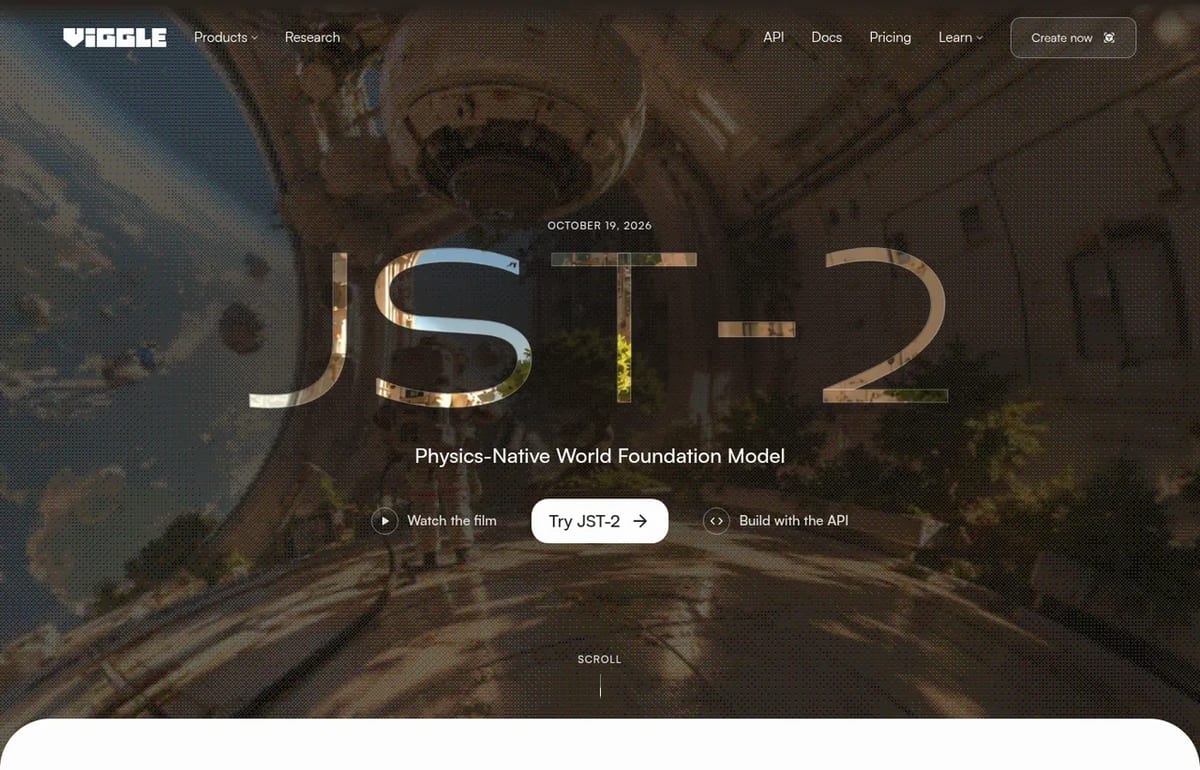
JST-1, the earlier model, powered the Viggle AI app’s character swaps. JST-2 moves the same idea into full 3D, which makes it more useful for game prototypes, previs, VTubers and short animated clips than for one-off memes.
Is Viggle JST-2 free?
Yes, to try. JST-2 runs in PINOC, Viggle’s 3D character and motion app, and the PINOC Free plan includes it. You get 60 trial credits, once. Viggle says that covers about 1 minute of motion or up to 12 image-to-3D characters, plus 1 free motion export and 1 free character export.
The limits matter: free credits don’t refill, you can’t buy top-ups on the Free plan, and Viggle restricts free use to personal projects, evaluation and prototyping. If you want to use the results in client or monetized work, you need Starter or Pro.
How to use Viggle JST-2 for free
- Open PINOC from the Try JST-2 button on viggle.ai/jst2 and sign in. No card is needed for the Free plan.
- Pick a mode. Scene mode generates 3D scenes. Agent mode combines scenes, characters and motion in one chat-style workflow.
- Describe what you want, for example “an abandoned space station with plants growing through the floor” or “a knight doing a victory dance”.
- Spend credits carefully. Motion costs 1 credit per second, and a character from an image starts at 5 credits. Rigging, retargeting, adjusting motion and the preset motion library are free.
- Export once. On Free you get one motion export and one character export, so save them for your best result. Motions export as FBX or GLB for Blender, Unity or Unreal.
Our tip: test short motions first. A 5-second clip costs 5 credits, so you can try a dozen ideas before you’ve used a full minute.
Viggle JST-2 Pricing (2026)
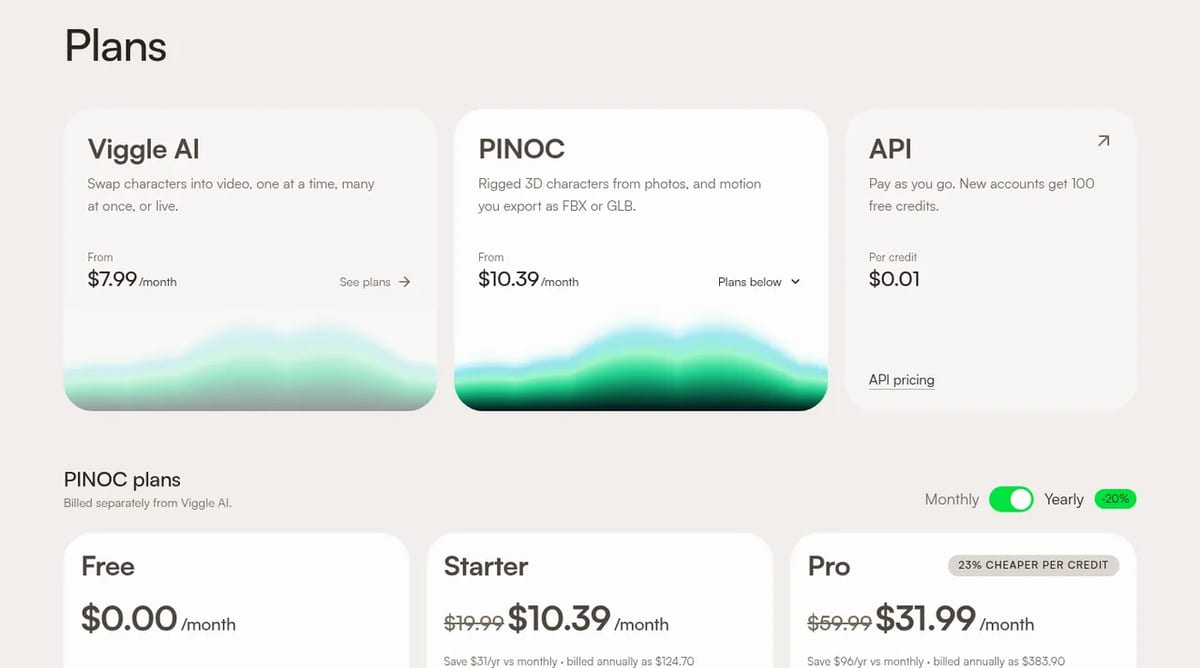
PINOC is billed separately from the Viggle AI app. These are the PINOC plans with yearly billing, as listed on October 21, 2026:
| Plan | Price | Credits | What you get |
|---|---|---|---|
| Free | $0 | 60, one time | About 1 minute of motion or 12 characters, 1 motion and 1 character export, personal use only |
| Starter | $10.39/month, billed yearly ($124.70) | 300 a month | About 5 minutes of motion or 60 characters, unlimited exports, commercial use, top-ups |
| Pro | $31.99/month, billed yearly ($383.90) | 1,200 a month | About 20 minutes of motion or 240 characters, unlimited mesh uploads, commercial use |
Viggle JST-2 API pricing
Developers can call JST-2 directly through the Viggle API, which is pay as you go at $0.01 per credit. New accounts get 100 free credits. A 3D scene built from a text prompt costs $0.06 (6 credits), because a panorama is generated first. A scene from your own panorama, new camera views and reconstruction each cost $0.01 per task, and failed or cancelled tasks are refunded.
Limitations
- Static scenes: Viggle says JST-2 scenes don’t move on their own yet. Collisions use rule-based physics; learned physics is planned for JST-3.
- A small free trial: 60 credits once is enough to judge quality, not to finish a project.
- No commercial use on Free: you need Starter or Pro for paid work.
- Guessed body parts: in video-to-motion, hidden limbs are inferred, so check hands and feet before you export.
- Self-reported benchmarks: Viggle’s comparisons with other 3D and motion tools are its own.
Viggle JST-2 alternatives
- Odyssey-3: a world model you can walk through in real time in a free browser preview. See our Odyssey-3 page.
- HelixWorld: another option for generating explorable worlds from prompts. See our HelixWorld page.
- Kling 4: if you want finished 2D video with motion rather than 3D assets, see Kling 4.
Verdict
Viggle JST-2 is worth a free test if you make games, animation or VTuber content and want 3D characters and motion without a mocap suit or rigging skills. The free PINOC credits are tight, so plan a few short tests, then move to Starter if you need exports and commercial rights.
TechPilot.ai’s Verdict on Viggle JST-2
Viggle JST-2 brings 3D scenes, characters and motion into one model, and you can test it free in PINOC with no card.
The free credits only cover short tests, so creators who need exports or commercial rights should budget for Starter at $10.39 a month billed yearly.
Viggle JST-2 FAQ
Is Viggle JST-2 free?
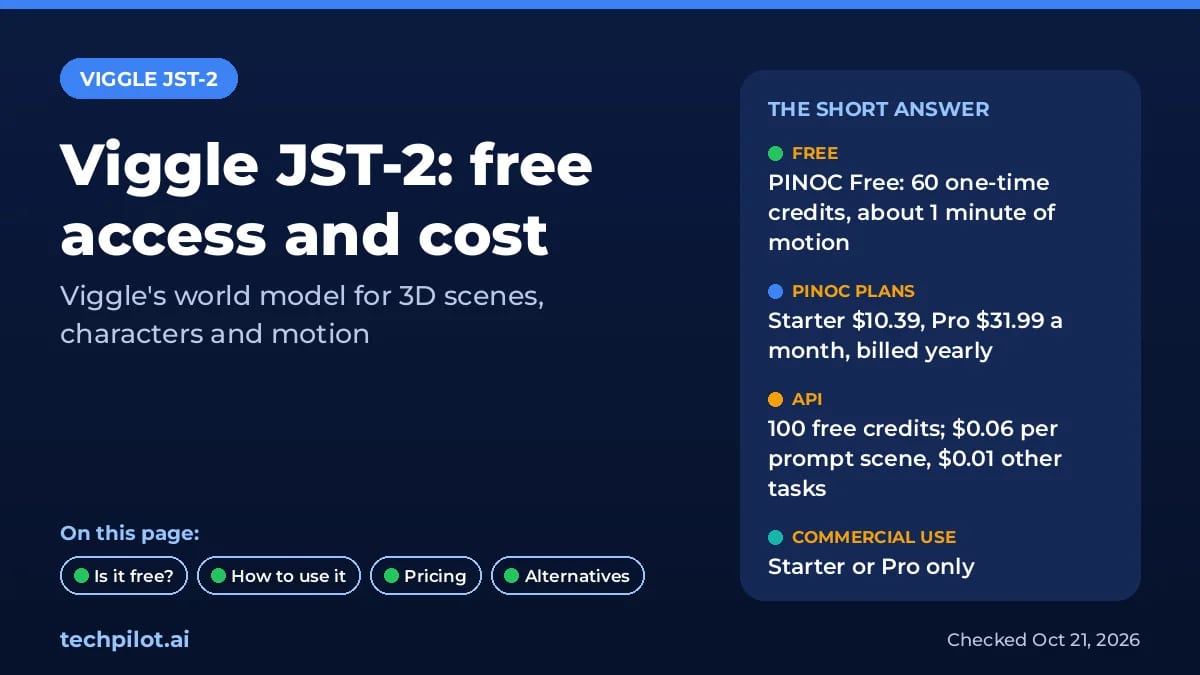
Yes, to try. JST-2 is included in PINOC’s Free plan, which gives 60 one-time credits, about 1 minute of motion or 12 image-to-3D characters, plus one motion and one character export. Free use is limited to personal and evaluation projects.
•
How much does Viggle JST-2 cost?
PINOC Starter costs $10.39 a month and Pro $31.99 a month when billed yearly, with 300 and 1,200 credits a month. Through the API, credits cost $0.01 each and a prompt-to-scene request costs $0.06.
•
What is Viggle PINOC?
PINOC is Viggle’s browser app for rigged 3D characters and motion. It runs the JST-2 model in Scene and Agent modes, and it is billed separately from the Viggle AI character swap app.
•
Can I use Viggle JST-2 commercially?
Only on a paid PINOC plan. Starter and Pro include commercial use, unlimited exports and credit top-ups. The Free plan is for personal projects, evaluation and prototyping.
•
What are the best Viggle JST-2 alternatives?
For explorable worlds, Odyssey-3 and HelixWorld are the closest alternatives. For finished video rather than 3D assets, tools like Kling 4 are a better fit.

HelixWorld
Digital Art
HelixWorld adds what other world models miss: sound that moves with the camera. The free demo makes it easy to try, and the Apache-2.0 code…
Ling-3.1-flash
Digital Art
Ling-3.1-flash pairs very open MIT terms with a low API price, which makes it a sensible pick for cost-sensitive agent and document work.
Odyssey-3
Digital Art
Odyssey-3 is an impressive, free way to try a real-time AI world model in your browser, backed by serious physics and robotics research.