Home / Guides / Video Editing
Alternatives to After Effects in 2026
 Eimantas Kazėnas Marketing & Tech
- Published
- 5 min read
On this page What After Effects costs right now
- What After Effects costs right now
- The best After Effects alternatives at a glance
- Compositing and VFX: DaVinci Resolve and Fusion
- Motion graphics: Cavalry and Apple Motion
- UI, product and web animation: Jitter and Rive
- 3D and open source: Blender and Natron
- What you give up when you leave After Effects
- Frequently asked questions
Independent and reader-supported. Some links may earn us a commission; it never changes our rankings. Editorial policy
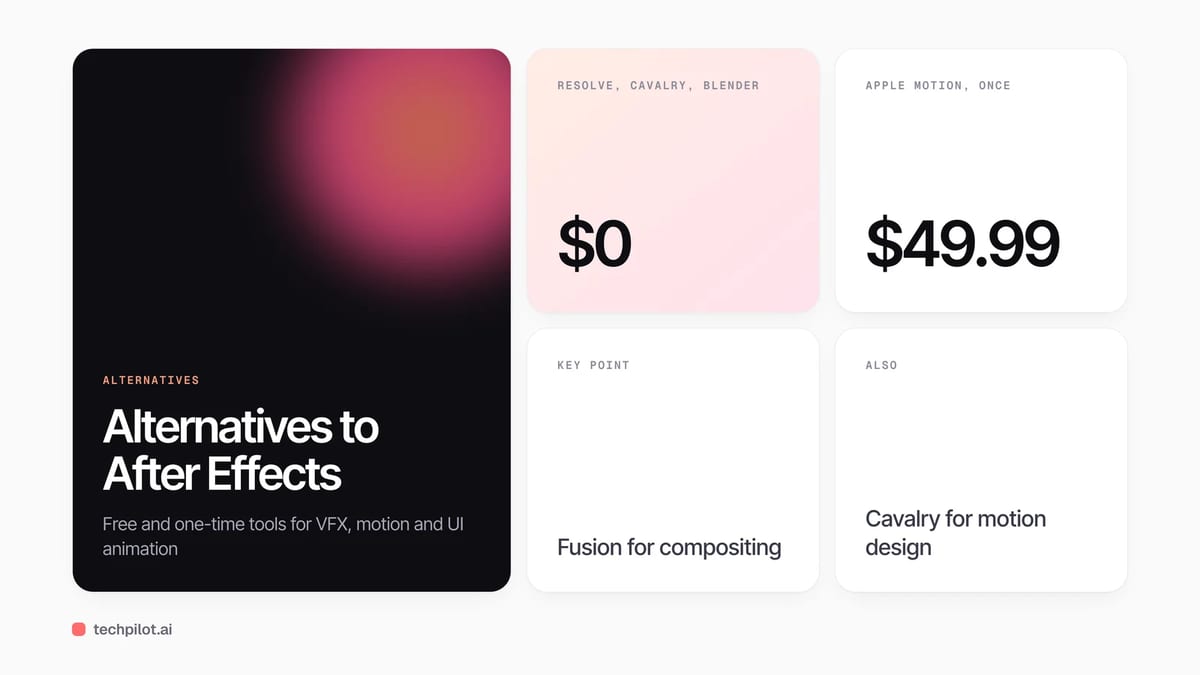
Alternatives to After Effects: DaVinci Resolve with Fusion and Cavalry are free, Apple Motion is a $49.99 one-off, and Jitter or Rive suit UI animation.
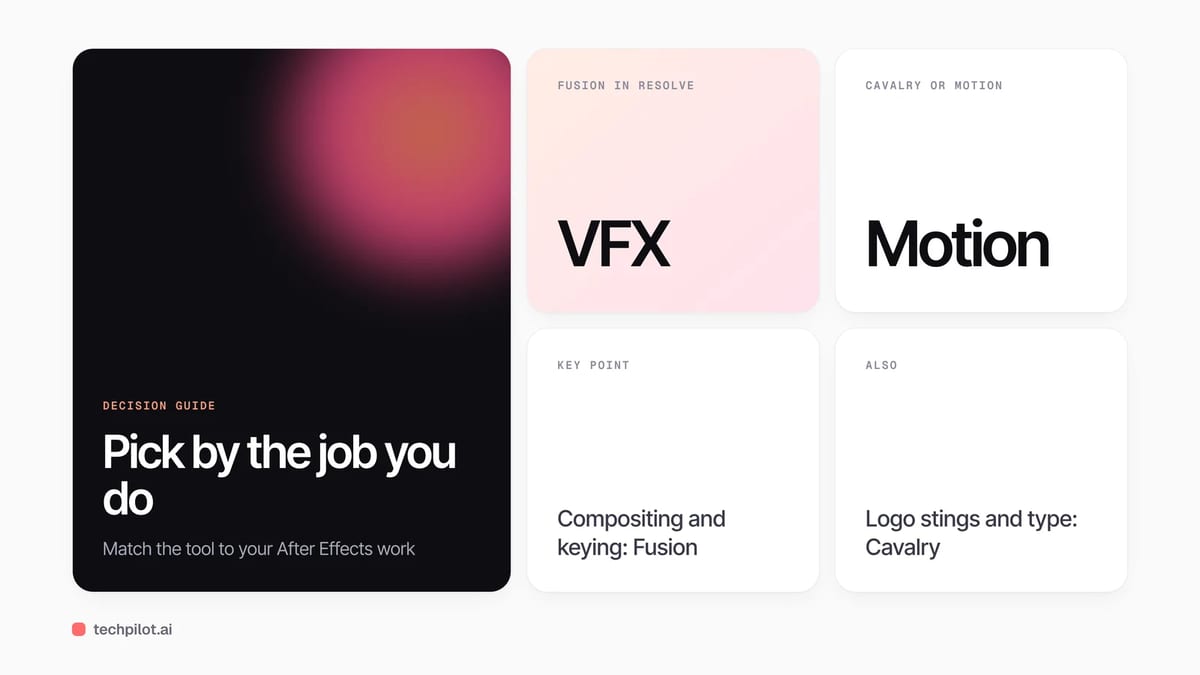
Quick answer: there is no single drop-in replacement, so pick by the job you use After Effects for. For compositing and visual effects, use the Fusion page inside the free DaVinci Resolve. For 2D motion graphics, use Cavalry, which is now free for individuals. On a Mac, Apple Motion costs $49.99 once. For UI, product and Lottie animation, Jitter and Rive have free plans and run in a browser. For 3D, Blender is free and open source.
What After Effects costs right now
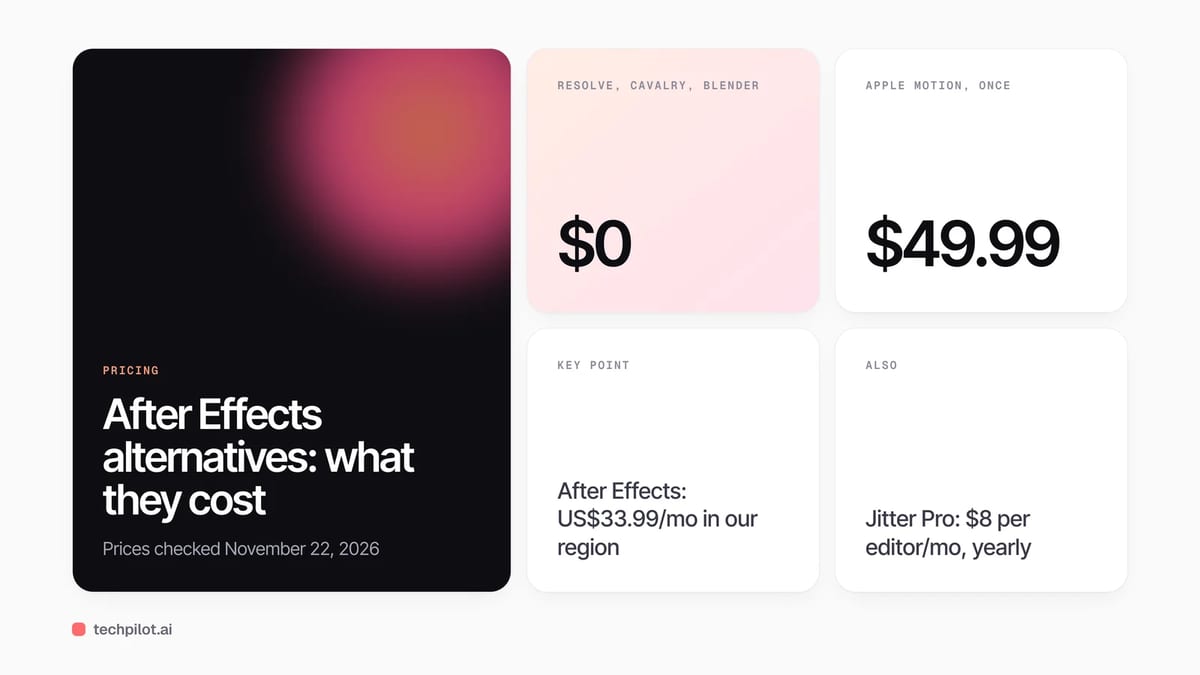
Most people looking for an alternative are reacting to the subscription. On November 22, 2026, Adobe’s After Effects plans page showed the single app at US$33.99 a month on an annual plan billed monthly in our region,, with a sale price of US$13.59 a month that ends on November 27. Adobe prices vary by country and include local VAT, so check your own region. At the regular price that is about $408 a year, every year, which is the number to compare the options below against.
The best After Effects alternatives at a glance
| Tool | Best for | Price (checked Nov 22, 2026) | Runs on |
|---|---|---|---|
| DaVinci Resolve (Fusion page) | Compositing, VFX, titles inside an editor | Free; Studio $236 one-time (sale, normally $295) | Windows, Mac, Linux |
| Cavalry | 2D motion design, data-driven animation | Free for individuals (Canva account) | Mac, Windows |
| Apple Motion | Titles, transitions and effects for Final Cut Pro | $49.99 one-time | Mac only |
| Jitter | UI and product animation, social motion | Free; Pro $8 per editor a month, billed annually | Browser |
| Rive | Interactive animation for apps, sites and games | Free; Cadet $9 per seat a month | Browser and desktop editor |
| Blender | 3D animation, simulation and compositing | Free, open source | Windows, Mac, Linux |
| Natron | Node-based 2D compositing | Free, open source | Windows, Mac (Intel), Linux |
Compositing and VFX: DaVinci Resolve and Fusion
If you use After Effects for keying, tracking, cleanup and compositing shots, the closest free option is Fusion, which is built into DaVinci Resolve as its own page. Blackmagic describes it as having 3D particles, keyframe editors, 3D camera tracking, rotoscoping and keying tools. The big difference is the workflow: Fusion is node-based, so instead of stacking layers and precomps you wire effects together in a graph. It feels slow for a week, then faster on complex shots because nothing is buried in nested comps.
The free version of Resolve handles most 8-bit formats up to Ultra HD at 60 frames per second. Resolve Studio adds the AI Neural Engine features such as Magic Mask, more Resolve FX, noise reduction, 10-bit video and frame rates up to 120 fps. On November 22 it was listed at $236, down from $295, and it is a one-time purchase that also activates the standalone Fusion Studio. You also get a full editor, color grading and audio in the same app, which After Effects alone never had.
Motion graphics: Cavalry and Apple Motion
For animated type, shape layers, logo stings and explainer graphics, Cavalry is the strongest replacement. It is now owned by Canva and, according to its site, free for individuals with no restrictions; you sign in with a Canva account. It renders in real time, has procedural tools such as the Duplicator, rigging and data import from spreadsheets, and exports Lottie. If you build many variations of the same graphic, its procedural approach is quicker than keyframing each version in After Effects.
On a Mac, Apple Motion is the cheapest paid option at $49.99 on the Mac App Store, as a one-time purchase. It is built around Final Cut Pro: anything you make can be published as a title, transition or effect template and adjusted inside Final Cut. It is lighter than After Effects and has no Windows version.
UI, product and web animation: Jitter and Rive
A lot of After Effects work is now short animations for apps, websites and social posts, often exported to Lottie with a plugin. Two browser tools do this job more directly. Jitter imports from Figma and exports video, GIF and Lottie; its free plan exports at 720p and 30 fps with a watermark, and Pro costs $8 per editor a month billed annually for HD export and unlimited files. Rive goes further and makes animations interactive, with open-source runtimes for web, mobile, desktop and game engines; its free plan adds a Rive splash screen to exports, and Cadet at $9 a seat removes it.
3D and open source: Blender and Natron
If you use After Effects with 3D plugins, Blender is the better tool outright: it is a full 3D suite with modeling, animation, simulation, rendering and a node compositor, free for any use. Natron is an open-source node compositor that feels like Nuke or Fusion, but its latest release, 2.5.0, came out in November 2022, so treat it as a learning tool rather than something to build a business on.
What you give up when you leave After Effects
- Project files: .aep projects only open in After Effects, so client handoffs and old projects stay tied to it.
- Templates and plugins: the huge market of templates, presets and third-party plugins does not carry over.
- Adobe links: Dynamic Link with Premiere Pro and shared libraries across Creative Cloud.
- Hiring and tutorials: job ads and most motion design tutorials still assume After Effects.
Our take: if you work in a studio that sends .aep files back and forth, keep one After Effects seat and move personal and in-house work to Resolve or Cavalry. If you are a solo creator or editor, Resolve plus Cavalry covers most of what After Effects does for $0, and Studio at $236 costs less than one year of the subscription.
Looking for simpler tools? See our guide to the best free AI video editors, our list of alternatives to Canva for quick social graphics, or try prompt-based motion graphics in our Hera review.
Frequently asked questions
What is the best free alternative to After Effects?
For compositing and VFX, the Fusion page in the free DaVinci Resolve. For 2D motion graphics, Cavalry, which is free for individuals. For 3D, Blender.
Is there a one-time purchase alternative to After Effects?
Yes. Apple Motion costs $49.99 once on the Mac App Store, and DaVinci Resolve Studio was $236 one-time on November 22, 2026 (normally $295).
Can DaVinci Resolve replace After Effects?
For most compositing, tracking, keying and titles, yes, through its Fusion page. It uses nodes instead of layers and cannot open After Effects project files.
What can I use instead of After Effects for Lottie animations?
Jitter and Cavalry both export Lottie, and Rive is built for interactive animations in apps and websites. Jitter and Rive have free plans.
How much does After Effects cost?
On November 22, 2026 Adobe’s plans page showed US$33.99 a month on an annual plan billed monthly in our region, with a sale price of US$13.59 a month until November 27. Prices vary by country.
Found this useful? Share it with someone comparing AI tools.
Free AI Video Editor: 6 Best Picks (2026)
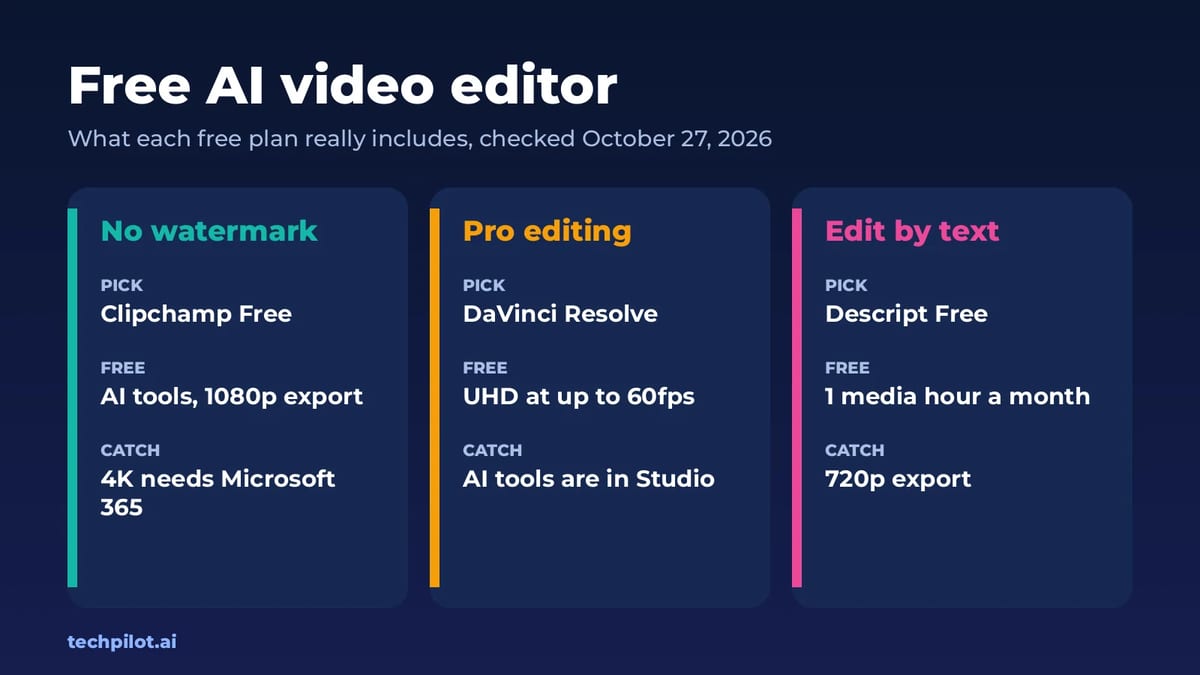
Free AI video editor picks for 2026: Clipchamp, DaVinci Resolve, Descript, Kapwing, Canva and CapCut, compared by export quality, watermarks and AI…
 Eimantas Kazėnas · 6 min read

Seedance 2.0 Review: ByteDance’s AI Video Generator Takes on Sora 2, Veo 3.1, and Kling in 2026
Seedance 2.0 review 2026: We tested ByteDance’s multimodal AI video generator against Sora 2, Veo 3.1 & Kling 3.0.
 Mihai (Mike) Bizz · 10 min read