Best Minecraft Server Hosting for AI Agents in 2026: 5 Providers Compared
Running LLM-powered bots in Minecraft? We compare five server hosts for AI agent experiments by CPU power, access, backups, and price.
 Mihai (Mike) Bizz Business, entrepreneurship, tech & AI
 - Published
- 5 min read
On this page How to Read This List
- How to Read This List
- #1. Godlike.Host — Best Overall for Agent Experiments
- #2. Hostinger — Best for Running Agent Code on the Same Machine
- #3. Sparked Host — Best for Low Latency in North America
- #4. Apex Hosting — Best for First-Time AI Tinkerers
- #5. Nodecraft — Best for Switching Between Experiments
- Which Host Fits Your AI Project
Independent and reader-supported. Some links may earn us a commission; it never changes our rankings. Editorial policy
Minecraft has quietly become one of the most popular testbeds for AI agents. Research projects like NVIDIA’s Voyager and open-source tools like Mindcraft connect large language models to in-game bots that mine, build, trade, and talk to players. These experiments run fine on a laptop. Once you want an agent to run for days, work alongside real players, or run as a team of bots, you need a proper server. Here are the best minecraft server hosting that allows experimenting.
AI agents stress a server differently than humans do. They act constantly, explore aggressively, and load new chunks much faster than a typical player. They also break things, so backups matter more than usual. We compared five hosting providers on the factors that matter most for AI experiments: CPU performance, access to files and configs, uptime, and recovery options.
How to Read This List
Rankings combine price, hardware performance, and how easily you can configure a server for bot connections:
| Provider | Control panel | Server model |
| Godlike.Host | Pterodactyl-based Godlike panel | Managed game server |
| Hostinger | Pterodactyl-based Game Panel | VPS with root access |
| Sparked Host | Proprietary Apollo Panel | Budget, Enterprise and Extreme tiers |
| Apex Hosting | Custom web panel | Managed game server |
| Nodecraft | NodePanel | Always-on Pro or wake-on-play Lite |
The hosting model matters for AI projects. A VPS lets you run the agent’s code on the same machine as the game server. Managed hosting keeps the Minecraft side stable while your agent runs somewhere else and connects over the network.
#1. Godlike.Host — Best Overall for Agent Experiments
Godlike runs its own bare-metal hardware instead of reselling third-party infrastructure: Ryzen 9 9950X3D, DDR5-4800, and NVMe Samsung 990 PRO over PCIe 4.0. Strong single-thread performance matters here, because an agent that explores nonstop generates terrain far faster than a human player. Plans start at $3.19 for the first month, there is a working free tier to test your setup, and user ratings hold at about 4.9 out of 5.
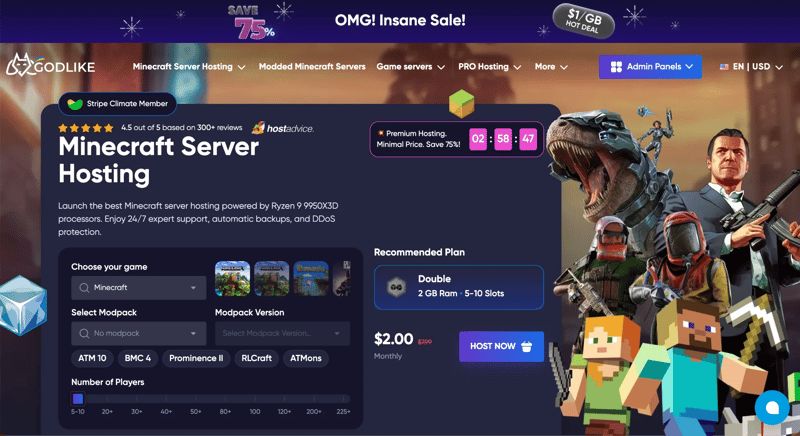
Godlike.Host main page
Pros:
- Forge, Fabric, Spigot, Paper, Bukkit, RLCraft, and ATM10 presets;
- Deployment in a couple of minutes and full SFTP access for editing configs;
- Automatic backups up to three times a day, useful when an agent flattens half your map;
- Server management via Discord;
- Live 24/7/365 support.
Cons:
- The free plan is time-limited;
- Premium plans cost more than budget alternatives;
- No hourly billing.
Best for: Long-running agent experiments, modded worlds, and communities where bots and humans play together.
#2. Hostinger — Best for Running Agent Code on the Same Machine
Hostinger runs Minecraft servers on VPS hosts with dedicated resources. Root access means you can install Node.js or Python next to the game server and run a Mineflayer-based agent locally, with almost no network latency between the bot and the world. The Game Panel 1 plan (4 GB RAM, 1 vCPU, 50 GB NVMe) costs $6.99/month on a 24-month contract. Hostinger also offers its own AI assistant, Kodee, for server management.
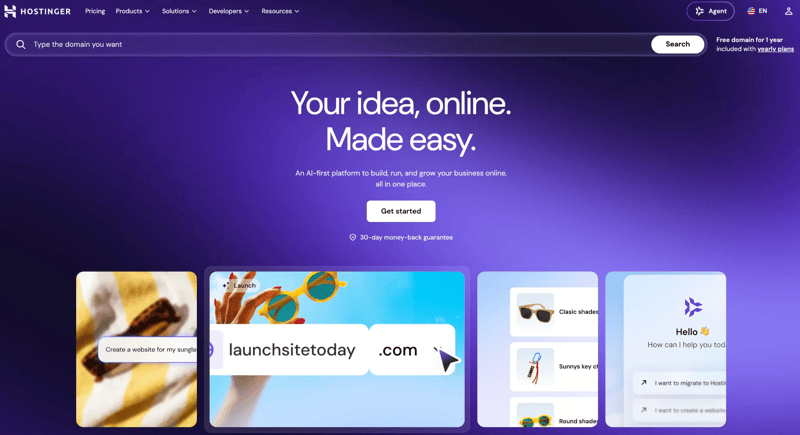
Hostinger main page
Pros:
- Dedicated resources with no noisy neighbors;
- Root access for running agent scripts alongside the server;
- One-click modpacks and plugins;
- Kodee AI assistant integration;
- 30-day money-back guarantee.
Cons:
- Needs more configuration than specialized game hosts;
- Support has no dedicated gaming expertise;
- Renewal rates are higher than promo prices;
- A single vCPU gets tight if the agent and server share the machine.
Best for: Developers who want full control and everything in one place.
#3. Sparked Host — Best for Low Latency in North America
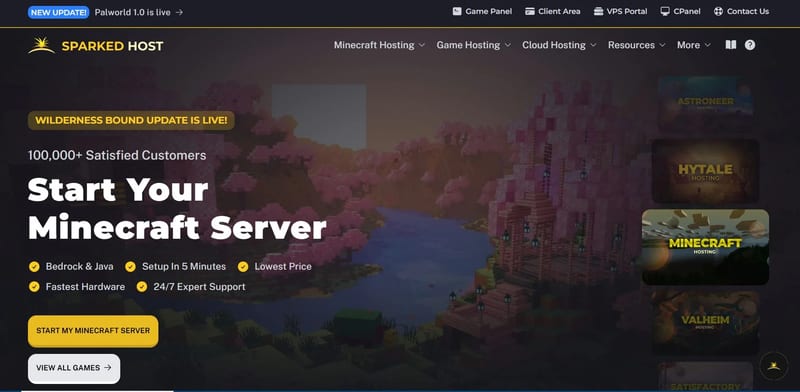
Sparked Host’s budget line costs $1 per gigabyte and runs on older Xeon processors. Enterprise and Extreme tiers move to Ryzen 9 7900 and 9900X CPUs with DDR5. If your agent code runs on US cloud infrastructure, the wide choice of US locations helps keep the round trip between bot and server short.
Pros:
- Budget plans from $1 per gigabyte;
- Multiple US datacenter locations;
- Ryzen CPUs and DDR5 on higher tiers;
- Unlimited player slots, useful for multi-agent setups.
Cons:
- CPU performance varies a lot between tiers;
- Budget plans run on legacy hardware;
- Strict refund conditions.
Best for: Multi-bot experiments with agent code hosted in North America.
#4. Apex Hosting — Best for First-Time AI Tinkerers
Apex is built for newcomers. Modpacks install in a couple of clicks, and detailed guides cover most setup questions. That lowers the barrier if you are more comfortable with prompts than with server configs. The 2 GB plan costs $7.99 per month, with 25% off the first billing cycle.
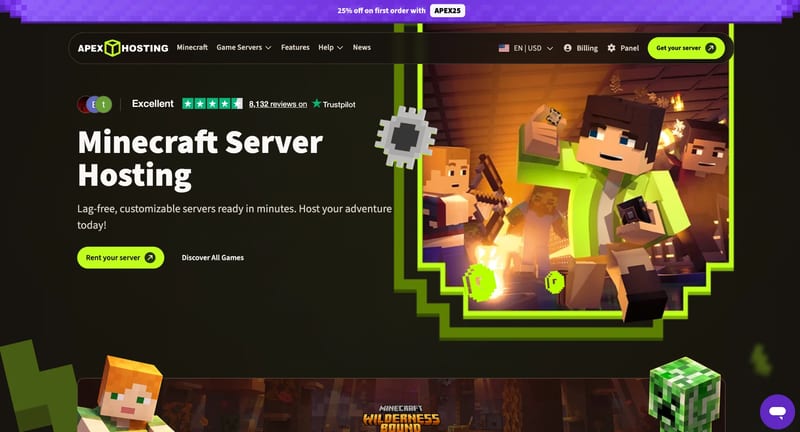
Apex Hosting main page
Pros:
- Modpacks installed in a few clicks;
- Large library of tutorials;
- Automated backups;
- Free server migration assistance.
Cons:
- Renewal pricing is higher than promo rates;
- Some add-ons cost extra;
- Refunds only within 7 days.
Best for: First AI agent projects where you want the server side to just work.
#5. Nodecraft — Best for Switching Between Experiments
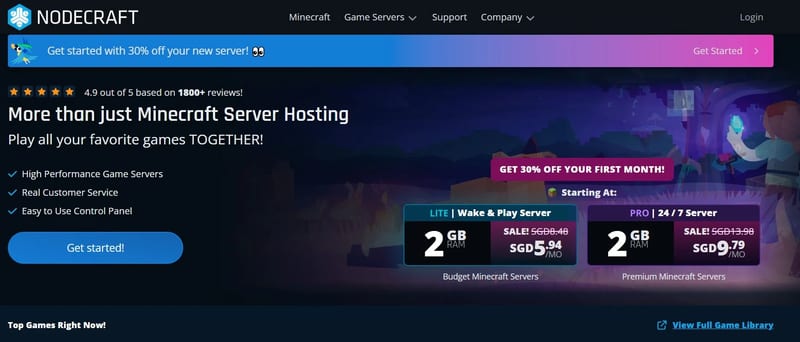
Nodecraft charges for hardware allocation rather than for individual games. Its Save & Swap feature lets you move between titles and modpacks at no extra cost, which is handy for testing an agent in several environments. Prices start at $5.96 per month, and support responds in under five minutes on average.
Pros:
- Save & Swap between games and modpacks;
- Server deployment in under a minute;
- Off-site cloud backups;
- Free trial.
Cons:
- Cluttered control interface;
- Plugins outside the one-click installers need manual setup;
- Pro plans are relatively expensive, and Lite instances hibernate without active players, so 24/7 agent runs need Pro.
Best for: Researchers and hobbyists testing agents across different games.
Which Host Fits Your AI Project
For most AI agent experiments, Godlike.Host offers the best balance of raw CPU performance, frequent backups, and price. Pick Hostinger if you want your agent code and server on one VPS, Sparked Host for low latency in the US, Apex for the easiest start, and Nodecraft if your agents need to move between games.
One tip before you launch: bots built on Mineflayer need either their own Microsoft accounts or a server running in offline mode. Offline mode lets anyone join, so if you use it, protect the server with a whitelist.
Found this useful? Share it with someone comparing AI tools.
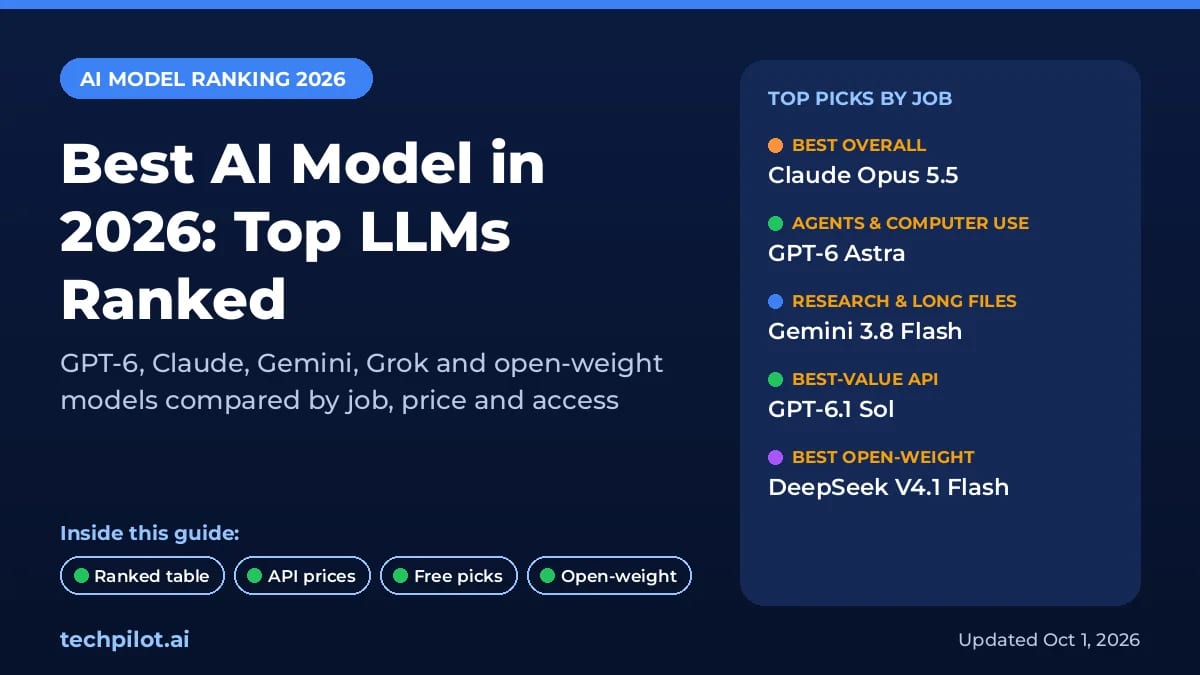
Best AI Model in 2026: Top LLMs Ranked
Find the best AI model for your job in 2026. We rank GPT-6, Claude Opus 5.5, Gemini 4 Argon, Grok 4.7 and open models on coding, agents, price, free…
 Eimantas Kazėnas · 16 min read
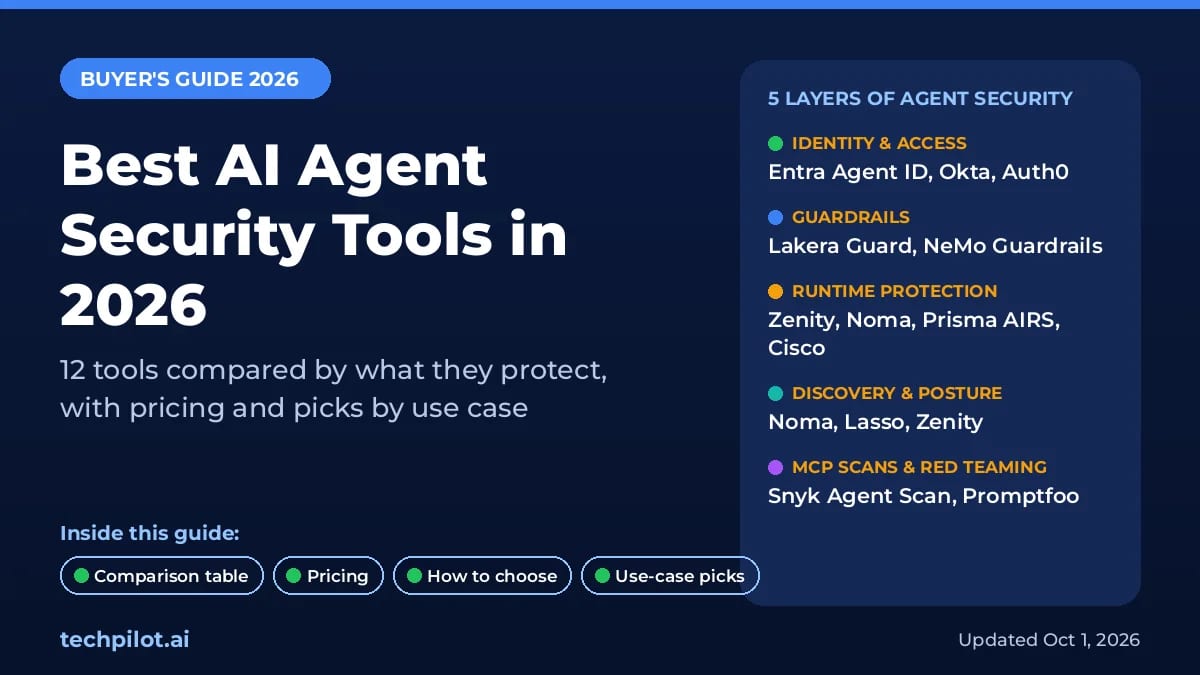
Best AI Agent Security Tools in 2026
Compare 12 AI agent security tools for agent identity, prompt injection, runtime and MCP risks. See which publish prices and which one fits your…
Eimantas Kazėnas · 16 min read