Home / Guides / Productivity
How to Cancel Claude Subscription (2026)
 Eimantas Kazėnas Marketing & Tech
- Published
- 5 min read
On this page First, find out where you subscribed
Independent and reader-supported. Some links may earn us a commission; it never changes our rankings. Editorial policy
How to cancel Claude subscription: open Billing in Settings, click Cancel on web or desktop, or cancel in the App Store or Google Play if you paid there.
Quick answer: where you cancel depends on where you paid, not on which device you use now. A plan bought on claude.ai or the desktop app is cancelled in Claude’s settings; a plan bought inside the iPhone or Android app is billed by Apple or Google, so the cancel button lives with them. The same steps work for Pro, Max and Ultra. Cancel at least 24 hours before your renewal date, and you keep paid features until the period you already paid for ends. We checked every step against Anthropic’s cancellation guide on November 15, 2026.
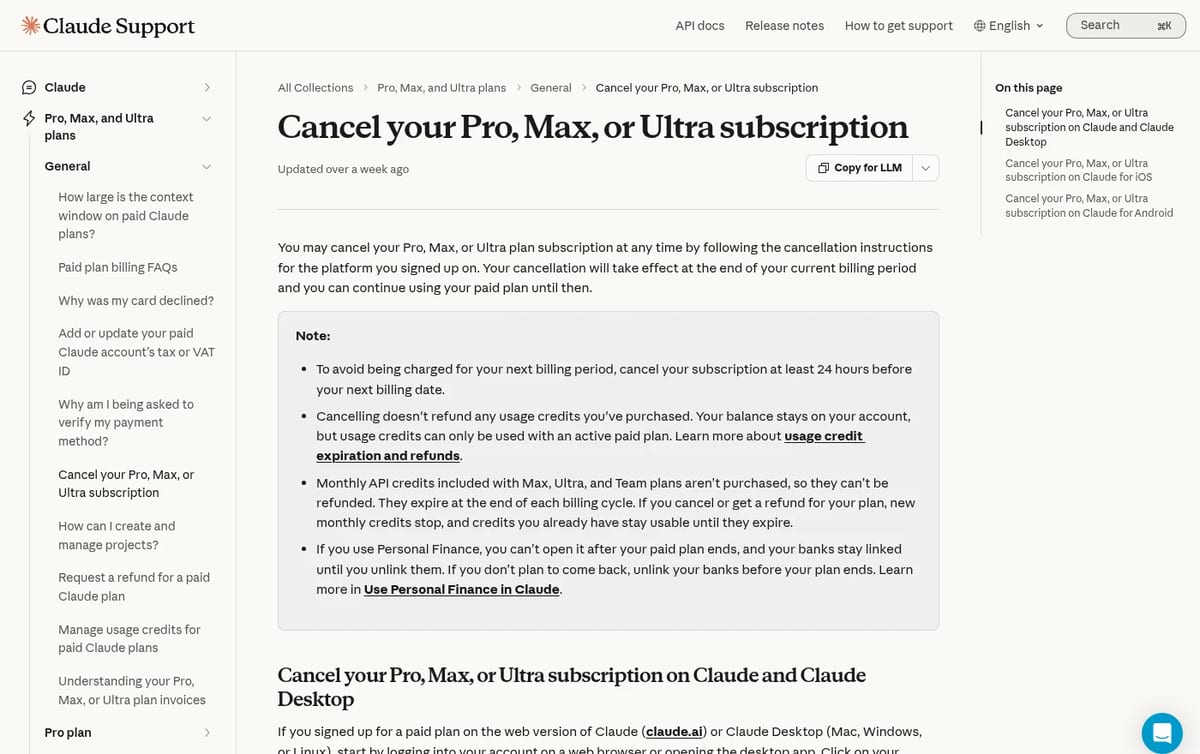
First, find out where you subscribed
This is the step most people skip, and it is why “I cancelled but was still charged” happens. Deleting the app does not cancel an App Store or Google Play subscription, and the Cancel button on the web cannot stop a charge that Apple or Google is collecting. Check your receipt: an email titled “Your receipt from Anthropic” means you paid on the web; a receipt from Apple or Google means you paid in the app.
| Where you paid | Where you cancel | Who handles refunds |
|---|---|---|
| claude.ai or Claude Desktop | Settings, then Billing, then Cancel | Anthropic, through Get help |
| Claude for iOS | In the app (Billing, Manage subscription) or in your Apple subscriptions | Apple only |
| Claude for Android | In the app (Billing, Manage subscription) or in Google Play subscriptions | Anthropic support checks eligibility |
How to cancel Claude on the web or desktop
- Log in at claude.ai in a browser, or open the Claude desktop app on Mac, Windows or Linux.
- Click your initials or name in the lower left corner and choose Settings.
- Open Billing.
- Click Cancel and confirm.
Your plan stays active until the end of the current billing period, then the account drops to the Free plan. Your chats stay in your account; cancelling is not the same as deleting it.
How to cancel Claude on iPhone or iPad
- Open Claude for iOS and tap your initials in the top right corner.
- Tap Billing, then Manage subscription.
- Follow the prompts to cancel.
If you already deleted the app, cancel it from your Apple Account subscriptions in the iPhone Settings app instead.
How to cancel Claude on Android
- Open Claude for Android and tap your initials in the top right corner.
- Tap Billing, then Manage subscription.
- Follow the prompts to cancel.
If the app is gone, open the Google Play Store, go to Payments and subscriptions, then Subscriptions, and cancel Claude there.
What happens after you cancel
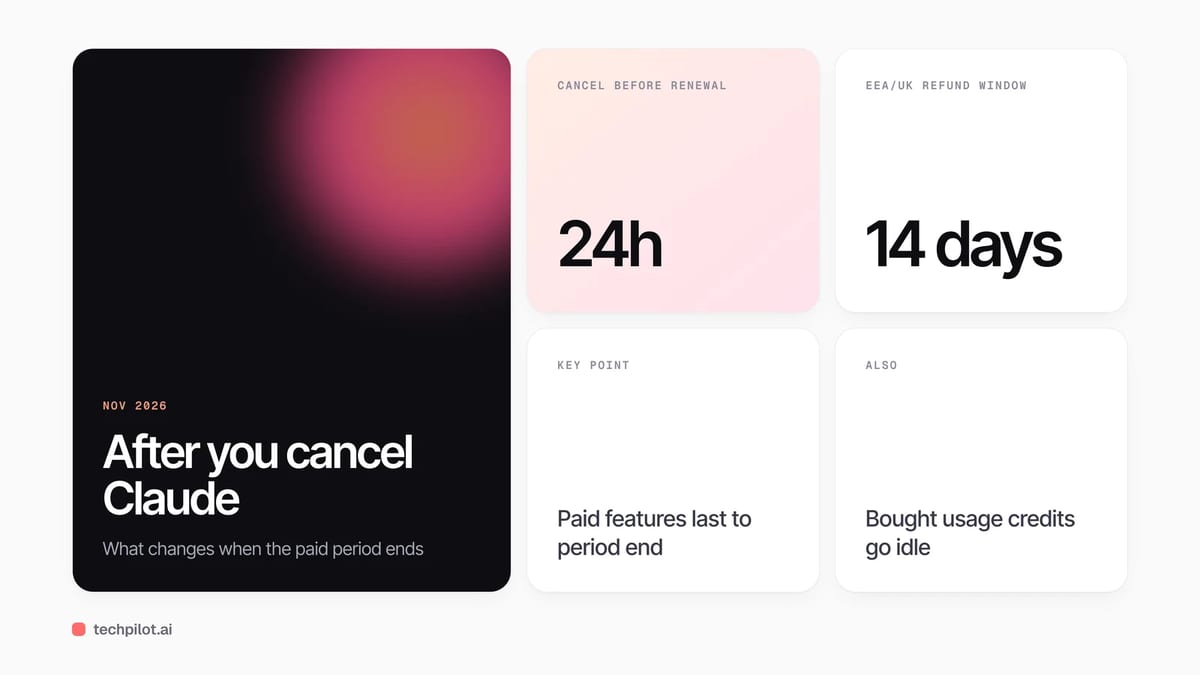
- You keep access until the period ends. There is no partial refund just for cancelling early.
- Usage credits you bought stay but go idle. The balance remains on your account, but it only works with an active paid plan.
- Monthly API credits stop. On Max and Ultra, new monthly credits end; credits you already claimed stay usable until they expire, and they cannot be refunded.
- Some paid features close. For example, Personal Finance stops opening when the paid plan ends, though linked banks stay connected until you unlink them.
Our advice: before you click Cancel, export or copy anything you rely on from paid-only features, and if you linked bank accounts, unlink them yourself rather than assuming the downgrade does it.
Can you get a refund?
Usually not. Anthropic’s terms say payments are non-refundable except where the terms or the law say otherwise, or in cases of fraud. The main exception is in the European Economic Area and the UK, where you can get a refund within 14 days of purchase, prorated by how much you used. To ask, open Get help from the menu in Claude, choose Send us a message, then Claude Refund Request, as described in Anthropic’s refund guide. For iPhone purchases only Apple can refund you, and a refund does not cancel the subscription, so you still need to cancel it.
Cancel, downgrade or switch?
Ask why you are leaving. If it is price, compare the plans first: Pro costs $20 a month, or $17 a month with an annual plan ($200 billed up front), while Max is $100 and Ultra $200 a month. Someone on Max who only hits limits once a week may be better off on Pro than on nothing. If you just want a break, the Free plan still covers chat, web search, file creation and memory with lower limits; our guide to whether Claude AI is free explains what you keep. If you are moving to another assistant, our Claude vs ChatGPT comparison helps you choose, and if you are trimming several subscriptions, here is how to cancel a ChatGPT subscription too.
One timing tip: there is no way to move your billing date, but you can cancel and resubscribe later, and the new date becomes your billing cycle.
Frequently asked questions
How do I cancel my Claude subscription?
On the web or desktop app, click your name, open Settings, then Billing, and click Cancel. If you paid in the iPhone or Android app, cancel through Billing and Manage subscription in the app, or in your App Store or Google Play subscriptions.
When should I cancel to avoid the next charge?
Cancel at least 24 hours before your next billing date. You keep the paid plan until the current period ends.
Does deleting the Claude app cancel my subscription?
No. Deleting the app does not cancel an App Store or Google Play subscription. Cancel it in your Apple or Google subscriptions.
Can I get a refund after cancelling Claude?
Payments are generally non-refundable. In the EEA and UK you can get a prorated refund within 14 days of purchase, and App Store purchases can only be refunded by Apple.
What happens to my chats when I cancel Claude Pro?
Your account moves to the Free plan at the end of the billing period and your chats stay in your account. Deleting your account is a separate step.
Found this useful? Share it with someone comparing AI tools.
How to Delete ChatGPT History in 2026
How to delete ChatGPT history: delete one chat from its menu, or all chats in Settings, Data controls. OpenAI schedules them for erasure within 30…
 Eimantas Kazėnas · 3 min read
ChatGPT Plus vs Pro: Is Pro Worth It in 2026?
ChatGPT Plus vs Pro in 2026: Plus costs $20 a month for GPT-6 reasoning and Codex, while Pro starts at $100 with three tiers, Pro models and higher…
Eimantas Kazėnas · 4 min read