Home / Guides / Productivity
How to Cancel ChatGPT Subscription
 Eimantas Kazėnas Marketing & Tech
- Published
- 4 min read
On this page Cancel where you subscribed
Independent and reader-supported. Some links may earn us a commission; it never changes our rankings. Editorial policy
How to cancel ChatGPT subscription on web, iOS, or Android: cancel where you subscribed, keep access until the period ends, and avoid a double charge.
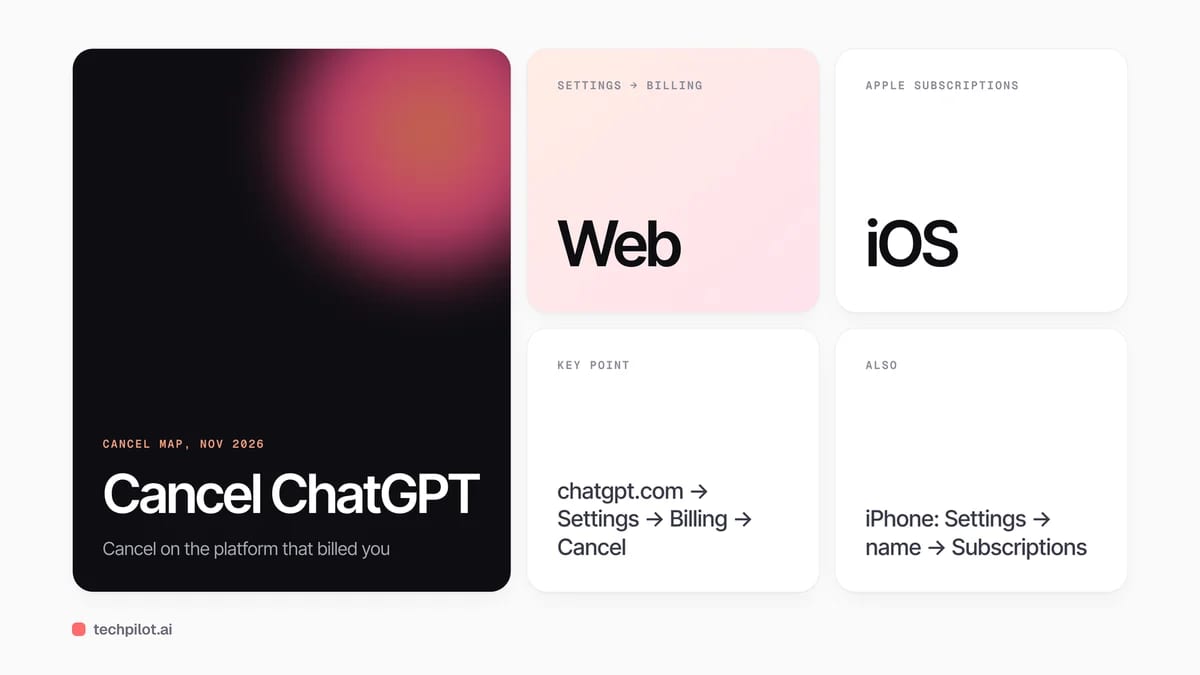
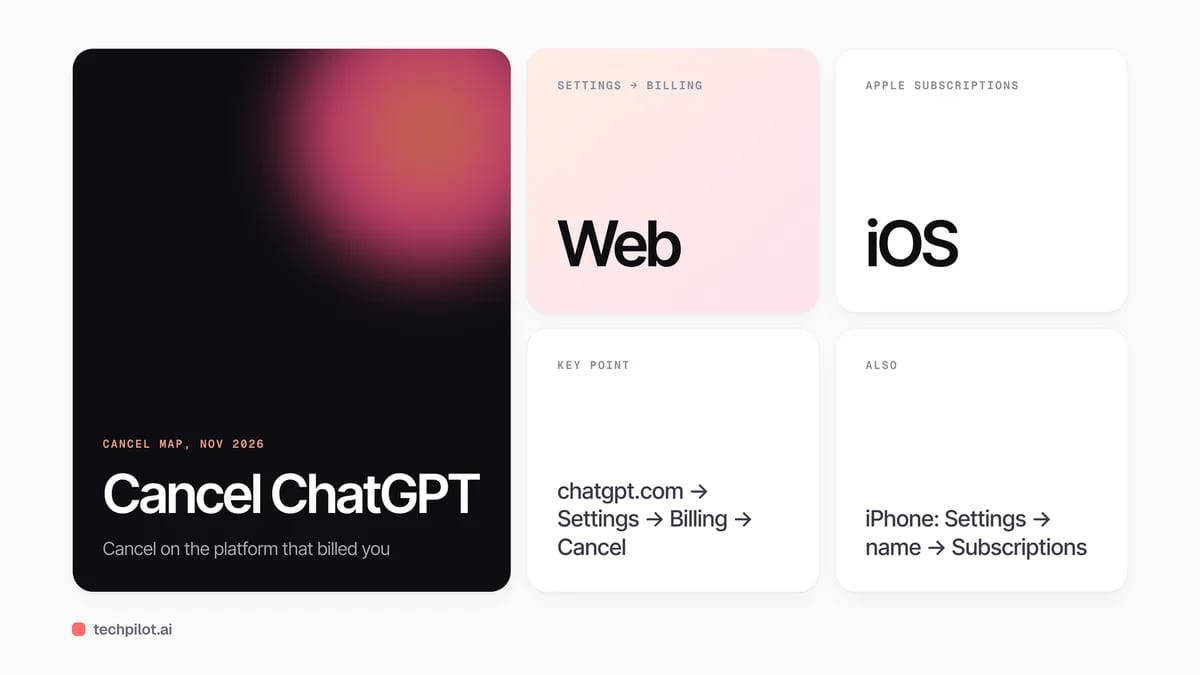
Quick answer: cancel ChatGPT on the same platform that billed you. Web subscriptions cancel in chatgpt.com Settings → Billing. iOS subscriptions cancel in Apple Subscriptions. Android subscriptions cancel in Google Play. Self-serve Business cancels in Workspace settings → Billing. Uninstalling the app does not stop charges. OpenAI’s help article is the source of truth for the current paths.
Cancel where you subscribed
Your bank statement usually tells you who owns the renewal: OpenAI/chatgpt.com, Apple, or Google. OpenAI cannot cancel an App Store or Play Store subscription for you, and Apple cannot cancel a web plan. Match the bill to the cancel button before you start.
| Where you subscribed | Who bills you | Where to cancel |
|---|---|---|
| chatgpt.com (web) | OpenAI | Settings → Billing → Cancel plan |
| ChatGPT iOS app | Apple | iPhone Settings → your name → Subscriptions → ChatGPT |
| ChatGPT Android app | Play Store → Subscriptions → ChatGPT → Cancel | |
| Self-serve Business | OpenAI | Workspace settings → Billing → Manage plan → Cancel |
How to cancel ChatGPT on the web
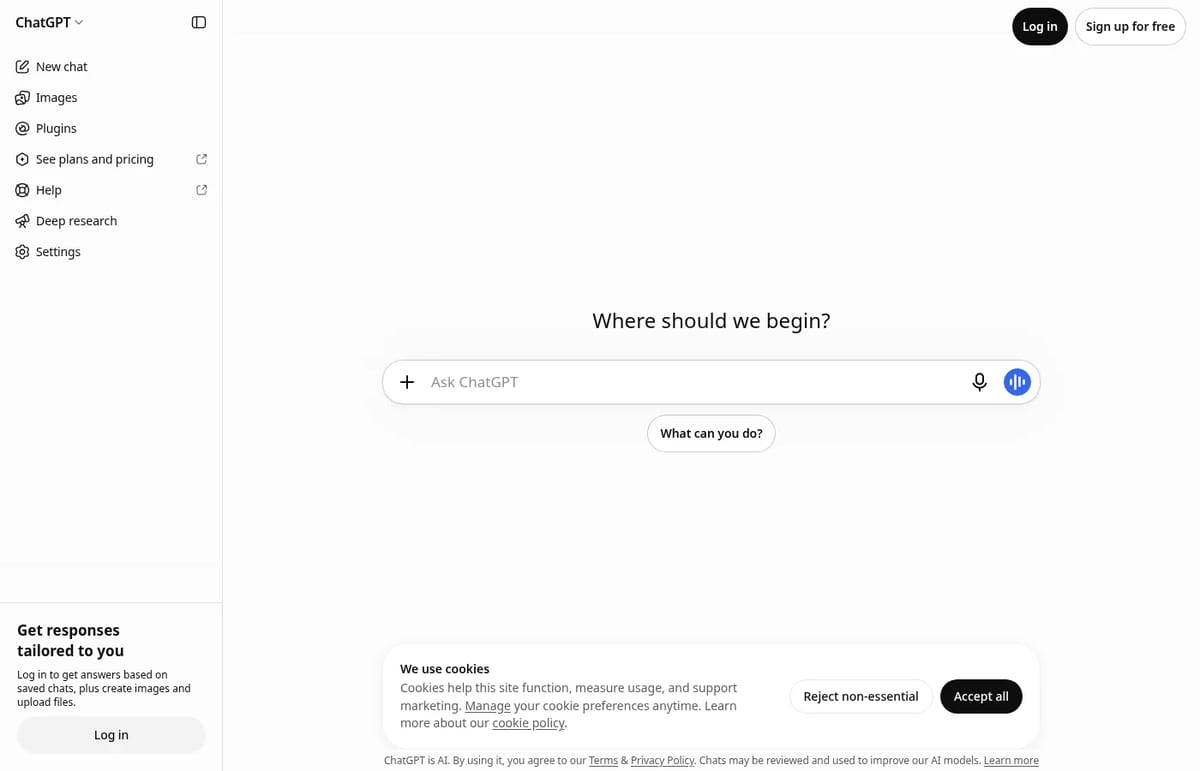
- Sign in at chatgpt.com with the account that owns the plan.
- Open your account menu and choose Settings.
- Open Billing.
- Under Cancel plan, choose Cancel.
If Billing controls are missing, try the same account in another browser. Personal Plus, Go, and Pro follow this web path when you subscribed on chatgpt.com. For the official wording, see OpenAI’s guide to canceling your ChatGPT subscription.
How to cancel on iPhone or iPad
- Open the iOS Settings app.
- Tap your name, then Subscriptions.
- Select ChatGPT.
- Tap Cancel Subscription and confirm.
If Cancel is missing and an expiration date already shows, the plan may already be canceled. Deleting the ChatGPT app or deleting your OpenAI account does not cancel an Apple-billed subscription — cancel in Apple first.
How to cancel on Android
- Open the Google Play Store while signed into the Google account that bought the plan.
- Open Subscriptions (profile → Payments & subscriptions → Subscriptions on many devices).
- Select ChatGPT.
- Tap Cancel subscription and confirm.
You can also manage the same subscription on the Google Play website. Uninstalling the Android app does not cancel Play billing.
How to cancel ChatGPT Business
Self-serve Business is canceled by a workspace owner (or someone with billing access):
- Sign in and open Workspace settings for the Business workspace.
- Open Billing → Manage plan.
- Choose Cancel subscription.
Enterprise and Edu are outside this self-serve path — contact your OpenAI account team. Before you deactivate a Business workspace that feeds Ads Manager, pause campaigns you do not want to keep running.
What happens after you cancel
- Access continues through the current billing period after a normal cancellation.
- Cancel at least 24 hours before renewal so the next charge does not already process.
- Cancellation is not a refund. Refunds are a separate request and depend on platform rules.
- Duplicate charges usually mean a second subscription on another Apple, Google, or ChatGPT account — cancel each one on its own platform.
If you only want one paid surface across devices, OpenAI recommends subscribing on chatgpt.com, then canceling store billing after the paid period ends. For everyday ChatGPT usage tips after you change plans, see our how to use ChatGPT guide and the Claude vs ChatGPT comparison. Multi-model users sometimes move leftover work into Poe instead of stacking Plus and Pro.
Common mistakes
- Canceling inside ChatGPT when Apple or Google owns the bill.
- Assuming deleting the app stops renewals.
- Canceling on the wrong Google or Apple ID.
- Waiting until renewal day — leave a 24-hour buffer.
Frequently asked questions
Does uninstalling ChatGPT cancel my subscription?
No. Uninstalling the app does not cancel web, Apple, or Google Play billing. Cancel on the platform that charged you.
Will I lose access immediately after canceling?
No. After a normal cancellation, paid features usually stay available until the end of the current billing period.
How do I cancel ChatGPT Plus on iPhone?
Open iOS Settings → your name → Subscriptions → ChatGPT → Cancel Subscription. Apple manages App Store purchases.
How do I cancel ChatGPT on Android?
Open Google Play Store → Subscriptions → ChatGPT → Cancel subscription, using the Google account that bought the plan.
How do I cancel ChatGPT Business?
A workspace owner opens Workspace settings → Billing → Manage plan → Cancel subscription on the Business workspace.
Found this useful? Share it with someone comparing AI tools.
How to Upload Video to ChatGPT
How to upload video to ChatGPT: attach via + → Add photos & files on supported surfaces, note audio is paid-only, and fall back to transcripts plus…
 Eimantas Kazėnas · 3 min read
DeepSeek vs ChatGPT: 2026 Comparison
DeepSeek vs ChatGPT in 2026: DeepSeek keeps chat free and Flash API cheap, while ChatGPT Plus at $20 adds voice, images, agents and a fuller product…
Eimantas Kazėnas · 3 min read