Home / Guides / Productivity
How to Use Claude Projects: A Setup Guide
 Eimantas Kazėnas Marketing & Tech
- Published
- 5 min read
On this page What Claude Projects are
- What Claude Projects are
- How to set up a Claude project, step by step
- What to put in project knowledge
- How to write project instructions that work
- Free vs paid: when the plan matters
- Project memory, and keeping projects separate
- The new version of projects (beta)
- Common mistakes
- Frequently asked questions
Independent and reader-supported. Some links may earn us a commission; it never changes our rankings. Editorial policy
How to use Claude Projects: create a project, add files to its knowledge, set instructions, then chat inside it. Free accounts get 5; paid plans add RAG.
Quick answer: go to claude.ai/projects, click “+ New Project”, name it, then add your reference files to the project knowledge on the right and click “Set project instructions” to tell Claude how to work. Every chat you start inside that project can use those files and instructions. Chats do not see each other, so anything Claude should remember for the whole project belongs in the knowledge base, not in an old chat.
What Claude Projects are
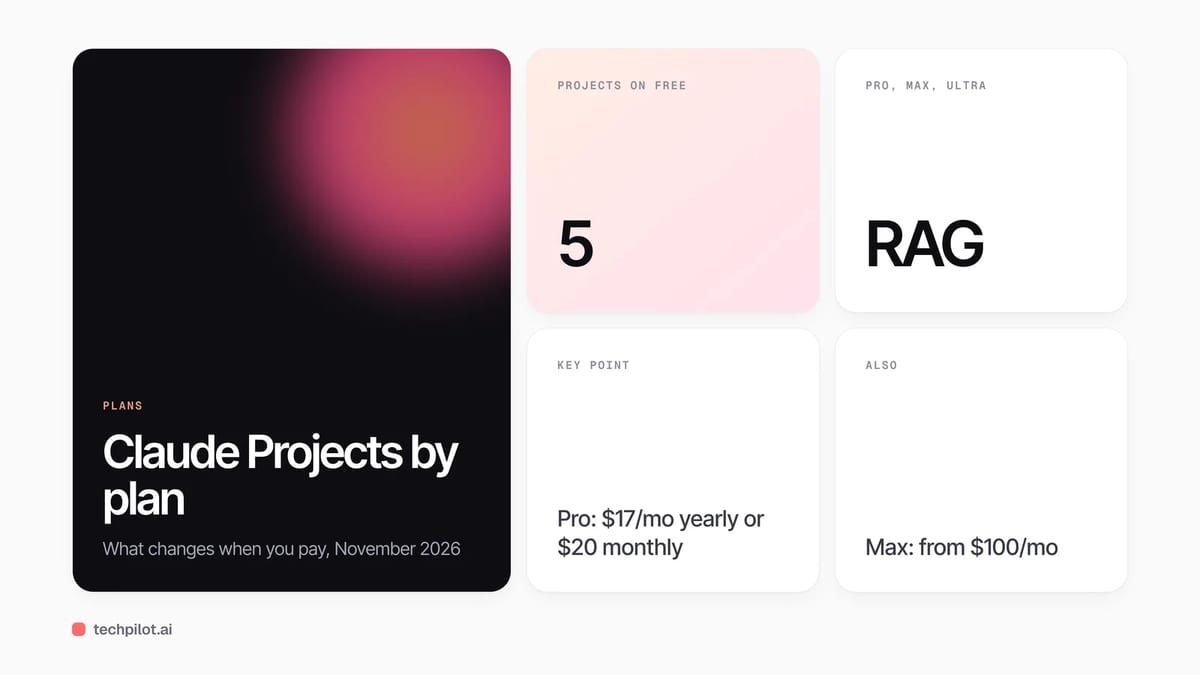
A project is a self-contained workspace with its own chat history, files and instructions. Anthropic’s help article What are projects? says projects are available on every plan, including free accounts, which can create up to five. The point is to stop pasting the same brief, style guide or codebase notes into every new chat.
| Feature | Free | Pro, Max, Ultra | Team, Enterprise |
|---|---|---|---|
| Number of projects | Up to 5 | No limit stated | No limit stated |
| Project knowledge and instructions | Yes | Yes | Yes |
| RAG for large knowledge bases | No | Yes, up to 10x capacity | Yes, up to 10x capacity |
| Project memory | On by default | On by default | If the owner allows it |
| Sharing with colleagues | No | No | Can view or Can edit |
How to set up a Claude project, step by step
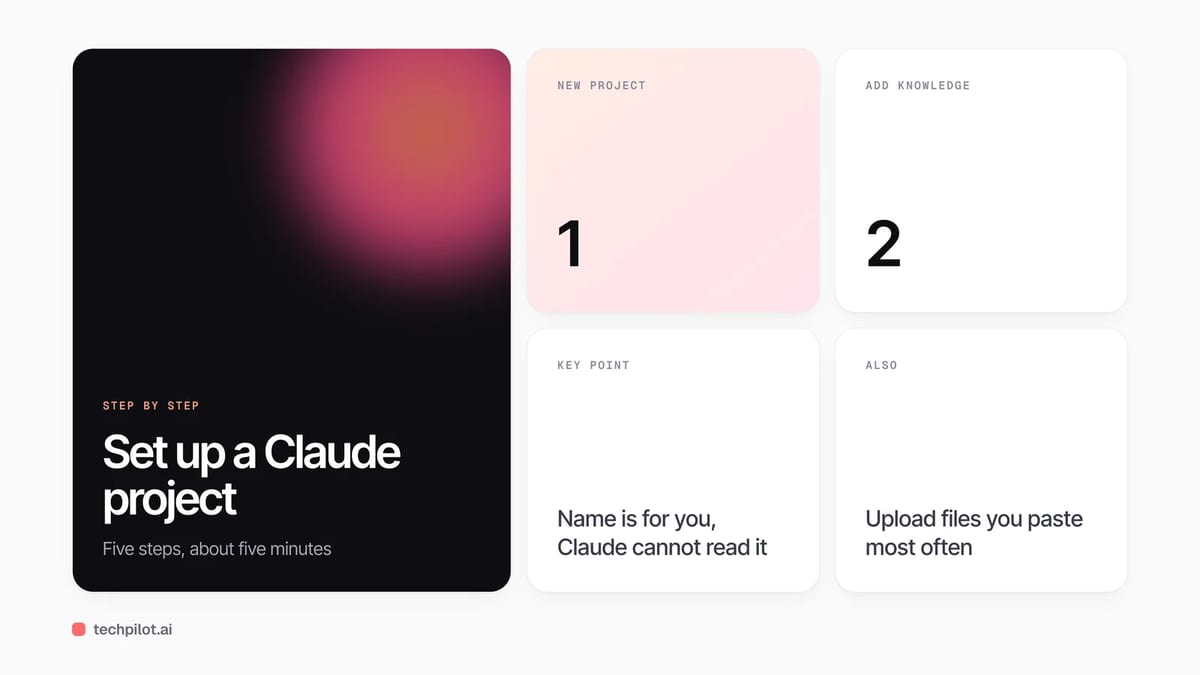
- Create it: open Projects in the left sidebar or go to claude.ai/projects, then click “+ New Project” in the top right.
- Name it for yourself: add a name and description. Claude cannot read these, so put anything it needs to know in the instructions instead.
- Add knowledge: click “+” in the project knowledge panel and upload documents, text files or code. Everything here is available in every chat in the project.
- Set instructions: click “Set project instructions”, write how Claude should behave, and save.
- Start chatting: open a new chat inside the project. You can also move an existing chat in with the dropdown next to its name and “Add to project”.
What to put in project knowledge
The files that pay off are the ones you would otherwise paste again and again. Good examples:
- Writing: a style guide, two or three of your best past pieces, and a list of banned phrases.
- Marketing: product facts, current prices, customer personas and approved claims.
- Code: a short architecture note, coding conventions and the files you work on most.
- Research: the papers or reports you are summarizing, with clear file names.
Anthropic’s own advice for large projects is to use clear, descriptive file names and to refer to documents by name in your question, which helps Claude find the right one. Keep files current: when a price or spec changes, replace the file rather than correcting Claude in one chat, because that correction will not carry over to the next chat.
How to write project instructions that work
Instructions apply to every chat in the project, so write them like a brief for a new colleague. Say who Claude is helping, what a good answer looks like, the format you want and what to avoid. For example: “You help me write product pages for a project management app. Use the facts in pricing.md only. Answer in British English, short paragraphs, no bullet lists unless I ask. If a fact is not in the files, say so.” Keep it under a page; long, conflicting rules get followed less reliably than a few clear ones.
Free vs paid: when the plan matters
The free plan is enough to try projects with a handful of files. Paid plans matter in two cases. First, size: on Pro, Max, Ultra, Team and Enterprise, when project knowledge nears the context limit Claude switches on retrieval-augmented generation (RAG) automatically, which Anthropic says expands capacity by up to 10 times. Second, teamwork: only Team and Enterprise can share a project, with “Can view” or “Can edit” access. On Claude’s pricing page on November 22, 2026, Pro was $17 a month billed annually ($200 up front) or $20 monthly, Max started at $100 a month, and a Team standard seat was $20 a month billed annually or $25 monthly.
Project memory, and keeping projects separate
Each project has its own memory. Inside a project, Claude uses that project’s memory plus your memory from chats outside projects, but not memory from other projects. If a project holds client or confidential work, turn off “Use account memory” on the project page to keep it fully separate. You can also switch memory off for one chat from the “+” menu before your first message.
The new version of projects (beta)
Anthropic is rolling out a new kind of project, starting in Claude Code for some Pro, Max and Ultra users. In the new version, a project is one conversation: Claude splits your requests into parallel threads that run in the cloud and keep going if you close your laptop, and a Library collects your files and Claude’s output. Existing projects that are moved keep their instructions, files, history and scheduled tasks. Running several threads at once uses your plan’s limits faster. If you do not see it yet, the steps above still apply.
Common mistakes
- Expecting chats to share context: they do not, unless the information is in project knowledge.
- Putting the brief in the description: Claude cannot read the project name or description.
- Uploading everything: outdated or duplicate files lead to mixed answers, even with RAG.
- One giant project: separate clients or topics into their own projects so memory and files stay clean.
New to Claude? Start with whether Claude AI is free and what the free plan includes, compare it in Claude vs ChatGPT, or hand longer tasks to Claude with our guide on how to use Claude Cowork.
Frequently asked questions
Are Claude Projects free?
Yes. Projects are available on every plan, including free accounts, which can create up to five projects. Paid plans add RAG for large knowledge bases.
Do chats in a Claude project share context?
No. Each chat is separate. Information is shared across chats only if you add it to the project knowledge base or instructions.
How much can I upload to a Claude project?
It depends on the context window of your plan. On paid plans, Claude switches to RAG automatically when knowledge nears the limit, expanding capacity by up to 10 times.
Can I share a Claude project?
Only on Team and Enterprise plans. You can share with specific members or your whole organization, with Can view or Can edit permissions.
Can Claude see my project name and description?
No. Anthropic says Claude does not have access to the project name or description, so put guidance in the project instructions.
Found this useful? Share it with someone comparing AI tools.
Claude vs Grok AI Comparison 2026
Claude vs Grok AI comparison 2026: Claude Pro costs $20 for writing, code and long documents; Grok Premium at $30 bundles live X search, video and…
 Eimantas Kazėnas · 5 min read
How to Cancel Claude Subscription (2026)
How to cancel Claude subscription: open Billing in Settings, click Cancel on web or desktop, or cancel in the App Store or Google Play if you paid…
Eimantas Kazėnas · 5 min read