Adobe Podcast is the easiest way to make a voice recording sound professional, and the free plan is enough for most hobby podcasters and creators.
Home / Tools / Audio / Voice
Audio / Voice · Tool review
Adobe Podcast Review: Free Plan & Pricing
 TechPilot.ai review team Hands-on testing, one published method
- Last updated
- How we test
The AI news that actually mattered this week.
One short email every Friday: the biggest AI stories, what they mean for you, and the tools worth trying. A 3-minute read, no hype.
Free. Unsubscribe anytime.
You're in. Watch for the brief on Friday. Free. Unsubscribe anytime.
Summary
Pros and cons
What we like
- Enhance Speech fixes poor recordings in one click.
- Free plan covers recording, editing and transcripts.
- Remote recording saves a separate track per guest.
- Edit audio by editing the transcript.
- Runs in the browser, nothing to install.
What could be better
- Free Enhance Speech is limited to 1 hour a day.
- No video enhancement on the free plan.
- Premium only comes bundled with Firefly Pro.
- Heavy noise removal can sound processed.
Key features
- Enhance Speech: Removes noise and echo.
- Studio: Remote recording with separate tracks.
- Text-based editing: Cut audio by editing words.
- Captions: Captions for social video.
- Remove music: Strip background music.
- Music library: Royalty-free podcast music.
Screenshots
Full review
Independent and reader-supported. Some links may earn us a commission; it never changes our scores. Editorial policy
Adobe Podcast cleans up voice recordings with Enhance Speech and records remote guests in a browser. The free plan is generous; Premium needs Firefly Pro.
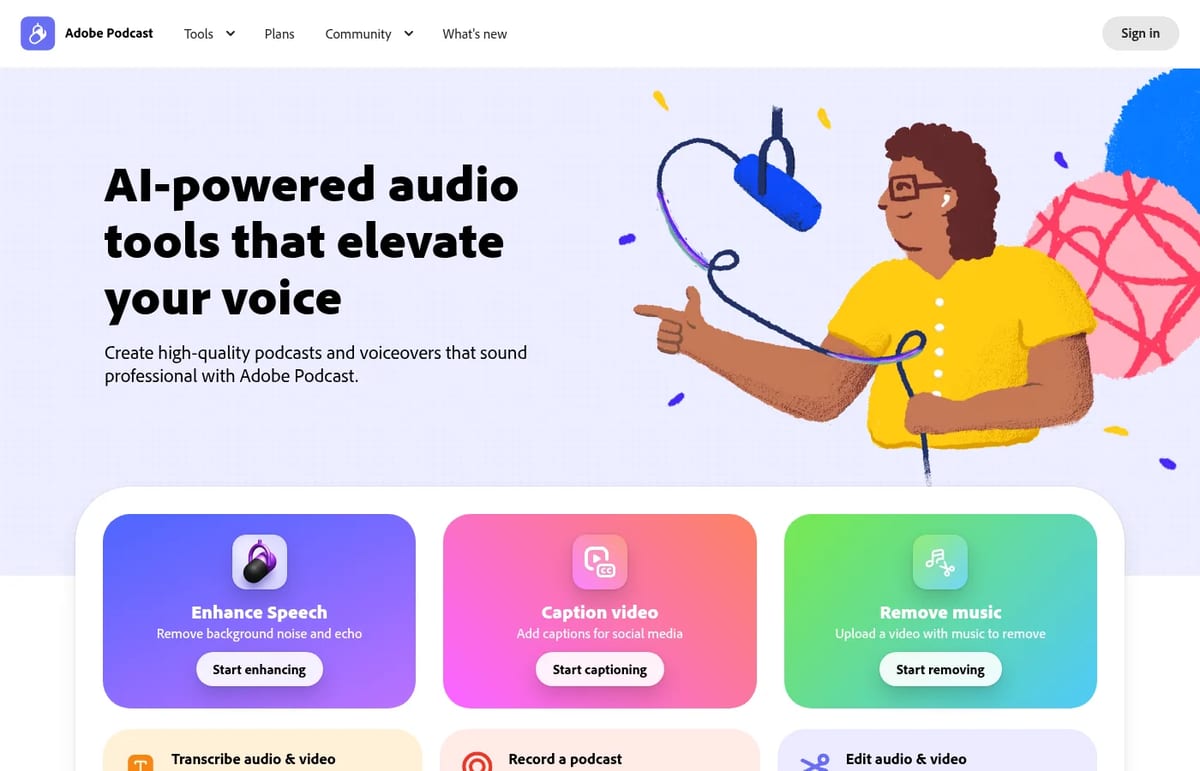
Quick answer: Adobe Podcast is Adobe’s free, browser-based audio toolkit. Its best-known tool, Enhance Speech, makes a voice recorded on a laptop mic sound close to a studio recording in one click. Around it sit Studio (remote recording and text-based editing), captions, music removal and transcription. Nothing needs installing. The free plan covers light use; the premium features come with Adobe’s Firefly Pro plan at $19.99 a month. We checked the Adobe Podcast plans page on November 5, 2026.
What Adobe Podcast does
- Enhance Speech: removes background noise and echo from spoken audio. Premium adds video files, bulk uploads and sliders for speech, music and ambience.
- Studio: records you alone or with remote guests from a link, capturing each person as a separate 16-bit, 48 kHz WAV track even on a shaky connection.
- Edit like a doc: Studio transcribes every word with the same transcription engine as Adobe Premiere Pro, so you cut audio by deleting text.
- Captions and transcripts: add captions to social videos and download transcripts as text or PDF.
- Remove music: upload a video and strip out the background music.
- Music library: royalty-free intros, outros, transitions and beds made for podcasts.
What’s new in 2026
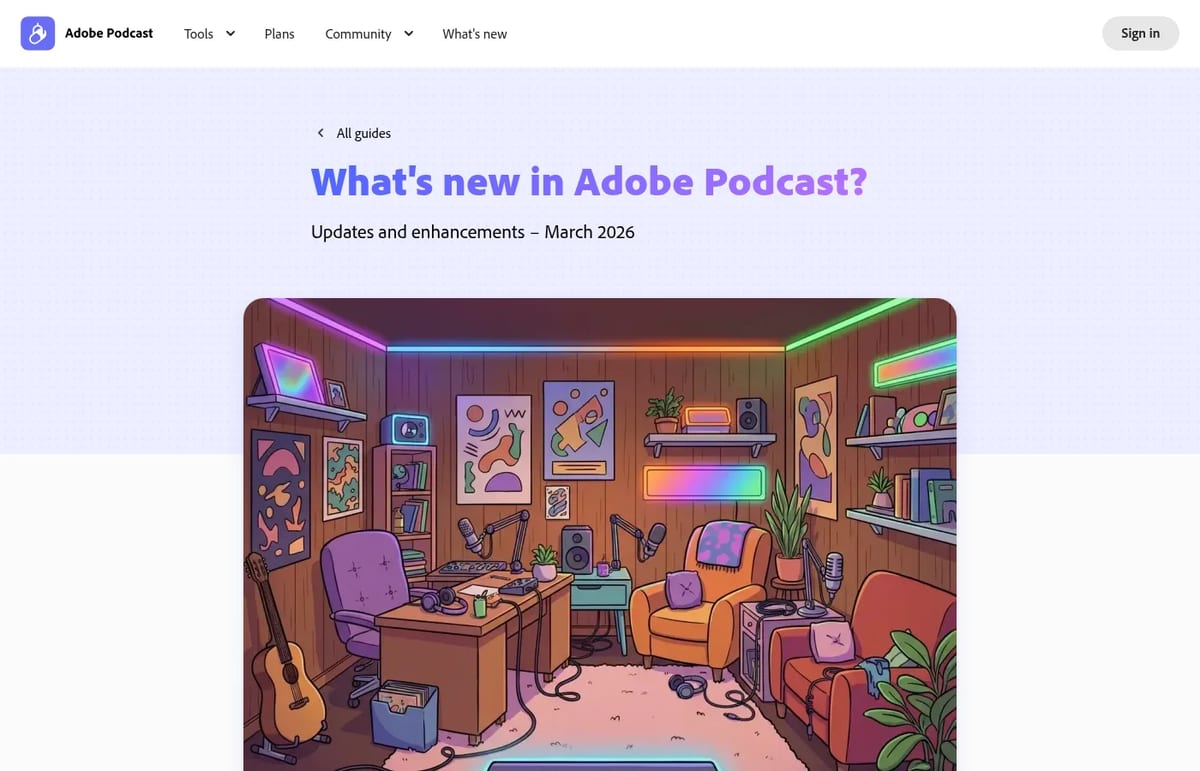
Adobe’s March 2026 update added three things worth knowing. Enhance Speech now does advanced source separation, with a music slider and downloadable stems for speech, background noise and music (Premium only). That’s useful for rescuing a clip with copyrighted music in the background. Studio now records video alongside audio. And Studio accepts multitrack uploads, syncing separate files from Zoom, Restream, StreamYard or Riverside into one project with a single transcript.
Adobe Podcast Pricing (2026)
| Plan | Price | Enhance Speech | Studio |
|---|---|---|---|
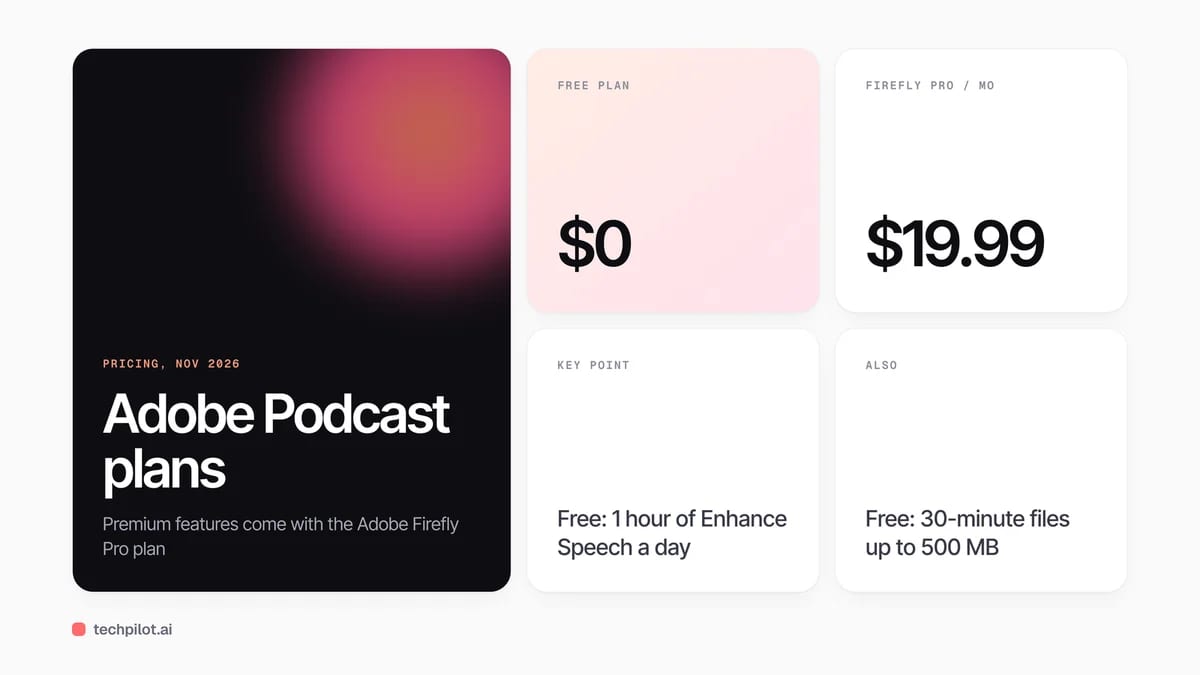
| Free | $0 | Audio only, files up to 30 minutes and 500 MB, 1 hour a day, one file at a time | Downloads up to 30 minutes, 2 projects a day, branded audiograms |
| Firefly Pro | $19.99 a month | Audio and video, files up to 2 hours and 1 GB, 4 hours a day, bulk upload, strength sliders | Unlimited downloads, speaker-separated original recordings, custom audiograms |
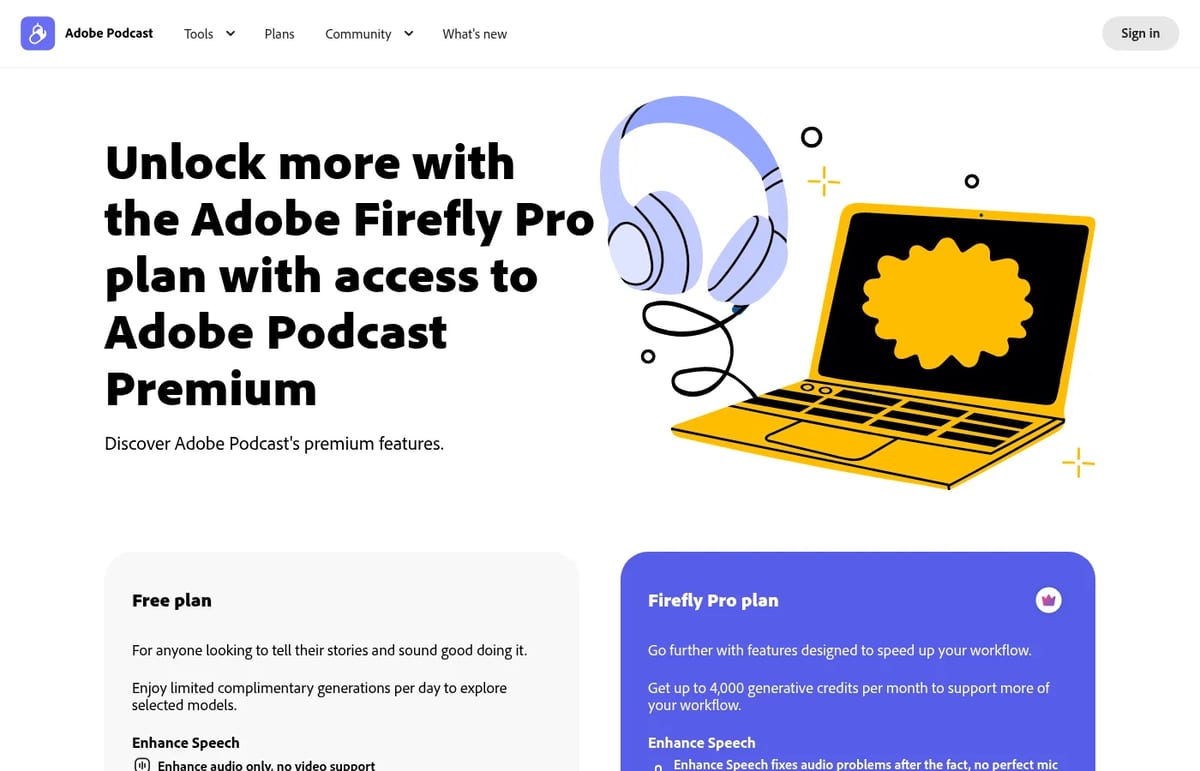
There’s no standalone Adobe Podcast subscription anymore. Premium comes bundled with Adobe Firefly Pro, which also includes up to 4,000 generative credits a month for Adobe’s AI image and video models and premium features in Adobe Express. A free trial is offered from the plans page. High-quality remote recording is unlimited on both plans, so the free plan is enough to record a show; the limits bite when you download long episodes or clean up a backlog of files.
Is Adobe Podcast free? Yes. You can record, transcribe, edit and enhance for free with an Adobe account. The free plan limits Enhance Speech to an hour a day on files up to 30 minutes, and Studio to 2 downloads a day.
Who Adobe Podcast is for
It’s ideal for solo podcasters, teachers, YouTubers and anyone who records voice in imperfect rooms. Enhance Speech alone justifies a bookmark. Teams that need multicam video, AI clips and publishing tools will get more from a full recording platform such as Riverside, and editors who want deeper editing can compare Podcastle. If your goal is turning episodes into short clips, see our guide to editing a podcast into social clips.
Limitations
- Enhance can overdo it: on very noisy files, voices can sound processed. Premium’s strength sliders exist for this reason.
- Free video support is missing: the free Enhance Speech works on audio files only.
- Premium is bundled: you pay for Firefly Pro even if you only want the audio tools.
- Built for the browser: Adobe Podcast runs online, so you need a stable connection to record and process files.
- Studio is still labelled beta in Adobe’s menu.
TechPilot.ai’s Verdict on Adobe Podcast
Adobe Podcast is the easiest way to make a voice recording sound professional, and the free plan is enough for most hobby podcasters and creators.
Upgrade through Firefly Pro only if you need video enhancement, long files or bulk cleanup; otherwise the free tools do the job.
Adobe Podcast FAQ
Is Adobe Podcast free?
Yes. With a free Adobe account you can record, transcribe, edit and use Enhance Speech. Free limits: 1 hour of enhancement a day, files up to 30 minutes, and 2 Studio downloads a day.
•
How much does Adobe Podcast cost?
Adobe Podcast Premium comes with the Adobe Firefly Pro plan at $19.99 a month, which also includes up to 4,000 generative credits a month and Adobe Express premium features.
•
What does Adobe Podcast Enhance Speech do?
It uses AI to remove background noise and echo from spoken audio so it sounds like a studio recording. Premium adds video files, bulk uploads and strength controls.
•
Can Adobe Podcast record remote guests?
Yes. Studio records remote guests from a shared link and saves each person as a separate high-quality WAV track. It now records video too.
•
Does Adobe Podcast remove background music?
Yes. A free tool removes music from uploaded audio or video, and Premium Enhance Speech adds a music slider and separate stems for speech, noise and music.

TurboScribe
Audio / Voice
TurboScribe does one job very well: fast, accurate transcription with no meters or minute packs to watch.
NaturalReader
Audio / Voice
NaturalReader is one of the easiest ways to listen to your own documents, and the yearly Lite plan is good value for students and heavy…

Phonic AI
Audio / Voice
Phonic-1 is a serious option for teams building phone agents that need to act fast, and the flat per-minute price is refreshingly simple.