TurboScribe does one job very well: fast, accurate transcription with no meters or minute packs to watch.
Home / Tools / Audio / Voice
Audio / Voice · Tool review
TurboScribe Review: Free Plan & Pricing
 TechPilot.ai review team Hands-on testing, one published method
- Last updated
- How we test
The AI news that actually mattered this week.
One short email every Friday: the biggest AI stories, what they mean for you, and the tools worth trying. A 3-minute read, no hype.
Free. Unsubscribe anytime.
You're in. Watch for the brief on Friday. Free. Unsubscribe anytime.
Summary
Pros and cons
What we like
- Unlimited transcription for $10 a month yearly.
- Free plan with 3 files a day.
- 98+ languages with speaker labels.
- 10-hour files and 50 uploads at once.
- Exports to DOCX, PDF, TXT, SRT and VTT.
What could be better
- Free files capped at 30 minutes.
- One person per account.
- Accuracy drops on less common languages.
- No built-in audio or video editor.
Key features
- Whisper transcription: 98+ languages.
- Speaker recognition: Labels each speaker.
- Restore Audio: Cleans up noisy files.
- Translation: 134+ languages.
- Subtitles: SRT and VTT export.
- Bulk uploads: 50 files at once.
Screenshots
Full review
Independent and reader-supported. Some links may earn us a commission; it never changes our scores. Editorial policy
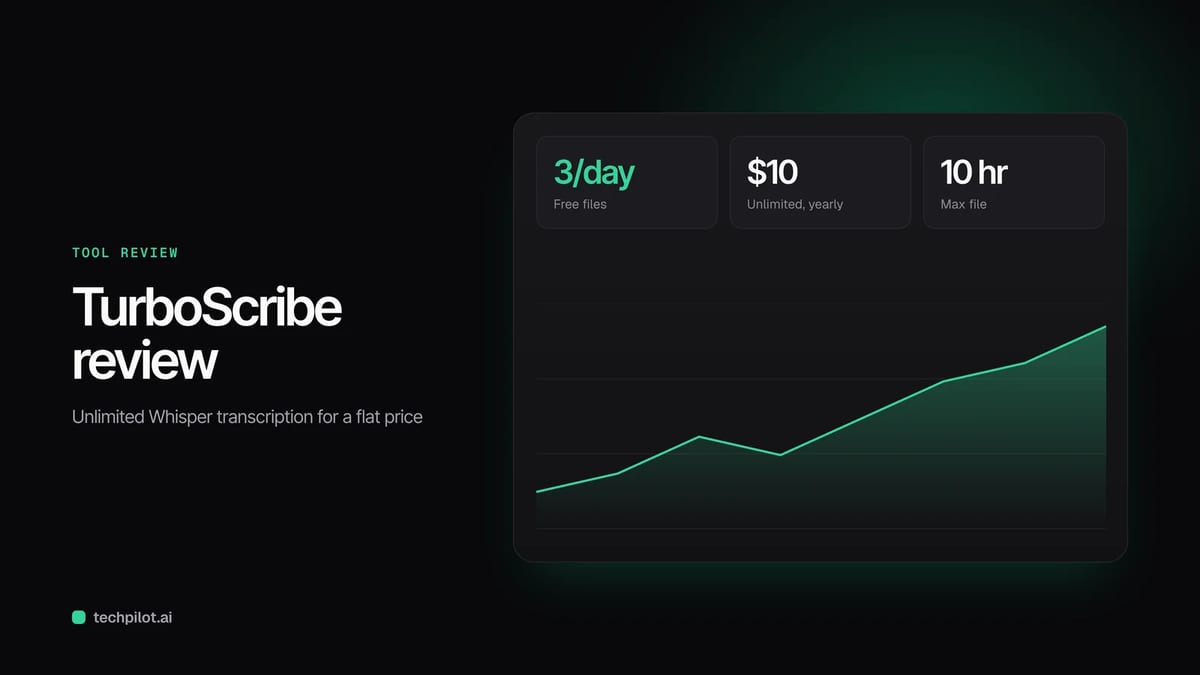
TurboScribe turns audio and video into text with Whisper AI in 98+ languages. Free use covers 3 files a day; Unlimited costs $20 a month or $10 yearly.
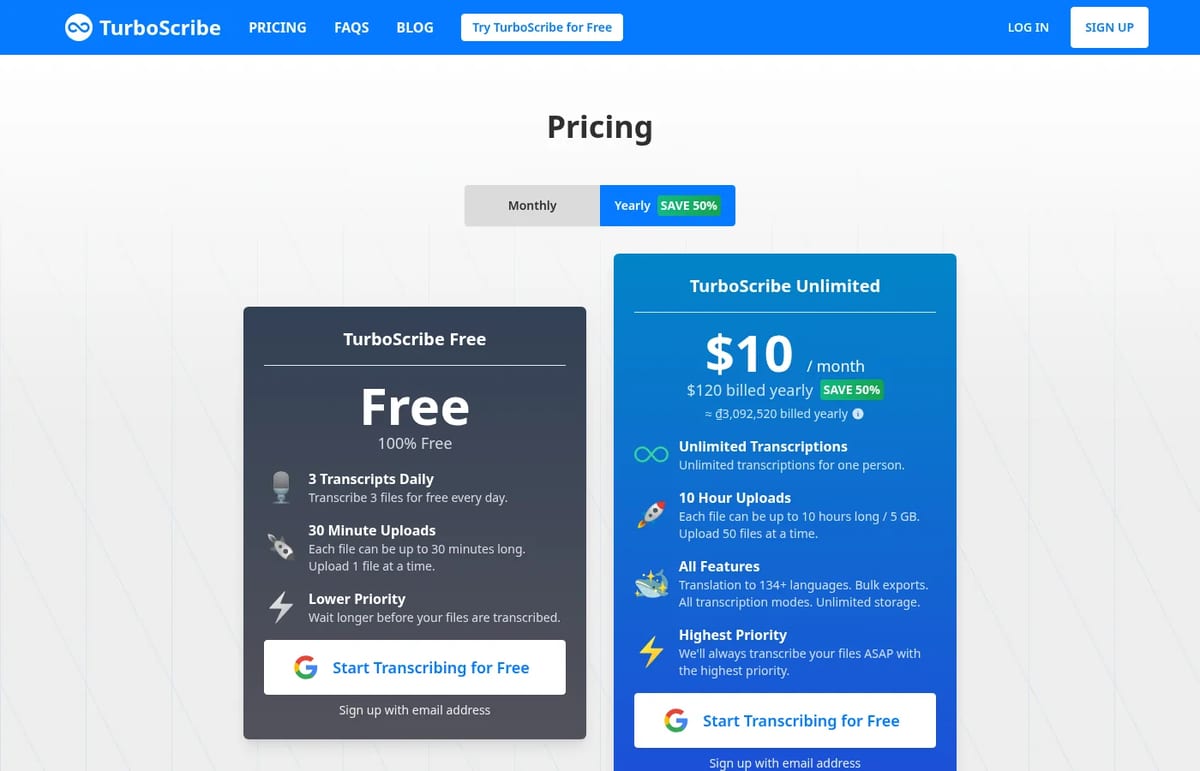
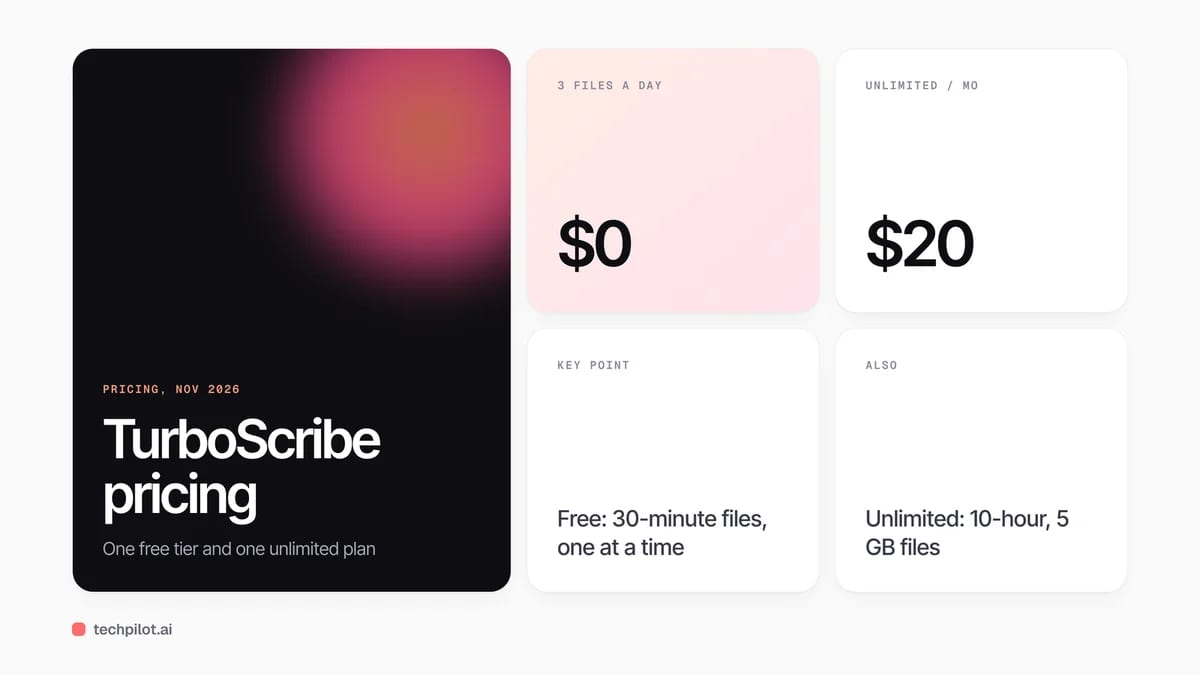
Quick answer: TurboScribe is an AI transcription service built on OpenAI’s Whisper speech recognition. You upload audio or video, and it returns a transcript you can export as DOCX, PDF, TXT or subtitles. Its pitch is simple: one flat price for unlimited transcription. The free plan handles 3 files a day of up to 30 minutes each, and TurboScribe Unlimited costs $20 a month, or $10 a month billed yearly. We checked both billing options on the TurboScribe pricing page on November 5, 2026.
What TurboScribe does
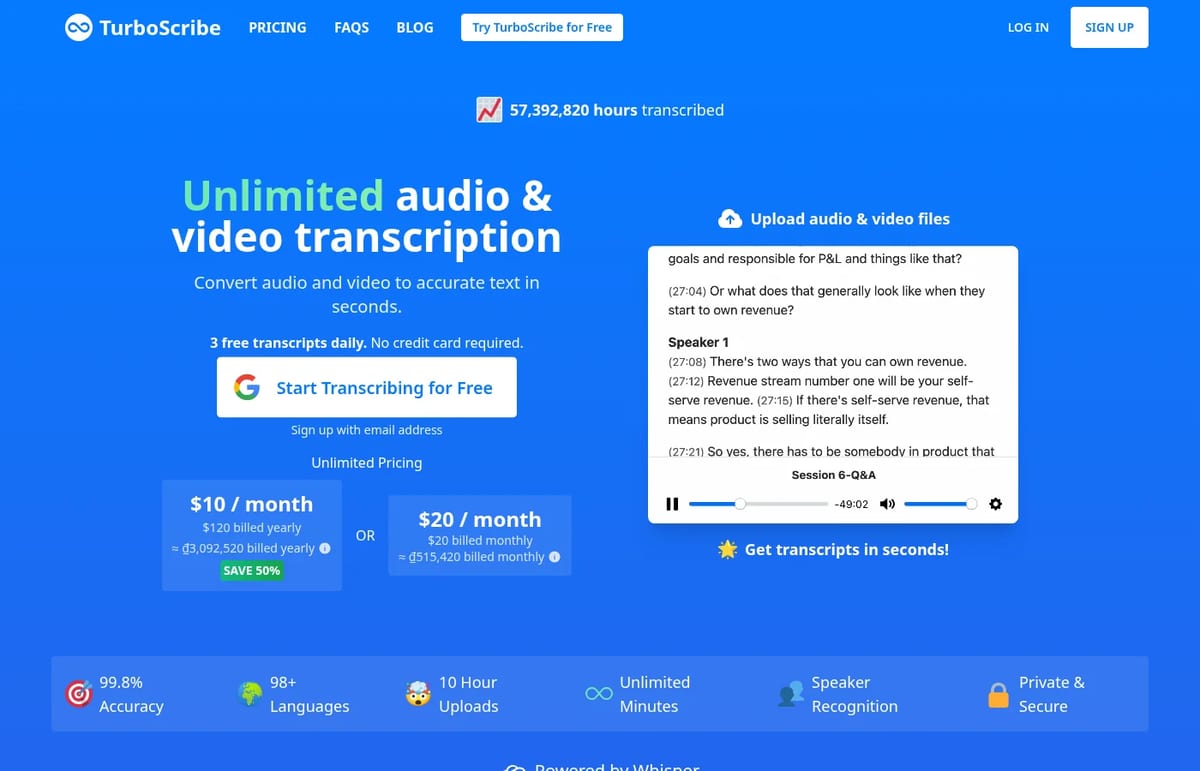
- Transcription in 98+ languages: English, Spanish, French, German, Chinese, Japanese, Vietnamese, Korean and around 20 others get the best accuracy, according to TurboScribe.
- Speaker recognition: tick a box when uploading to label who said what. It adds a minute or two per hour of audio.
- Restore Audio: an optional AI cleanup for poor recordings that removes background noise before transcribing, adding 2 to 3 minutes per hour.
- Translation: translate transcripts or subtitles into 134+ languages, or transcribe any language straight to English.
- Exports: DOCX, PDF, TXT, SRT and VTT, with bulk exports on the paid plan.
- Big uploads: on Unlimited, files can be up to 10 hours and 5 GB, and you can upload 50 at once.
TurboScribe says it has transcribed more than 57 million hours so far. It claims 99.8% accuracy, but treat that as a best case: accuracy depends on audio quality, accents and language. For background on how these systems work, see our explainer on AI in audio-to-text services.
TurboScribe Pricing (2026)
| Plan | Price | Limits |
|---|---|---|
| Free | $0 | 3 files a day, up to 30 minutes each, one upload at a time, lower priority |
| Unlimited, monthly | $20 a month | Unlimited transcription for one person, 10-hour and 5 GB files, 50 uploads at once, all features, highest priority |
| Unlimited, yearly | $10 a month ($120 billed yearly) | Same as monthly, 50% cheaper |
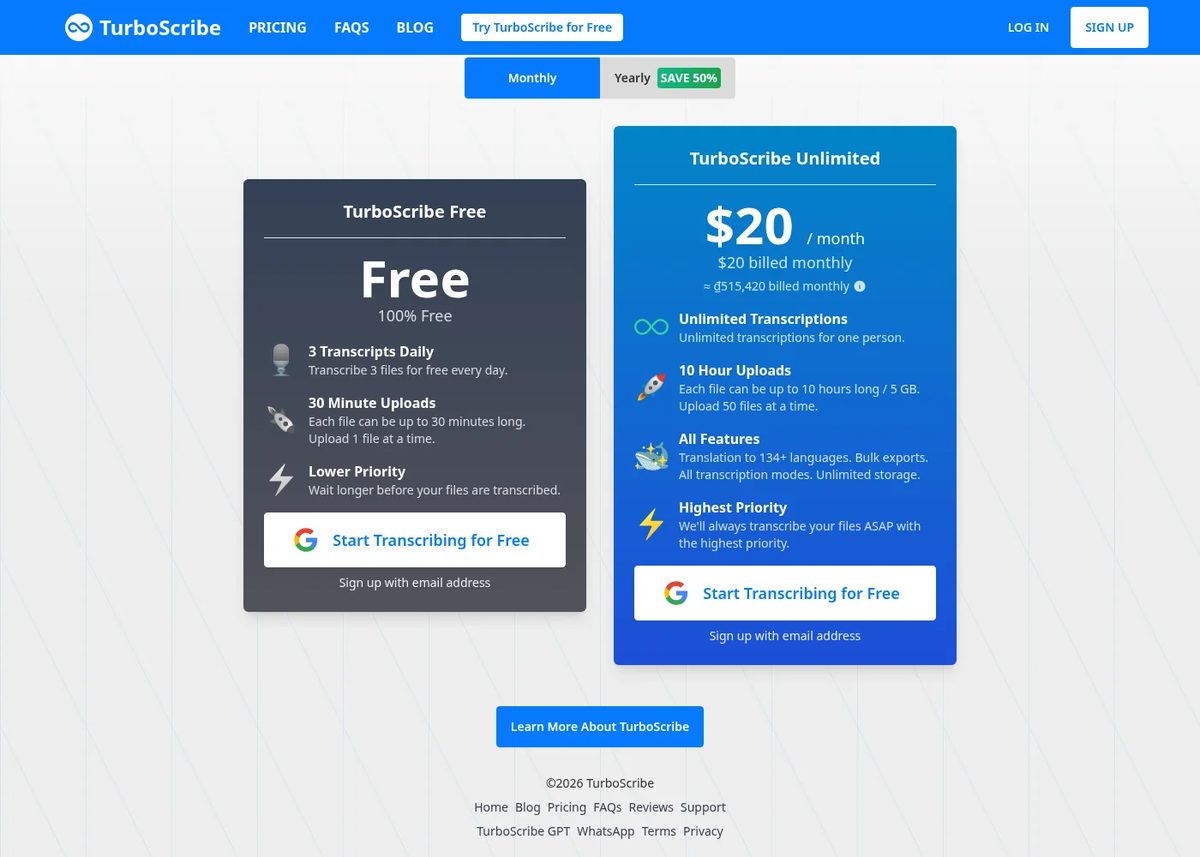
There’s only one paid plan, which makes the decision easy. “Unlimited” really is close to unlimited: TurboScribe’s FAQ says there’s no cap on overall usage and that its systems handle at least 720 hours a month per account, which is every hour of a 30-day month. The one rule is that an account is for one person, so you can’t share a login across a team.
Is TurboScribe free? Yes. The free plan lets you transcribe 3 files a day, each up to 30 minutes. Files wait longer in the queue than paid ones.
Who TurboScribe is for
The yearly plan is excellent value for anyone who transcribes regularly: researchers with interviews, journalists, students recording lectures, podcasters and YouTubers who need subtitles. At $120 a year it’s hard to beat on price for unlimited use. If you need to edit audio or video from the transcript rather than just export text, a tool like Descript fits better, and if you record interviews remotely, Riverside transcribes as part of its recording workflow.
Limitations
- Free files are short: 30 minutes per file and 3 files a day.
- One person per account: sharing a login isn’t allowed.
- Accuracy varies by language: outside the main languages, expect more corrections.
- Transcription first: there’s no built-in audio or video editor.
- Free queue is slower: paid files get highest priority.
TechPilot.ai’s Verdict on TurboScribe
TurboScribe does one job very well: fast, accurate transcription with no meters or minute packs to watch.
Try the free plan on your own recordings, then take the yearly plan if you transcribe more than a few hours a month.
TurboScribe FAQ
Is TurboScribe free?
Yes. The free plan transcribes 3 files a day, each up to 30 minutes long, one upload at a time. Free files have lower priority in the queue.
•
How much does TurboScribe cost?
TurboScribe Unlimited costs $20 a month billed monthly, or $10 a month when billed yearly at $120. There is one paid plan.
•
Is TurboScribe really unlimited?
For one person, yes. TurboScribe says there’s no cap on overall usage and its systems handle at least 720 hours a month per account. Accounts can’t be shared.
•
What languages does TurboScribe support?
It transcribes 98+ languages and translates transcripts or subtitles into 134+ languages. English and about 20 other major languages are the most accurate.
•
What AI does TurboScribe use?
TurboScribe is powered by Whisper, OpenAI’s speech recognition model, with extra features such as speaker recognition and audio restoration.

Adobe Podcast
Audio / Voice
Adobe Podcast is the easiest way to make a voice recording sound professional, and the free plan is enough for most hobby podcasters and…

NaturalReader
Audio / Voice
NaturalReader is one of the easiest ways to listen to your own documents, and the yearly Lite plan is good value for students and heavy…

Phonic AI
Audio / Voice
Phonic-1 is a serious option for teams building phone agents that need to act fast, and the flat per-minute price is refreshingly simple.