Home / Guides / Productivity
How to Upload Video to ChatGPT
 Eimantas Kazėnas Marketing & Tech
- Published
- 3 min read
On this page What ChatGPT actually supports
Independent and reader-supported. Some links may earn us a commission; it never changes our rankings. Editorial policy
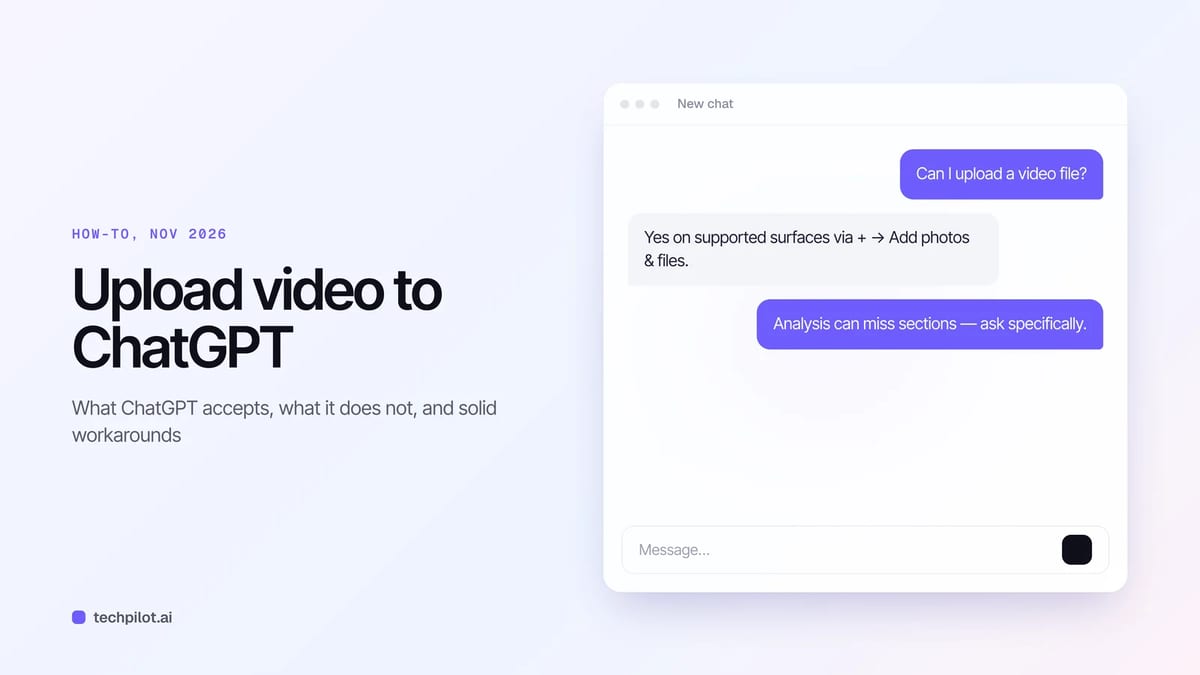
How to upload video to ChatGPT: attach via + → Add photos & files on supported surfaces, note audio is paid-only, and fall back to transcripts plus frames.
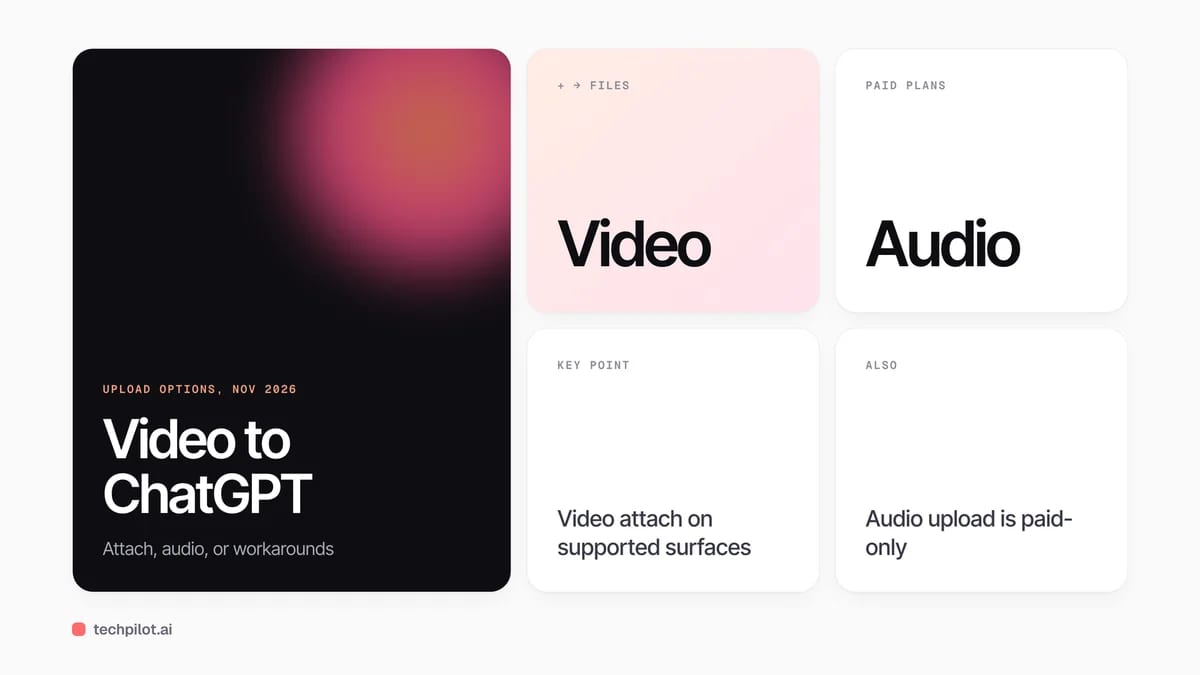
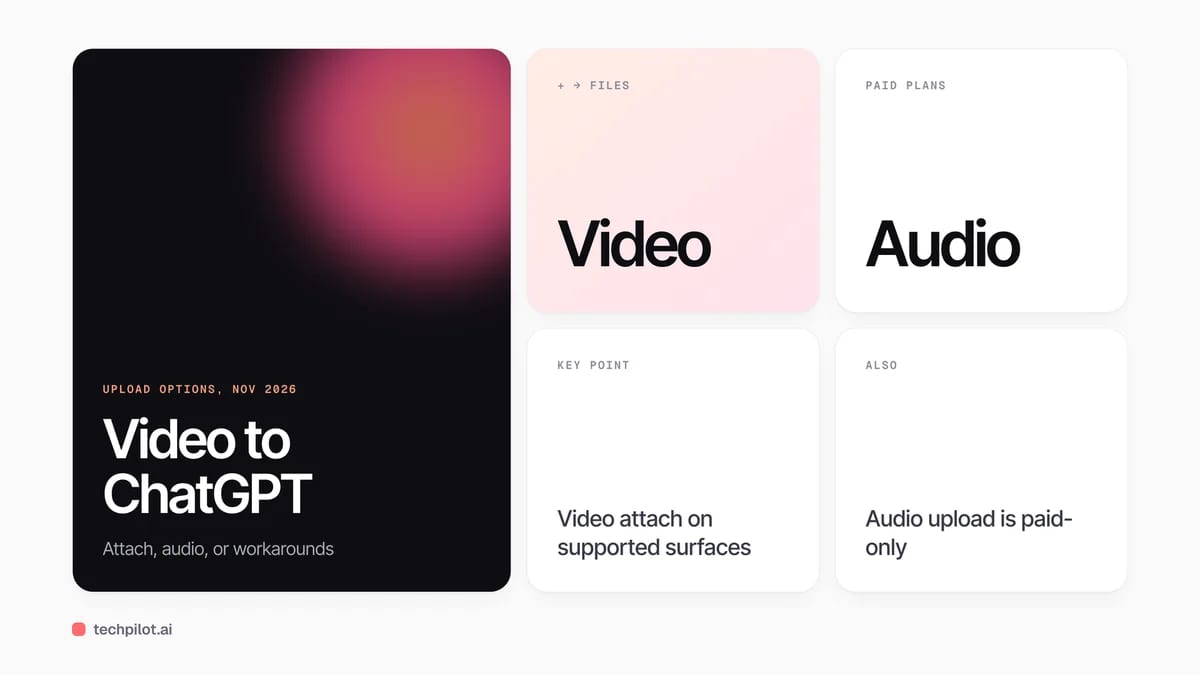
Quick answer: ChatGPT can accept video files as attachments on supported surfaces, including Free, through + → Add photos & files. That is separate from still-image inputs and from paid audio uploads. OpenAI warns analysis can be incomplete, so ask for specific scenes, quotes or timestamps instead of “summarize this whole video.”
What ChatGPT actually supports
| Input | Availability | Notes |
|---|---|---|
| Video file attachment | Free and paid, when the client offers it | Availability varies by platform, upload method and account |
| Images (PNG/JPEG/GIF) | Free and paid | Still images only; 20 MB per image is the documented image cap |
| Documents / sheets / decks | Free and paid | Separate file limits from video |
| Audio file upload | Paid subscriptions / workspaces | Not on Free; video MP4/WebM is not accepted as audio |
| Live camera / screen in Voice | Separate Voice features | Not the same as attaching a saved video file |
OpenAI documents video attachments in its ChatGPT image inputs FAQ and covers file/audio rules in Uploading files and audio to ChatGPT. If Photos on mobile will not select a clip, try Files instead.
How to upload a video file
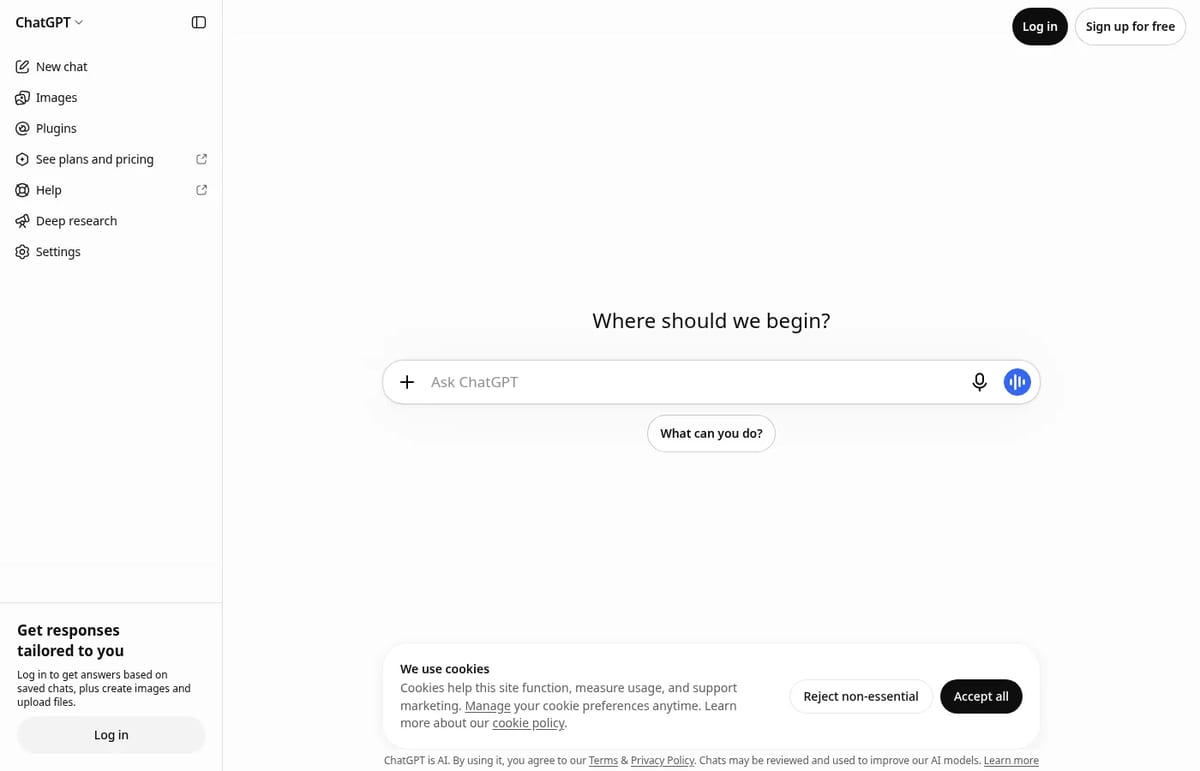
- Open ChatGPT on web or a supported app and start a chat.
- Select + in the message box, then Add photos & files (Mac app wording may say Upload File).
- Choose the video and wait until it shows as attached.
- Ask a specific question — for example “list every on-screen price from 0:30–1:10” — then send.
Each video counts toward your plan’s file-upload limits. OpenAI publishes no dedicated public size/length matrix just for video the way it does for documents (512 MB) or images (20 MB), so treat failed uploads as a soft signal to compress or split the clip.
When upload is the wrong tool
- You only need the soundtrack: on a paid plan, export MP3/M4A/WAV and use audio upload. Do not send a video MP4 through the audio path.
- Analysis keeps missing moments: paste a transcript and attach 3–5 key frame screenshots.
- You pasted a YouTube URL: a link is not the same as attaching the file. Prefer downloadable footage you own, or summarize from a transcript.
- You need a polished voiceover instead: generate speech in tools like ElevenLabs, TurboScribe for transcripts, or browse free AI tools.
Prompt patterns that work better
- Ask for a chaptered outline with timestamps.
- Ask whether a claim appears on screen or only in audio.
- Ask for a shot list, hook ideas or accessibility captions — not a vague “watch this.”
- If the answer is thin, re-upload a shorter cut of the same scene.
For broader ChatGPT habits after you get the file in, see how to use ChatGPT. If you are comparing assistants for multimodal work, Claude vs ChatGPT covers product differences beyond uploads.
Limits and gotchas
- Video attach availability can differ between web, iOS, Android and desktop.
- Audio understanding is a paid feature and rejects files identified as video.
- ChatGPT may not watch every second or hear every word accurately.
- Failed attempts can still consume upload allowance on busy days.
Frequently asked questions
Can you upload video to ChatGPT?
Yes. OpenAI says ChatGPT can accept video files as attachments on supported upload methods, including Free, though availability varies by platform and account.
How do I upload a video on chatgpt.com?
Select + in the message box, choose Add photos & files, pick the video, wait for the attachment, then send a specific question.
Does ChatGPT Free support video?
Video attachments can work on Free when the client offers them. Audio file uploads remain a paid feature.
Why won’t ChatGPT accept my MP4 as audio?
Audio upload rejects files identified as video. Export a real audio format such as MP3, M4A or WAV on a paid plan.
What if the video analysis is incomplete?
Ask narrower questions, attach a shorter clip, or send a transcript plus screenshots of key frames.
Found this useful? Share it with someone comparing AI tools.
DeepSeek vs ChatGPT: 2026 Comparison
DeepSeek vs ChatGPT in 2026: DeepSeek keeps chat free and Flash API cheap, while ChatGPT Plus at $20 adds voice, images, agents and a fuller product…
 Eimantas Kazėnas · 3 min read
How to Cancel ChatGPT Subscription
How to cancel ChatGPT subscription on web, iOS, or Android: cancel where you subscribed, keep access until the period ends, and avoid a double charge.
Eimantas Kazėnas · 4 min read