Dezgo is a low-commitment way to try current image and video models without stacking subscriptions.
Home / Tools / AI Video Generator
AI Video Generator · Tool review
Dezgo Review: AI Image & Video Pricing
 TechPilot.ai review team Hands-on testing, one published method
- Last updated
- How we test
The AI news that actually mattered this week.
One short email every Friday: the biggest AI stories, what they mean for you, and the tools worth trying. A 3-minute read, no hype.
Free. Unsubscribe anytime.
You're in. Watch for the brief on Friday. Free. Unsubscribe anytime.
Summary
Pros and cons
What we like
- Many image and video models in one place.
- Free version without an account.
- No subscription; balance never expires.
- Price shown before each run.
- API available.
What could be better
- Free version is rate limited.
- Video can get expensive.
- No editing timeline.
- Model licenses differ.
Key features
- Images: Nano Banana, FLUX, Krea, Qwen.
- Video: Kling 4.0, Seedance, Veo, WAN.
- Tools: Upscale, inpaint, remove background.
- Power Mode: Batches, priority, all models.
- API: Same models for developers.
- Pricing: Free; prepaid from $10.
Screenshots
Full review
Independent and reader-supported. Some links may earn us a commission; it never changes our scores. Editorial policy
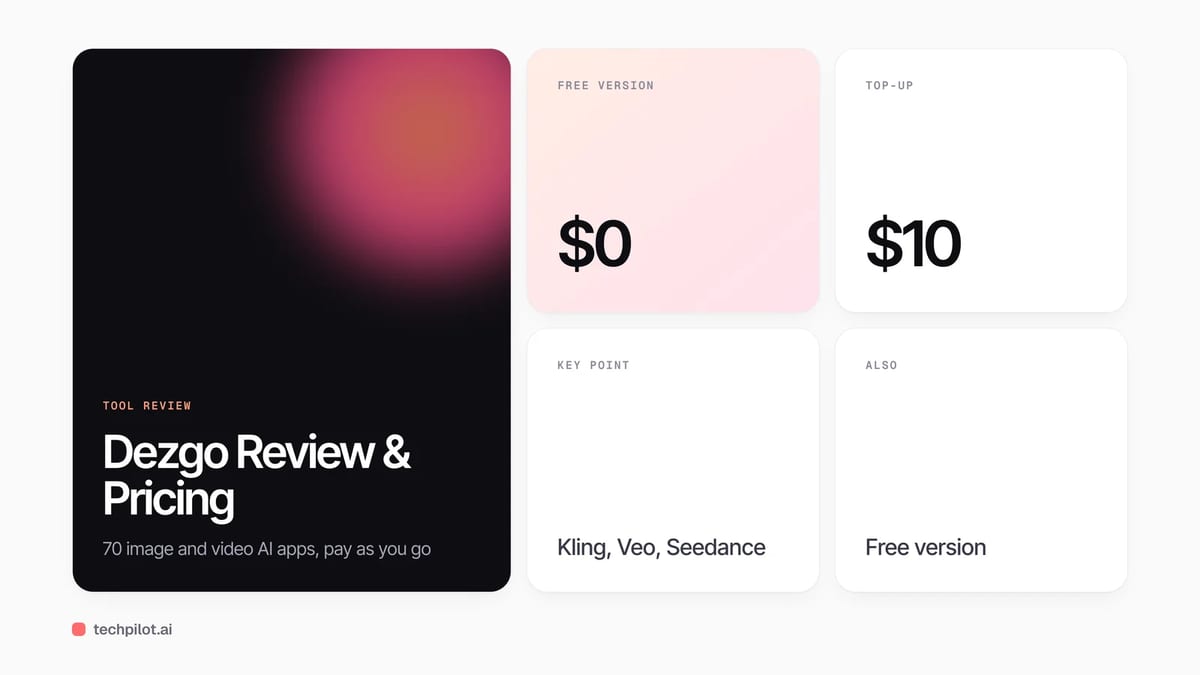
Dezgo is an AI image and video generator with a free version that needs no account. Power Mode is pay as you go: top up from $10; balance never expires.
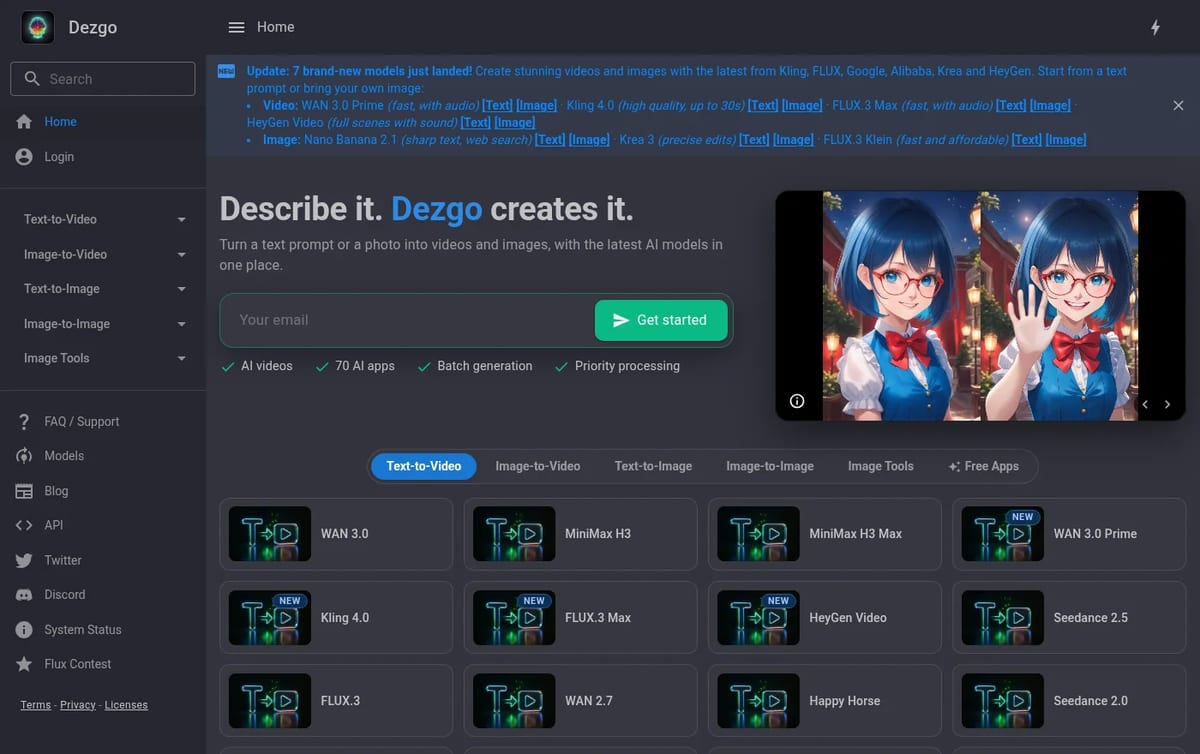
Quick answer: Dezgo started as a simple free Stable Diffusion site. In November 2026 it is a hub of about 70 AI apps that puts current image and video models, such as Kling 4.0, Seedance 2.5, Veo 3.1, FLUX.3 and Nano Banana 2.1, behind one prompt box. There is no subscription. You either use the free version with limits, or add funds and pay for each generation in Power Mode. Details below are from Dezgo’s homepage and FAQ on November 14, 2026.
What Dezgo does
- Text-to-image and image-to-image: pick a model such as Nano Banana 2.1, Krea 3, FLUX.3 Klein, Qwen Image 3 or the older SD1 and XL models.
- Text-to-video and image-to-video: WAN 3.0, MiniMax H3, Kling 4.0 (clips up to 30 seconds), Seedance 2.5, Veo 3.1, HeyGen Video and more.
- Image tools: background removal, upscaling, inpainting from text, editing an image from a text instruction and controlled text-to-image.
- Batch generation and priority processing: both come with Power Mode.
- Passwordless login and an API: you sign in with an email link, and developers can call the same models through the Dezgo API.
Dezgo Pricing (2026)
| Option | Cost | What you get |
|---|---|---|
| Free version | $0, no account | Some apps with rate limits and capped image quality |
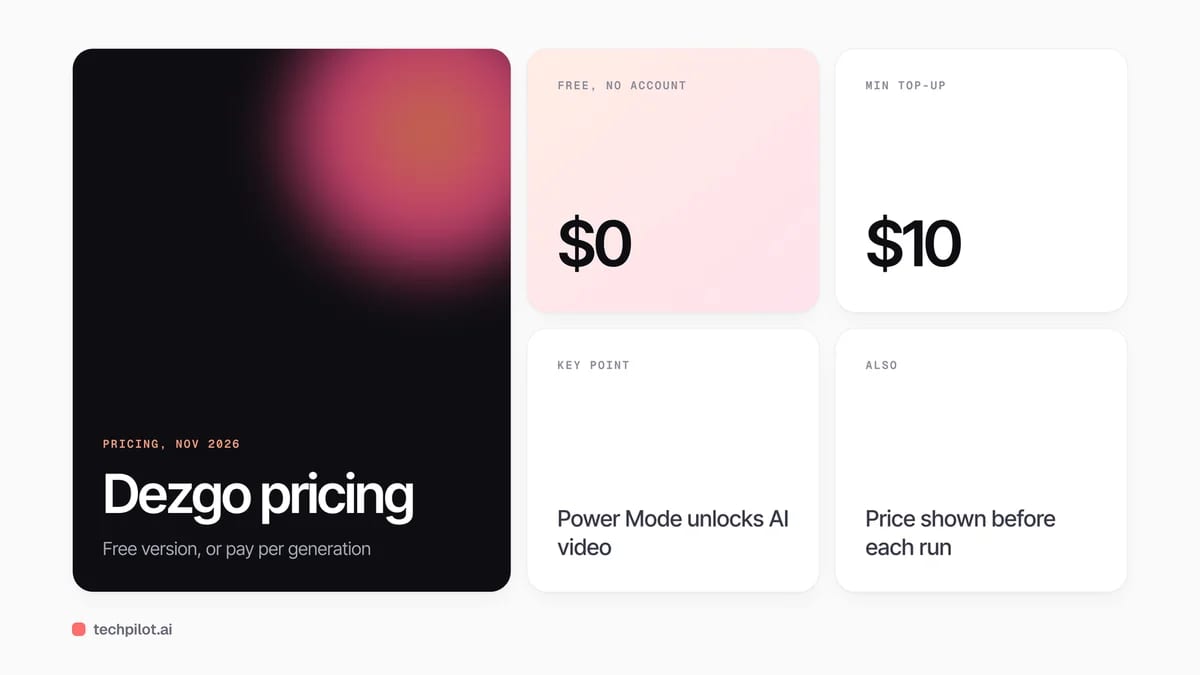
| Power Mode | Prepaid, from $10 top-up | Every model including AI video, priority processing and batches; pay per generation |
| Balance | Never expires | No subscription and no recurring charges |
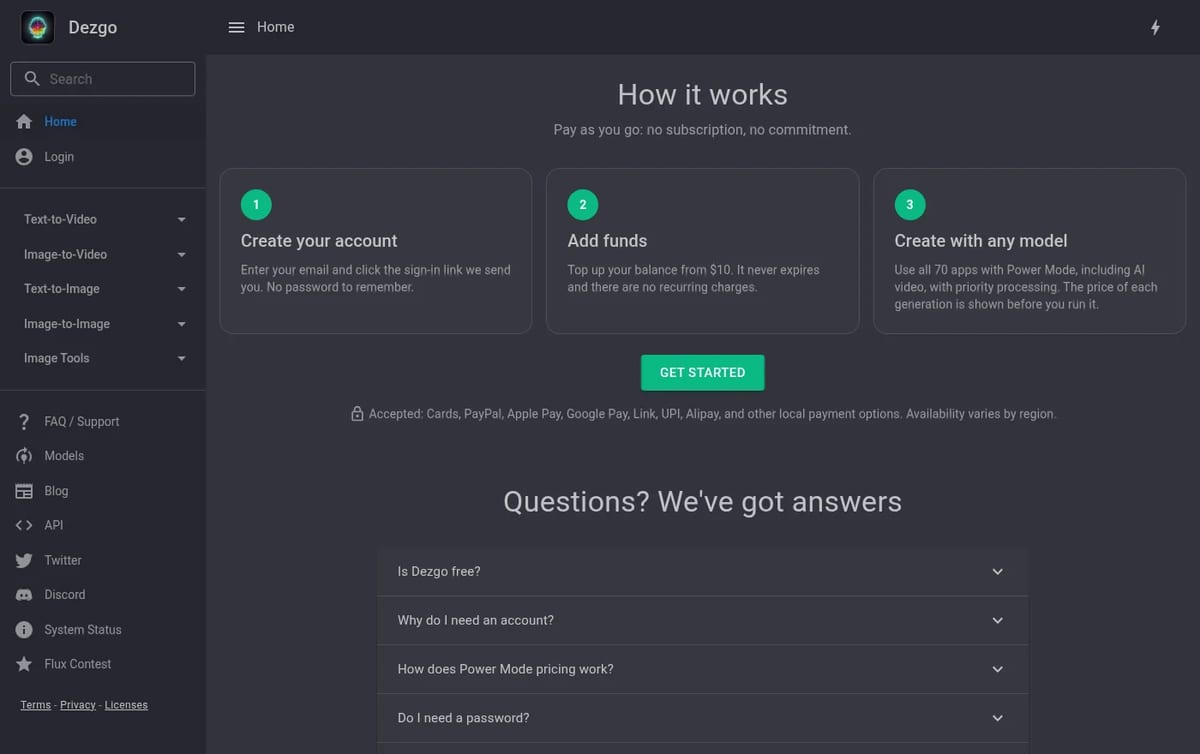
How to think about the cost: Dezgo charges per request, so a $10 top-up can last weeks if you mostly make images, or go quickly if you generate long Kling or Veo clips. The upside is that you never pay for a month you don’t use. The price shows before each run, so check it when you switch to a heavier video model. Dezgo accepts cards, PayPal, Apple Pay, Google Pay and several local payment methods, depending on your region.
If you only need free images, compare Dezgo with our list of the best free AI image generators. For video, see our free AI video generators and our Kling 4 review.
Who Dezgo is for
Hobbyists and creators who want to try many models without paying for several subscriptions, and people who make images or clips in bursts rather than every day. Teams that need shared workspaces, brand kits or long editing timelines will want a full video editor or design suite.
Limitations
- Free version is limited: rate limits, capped image quality and no AI video.
- No flat monthly price: heavy video use can cost more than a subscription would.
- Basic interface: it is a generator, not an editor, so there is no timeline or project management.
- Model licenses vary: commercial use is allowed, but you must follow the license of the model you used.
TechPilot.ai’s Verdict on Dezgo
Dezgo is a low-commitment way to try current image and video models without stacking subscriptions.
Start on the free version, then add $10 when you need video or the newest models, and watch the per-run price on long clips.
Dezgo FAQ
Is Dezgo free?
Yes. You can use the free version without an account, with rate limits and capped image quality. AI video and the newest image models need Power Mode, which is prepaid.
•
How much does Dezgo cost?
Dezgo has no subscription. In Power Mode you top up your balance from $10 and pay per generation; the price of each request is shown before you run it and the balance never expires.
•
Can Dezgo make AI videos?
Yes. Power Mode includes text-to-video and image-to-video models such as Kling 4.0, Seedance 2.5, WAN 3.0, Veo 3.1 and HeyGen Video.
•
Can I use Dezgo images commercially?
Yes. Dezgo says you own the rights to your outputs, including for commercial use, as long as you follow the license terms of the AI model you used.
•
Do I need a password for Dezgo?
No. You enter your email and Dezgo sends a sign-in link. An account is only needed to hold a balance for Power Mode.
HyperFrames Studio
AI Video Generator
HyperFrames Studio is a strong free download if you already live in Claude or ChatGPT and want agent-built motion videos with an editable…

Whisk
AI Video Generator
I’ve spent the last few days exploring Whisk, Google’s new visual-first take on AI image generation. My goal was to determine if this…

Moondream 3
AI Video Generator
I have been following the development of small, efficient AI models, as they are a practical alternative to the “bigger is better”…