Dzine is one of the more complete AI production canvases, with strong character consistency and a wide model list behind one credit balance.
Home / Tools / Digital Art
Digital Art · Tool review
Dzine AI Review: Pricing, Credits and Plans
 TechPilot.ai review team Hands-on testing, one published method
- Last updated
- How we test
The AI news that actually mattered this week.
One short email every Friday: the biggest AI stories, what they mean for you, and the tools worth trying. A 3-minute read, no hype.
Free. Unsubscribe anytime.
You're in. Watch for the brief on Friday. Free. Unsubscribe anytime.
Summary
Pros and cons
What we like
- Images, video and lip sync in one canvas.
- Many top models on one credit plan.
- Consistent private characters.
- Credit rollover from Creator up.
- Unlimited images on Master.
What could be better
- Free credits are one-time.
- Video uses credits fast.
- No refunds.
- Beginner credits expire monthly.
Key features
- Canvas: Node-based creative board.
- Image models: GPT Image, Nano Banana, more.
- Video: Text and image to video.
- Lip sync: Multi-character speech.
- Enhance: Upscale video to 8K.
- Pricing: From $8.99 a month.
Screenshots
Full review
Independent and reader-supported. Some links may earn us a commission; it never changes our scores. Editorial policy
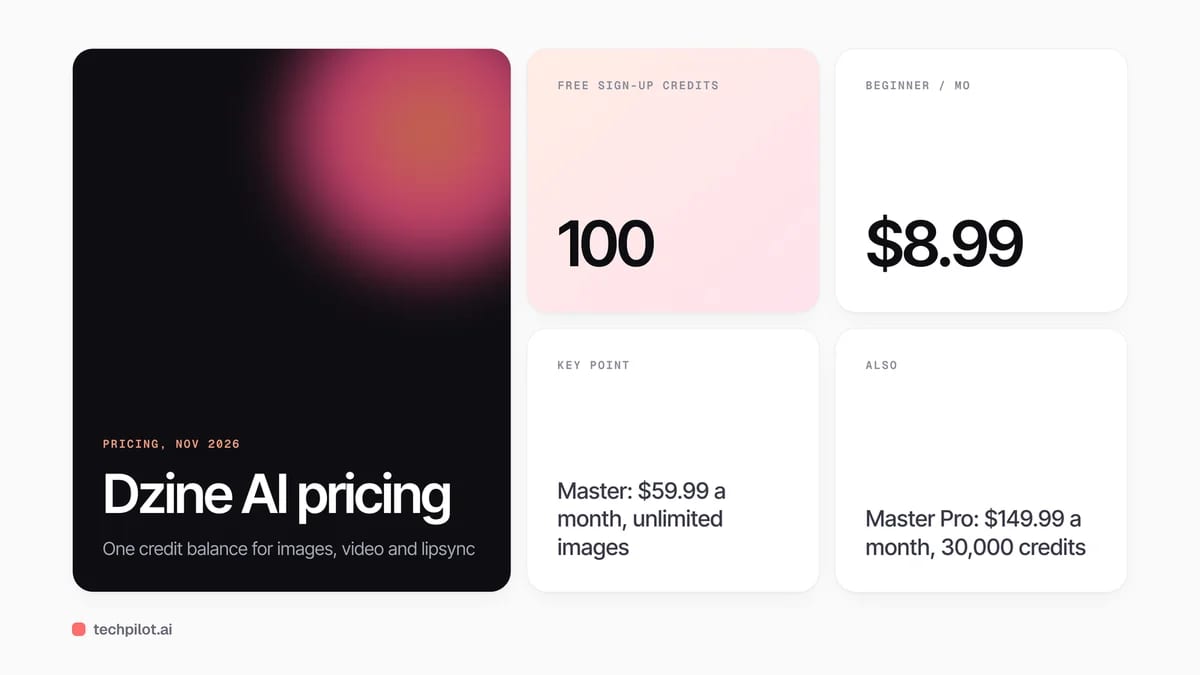
Dzine AI is a creative canvas for AI images, video, lip sync and consistent characters. New users get 100 free credits, and Beginner costs $8.99 a month.
Quick answer: Dzine works more like a design board than a chat box. You place image, video and audio nodes on a canvas, keep characters consistent across shots, then enhance, upscale or lip sync the result in the same project. One credit balance pays for everything, so the real question is how many videos you need each month. Prices below come from Dzine’s pricing page on November 17, 2026.
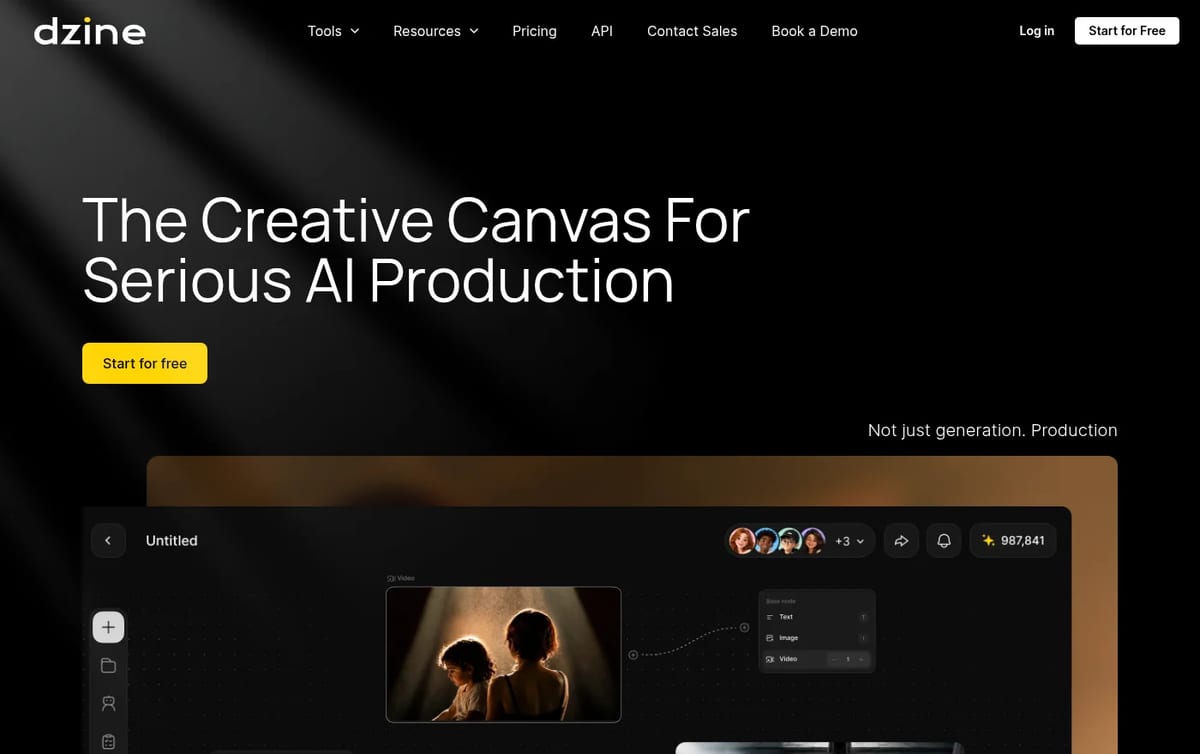
What Dzine AI does
- Layered canvas: image, video and audio generators sit as nodes on one board, next to your asset library and script breakdown.
- Many models in one place: GPT Image, Nano Banana, Seedream, Flux, Ideogram and others for images, plus Seedance and lip sync models for video.
- Characters and lip sync: store private characters, keep them consistent and sync speech to faces, including multi-character scenes.
- Enhance and upscale: video enhancement up to 4x and video upscaling up to 8K on the higher plans.
- Team tools: real-time collaboration, seat and credit management, and a record of prompts, models and edits for each project.
Dzine AI Pricing (2026)
| Plan | Monthly price | Credits a month | Key extras |
|---|---|---|---|
| Free | $0 | 100 credits once at sign-up, valid 12 months | Try the tools, no top-ups |
| Beginner | $8.99 | 1,000 (about 5 Seedance 2.5 videos) | 10 GB library, 10 private characters, no rollover |
| Creator | $24.99 | 6,000 (about 34 Seedance 2.5 videos) | Credits roll over up to 3 months, top-ups allowed |
| Master | $59.99 | 9,000 plus unlimited images | Unlimited image models under fair use, 8K video upscale |
| Master Pro | $149.99 | 30,000 plus unlimited images | 200 GB library, 120 characters, 18 concurrent jobs |
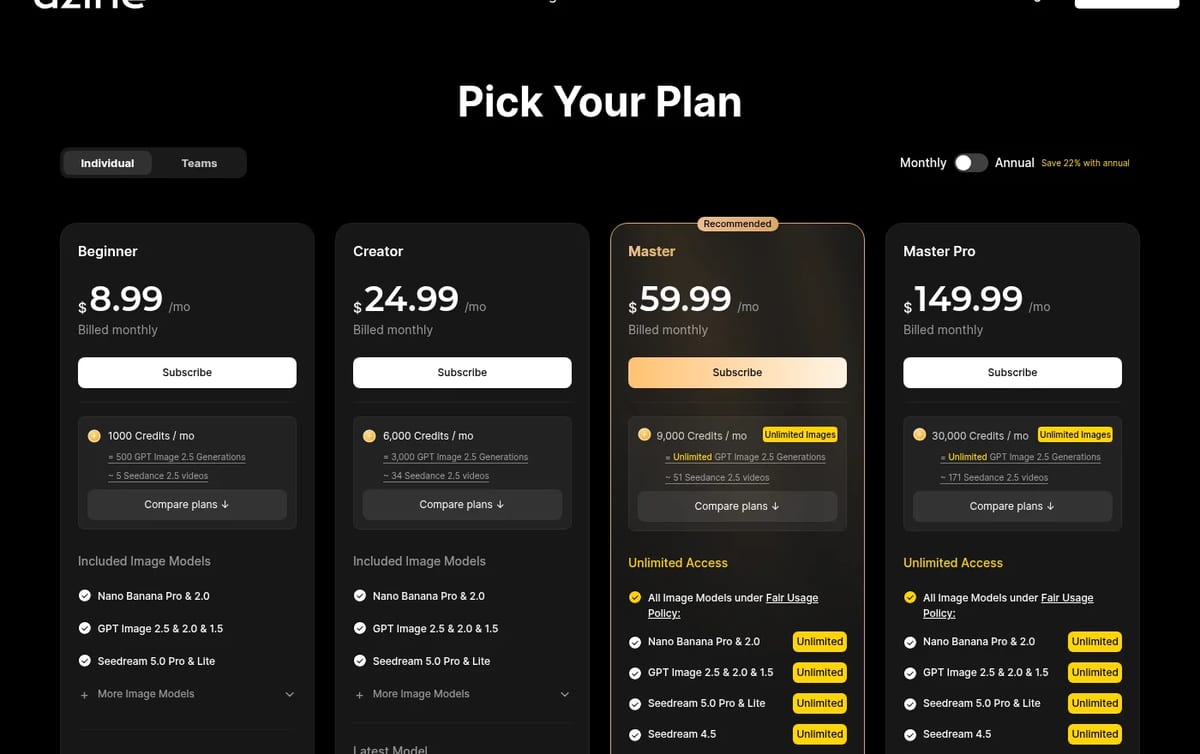
Which plan pays off: credits go much further on images than on video. GPT Image 2.5 costs 9 credits an image, while a 5-second Seedance 2.0 clip at 720p costs 220 credits. If you mostly make stills, Beginner’s 1,000 credits cover about 111 of those images a month. If you make video every week, Creator is the first plan that rolls unused credits over, and Master only makes sense once you would otherwise pay for images on top. Top-up packs ($10 for 2,000 credits) are only open to Creator and above.
Compare it with the node-based canvas in our FLORA review or the all-in-one studio in our LensGo review. If you only need free stills, start with our list of the best free AI image generators.
Who Dzine AI is for
Small studios, ad teams and solo creators who build scenes with the same characters across many shots, and who want images, video and lip sync in one project instead of five tabs. It is less suited to someone who wants one quick image a week, because the free credits are a one-time grant rather than a daily allowance.
Limitations
- Free credits do not refresh: new users get 100 credits once; the old daily reset has ended.
- Video eats credits: a single 1080p Seedance 2.0 clip costs 550 credits.
- No refunds: Dzine’s terms say payments are non-refundable.
- Beginner has no rollover: unused credits expire each cycle.
TechPilot.ai’s Verdict on Dzine AI
Dzine is one of the more complete AI production canvases, with strong character consistency and a wide model list behind one credit balance.
Use the 100 free credits on images first, then pick Beginner for stills or Creator if you plan to make video every week.
Dzine AI FAQ
Is Dzine AI free?
Dzine has a free plan. New users get 100 credits at sign-up, valid for 12 months, but they do not refresh daily. More use needs a paid plan.
•
How much does Dzine AI cost?
Beginner is $8.99 a month, Creator $24.99, Master $59.99 and Master Pro $149.99, billed monthly. Annual billing saves 22%, checked November 17, 2026.
•
Do Dzine credits roll over?
Creator, Master and Master Pro roll unused subscription credits over for up to 3 months. Beginner credits do not roll over.
•
What AI models does Dzine use?
Dzine offers image models such as GPT Image, Nano Banana, Seedream, Flux and Ideogram, and video models such as Seedance, all paid from one credit balance.
•
Can I buy extra Dzine credits?
Yes, on Creator and above. Top-ups cost $10 for 2,000, $20 for 4,000 or $50 for 10,000 credits and last 12 months.
Microsoft Designer
Digital Art
Microsoft Designer changes a new paradigm for graphic design and visual content creation. Its infusion of leading-edge generative AI lowers…

mnml AI
Digital Art
mnml AI is one of the most practical AI render tools for architects because it works from the views you already model, inside the software…
AI Ease
Digital Art
AI Ease is good value if you mainly need photo cleanup, with AI video as a bonus rather than the main reason to pay.