FLORA is one of the best ways for a creative team to run many AI models in one shared, repeatable workflow.
Home / Tools / Digital Art
Digital Art · Tool review
FLORA AI Review: Pricing & Plans 2026
 TechPilot.ai review team Hands-on testing, one published method
- Last updated
- How we test
The AI news that actually mattered this week.
One short email every Friday: the biggest AI stories, what they mean for you, and the tools worth trying. A 3-minute read, no hype.
Free. Unsubscribe anytime.
You're in. Watch for the brief on Friday. Free. Unsubscribe anytime.
Summary
Pros and cons
What we like
- 60+ models in one canvas.
- Reusable Techniques save time.
- Per-seat usage pool for teams.
- API and MCP from Starter.
- FAUNA assistant is free.
What could be better
- Usage can run out on video.
- Free plan has no video models.
- Node canvas takes time to learn.
- Quality depends on third-party models.
Key features
- Canvas: Nodes for text, image, video, audio.
- Models: 60+ in one pool.
- Techniques: Save and rerun flows.
- FAUNA: Free prompt assistant.
- Teams: Shared assets and caps.
- Pricing: Free; from $18/seat/mo.
Screenshots
Full review
Independent and reader-supported. Some links may earn us a commission; it never changes our scores. Editorial policy
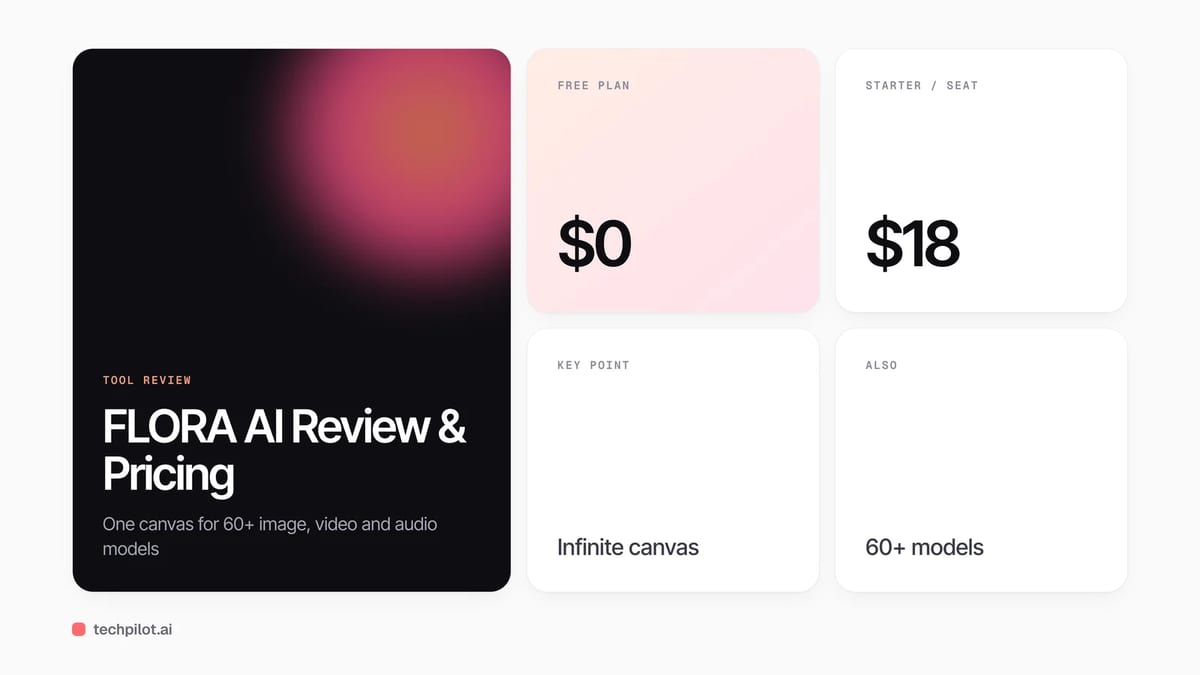
FLORA AI is a creative canvas that runs 60+ image, video and audio models side by side. It is free to try, and paid seats start at $18 a month with usage.
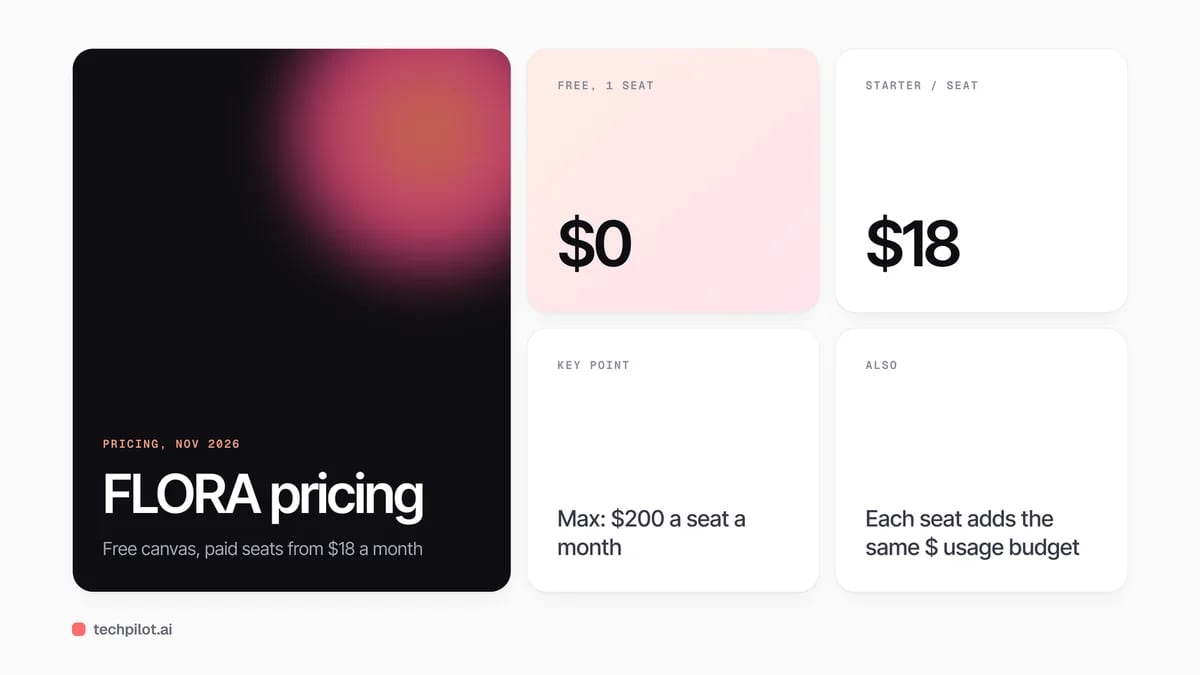
Quick answer: FLORA is not a model. It is an infinite canvas where you chain text, image, video and audio models as nodes, compare outputs side by side and save the whole flow as a reusable “Technique”. The Free plan gives one seat, three active projects and up to 17 free generations. Paid plans are per seat, and every seat adds the same amount of monthly usage to a shared team pool, as listed on FLORA’s pricing page on November 13, 2026.
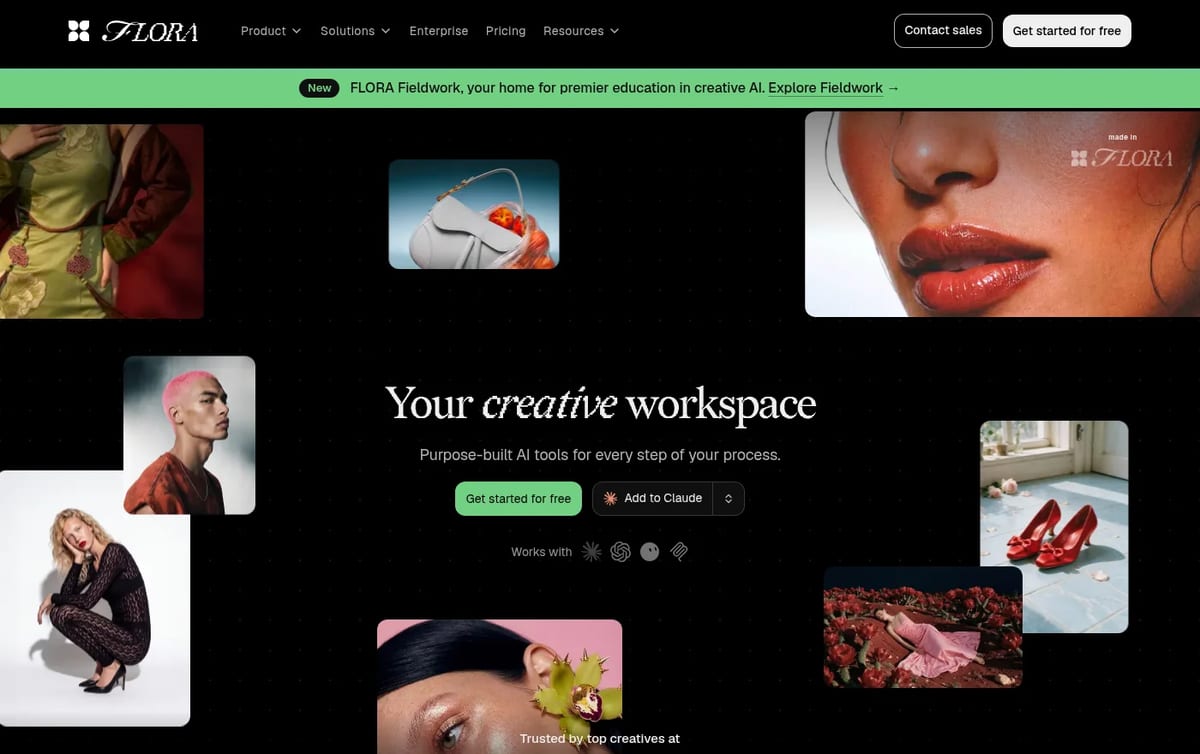
What FLORA does
- Node canvas: drop prompts, reference images and model blocks on one board and wire them together, so a moodboard, a product shot and a short video can sit in the same project.
- 60+ models in one place: Nano Banana 2, Veo 3.1, Seedance 2.0, Kling and dozens of others run from a single usage pool instead of separate subscriptions.
- Techniques and App Mode: save a working chain of steps and rerun it with new inputs, or hand it to a teammate as a simple app.
- FAUNA assistant: a built-in helper that writes prompts and briefs. It is free on every plan and does not use your budget.
- Team features: real-time cursors, comments, shared assets and per-member usage caps on higher tiers, plus API and MCP access from Starter.
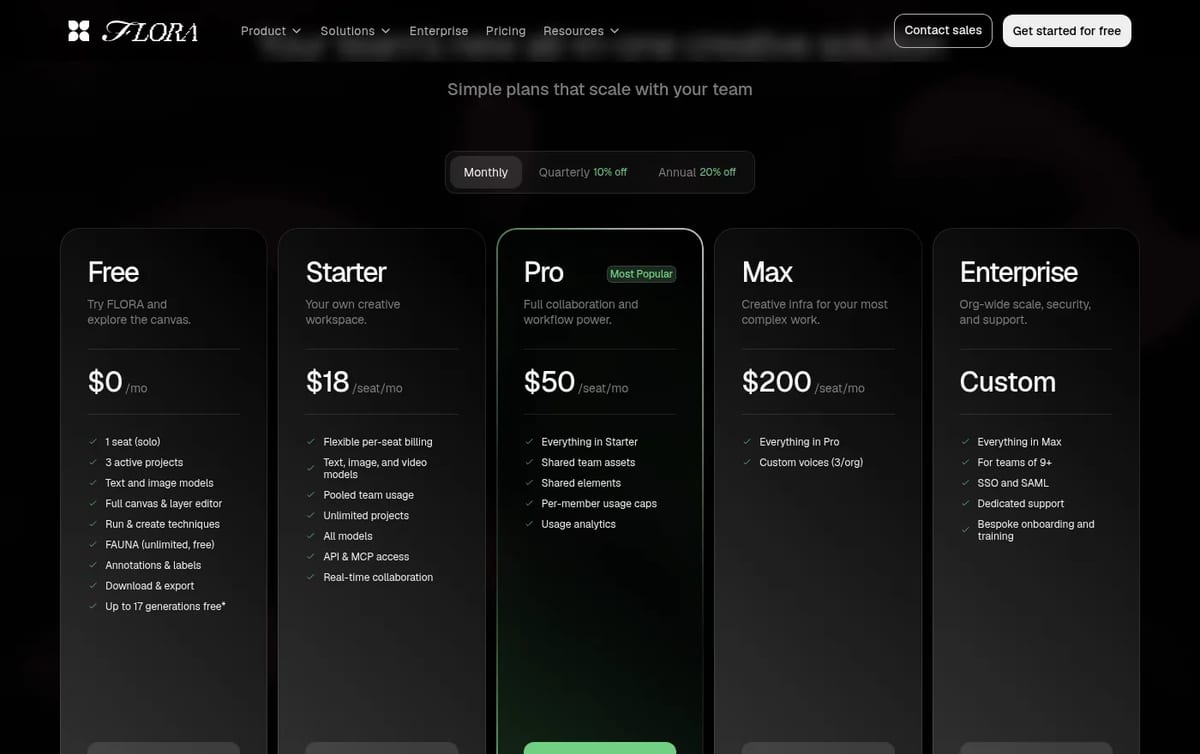
FLORA Pricing (2026)
| Plan | Price (monthly billing) | What you get |
|---|---|---|
| Free | $0 | 1 seat, 3 active projects, text and image models, FAUNA, download and export, up to 17 free generations |
| Starter | $18 / seat / month | Text, image and video models, unlimited projects, all models, API and MCP access, real-time collaboration |
| Pro | $50 / seat / month | Everything in Starter plus shared team assets and elements, per-member usage caps, usage analytics |
| Max | $200 / seat / month | Everything in Pro plus custom ElevenLabs voices (3 per org) |
| Enterprise | Custom | Teams of 9+, SSO and SAML, dedicated support, onboarding |
How the usage pool works: each paid seat adds its own price in monthly usage, so a four-person Pro workspace pays $200 a month and gets a $200 shared budget, according to FLORA’s billing docs. Every generation is charged at the model’s published rate, failed generations do not count, and unused budget does not roll over. The free generations are calculated on Nano Banana 2 at about $0.151 per image, capped at $2.50 of usage.
Who FLORA is for
Design studios, agencies and in-house brand teams that already pay for several image and video tools and want one place to run them, compare results and share approved flows. If you only need single images, a dedicated generator from our list of the best free AI image generators is simpler. If you mainly use Google’s models, our Nano Banana page and the Veo 3.1 vs Sora 2 comparison cover those directly.
Limitations
- The seat price is a floor: heavy video work can use the included budget quickly, and extra usage is billed on top at model rates.
- Free is for trying only: no video models, three projects and a small generation cap.
- Learning curve: the node canvas is powerful but slower to learn than a simple prompt box.
- Output depends on the models: FLORA routes to third-party models, so quality and speed follow whichever model you pick.
TechPilot.ai’s Verdict on FLORA
FLORA is one of the best ways for a creative team to run many AI models in one shared, repeatable workflow.
Try the Free plan on a real brief first, then budget for usage on top of the seat price if you plan to make a lot of video.
FLORA FAQ
Is FLORA free?
Yes, FLORA has a Free plan with one seat, three active projects, text and image models, the FAUNA assistant and up to 17 free generations. Video models need a paid plan.
•
How much does FLORA cost?
FLORA Starter costs $18 per seat a month, Pro $50 and Max $200 on monthly billing, with 10% off quarterly and 20% off annually. Enterprise is custom (checked November 13, 2026).
•
What models does FLORA support?
FLORA runs 60+ models from one usage pool, including Nano Banana 2, Veo 3.1, Seedance 2.0 and Kling, plus text models from OpenAI, Anthropic and Google.
•
How does FLORA usage work?
Each paid seat adds monthly usage equal to its price to a shared team pool. Every generation deducts the model’s published cost, failed runs are free and unused budget resets monthly.
•
Does FLORA have an API?
Yes. API and MCP access are included from the Starter plan, and generations through the API or MCP cost the same as in the app.

Dezgo
Digital Art
Dezgo is a low-commitment way to try current image and video models without stacking subscriptions.

Artguru
Digital Art
Artguru is an easy, low-cost pick for fixing and upscaling photos, and the per-image credit costs are fair for product shots and…

Comfy Agent
Digital Art
Comfy Agent is the right idea for people who already think in nodes: chat drives the canvas, and you keep the workflow. That is a real edge…