Bria Fibo 2.0 combines editing and generation in one open-weight model trained only on licensed data, at $0.032 per image on the API.
Home / Tools / Digital Art
Digital Art · Tool review
Bria Fibo 2.0: Pricing, Weights & Editing
 TechPilot.ai review team Hands-on testing, one published method
 - Last updated
- How we test
Summary
Pros and cons
What we like
- One model image editing and text to image from the same 8B weights.
- Simple pricing $0.032 per image on Bria's API.
- Free trial 100 free generations with no credit card.
- Licensed training data clear commercial rights through the API.
- Precise edits masks, up to four input images and structured JSON control.
What could be better
- Non-commercial weights self-hosting for business needs a Bria agreement.
- Gated download you must accept Bria's terms on Hugging Face.
- Multi-turn editing still listed as coming soon.
- Launch-day rankings leaderboard positions can change quickly.
Key features
- Image editing: Instruction-based edits with up to four images.
- Text to image: Detailed prompts with improved text rendering.
- Masks: Change only the painted area and keep the rest.
- VGL control: Structured JSON prompts for lighting, camera and style.
- Edit Turbo: 4-step editing model for fast, cheaper production use.
- ComfyUI and API: Bria API, fal, Hugging Face and ComfyUI nodes.
Screenshots
Full review
Independent and reader-supported. Some links may earn us a commission; it never changes our scores. Editorial policy
Bria Fibo 2.0 is an 8B open-weight model that edits and generates images with one set of weights. See the API price, free trial, licence and how to use it.
Bria released Fibo 2.0 on October 20, 2026. Earlier FIBO models were text-to-image only. Fibo 2.0 puts image editing and image generation in one model, and on launch day Bria said it ranked first for image editing and second for text to image among open-weight models on Artificial Analysis. Bria’s other selling point is legal: like every FIBO model, it’s trained only on licensed data. Prices below were checked on Bria’s pricing page and API catalog on October 22, 2026.
Is Bria Fibo 2.0 free?
Yes, in two ways, with limits. A free Bria account includes 100 free generations with no credit card, which you can spend on Fibo 2.0 through the API. The weights are also free to download from Hugging Face, but they’re gated (you fill in a short form) and licensed CC BY-NC 4.0, for non-commercial use only.
For commercial work you either pay per image through Bria’s API, where Bria says its licensed training data gives you clear commercial rights, or sign a commercial agreement with Bria to run the weights yourself.
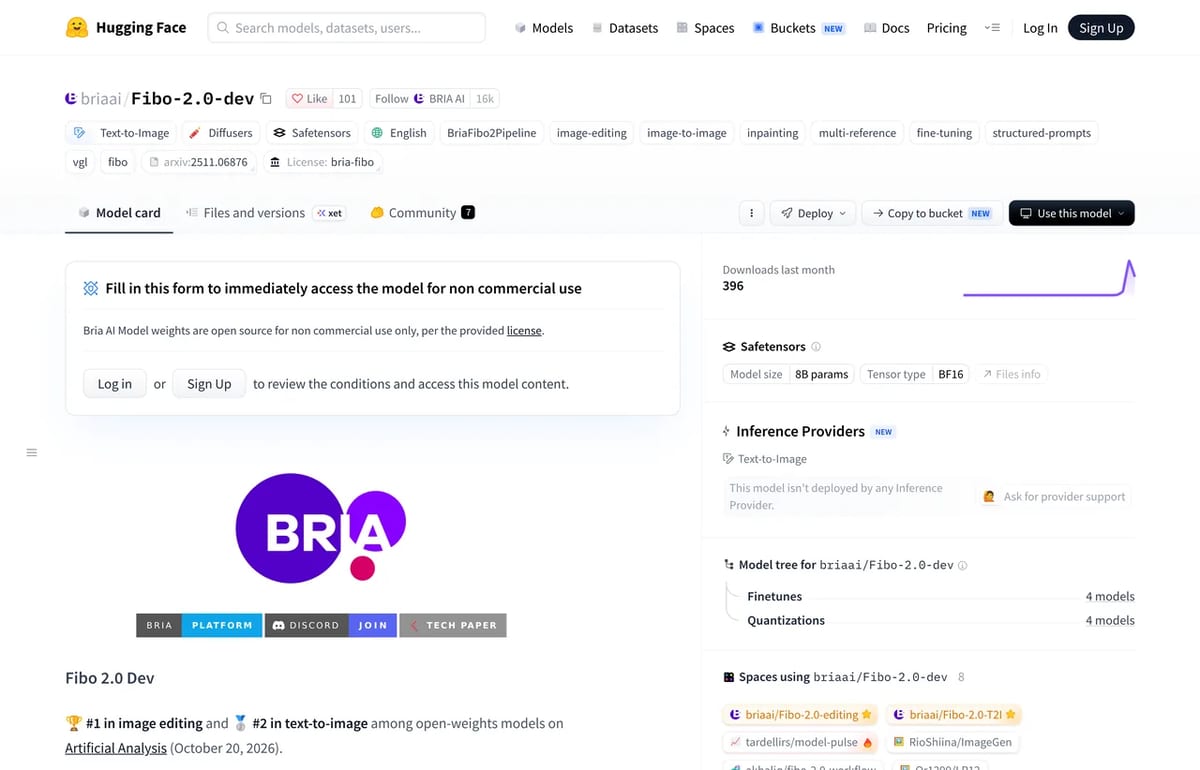
Bria Fibo 2.0 Pricing (2026)
| Option | Price | Best for |
|---|---|---|
| Bria Free | $0, 100 generations | Testing the model |
| Bria API: Fibo 2 Image Generate | $0.032 per image | Text to image in production |
| Bria API: Fibo 2 Image Edit | $0.032 per image | Edits with up to 4 images, masks or text |
| fal (third party) | $0.04 per image | Teams already billing through fal |
| Open weights | Free, non-commercial | Research, fine-tuning tests |
At $0.032 an image, 1,000 edits or generations cost $32 on Bria’s API. Bria says Fibo 2 uses the same API as earlier Fibo models, so existing integrations don’t need code changes. Pay-as-you-go adds 60 requests a minute and priority queueing over the free tier’s 10 a minute; Enterprise adds on-prem deployment and commercial rights to the open models.
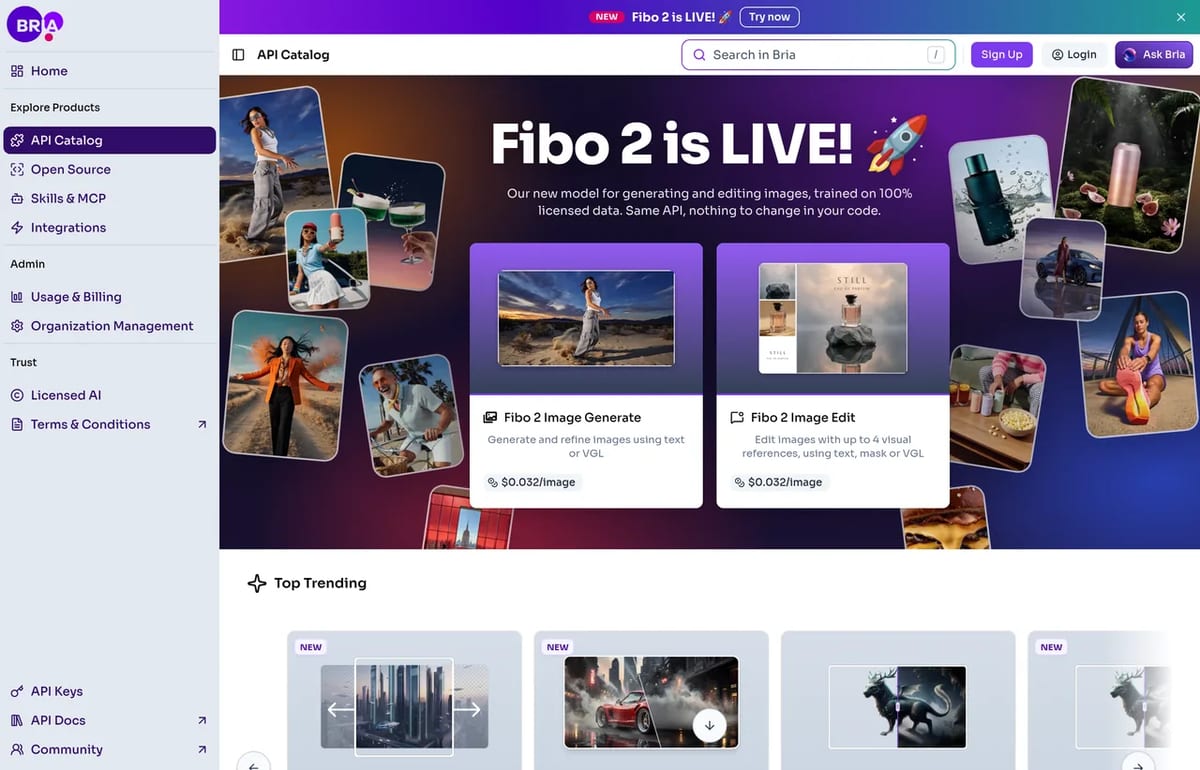
What’s new in Fibo 2.0
- One model for editing and generation: one set of 8B weights, one pipeline and one deployment for both jobs.
- Multi-image edits: send the source image plus up to three references, such as a product shot to place in a new scene.
- Masks: limit an edit to a painted area and keep every other pixel unchanged.
- Structured control: Bria’s Visual GenAI Language (VGL) describes lighting, camera, composition and style as JSON, so you can change one attribute without the rest of the image drifting.
- Better realism: Bria says text rendering, textures and anatomy improved over earlier FIBO releases.
- Two downloads: Fibo 2.0 Dev is the full base model for fine-tuning and text to image, and Fibo 2.0 Edit Turbo edits in 4 steps for faster, cheaper production editing.
Bria says multi-turn editing, where each edit builds on the last while the rest of the image stays stable, is coming soon.
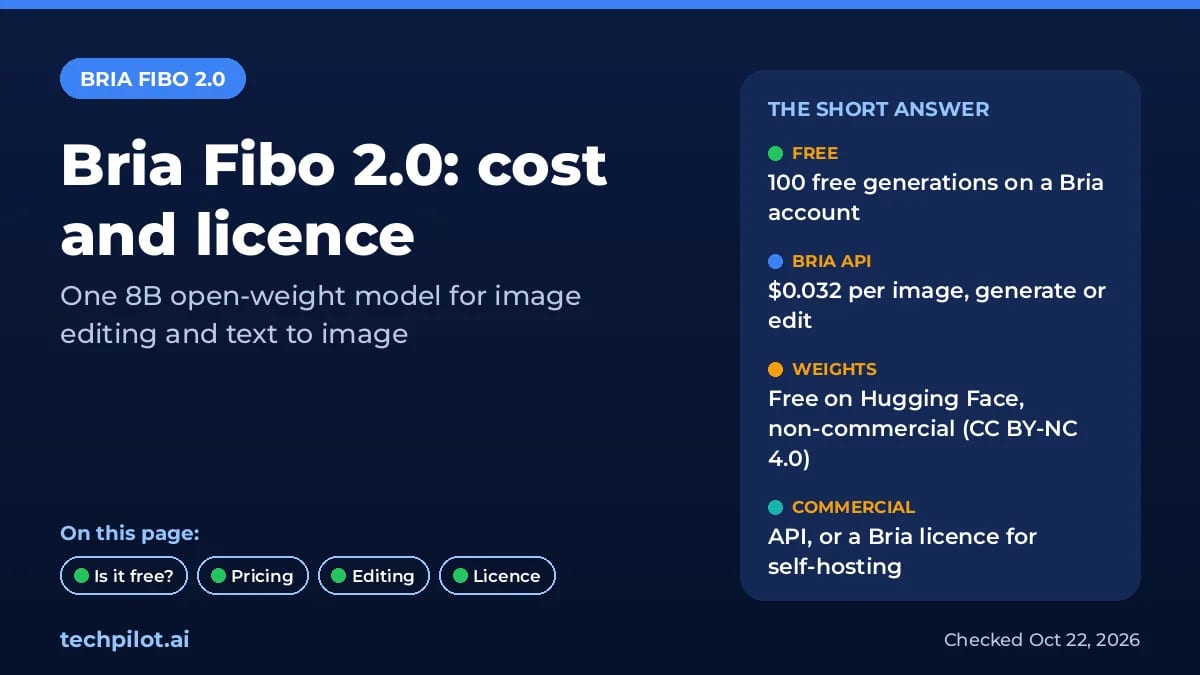
How to use Bria Fibo 2.0
- No code: try the generate and edit sandboxes linked from Bria, or Bria Create in the browser.
- API: create a free Bria account, take an API key and call the Fibo 2 Image Generate or Image Edit endpoint.
- fal: use the bria/fibo-2/edit or bria/fibo-2/generate endpoints at $0.04 an image.
- ComfyUI: Bria publishes ComfyUI nodes for node-based workflows.
- Self-host: request access to the weights on Hugging Face (Edit Turbo for fast edits), then contact Bria if the use is commercial.
Who should use it?
Fibo 2.0 suits e-commerce and marketing teams that restage product photos and need training data they can defend legally. If you want the strongest general-purpose image model and don’t mind closed weights, compare it with FLUX 3 or the models in our Krea 3 vs Nano Banana Pro test. For design work with brand styles, Recraft is another option.
Limitations
- Non-commercial weights: self-hosting for business needs a Bria agreement.
- Gated download: you must accept Bria’s terms on Hugging Face first.
- Leaderboard snapshot: the open-weights rankings are from launch day and will shift as rivals ship.
- Multi-turn editing isn’t out yet: it’s listed as coming soon.
Verdict
Bria Fibo 2.0 is a strong pick for commercial teams that want an open-weight image editor, mainly because of its licensed training data and simple $0.032 price per image. Use the 100 free generations to test your own product shots before you commit.
TechPilot.ai’s Verdict on Bria Fibo 2.0
Bria Fibo 2.0 combines editing and generation in one open-weight model trained only on licensed data, at $0.032 per image on the API.
Start with the 100 free generations, use the API for commercial work, and keep the free weights for research and testing.
Bria Fibo 2.0 FAQ
Is Bria Fibo 2.0 free?
Partly. A free Bria account includes 100 generations, and the Fibo 2.0 weights are free on Hugging Face for non-commercial use under CC BY-NC 4.0. Commercial use needs the paid API or a Bria agreement.
•
How much does Bria Fibo 2.0 cost?
On Bria’s API, Fibo 2 Image Generate and Fibo 2 Image Edit each cost $0.032 per image, or $32 per 1,000 images. On fal, the Fibo 2.0 endpoints cost $0.04 per image.
•
Is Fibo 2.0 open source?
The weights are open but not open source in the usual sense. They’re licensed CC BY-NC 4.0, which allows non-commercial use only. Commercial self-hosting needs a separate agreement with Bria.
•
Can I use Fibo 2.0 images commercially?
Yes, through Bria’s paid API. Bria trains its models only on licensed data and says outputs are safe for commercial use. Images from the free weights are limited to non-commercial use.
•
What are the best Bria Fibo 2.0 alternatives?
FLUX 3 and Nano Banana Pro are strong closed image models for editing and generation. Recraft suits brand design work. Fibo 2.0 stands out for licensed training data and open weights.
MiniMax M3.1 Flash
Digital Art
MiniMax M3.1 Flash gives you near-frontier agent performance at $0.15 and $0.60 per million tokens, with no peak pricing.

Sunra MCP
Digital Art
Sunra MCP turns Claude or ChatGPT into a creative studio with many image, video and audio models behind one sign-in.

Recraft
Digital Art
Recraft AI is one of the best image generators for designers, thanks to true vector output, reusable custom styles and a natural look that…