Tripo AI is one of the easiest ways to get usable 3D assets from an image or a prompt, and Smart Mesh topology makes the output practical for games, not just previews.
Home / Tools / Digital Art
Digital Art · Tool review
Tripo AI: Free 3D Model Generator & Pricing
 TechPilot.ai review team Hands-on testing, one published method
- Last updated
- How we test
The AI news that actually mattered this week.
One short email every Friday: the biggest AI stories, what they mean for you, and the tools worth trying. A 3-minute read, no hype.
Free. Unsubscribe anytime.
You're in. Watch for the brief on Friday. Free. Unsubscribe anytime.
Summary
Pros and cons
What we like
- Free plan with about 13 models a month.
- Smart Mesh gives clean quad topology for games.
- Auto-rigging and PBR textures up to 8K.
- Exports for game engines and 3D printers.
- Agentic Canvas reuses multi-step workflows.
What could be better
- Free models are public and non-commercial.
- Credits run out quickly on high-detail work.
- Agentic Canvas is beta and limited to Max and Team.
- Complex characters may still need manual cleanup.
Key features
- Image to 3D: Turn a photo or sketch into a textured model.
- Text to 3D: Describe an object and get a 3D model.
- Smart Mesh: Quad meshes from 500 to 25K polygons.
- Auto-rigging: Skeletons for characters and creatures.
- 3D print prep: Splits models into print-bed parts.
- Agentic Canvas: AI agent that runs node workflows.
Screenshots
Full review
Independent and reader-supported. Some links may earn us a commission; it never changes our scores. Editorial policy
Tripo AI turns text, images and sketches into 3D models for games, 3D printing and AR. The free plan gives 200 credits a month, and Pro costs $20 a month.
Quick answer: Tripo AI is an AI 3D model generator from VAST. You upload a photo, a sketch or a text prompt, and Tripo Studio returns a textured 3D model you can rig, retopologize and export to Blender, Unity, Unreal or a 3D printer. The free plan is enough to test it (about 13 models a month, non-commercial), and Pro at $20 a month adds commercial use and 3,000 credits. Its newest feature, Agentic Canvas, is an AI agent that plans and runs multi-step 3D workflows. We checked every price on the Tripo pricing page on November 4, 2026.
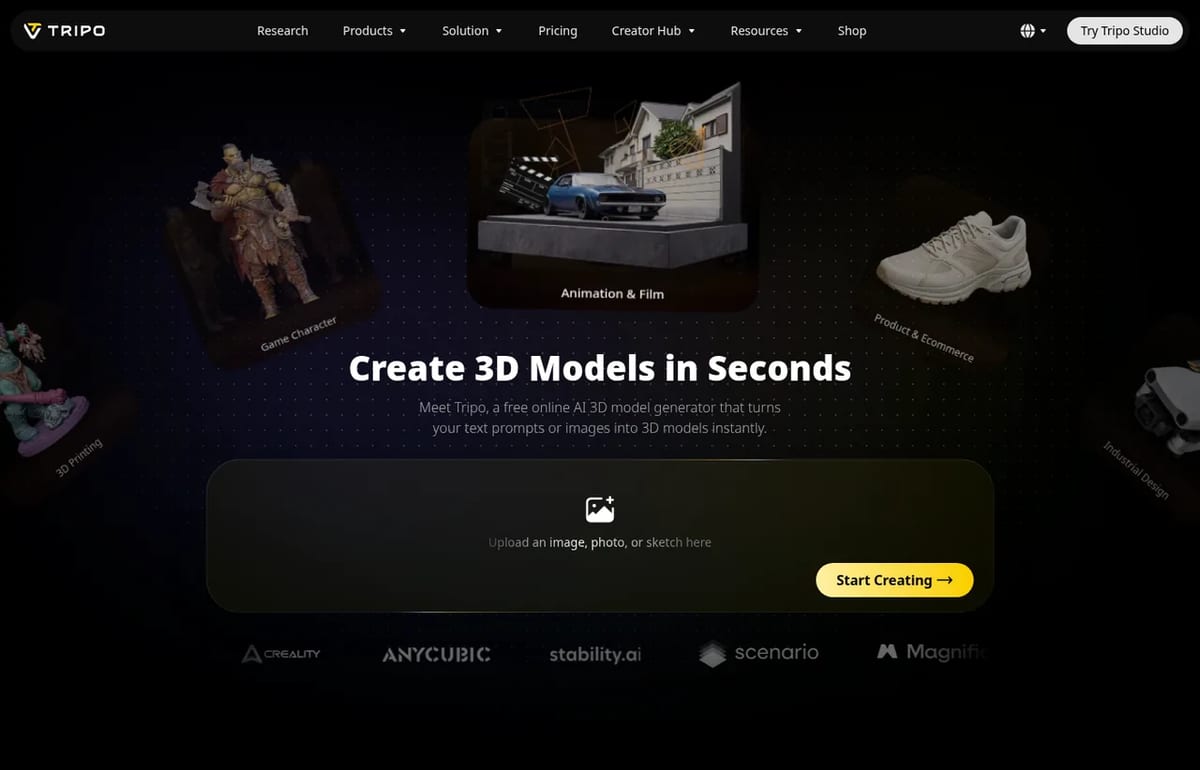
What Tripo AI does
Tripo is built for people who need usable 3D assets fast, not just pretty previews. On its own site, Tripo offers two ways to generate a model:
- High Detail Model: sculpt-style models with up to 2 million polygons for rendering, VFX, product visuals and 3D printing.
- Smart Mesh: clean quad meshes from 500 to 25,000 polygons, meant to drop into games, animation and VR without retopology.
- Texturing: full PBR texture sets (albedo, normal, metallic, roughness) up to 8K, or simple base-color textures for stylized looks.
- Rigging: automatic skeletons for characters and creatures, ready to animate.
- 3D printing tools: smart segmentation splits large models into parts that fit your print bed, with STL, 3MF and OBJ export.
- Game exports: GLB, FBX, OBJ and USD for Unity, Unreal, Cocos, Godot and Roblox.
Tripo says more than 20 million creators have made 200 million models with it. That’s the company’s own figure, but it puts Tripo among the most-used AI 3D generators. If you’re making a game, our guide on how to make a game with AI shows where generated assets fit in.
Tripo Agentic Canvas: what’s new
Tripo launched Agentic Canvas in beta on October 29, 2026, and announced it in a press release on November 2. It’s an AI agent inside Tripo Studio that plans and runs 3D workflows on a visual, node-based canvas, from generation and refinement to export.
- Chat to build a workflow: describe what you want, and the agent lays out the steps as connected nodes.
- Nodes you can edit: texturing, retopology, Smart UV, PBR processing, segmentation and rigging are each a node you can inspect and adjust.
- Reusable pipelines: save, duplicate and reuse a workflow, and batch-process many assets with the same steps.
- AI 3D Lab node: a conversational tool for inspecting and refining a specific asset inside the workflow.
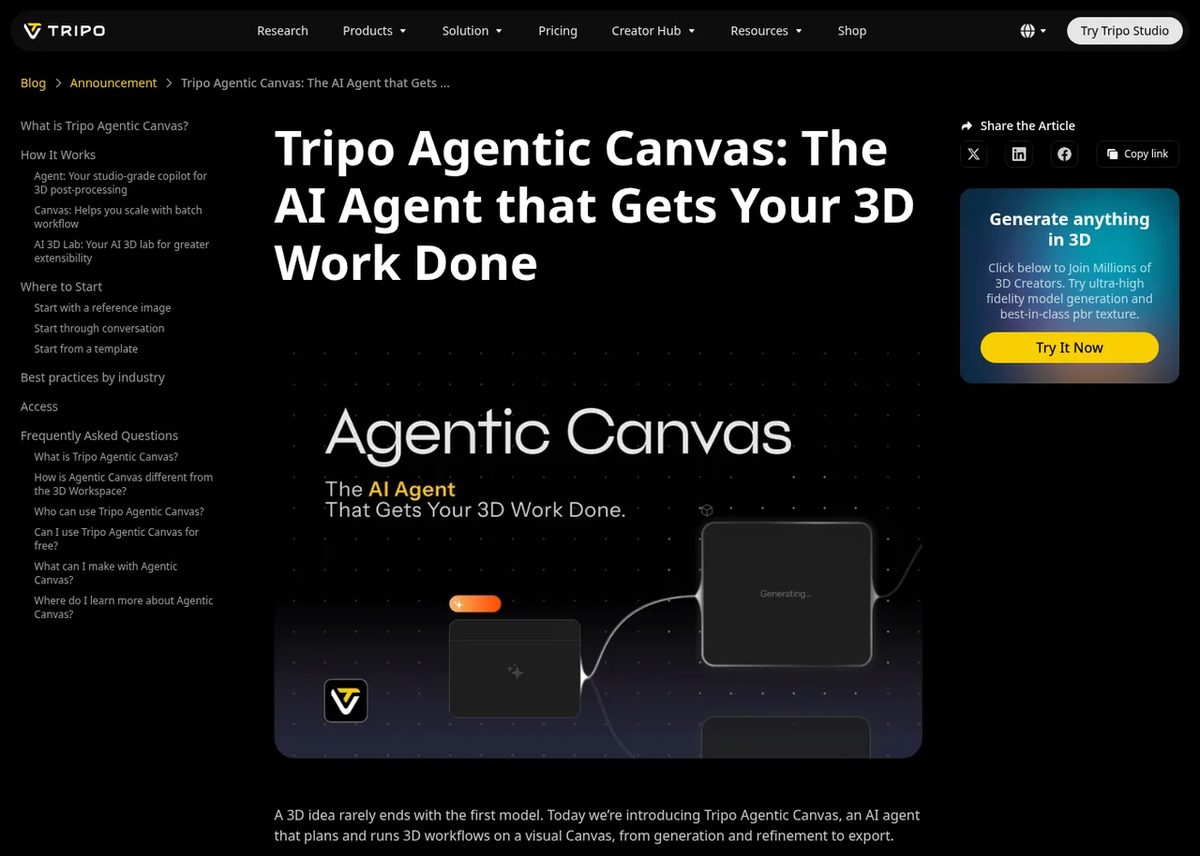
Who can use it: Agentic Canvas is rolling out gradually, with early access for Max and Team users. Tripo says free users can try it for 24 hours. If it appears in the top-left menu of Tripo Studio, your account has it. Tripo itself notes that for a single generation or edit, the standalone Studio tools may be faster, so the canvas pays off mainly when you repeat the same steps across many assets.
Tripo AI Pricing (2026)
| Plan | Price | Credits a month | Key extras |
|---|---|---|---|
| Free | $0 | 200 (about 13 models) | 1 task at a time, public models, no commercial use, limited exports |
| Pro | $20 a month ($240 billed yearly) | 3,000 (about 200 models) | Commercial use, private models, 10 parallel tasks, Smart Mesh, batch generation |
| Max | $90 a month ($1,080 billed yearly) | 25,000 (about 1,660 models) | 100 parallel tasks, 8K textures, early beta access, Agentic Canvas early access |
| Team | $55 per seat a month billed yearly ($1,980 a year), or $110 per seat monthly | 90,000 | Shared workspace and assets, central billing |
| Credit packs | $10 to $1,000 | 1,000 to 130,000 | Bigger packs include bonus credits |
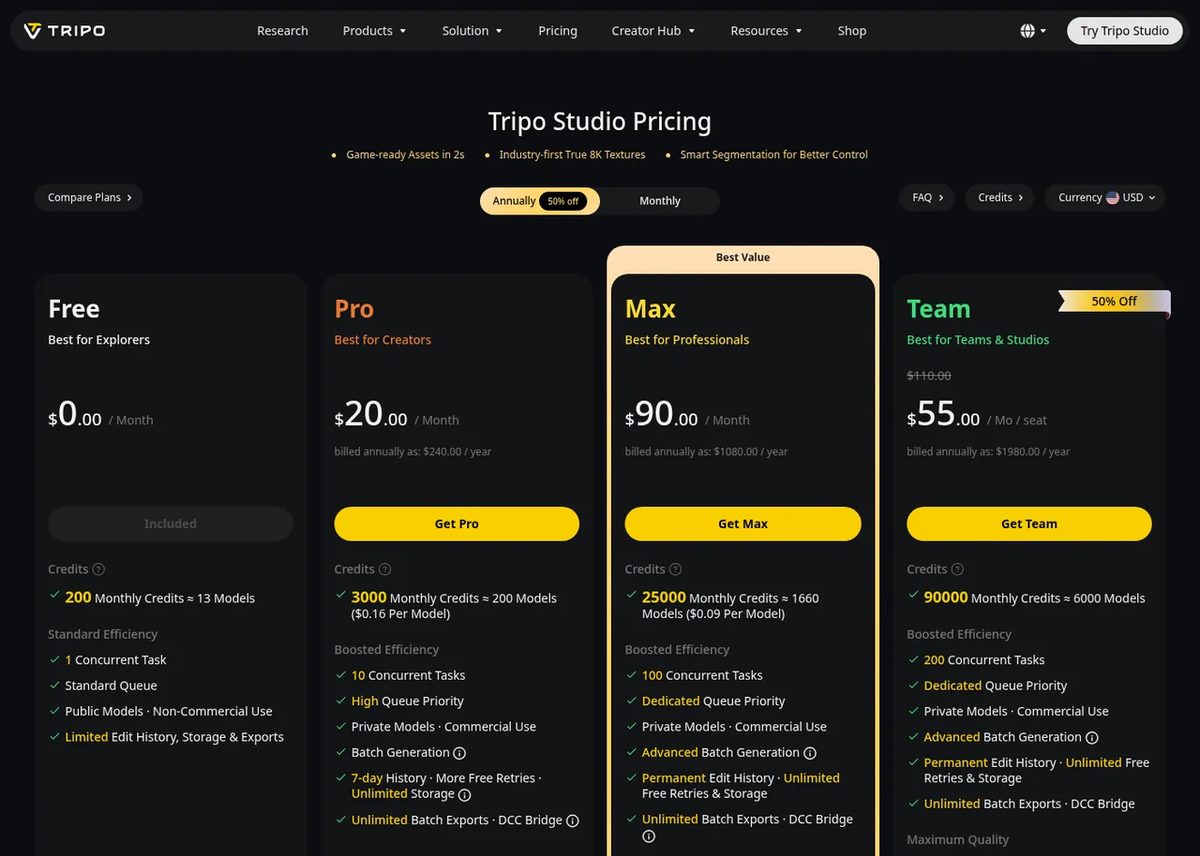
A few things to know. Pro and Max showed the same monthly price with monthly or yearly billing when we checked; the larger discount was on Team seats. New users were offered 50% off the first month. Credit packs are separate from plans: $10 buys 1,000 credits, and the $100 pack adds 2,000 bonus credits to 10,000.
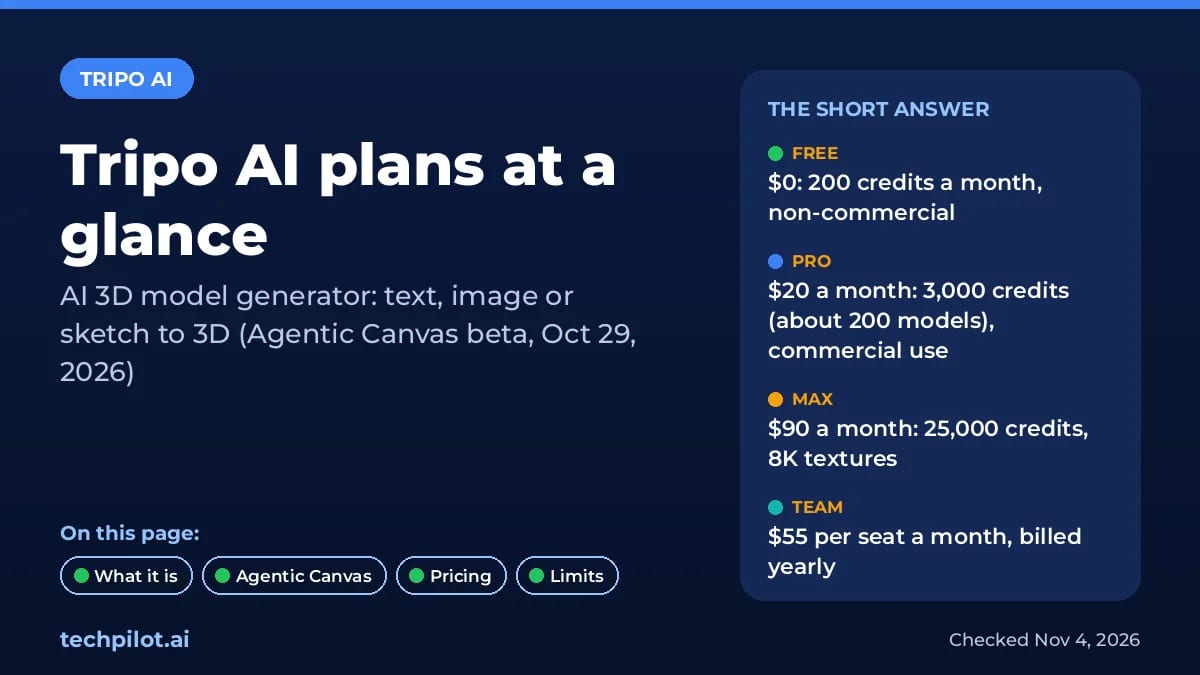
Is Tripo AI free? Yes, there’s a free plan with 200 credits a month, roughly 13 models. Free models are public and can’t be used commercially, so you need Pro for client or store work.
Who Tripo AI is for
Tripo suits indie game developers who need props and characters quickly, 3D printing hobbyists turning photos into printable parts, and e-commerce teams that want 3D product views from a photo. Studios with strict art direction will still clean up and retexture by hand, but Smart Mesh topology cuts that work down. For the bigger picture of where AI is taking games and 3D, see generative AI for video games and our explainer on world models.
Limitations
- Free plan is a test: about 13 models a month, public and non-commercial.
- Credits go fast: high-detail models, retries and 8K textures all draw from the same pool.
- Agentic Canvas is beta: early access is for Max and Team, with a 24-hour trial for free users.
- Hand cleanup still matters: complex characters may need fixes before production use.
TechPilot.ai’s Verdict on Tripo AI
Tripo AI is one of the easiest ways to get usable 3D assets from an image or a prompt, and Smart Mesh topology makes the output practical for games, not just previews.
Test it on the free plan, then move to Pro at $20 a month once you need commercial rights. Max only makes sense for heavy batch work or early Agentic Canvas access.
Tripo AI FAQ
Is Tripo AI free?
Yes. Tripo’s free plan gives 200 credits a month, about 13 models. Free models are public and for non-commercial use only, with one task at a time and limited exports.
•
How much does Tripo AI cost?
Pro is $20 a month with 3,000 credits and commercial use, Max is $90 a month with 25,000 credits, and Team is $55 per seat a month billed yearly. Credit packs start at $10.
•
What is Tripo Agentic Canvas?
It’s an AI agent in Tripo Studio, launched in beta on October 29, 2026, that builds and runs node-based 3D workflows, from generation and texturing to rigging and export.
•
Can I use Tripo AI models commercially?
Yes, on paid plans. Pro, Max and Team include private models and commercial use. Models made on the free plan are public and can’t be used commercially.
•
What file formats does Tripo AI export?
Tripo exports GLB, FBX, OBJ and USD for game engines, and STL, 3MF and OBJ for 3D printing, so models work in Unity, Unreal, Godot, Roblox and Blender.
Astrocade
Digital Art
Astrocade is the easiest free way we’ve seen to turn a game idea into something people actually play, with an audience built in.

Sunra MCP
Digital Art
Sunra MCP turns Claude or ChatGPT into a creative studio with many image, video and audio models behind one sign-in.

Recraft
Digital Art
Recraft AI is one of the best image generators for designers, thanks to true vector output, reusable custom styles and a natural look that…