Local Code is the easiest way we’ve seen to get a capable, private AI agent running on a Mac without touching a terminal.
AI Agents · Tool review
Local Code: Free Mac AI Coding Agent
 TechPilot.ai review team Hands-on testing, one published method
- Last updated
- How we test
The AI news that actually mattered this week.
One short email every Friday: the biggest AI stories, what they mean for you, and the tools worth trying. A 3-minute read, no hype.
Free. Unsubscribe anytime.
You're in. Watch for the brief on Friday. Free. Unsubscribe anytime.
Summary
Pros and cons
What we like
- Free and fully open source.
- Runs offline with nothing sent to the cloud.
- No account or API key needed.
- Python, Node.js, shell and Office tools built in.
- Works on Macs with 16 GB of memory.
What could be better
- Apple devices only.
- Large models need lots of memory and disk.
- Local models are slower than cloud ones.
- Mac App Store release not out yet.
Key features
- Local models: Qwen 3.8 27B and DeepSeek 4 Flash builds.
- Coding tools: Python 3.14, Node.js 24, shell and Git.
- Office files: Word, Excel, PowerPoint and PDF.
- Media: Images and video via Draw Things CLI.
- Browser: Built-in WebKit browser the agent can drive.
- Sandbox: Apple App Sandbox and Hardened Runtime.
Screenshots
Full review
Independent and reader-supported. Some links may earn us a commission; it never changes our scores. Editorial policy
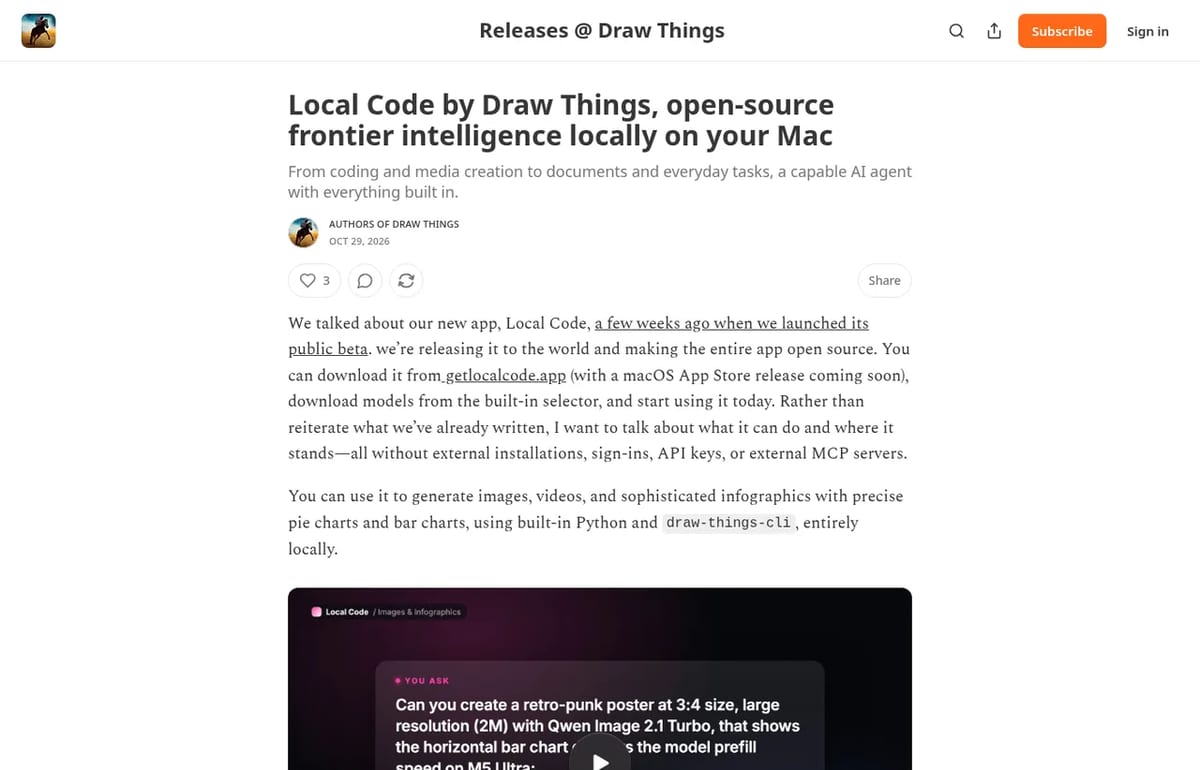
Local Code is a free, open-source AI agent for Mac from the Draw Things team. It runs Qwen or DeepSeek on your Mac to code, chart data and edit files.
Quick answer: Local Code is a private AI assistant for Mac, iPad and iPhone made by the developers of the Draw Things image app. It left public beta and went fully open source on October 28, 2026. You download a model from a built-in picker and start working: no account, no API key and no separate inference server. Running models on your own Mac costs nothing. We checked the details on the Local Code website and the Draw Things release post on November 2, 2026.

What Local Code can do
It’s a coding agent at heart, with a full toolbox compiled into the app:
- Code: write or review Python and JavaScript, with Python 3.14, Node.js 24, a shell and Git built in.
- Data and documents: chart a spreadsheet, edit Word files, update PowerPoint decks and export PDFs.
- Media: generate images and videos through the Draw Things CLI, and render motion graphics to video.
- Web: search and drive a built-in browser, including sites that need a sign-in.
- Mac apps: with permission, read Mail, Messages and Notes, and edit Calendar and Photos.
Local Code Pricing (2026)
| Option | Price | What you get |
|---|---|---|
| On device | $0 | Local models on your Mac, works offline |
| Your own API keys | $0 markup | Use ChatGPT, Claude, OpenRouter or OpenAI-compatible models |
| Cloud credit | From $9.99 | Prepaid top-ups for hosted models, no subscription |
| Teams | Custom | Setup, custom skills and on-prem help |
Which Mac do you need?
| Model | Minimum memory | Recommended | Disk space |
|---|---|---|---|
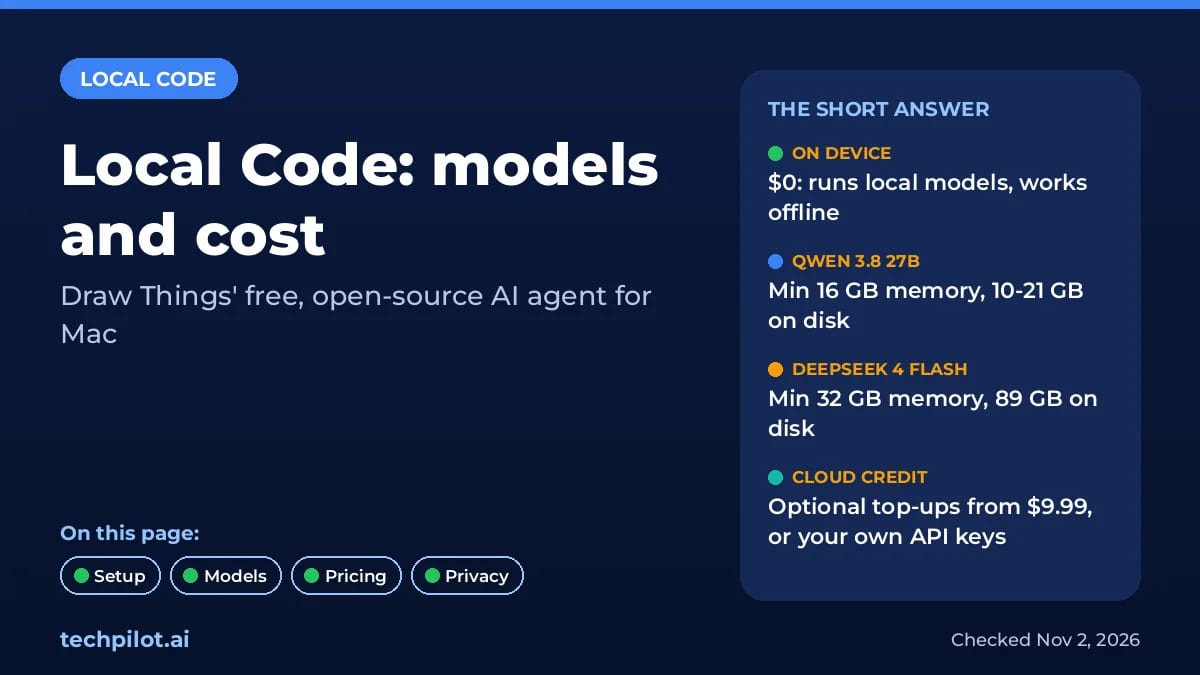
| Qwen 3.8 27B | 16 GB | 32 GB | 10 to 21 GB |
| DeepSeek 4 Flash | 32 GB | 64 GB | 89 GB |
| DeepSeek 4.1 Flash 1017 | 32 GB | 96 GB | 376 GB |
A 16 GB MacBook can run Qwen 3.8 27B, which is enough for code review and document work. DeepSeek models need far more disk space, so check your free SSD first. For other options that run offline, see our best local AI models guide, or the free DeepSeek V4.1 Flash setup in OpenCode if you code in a terminal. NVIDIA’s small Nemotron 3.5 Bolt is another free model built for modest hardware.
Privacy and security
With models set to run on device, prompts, files and tool output stay on your Mac, and the app keeps working with Wi-Fi off. The agent runs inside Apple’s App Sandbox and Hardened Runtime, so it can only touch folders you share and can’t launch other apps. Pick a cloud model and your prompts go to that provider instead. The full code is on GitHub.
Limitations
- Apple only: there’s no Windows or Linux version.
- Hardware bound: speed and quality depend on your Mac’s memory.
- Big downloads: DeepSeek builds take 89 GB to 376 GB.
- Mac App Store version not out yet: for now it’s a direct download.
TechPilot.ai’s Verdict on Local Code
Local Code is the easiest way we’ve seen to get a capable, private AI agent running on a Mac without touching a terminal.
Start with Qwen 3.8 27B on a 16 GB or 32 GB Mac, and add a cloud model only for tasks that need more power.
Local Code FAQ
Is Local Code free?
Yes. Local Code is free and open source, and running models on your own Mac costs $0. Optional cloud credit for hosted models starts at $9.99.
•
How much does Local Code cost?
Nothing for on-device use or with your own API keys, which have no markup. Prepaid cloud credit starts at $9.99 with no subscription.
•
Who makes Local Code?
Local Code is made by the Draw Things team. It went open source on October 28, 2026 after a public beta that started September 12.
•
What Mac do I need for Local Code?
At least 16 GB of memory for Qwen 3.8 27B, which takes 10 to 21 GB of disk. DeepSeek models need 32 GB or more.
•
Does Local Code work offline?
Yes. With models set to run on device, Local Code works without internet and nothing leaves your Mac.
Reflection Beam
AI Agents
Reflection Beam is a big, genuinely open coding and agent model. Try it free on Ollama Cloud or OpenCode while the offer lasts.

Hello Haven
AI Agents
Hello Haven is one of the most accessible personal agents so far: you can literally call or text it, and its memory carries across every…
OpenAI SDK
AI Agents
I’ve been tracking the development of AI agents for years, and the move from command-line plugins to fully integrated graphical experiences…