Remaker AI packs a lot of handy image tools into one site, and never-expiring credits are friendlier than another monthly subscription.
Home / Tools / Digital Art
Digital Art · Tool review
Remaker AI Review: Credits, Pricing & Tools
 TechPilot.ai review team Hands-on testing, one published method
- Last updated
- How we test
The AI news that actually mattered this week.
One short email every Friday: the biggest AI stories, what they mean for you, and the tools worth trying. A 3-minute read, no hype.
Free. Unsubscribe anytime.
You're in. Watch for the brief on Friday. Free. Unsubscribe anytime.
Summary
Pros and cons
What we like
- 20+ AI image tools in one web app.
- One-time credit packs, no subscription.
- Purchased credits never expire.
- Free credits for new users.
- Works on desktop and mobile browsers.
What could be better
- Crypto and Telegram payments only for now.
- No refunds on crypto or Telegram payments.
- Payment info differs across its own pages.
- Face tools need careful, consent-based use.
Key features
- AI Photo Editor: Edit any part of a photo with a prompt.
- Upscaler: Enlarge and sharpen images.
- Background Remover: Cut out subjects in one step.
- Magic Eraser: Remove objects and people.
- Image Generator: Text and image to AI art.
- Video templates: Trending short-video templates.
Screenshots
Full review
Independent and reader-supported. Some links may earn us a commission; it never changes our scores. Editorial policy
Remaker AI is a browser-based AI photo editor and image generator paid with one-time credit packs from $5.99. No subscription, and credits never expire.
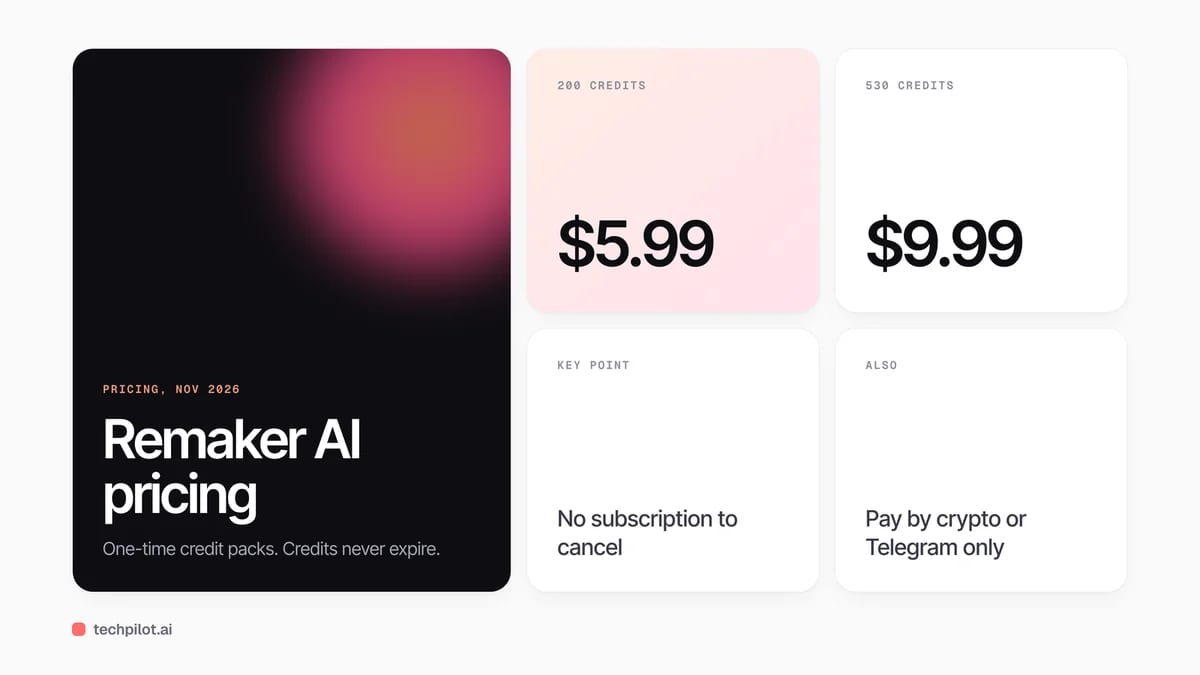
Quick answer: Remaker AI is a web app that bundles more than 20 AI image tools, including an upscaler, a background remover, a prompt-based photo editor, a magic eraser, an image generator and photo effects, plus AI video templates. New accounts get free credits to try it. After that you buy one-time credit packs, from $5.99 for 200 credits. The catch we found on the Remaker pricing page on November 5, 2026: it accepts only crypto and Telegram payments, not cards.
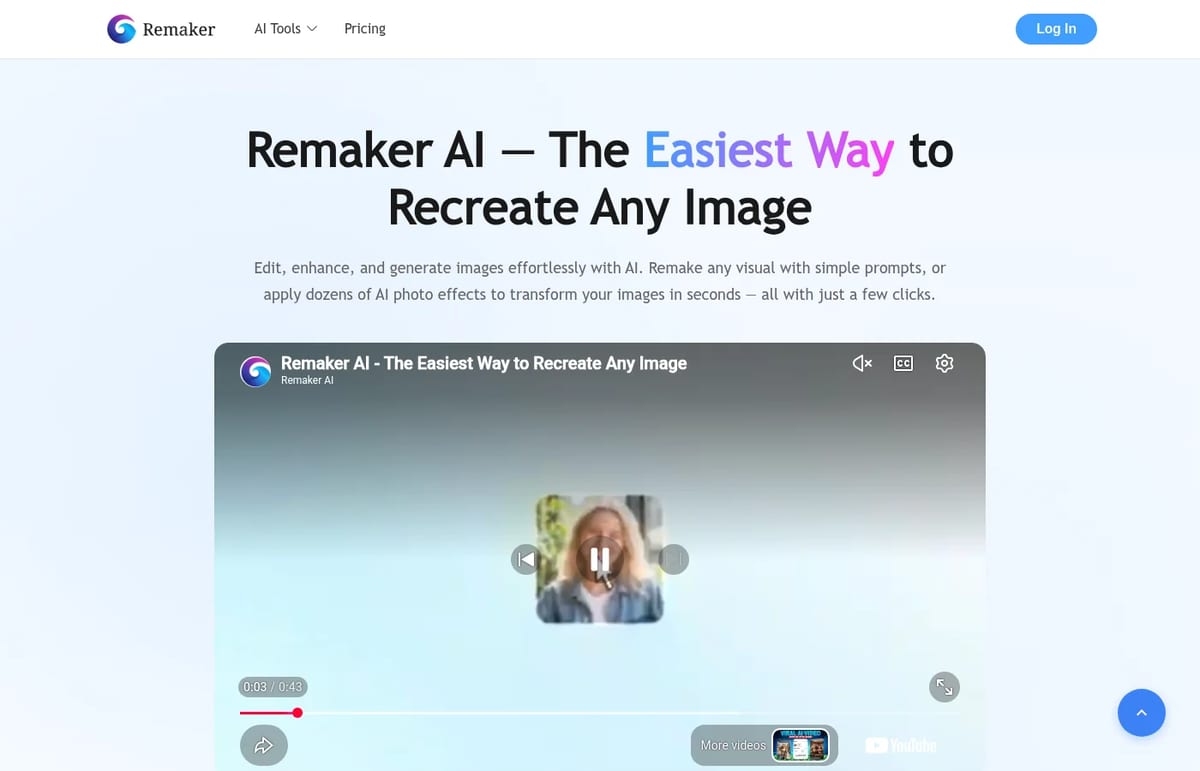
What Remaker AI does
- AI Photo Editor: brush over part of a photo and describe the change, or remove unwanted objects and people.
- Image Upscaler: enlarges and sharpens low-resolution images and photos.
- Background Remover: cuts the subject out of a photo in one step.
- AI Image Generator: turns text or a reference image into new images, including Google’s Nano Banana model.
- Photo effects and portraits: style filters, AI portraits, headshots, avatars, stickers, memes and tattoo designs.
- AI video templates: trending templates for Reels, TikTok and YouTube Shorts.
Remaker is best known for its face swap tools, which drive much of its search traffic. Use them only with photos of yourself or people who have agreed, and never to impersonate anyone. Our guide to free AI face swap video tools covers safe, consent-first use.
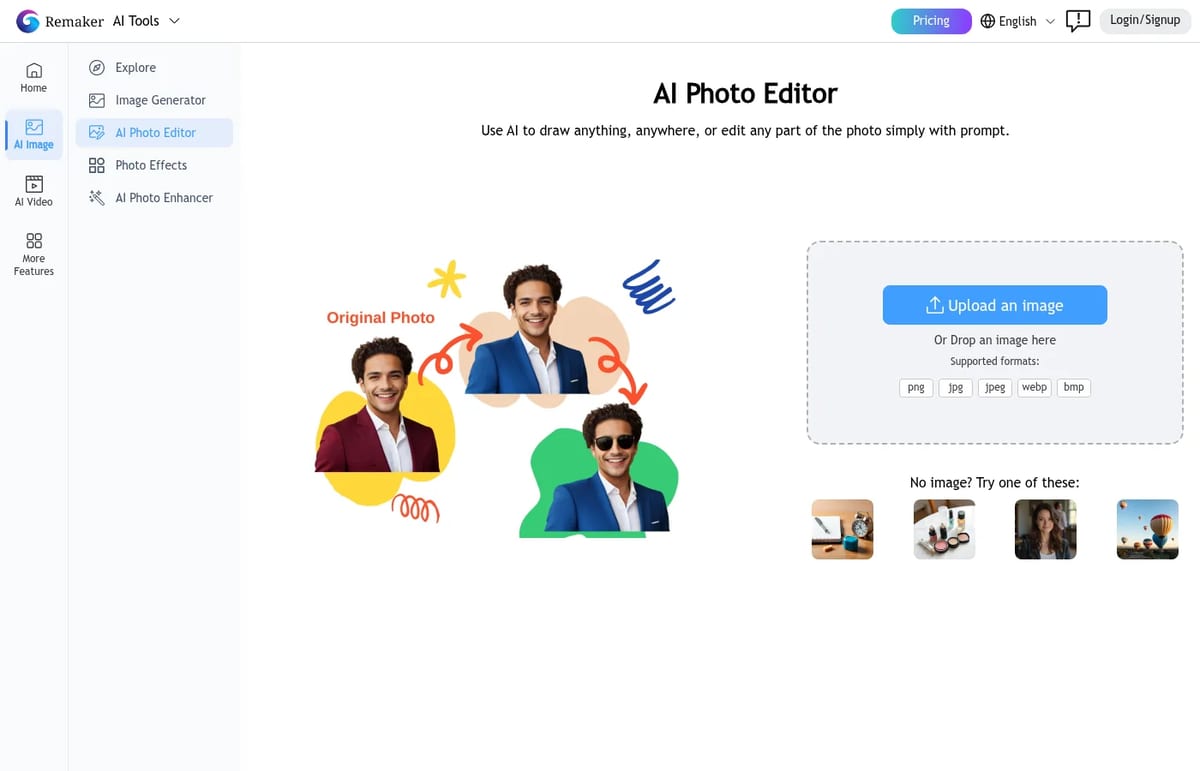
Remaker AI Pricing (2026)
| Credit pack | Price | Price per 100 credits |
|---|---|---|
| 200 credits | $5.99 | $3.00 |
| 530 credits (most popular) | $9.99 | $1.88 |
| 1,100 credits | $19.99 | $1.82 |
| 3,000 credits | $49.99 | $1.67 |
| 20,000 credits | $299 | $1.50 |
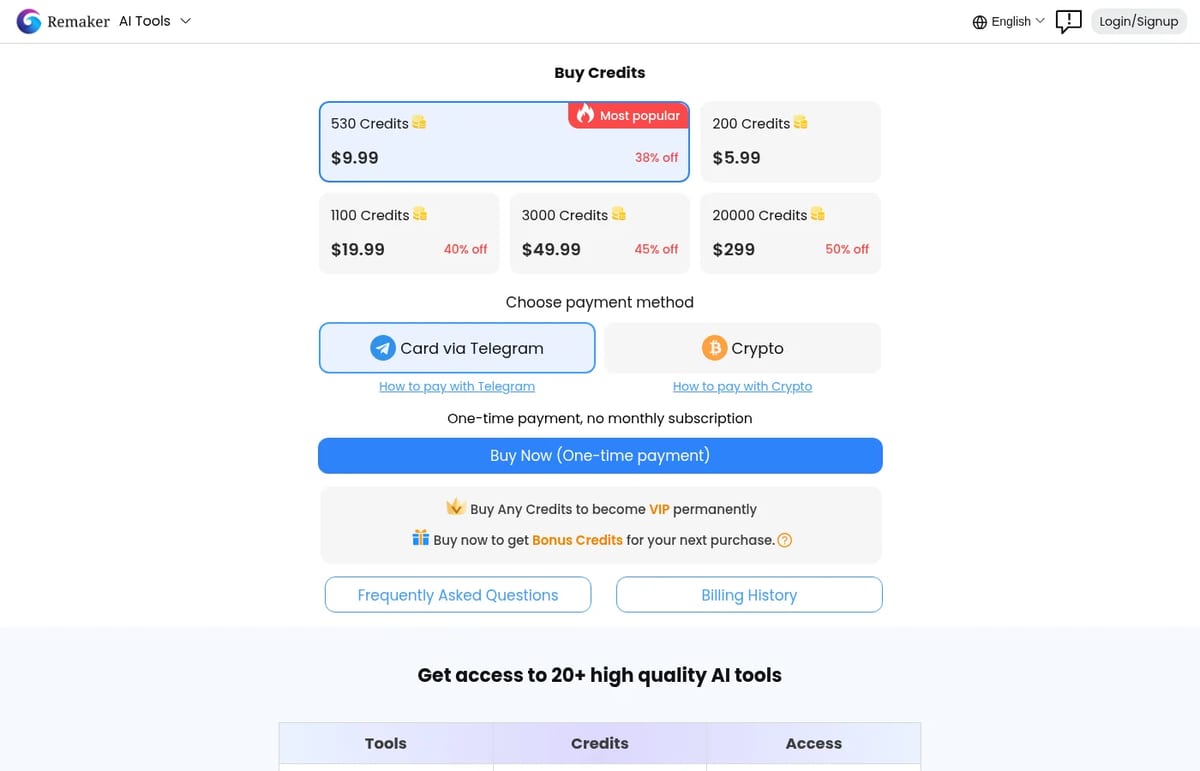
Every purchase is one-time. There’s no subscription to cancel, purchased credits never expire, and buying any pack makes your account VIP permanently. Each purchase also earns 10% bonus credits, but they only apply to your next purchase, it must be within 30 days, and the bonus can’t exceed the size of that next pack.
Credit costs vary by tool. The pricing table lists 8 credits for 2 AI headshots or 2 avatars, 4 credits for 2 tattoo designs and 1 credit for 4 memes. So the $5.99 pack covers about 25 headshot runs (50 images), while the 530-credit pack is the better value for regular use.
Payment warning: the pricing page says Remaker currently supports crypto and Telegram payments only, that card payments aren’t supported, and that crypto and Telegram Stars payments are non-refundable. Its homepage FAQ still mentions cards, Google Pay and Apple Pay, so check the checkout before you plan to buy. If a generation goes wrong, Remaker says it compensates wasted credits after verification.
Is Remaker AI free? Partly. New users get free credits on sign-up, and several basic tools are free to try. Heavier use needs a credit pack from $5.99.
Who Remaker AI is for
It suits casual creators who want quick edits and fun effects without a monthly bill: credits that never expire are a real advantage if you only edit now and then. If you mainly need sharper images, compare it with our free AI upscaler picks, and for an app on your phone, see our list of AI photo editor apps. Teams and businesses will struggle with crypto-only, non-refundable payments.
Limitations
- Crypto or Telegram only: no card payments right now, per the pricing page.
- No refunds on crypto and Telegram Stars payments.
- Mixed messages: the homepage FAQ and pricing page disagree on payment methods.
- Bonus credits are conditional: they need a second purchase within 30 days.
- Face tools need care: only use images you have consent to edit.
TechPilot.ai’s Verdict on Remaker AI
Remaker AI packs a lot of handy image tools into one site, and never-expiring credits are friendlier than another monthly subscription.
The crypto and Telegram-only, non-refundable checkout is the big drawback, so start with the free credits and buy the smallest pack first.
Remaker AI FAQ
Is Remaker AI free?
Partly. New users get free credits on sign-up and several basic tools are free to try. Beyond that you buy one-time credit packs starting at $5.99 for 200 credits.
•
How much does Remaker AI cost?
Credit packs cost $5.99 for 200, $9.99 for 530, $19.99 for 1,100, $49.99 for 3,000 and $299 for 20,000 credits. They’re one-time payments and credits never expire.
•
Does Remaker AI have a subscription?
No. Remaker uses one-time credit purchases with no monthly fee, so there is nothing to cancel and you’re never charged automatically.
•
What payment methods does Remaker AI accept?
Its pricing page says crypto and Telegram only, with no card payments and no refunds on those payments. The homepage FAQ still lists cards, so check at checkout.
•
What can you do with Remaker AI?
Edit photos with prompts, remove objects and backgrounds, upscale images, generate AI images and portraits, apply photo effects and use AI video templates.

Veltos AI
Digital Art
Veltos AI represents a distinct direction for generative AI tools. Its premise is straightforward: turn words into playable worlds. My goal…
Akool AI
Digital Art
At TechPilot.ai, we’ve reviewed countless AI tools, and Akool AI stands out for its ambitious approach to generative video and image…
Depositphotos
Digital Art
Depositphotos blends a massive stock library with powerful AI tools. It’s a creative hub designed to streamline workflows, cut down on…
Productivity  Eimantas Kazėnas · 6 min read
Best Free AI: 10 Tools Worth Using in 2026
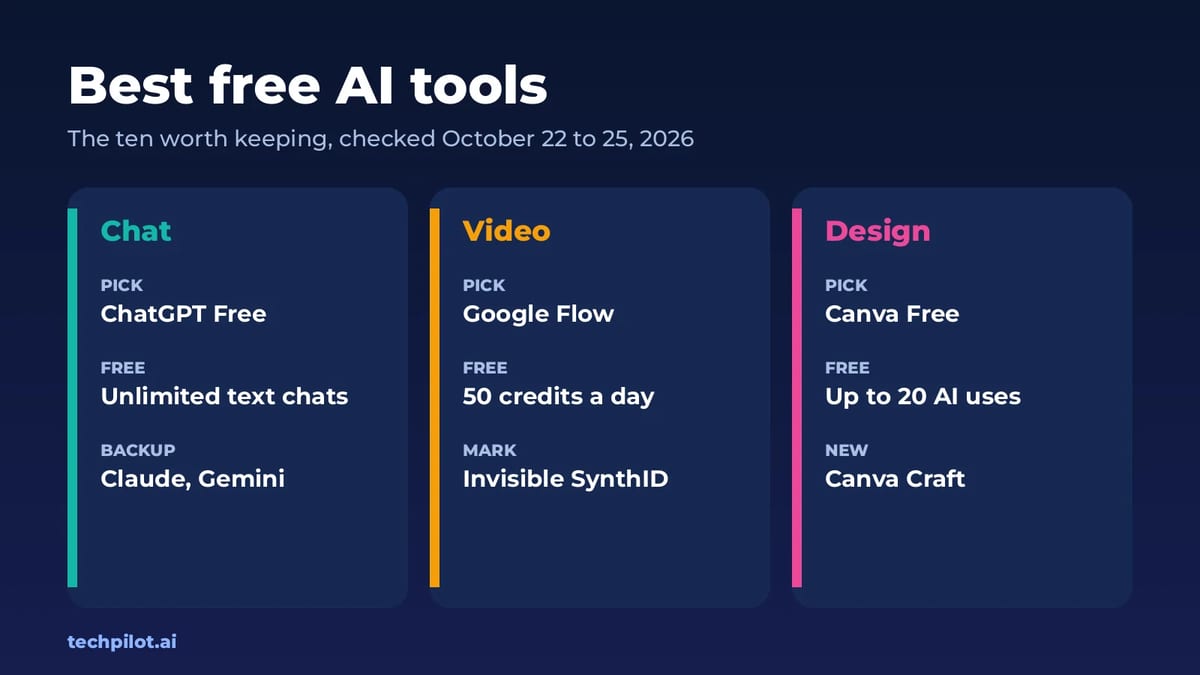
Best free AI tools for 2026: ChatGPT, Claude, Gemini, DeepSeek, Google Flow, Canva and more. See what each free plan really includes and when to pay…
Eimantas Kazėnas · 6 min read
AI Video Generator  Mihai (Mike) Bizz · 6 min read
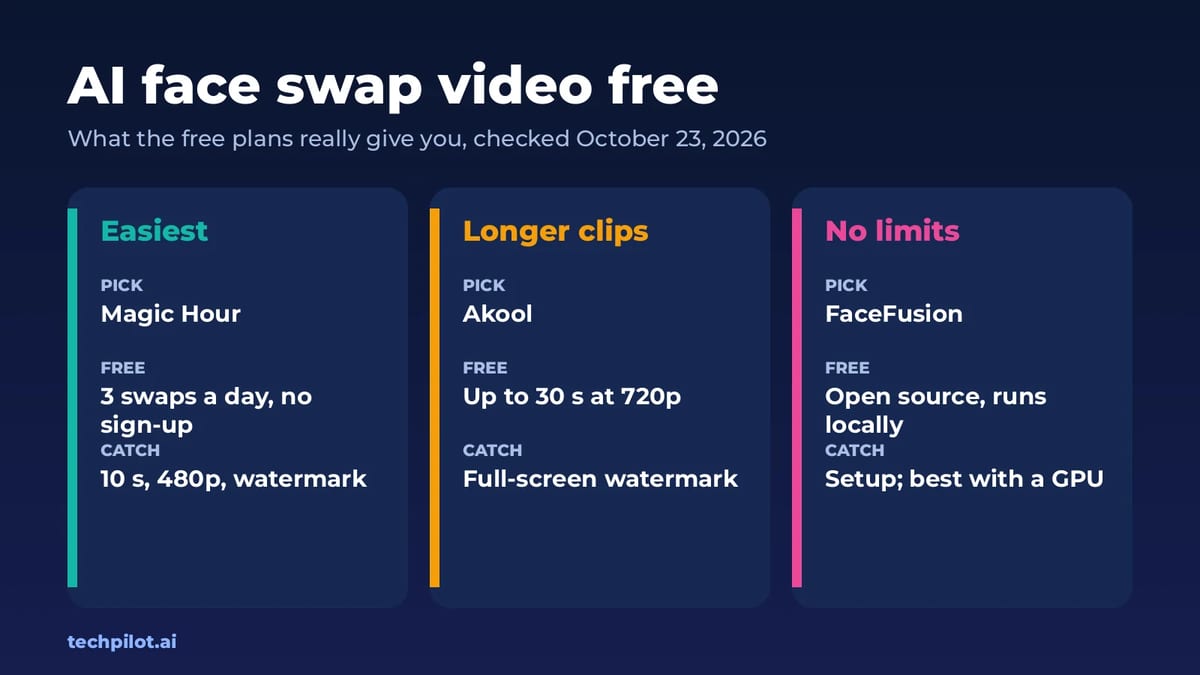
AI Face Swap Video Free: 4 Best Tools (2026)
AI face swap video free tools exist, but each has a catch: short clips, watermarks or personal use only. Compare Magic Hour, Akool, Vidnoz and…
Mihai (Mike) Bizz · 6 min read