Simular’s Sai is one of the most capable computer-use agents you can try for free, and the research behind it is unusually open.
AI Agents · Tool review
Simular AI: Sai Agent, Pricing & Agent S4
 TechPilot.ai review team Hands-on testing, one published method
 - Last updated
- How we test
Summary
Pros and cons
What we like
- Works across desktop apps, browsers, files and terminals.
- Handles software that has no API.
- Free Explore plan with daily credits.
- Run on a cloud computer or your own device.
- Open-source Agent S framework with strong benchmark results.
What could be better
- Credit use per task is hard to predict.
- Sai Unlimited costs $500 a month.
- No annual pricing.
- simular.ai and sai.work show different plans.
Key features
- Computer use: Clicks, types and scrolls through real interfaces.
- Cloud computers: Windows or Linux, up to 5 at once on Pay as you go.
- BYOD: Run Sai on your own Mac or Windows machine.
- Approvals: Approve key steps via iMessage, SMS or Telegram.
- Skills: Extend and share how Sai handles tasks.
- Simular API and Agent S: Build your own computer-use agents.
Screenshots
Full review
Independent and reader-supported. Some links may earn us a commission; it never changes our scores. Editorial policy
Simular AI makes Sai, a computer-use agent that clicks and types through real apps for you. Sai has a free daily plan, and Pay as you go is $50 a month.
Simular calls itself “the autonomous computer company.” It was founded by ex-DeepMind scientists and builds agents that use a computer the way you do: they look at the screen, then click, type and scroll through browsers and desktop apps. Its consumer product is Sai, and its research framework, Agent S, is open source. We checked the Sai pricing page, the Simular homepage, the Agent S4 announcement and the Agent S GitHub repo on October 28, 2026.
What Sai does
Sai is a task-centric agent rather than a chatbot. You describe a job in plain English, and it works inside its own cloud computer or on your device:
- Full desktop automation: desktop apps, browsers, file systems and terminals, not just a web page.
- Works without APIs: because it reads the interface, it can handle software that has no API.
- Cloud or your own device: run it on a Windows or Linux cloud computer and close your laptop, or bring your own Mac or Windows machine (BYOD).
- Approvals on the go: approve critical steps and get results through iMessage, SMS or Telegram.
- Repeat work gets cheaper: Simular says recurring tasks get faster and more cost-efficient on each run.
Typical jobs Simular lists include research, lead sourcing, follow-up drafting, scheduling, file organization, spreadsheet updates and recurring reports.
Is Simular AI free?
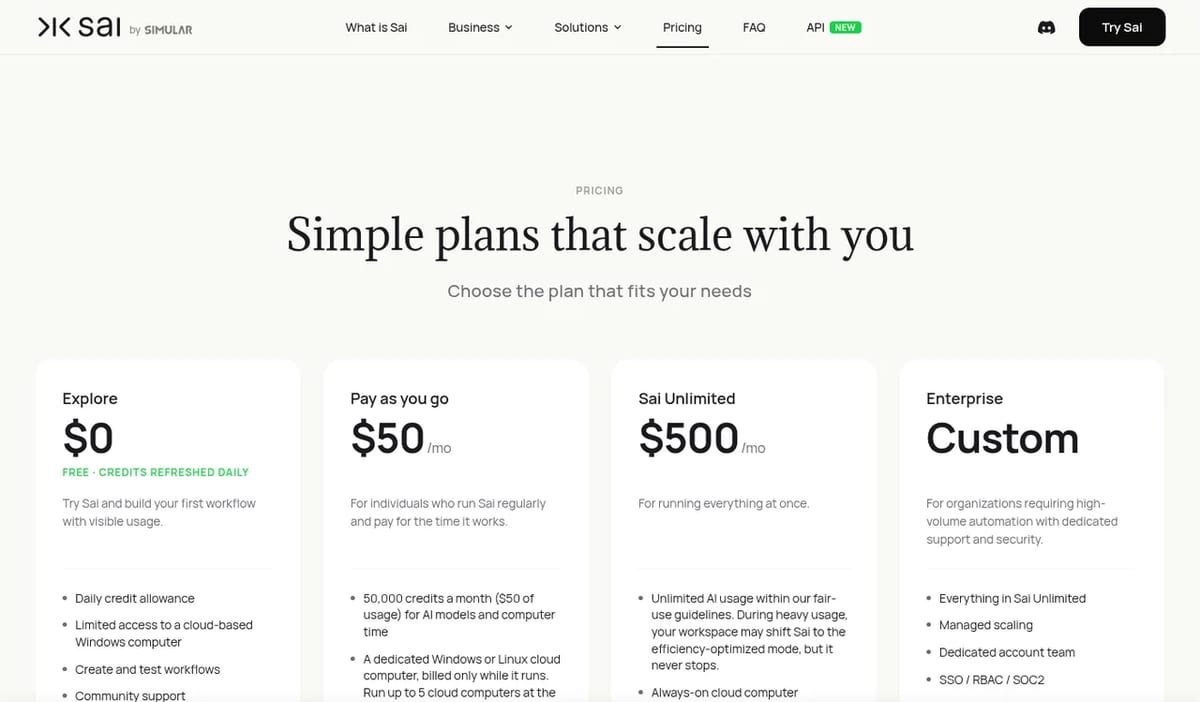
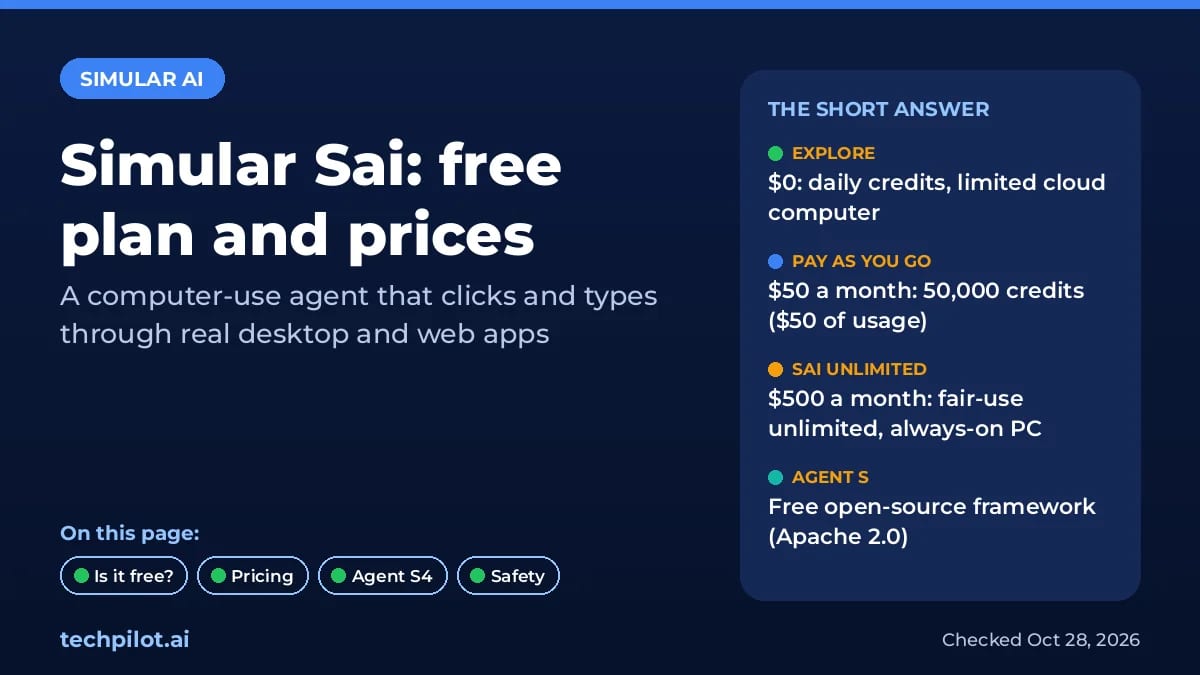
Yes, with limits. Sai’s Explore plan is $0 with a daily credit allowance that refreshes every day, limited access to a cloud Windows computer, workflow creation and community support. The Agent S framework is also free and open source under the Apache 2.0 license, if you’d rather run it yourself.
Simular AI Pricing (2026)
| Plan | Price | What you get |
|---|---|---|
| Explore | $0 | Daily credits, limited cloud Windows computer, build and test workflows |
| Pay as you go | $50/month | 50,000 credits ($50 of usage) for AI and computer time, up to 5 cloud computers at once, or your own device |
| Sai Unlimited | $500/month | Unlimited AI usage within fair use, always-on Windows or Linux cloud computer, one workspace |
| Enterprise | Custom | Managed scaling, dedicated account team, SSO, RBAC, SOC 2, SLAs |
Two things to know. First, the $50 plan is really a usage budget: cloud computers are billed only while they run, and on your own device only AI usage counts, so BYOD stretches the credits further. Second, Simular’s own simular.ai/pricing page still showed an older invite-only table on October 28 (Starter $50, Premium $200, Pro $500), so go by the Sai pricing page when you sign up. Simular says it doesn’t offer annual pricing right now.
Agent S4: what launched
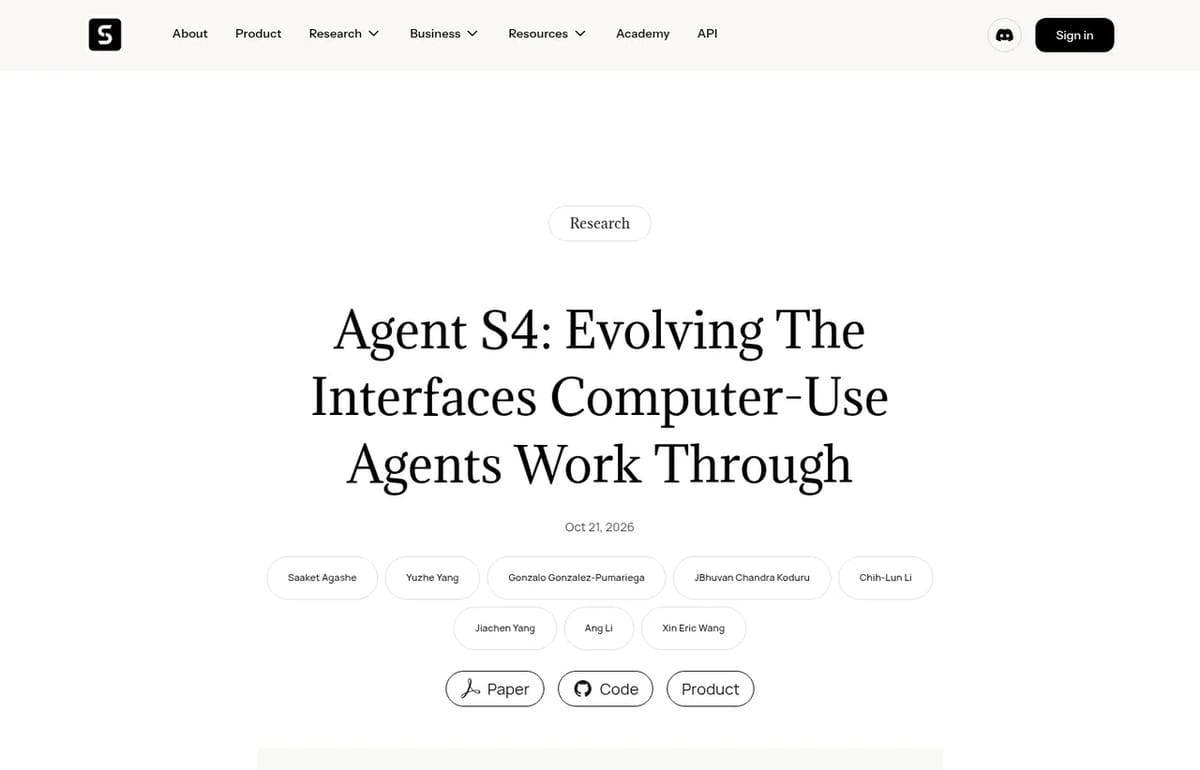
Agent S4, released on October 20 and 21, 2026, doesn’t do tasks itself. Simular calls it an “autonomous computer-use scientist”: it studies how task agents fail and rewrites the interfaces they work through, such as giving an agent a bulk spreadsheet tool instead of typing cell by cell. The task agent’s model stays fixed; only the toolkit evolves.
The headline number: with the open Qwen3.8-27B model, Agent S4 scored 21.3% on the strict pass-or-fail OSWorld V2 benchmark, 3.8 times the same model with fixed interfaces, and above GPT-5.5 (13.0%) and Claude Opus 4.8 (20.6%), according to Simular. Its earlier Agent S3 was the first agent to beat human performance on OSWorld, at 72.60%.
Who Simular is for
Sai fits founders, researchers and operations staff with repetitive screen work that spans several apps. Developers can use the Simular API or the open-source Agent S. If you’re comparing agents, our Runable review covers an all-in-one business agent, and our guide to building an AI agent explains how these systems work.
Limitations
- Credits are hard to predict: how far $50 goes depends on the AI models and computer time a task uses.
- Unlimited is pricey: $500 a month only makes sense for teams running Sai all day.
- Agents act for you: a computer-use agent can click the wrong button. Use approvals and read are AI agents safe before giving it access to email or payments.
- Two pricing pages: simular.ai and sai.work showed different plans on October 28, 2026.
TechPilot.ai’s Verdict on Simular AI
Simular’s Sai is one of the most capable computer-use agents you can try for free, and the research behind it is unusually open.
Start on Explore with one recurring task, keep approvals on, and only move to $50 a month once you know how many credits that task burns.
Simular AI FAQ
Is Simular AI free?
Yes. Sai’s Explore plan is $0 with daily credits and limited access to a cloud Windows computer. Simular’s Agent S framework is free and open source under Apache 2.0.
•
How much does Simular AI cost?
Sai costs $0 on Explore, $50 a month on Pay as you go with 50,000 credits, and $500 a month on Sai Unlimited. Enterprise pricing is custom.
•
What is Simular Sai?
Sai is Simular’s computer-use agent. It works across desktop apps, browsers, files and terminals, clicking and typing like a person, on a cloud computer or your own device.
•
What is Agent S4?
Agent S4 is Simular’s research system, released in October 2026, that evolves the interfaces computer-use agents work through. With Qwen3.8-27B it scored 21.3% on OSWorld V2.
•
Does Sai work on Mac?
Yes. With bring your own device (BYOD) you can run Sai on your own Mac, Mac mini or Windows machine. Cloud computers run Windows or Linux.
Kimi K3.1 Pro
AI Agents
Kimi K3.1 Pro gives you a 1M-token frontier model at $2 in and $10 out per 1M tokens, a third less than Kimi K3, with limited free use in…

Tile.dev
AI Agents
I’ve closely examined Tile.dev’s capabilities based on its official documentation, user case studies, and the broader market landscape of…

Haimeta
AI Agents
I have spent the last few days using Haimeta to test its central claim: can it function as a single, all-in-one creative tool? In a field…